
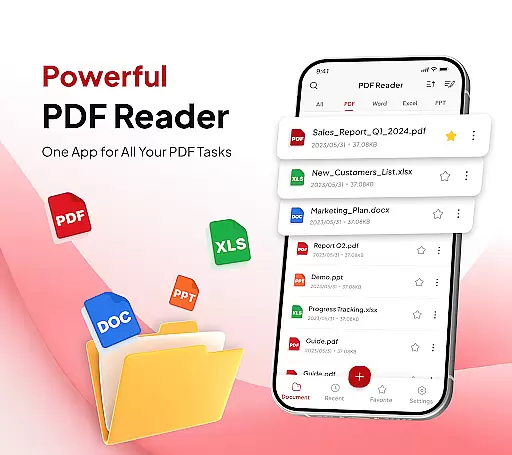
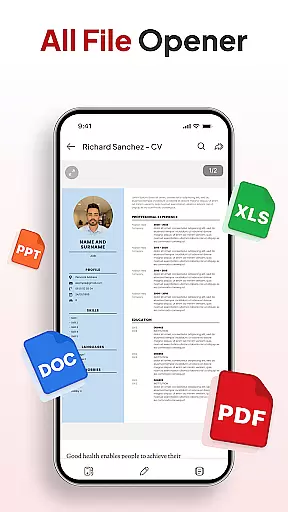
PDF Reader - Document Editor is a comprehensive productivity tool designed to streamline document management for students, professionals, and everyday users. This app allows you to read, edit, organize, and convert PDF files with ease, offering support for multiple file formats including XLS, DOCX, and PPT.
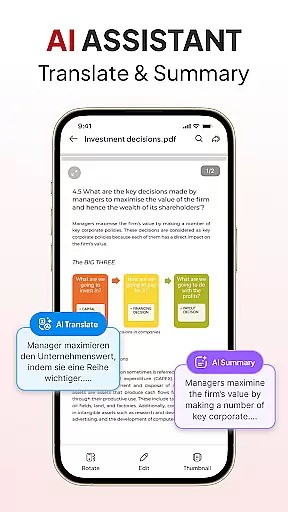
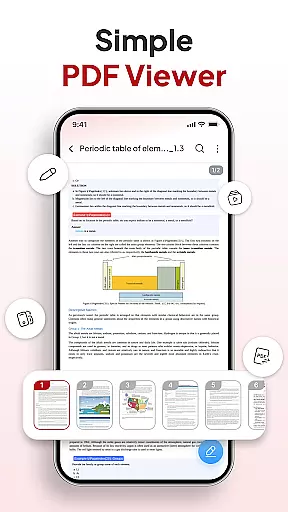
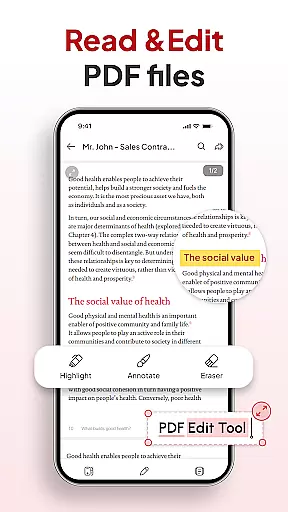
One of the standout features is its smooth PDF reading capability, which lets you open and scroll through large documents without lag. You can zoom in for details and highlight important text. The app also includes smart tools like a document scanner, image-to-PDF converter, and AI assistant for summarizing or translating documents.
Whether you're managing files for school, work, or personal use, PDF Reader - Document Editor provides an intuitive interface and advanced functionality that enhances your productivity. Its seamless integration with various sharing options makes it a versatile choice for all your document handling needs.
PDF Reader - Document Editor offers a robust set of features tailored to improve your document management experience. The app's all-in-one toolkit includes smooth PDF reading, allowing you to view and navigate through documents effortlessly. It supports multiple file types such as XLS, DOCX, and PPT, ensuring compatibility across different formats.
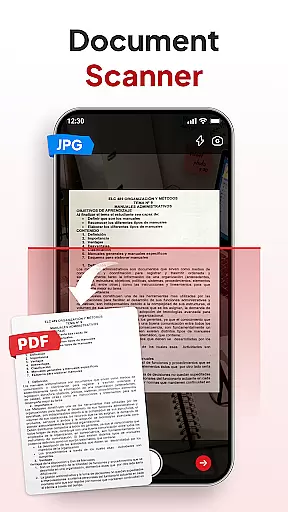
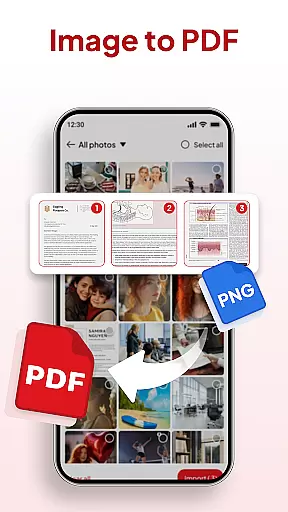
Smart PDF conversion tools are another highlight, featuring a document scanner that turns notes, receipts, or contracts into clear PDFs. The image-to-PDF function converts photos and screenshots into professional-quality documents quickly. Additionally, the app provides powerful productivity features like file organization, sorting, searching, and signature management.
With its AI assistant, you can summarize or translate documents efficiently. Instant sharing options enable you to send files via your favorite apps with just one tap. These features collectively make PDF Reader - Document Editor an indispensable tool for anyone looking to manage their documents effectively.
In the realm of productivity, managing tasks efficiently is paramount. PDF Reader u2013 Document Editor excels in this area by offering a comprehensive suite of tools designed to streamline your document handling processes.
This app allows you to effortlessly organize and declutter your storage with an intuitive file organizer. You can create folders, add files to favorites, and manage your documents with ease, ensuring that everything you need is just a tap away.
Moreover, the sort and search functionality enhances your ability to quickly locate any document by name, date, or size. This feature saves time and reduces the frustration associated with sifting through numerous files, making your workflow smoother and more efficient.
By integrating smart AI tools, the app further augments its task management capabilities. These tools can summarize or translate documents, providing you with quick access to essential information without the need to manually sift through pages of text.
For professionals and students alike, having reliable cross-device synchronization is crucial for maintaining productivity across different environments. PDF Reader u2013 Document Editor addresses this need by ensuring that your documents are consistently updated and accessible, no matter which device you use.
The app supports multiple file types including XPS, DOCX, and PPT, allowing you to open, view, and scroll through PDFs of any size without lag. Whether you're working on a phone, tablet, or computer, you'll experience a seamless reading experience with the ability to zoom in for details and highlight important text.
Additionally, the document scanner feature lets you instantly scan notes, receipts, or contracts into crystal-clear PDFs, which are then synchronized across all your devices. This ensures that you have the most up-to-date versions of your files at all times, enhancing collaboration and productivity.
With instant sharing capabilities, you can send PDFs via your favorite apps in just one tap, knowing that the recipient will receive the latest version of the document. This reliability in synchronization makes PDF Reader u2013 Document Editor an indispensable tool for anyone looking to maintain a cohesive and efficient digital workspace.
User-friendly interface
Multi-format support
Advanced scanning tools
Efficient file management
AI-powered assistance
Limited free features
Occasional bugs
Ads in free version
Premium subscription cost
Large app size

Native client for Forgejo and Gitea
 5.00
5.00
Create study competitions, track your hours, and stay consistent with friends
4.1
The upgraded version of Name Wheel with AI and the power to add your own wheels.
4.4
Remotely view listen control and record cameras.
3.70
ID.me Authenticator is a simple and free Two Factor Authentication solution
3.50
The AI assistant that thinks with you - write, code, and solve complex tasks
4.60
Best Tool for the professionals Electrician, Electrical contractors, etc.
4.90
Access your phone's notifications, calls, apps, photos & texts on your PC
3.90
Okta MFA
4.70
Protect and view your important info on your phone and tablet with eWallet®
4.80
Understand anything with a personalized AI research assistant
4.80
The long-awaited modern gallery app for your Nextcloud server
4.70
Direct Chat without saving contacts & Dual WA Account on Single Device
4.70
When you Focus, so will your Bean in this cozy focus timer
4.30
Enjoy classic gameplay with customizable features and retro-style graphics.
4.30
Device's storage information in a simple and clear graphical form (infographics)
4.10
Make apps & sites with natural language prompts
4.10
Ultimate Virtual AI Character for immersive Roleplay Chat. Perfect Companion
3.90
Auto-shutoff Alarm with Sunrise, Sunset & Fixed Options.
3.50



User Reviews