
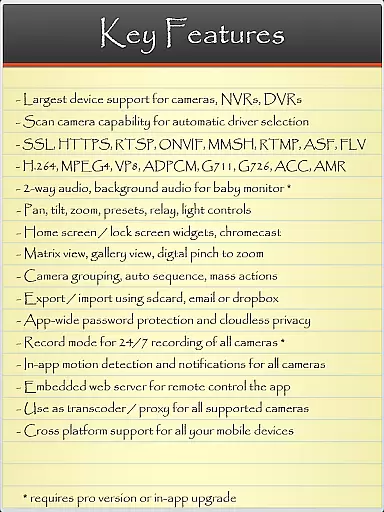
IP Cam Viewer Pro is a powerful utility app designed for remote video monitoring. It allows users to access their video cameras, DVRs, network recorders, and webcams from anywhere. Supporting over 1600 devices, it offers compatibility with a wide range of equipment and provides advanced features like HTTPS, RTSP, and ONVIF protocol support.
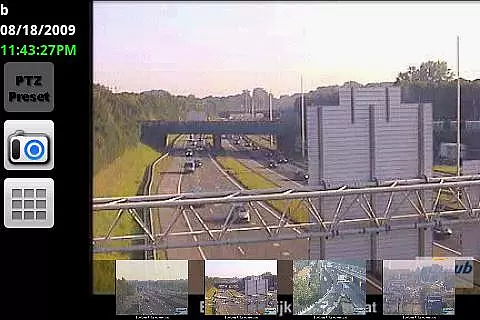
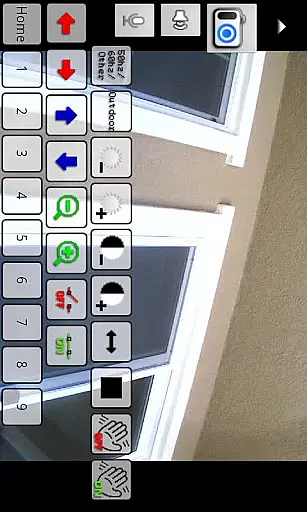
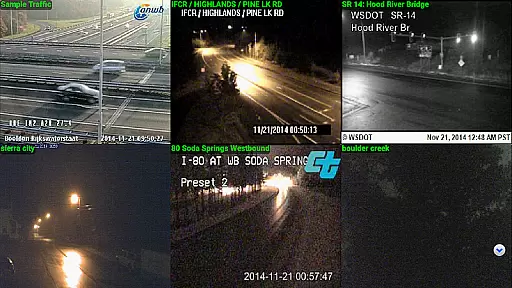
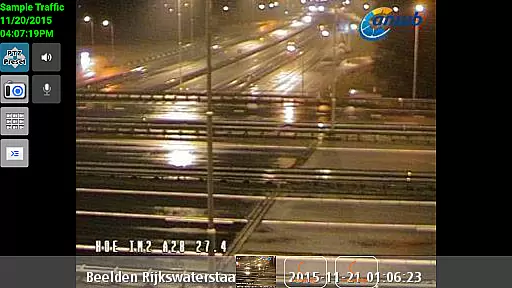
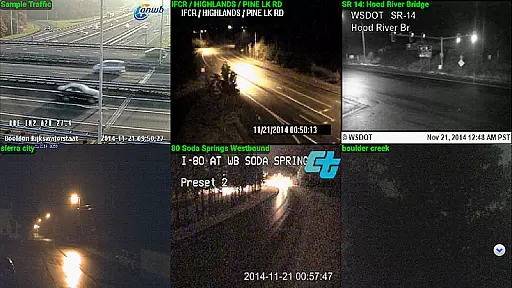
The app stands out with its comprehensive functionality including matrix view, pan-tilt-zoom control, home screen widgets, and in-app motion detection. These features make it an essential tool for both personal and professional surveillance needs, ensuring users can monitor their spaces with flexibility and ease.
IP Cam Viewer Pro boasts an impressive array of features that cater to diverse surveillance requirements. With support for two-way audio, background audio playback, and remote recording controls, the app ensures users can interact with their monitoring systems effectively. The inclusion of grouping options and encryption adds layers of convenience and security.
One of the standout functionalities is the automatic camera scanning feature, which simplifies the setup process by identifying compatible drivers. This, combined with customizable widgets and advanced video format support, positions IP Cam Viewer Pro as a versatile solution for managing complex surveillance setups efficiently.
IP Cam Viewer Pro excels in core task management by offering a comprehensive suite of tools for video surveillance. The app supports over 1600 devices, ensuring compatibility with a wide range of cameras and recorders.
With features like matrix view and pan-tilt-zoom functionality, users can efficiently monitor multiple camera feeds simultaneously. This allows for seamless navigation and control, making it easier to manage various surveillance tasks from a single interface.
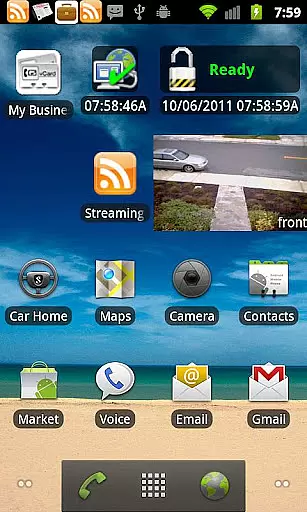
The inclusion of home and lock screen widgets enhances productivity by providing quick access to frequently used functions. Users can conveniently check camera feeds or control settings without having to open the full application.
Additionally, advanced features such as grouping options and in-app motion detection help streamline security operations. These tools enable users to organize their surveillance system effectively while receiving real-time alerts for suspicious activities.
Cross-device synchronization is a crucial aspect of IP Cam Viewer Pro's functionality. The app ensures reliable data transfer across different platforms through its support for various protocols including HTTPS, RTSP, and ONVIF.
These industry-standard protocols guarantee secure and stable connections between the app and connected devices. Whether accessing cameras remotely or managing recordings, users can expect consistent performance regardless of their device or network conditions.
Furthermore, the app offers robust encryption methods to protect sensitive information during transmission. This focus on security ensures that all synchronized data remains confidential and tamper-proof across devices.
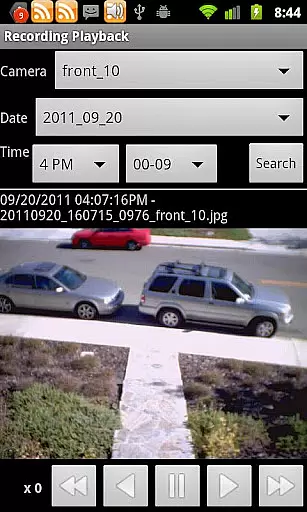
For added convenience, IP Cam Viewer Pro supports background audio and remote recording controls. These features allow users to maintain continuous monitoring capabilities even when using other applications or when their device is not actively running the app.
User-friendly interface
Wide device compatibility
Advanced security protocols
Comprehensive feature set
Efficient motion detection
Occasional connectivity issues
Complex for beginners
Higher cost than alternatives
Limited customer support
Resource-intensive operation

Experience Reading - Night Mode for Documents
 4.40
4.40
Auto-shutoff Alarm with Sunrise, Sunset & Fixed Options.
3.50
Planet Free VPN - The best Fast Unlimited and Secure VPN Without Logs
4.50
Smart PDF reader & editor to view, organize and manage PDF documents easily.
3.70
The Pro Version of Android's tiniest Notepad app. Just 0.3MB but feature-packed!
4.60
⏰ Finally a timer app which can run multiple timers simultaneously on your watch
3.90
Pwnagotchi companion app
4.20
Docker, Kubernetes management over Portainer Mobile
4.40
AT&T Internet customers can use this app to personalize their Wi-Fi network.
4.40
We're working to become the best machining app on the market! www.cncdirt.com
4.80
Direct Chat without saving contacts & Dual WA Account on Single Device
4.70
A beautiful digital clock with autostart and many other functions
4.70
A Pixel Art watchface inspired by other iconic 90s designs for Wear OS devices!
4.40
Secure your apps with lock screens, use custom themes and different features.
4.40
Easily read and manage all your PDF files
4.10
Todo reminder
4.10
Create and edit presentations with Google Slides, part of Google Workspace.
4.00
Find and delete junk files & block unwanted notifications & manage files
3.70
Create study competitions, track your hours, and stay consistent with friends
4.3





User Reviews