
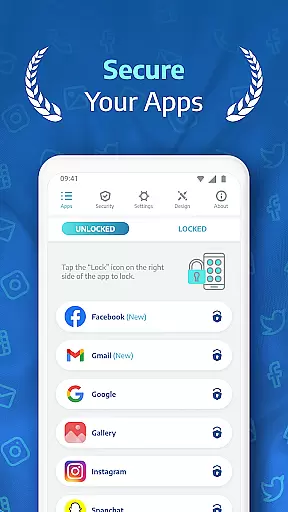
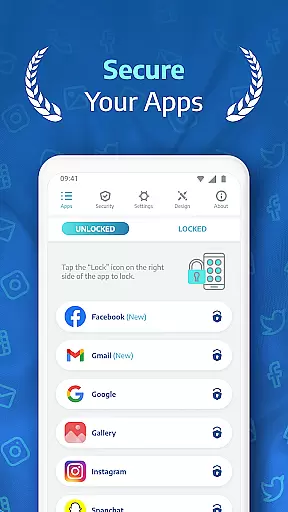
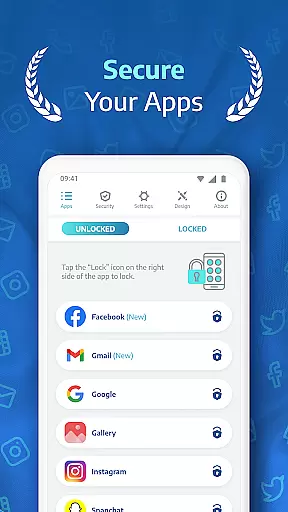
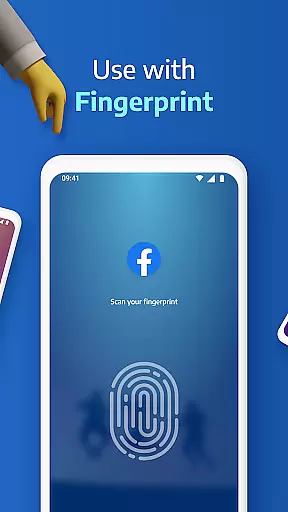
AppLock Pro is a premier productivity app designed to secure your personal data by locking access to specific apps and media on your device. This powerful tool allows users to protect sensitive information within messaging apps, social platforms, photo galleries, and system settings using multiple lock types including PIN, pattern, fingerprint recognition, and KnockCode.
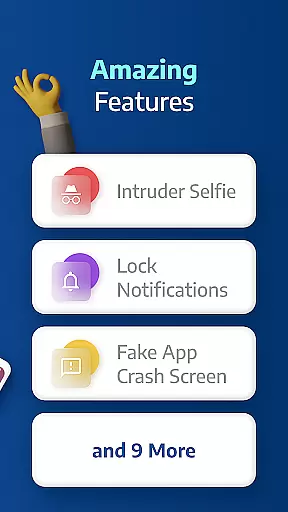
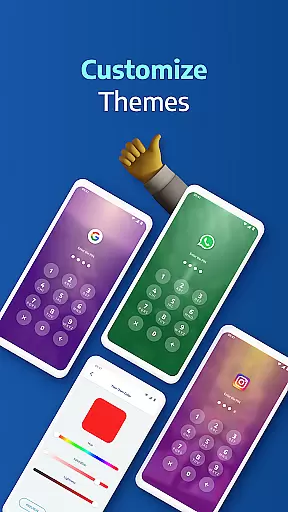
Beyond basic locking features, AppLock Pro offers advanced functionalities such as spy camera protection, fake error messages, and customizable lock screen themes. These features ensure that your privacy remains uncompromised while providing a personalized user experience. Whether you're at work, home, or traveling, this app provides an essential layer of security for both personal and professional use.
The application's intuitive design makes it easy to set up and manage, ensuring that even novice users can protect their digital lives with minimal effort. With millions of downloads and positive reviews, AppLock Pro stands out as a reliable solution in the realm of mobile security tools.
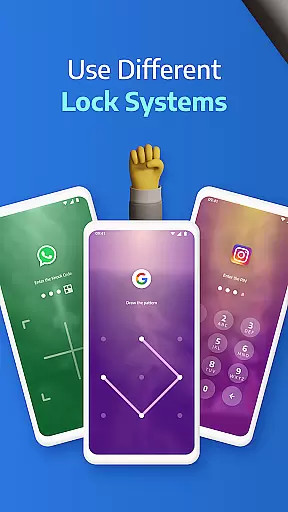
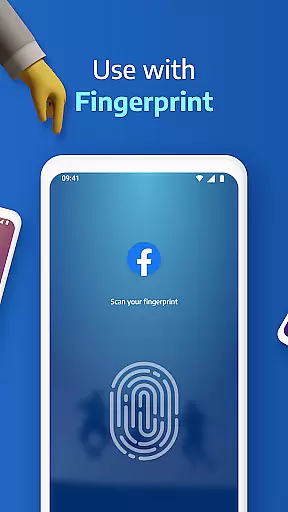
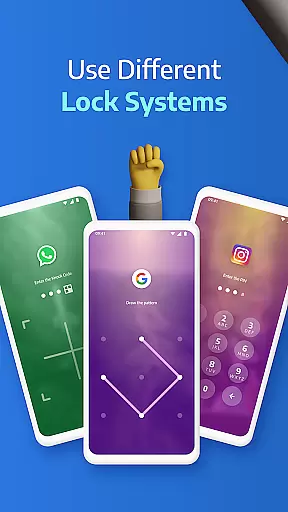
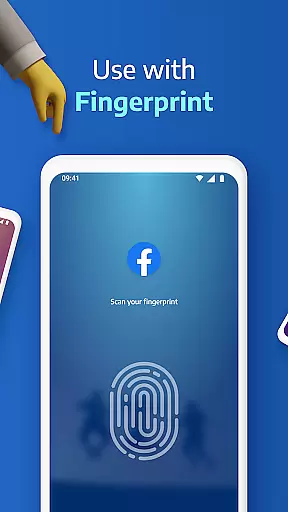
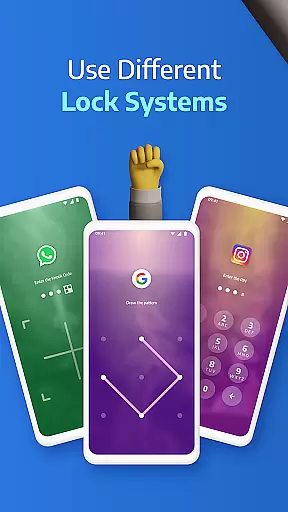
AppLock Pro distinguishes itself through a comprehensive suite of security features tailored to meet diverse user needs. One standout capability is its multi-layered locking mechanism, which supports PIN codes, patterns, fingerprints (on compatible devices), and the innovative KnockCode technology. This ensures that only authorized users can access protected content, offering peace of mind in various scenarios.
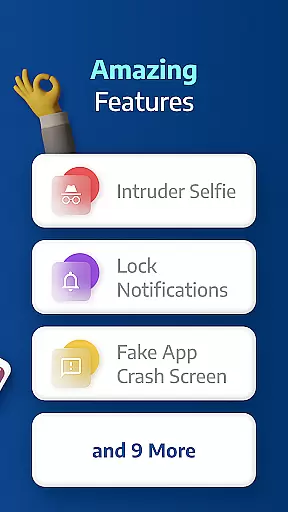
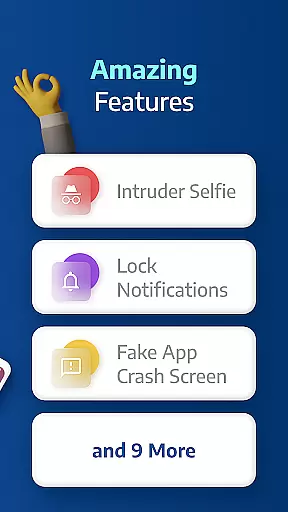
In addition to robust locking options, the app includes proactive security measures like spy camera functionality. When an unauthorized individual attempts to unlock the app and fails multiple times, AppLock Pro discreetly captures their photo using the device's front camera. Furthermore, users can enable a fake error message feature to mislead potential intruders, adding another level of deception to safeguard private data.
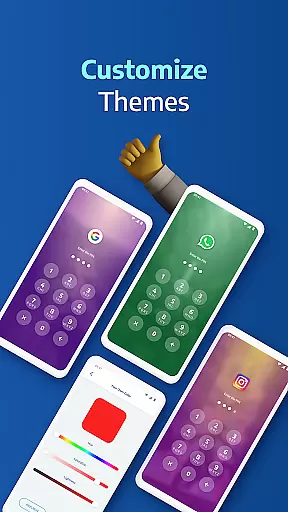
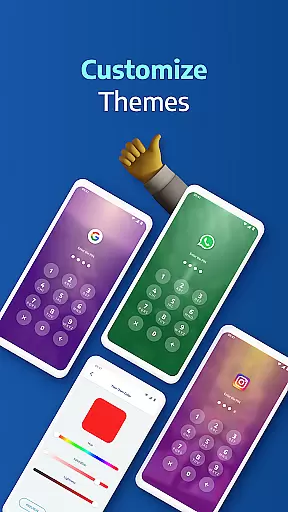
Customization is another hallmark of AppLock Pro. Users can personalize their lock screens with unique themes and backgrounds sourced from their own photo galleries. The app also optimizes performance by minimizing battery and RAM usage, making it a lightweight yet powerful addition to any smartphone or tablet. With smart settings like vibration feedback, new app alerts, and automatic re-lock timers, AppLock Pro delivers both convenience and control.
Applock Pro excels in core task management by providing users with a comprehensive suite of security features designed to protect sensitive apps and data. The app allows you to lock any application using various methods such as PIN, pattern, fingerprint, or KnockCode, ensuring that only authorized access is permitted.
The functionality extends to managing different lock timers and auto-re-lock settings, giving users control over when their apps should be locked or temporarily accessible. This granular level of task management ensures that your privacy settings align perfectly with your daily routine and security needs.
Additionally, Applock Pro offers smart settings like vibration feedback, new app alerts, and the ability to lock recent apps. These features contribute to an optimized experience that respects battery life and device performance while maintaining top-notch security protocols.
While Applock Pro focuses primarily on securing individual devices, its reliability in cross-device synchronization is evident through its consistent performance and user trust. Millions of users rely on this app to keep their data safe across different scenarios and devices without worrying about compatibility issues.
The app's robust design ensures that all security parameters and customizations sync seamlessly whenever you switch devices or reinstall the app. This consistency provides peace of mind, knowing that your personalized security settings are reliably applied wherever you go.
Moreover, features like spy camera protection and fake error messages enhance the overall reliability of the appu2019s protective capabilities. By capturing unauthorized access attempts and masking the lock screen, Applock Pro maintains a high standard of security that translates well across multiple devices and usage contexts.
Highly secure
User-friendly interface
Customizable lock styles
Lightweight performance
Advanced privacy features
Premium version required
Permissions needed
Limited free features
Occasional bugs
Fingerprint issues

AI Video AI Image Private LLM AI Browser Llama Gemma Ollama Connect LLM Studio
 4.4
4.4
We're working to become the best machining app on the market! www.cncdirt.com
4.80
Customizable calendar widget for seamless event sync, planning & scheduling.
4.00
Activate Two Factor Authentication (2FA or Multi OTP), Password manager and more
4.10
Enjoy classic gameplay with customizable features and retro-style graphics.
4.30
Secure, open-source, SPICE and SSH Remote Desktop for QEMU KVM virtual machines
4.00
Access, manage and transfer files on Android, PC, Mac, NAS and cloud storages.
4.30
Intelligent AI Assistant
4.10
Simple notepad & memo. Take notes, to-do list, shopping list with reminders.
4.80
aCalendar+ makes your day, week and month
4.70
A beautiful digital clock with autostart and many other functions
4.70
Quickly and easily keep track of your work shifts
4.70
Scan paperwork into PDF/JPG, generate your own e-signature and send fax or email
4.70
The AI assistant that thinks with you - write, code, and solve complex tasks
4.60
Total remote control for your Android device, PC and cloud services (IFTTT)!
4.20
Wake up & get tasks done! Add alarms & reminders on the Clock Launcher.
4.00
Make your handwriting beautiful, even more than pen on paper.
3.60
Easiest event planning, volunteer signups & parent teacher conference scheduling
2.20
Ads Free App! Editor, Hide File, Copy, Move, Delete and Rename.. all facility av
1.70



User Reviews