
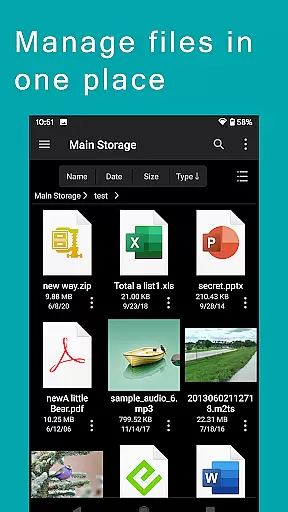
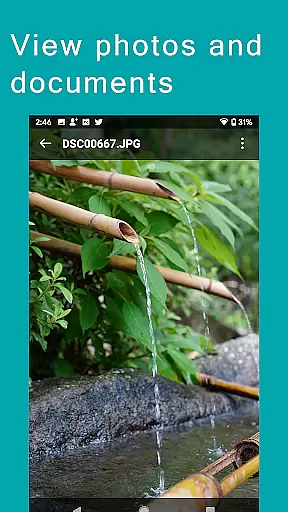
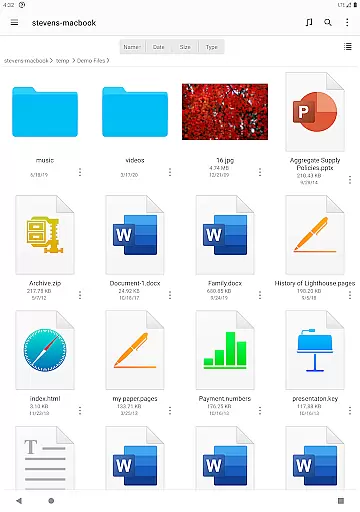
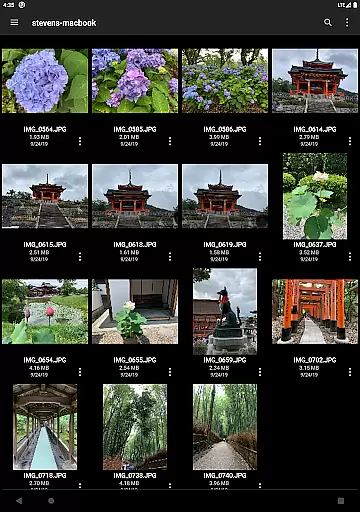
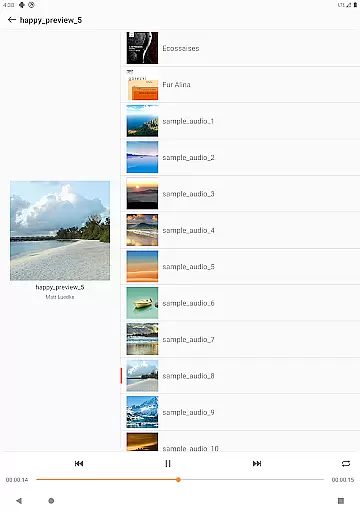
FE File Explorer Pro is a versatile file management application designed for both Android and iOS users. This app allows you to access local files on your device as well as files stored on computers, NAS devices, and various cloud storage services. With its powerful transfer capabilities, you can move files between any locations seamlessly. Stream multimedia content such as movies and music directly to your mobile devices and manage documents, photos, and other files without the need for downloading.
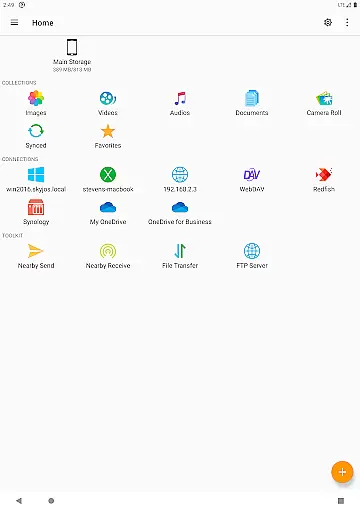
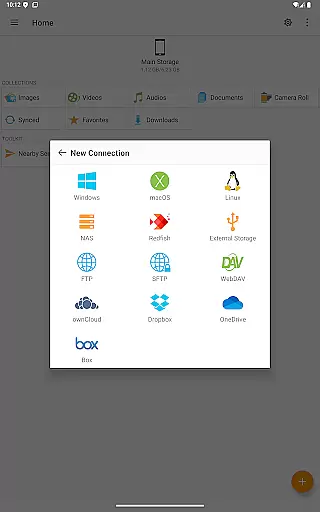
The app supports multiple protocols including SMB/CIFS, WebDAV, FTP, and SFTP, enabling connectivity with macOS, Windows, Linux, and NAS systems. It also integrates with popular cloud services like OwnCloud, Dropbox, OneDrive, and more. Whether you're handling files on Android's internal storage, SD Card, or USB OTG, FE File Explorer Pro provides an efficient solution for all your file management needs.
For professionals who require remote access and management of their files, this app offers a comprehensive suite of features that enhance productivity. From automatic discovery of networked devices to advanced functionalities like editing documents in place and syncing files across storages, FE File Explorer Pro is an indispensable tool for anyone looking to streamline their digital workflow.
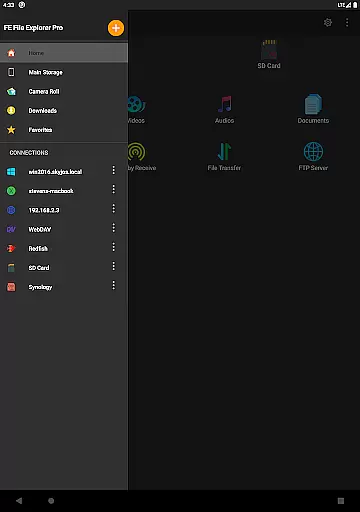
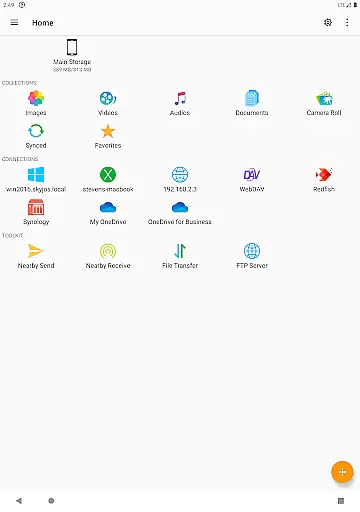
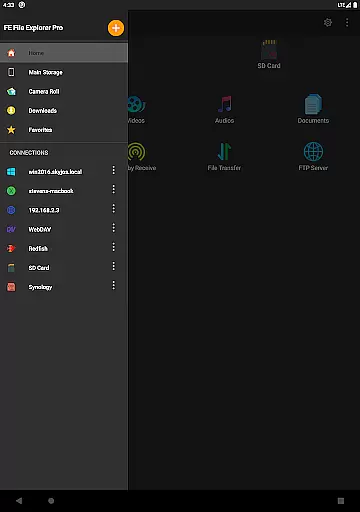
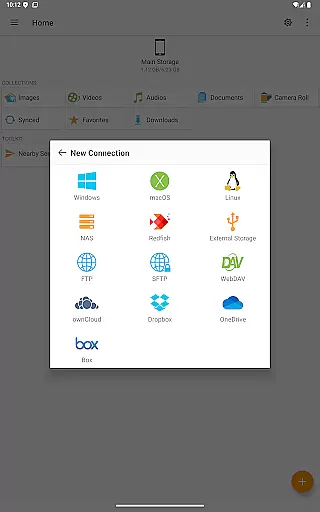
One of the standout features of FE File Explorer Pro is its extensive protocol support. The app connects to network shares on macOS, Windows, Linux, and NAS via SMB/CIFS, while also supporting WebDAV, FTP, and SFTP servers. This versatility ensures that no matter where your files are stored, you can access them easily. Additionally, it integrates seamlessly with major cloud storage providers such as OwnCloud, Dropbox, and OneDrive, making it a central hub for all your file management tasks.
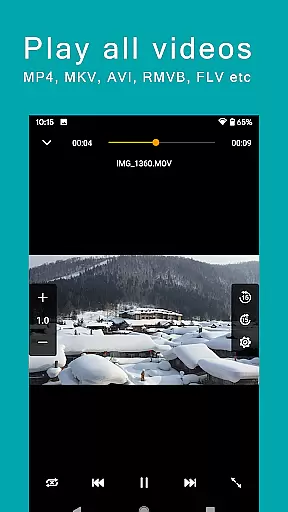
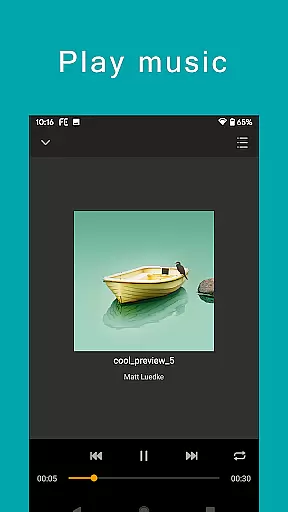
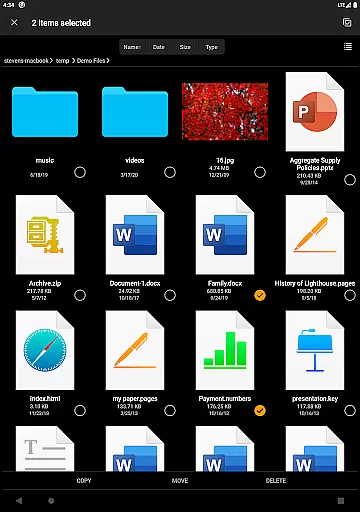
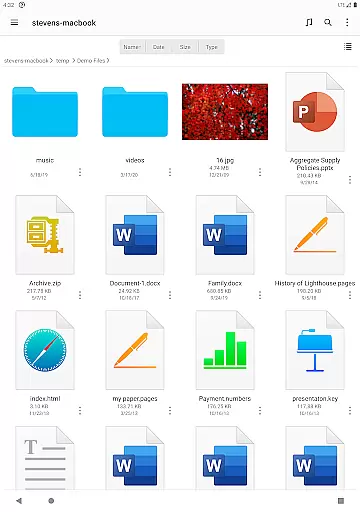
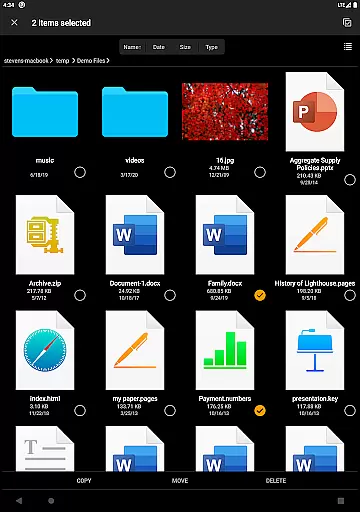
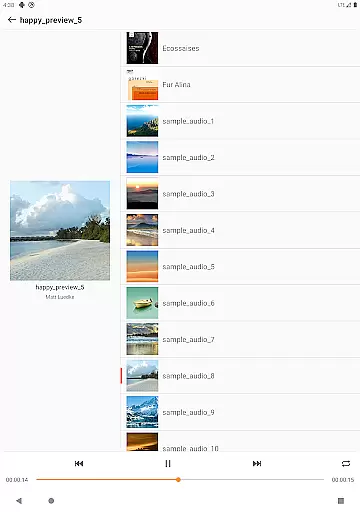
Another remarkable aspect is its robust file handling capabilities. You can perform essential operations like copying, moving, renaming, and deleting files directly from your mobile device. For multimedia enthusiasts, the app supports streaming movies and music from remote storages, allowing you to enjoy your content on the go. Advanced features include the ability to edit documents located on remote storage within another app, with automatic saving back to the original location.
Productivity is further enhanced by additional tools such as archive management for ZIP, RAR, and 7zip files, file search functionality, and synchronization between remote storage and your Android device. Backup options for camera photos and nearby file transfer capabilities between Android and iOS devices make this app a comprehensive solution for managing your digital life efficiently.
FE File Explorer Pro excels in core task management by offering a comprehensive suite of file handling features. The app allows users to copy, move, rename, and delete files directly on their Android devices, streamlining file organization and management tasks.
With the ability to access network shares on macOS, Windows, Linux, and NAS via SMB/CIFS protocol, as well as WebDAV, FTP, and SFTP servers, the app ensures that users can manage their files across different platforms and storage types without hassle.
Furthermore, FE File Explorer Pro supports accessing cloud storages such as OwnCloud, Dropbox, OneDrive, and OneDrive for Business, providing a centralized location for all file management activities. This extensive connectivity empowers users to handle their documents, photos, and files efficiently, regardless of where they are stored.
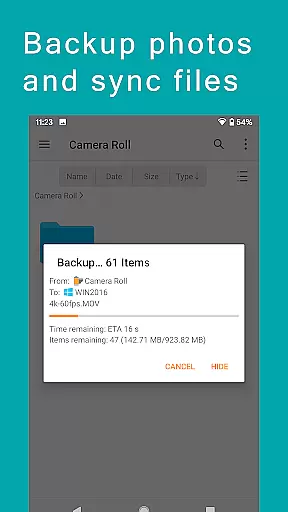
Cross-device synchronization is a standout feature of FE File Explorer Pro, ensuring reliable and seamless updates across all linked devices. Users can sync files between remote storage and their Android devices, guaranteeing that their data is always up-to-date and accessible from any location.
The app also facilitates transferring files between various storage locations, including Android internal storage, SD Cards, USB OTG, and even between Android and iOS devices using the Nearby file transfer feature. This versatility enhances productivity by simplifying the process of moving data where it's needed.
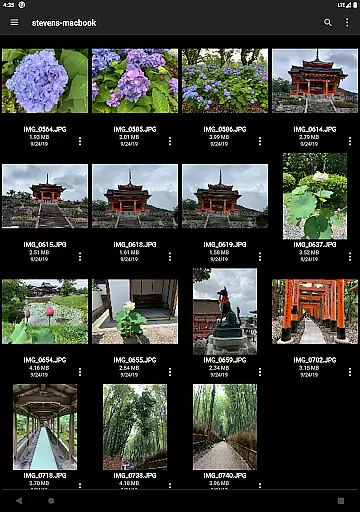
Additionally, FE File Explorer Pro offers automatic photo backup to remote storage, safeguarding precious memories against device loss or damage. With these robust synchronization capabilities, users can trust that their files are consistently backed up and synchronized, enhancing both convenience and data security.
User-friendly interface
Extensive protocol support
Seamless cloud integration
Robust file handling
Advanced productivity tools
Occasional connectivity issues
Interface may feel complex
Limited free features
Requires stable internet
Some functions need technical knowledge

Experience Reading - Night Mode for Documents
 4.40
4.40
Send files, sync SMS, notifications & clipboard across devices via local network
4.40
The upgraded version of Name Wheel with AI and the power to add your own wheels.
4.5
A lightweight JSON & XML files creator, editor and viewer (Premium Version)
4.40
Customizable calendar widget for seamless event sync, planning & scheduling.
4.00
Secure your apps with lock screens, use custom themes and different features.
4.40
Scan paperwork into PDF/JPG, generate your own e-signature and send fax or email
4.70
QuickEdit is a fast, stable and full featured text and code editor.
4.20
Note taking, handwriting, record audio, PDF annotation, planner & journal
4.20
Seamlessly integrate data and reports to build your presentation to impress
4.80
Mind Map and brainstorm, note taking and idea collection
4.80
This small app MUST BE INSTALLED after purchase, else license won't work
4.40
Total remote control for your Android device, PC and cloud services (IFTTT)!
4.20
Pwnagotchi companion app
4.20
Wake up & get tasks done! Add alarms & reminders on the Clock Launcher.
4.00
Access your phone's notifications, calls, apps, photos & texts on your PC
3.90
Ultimate Virtual AI Character for immersive Roleplay Chat. Perfect Companion
3.90
ID.me Authenticator is a simple and free Two Factor Authentication solution
3.50
A simple, portable logger for POTA, SOTA, Field Day, and more
4.0






User Reviews