
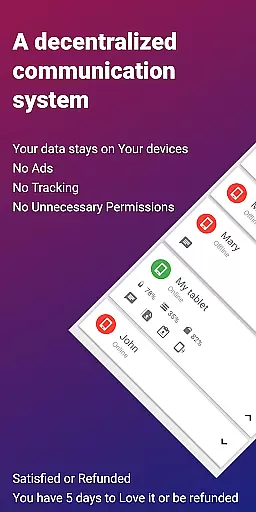
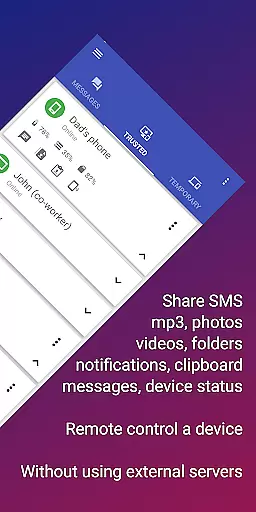
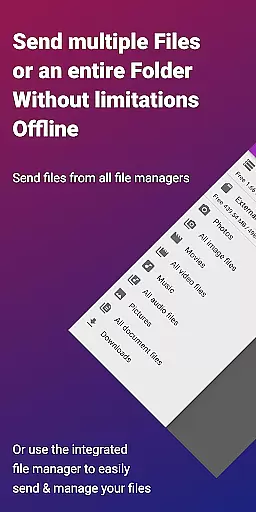
EasyJoin is a productivity-focused application designed to seamlessly connect your devices and transfer files instantly without relying on cloud services, advertisements, or tracking. The app enables users to send files, sync clipboards, manage SMS, read notifications, and control devices using only their local network. With end-to-end encryption, all data remains private and secure on your devices.
Key features include fast file transfer across multiple device types (Phone ↔ PC ↔ Tablet), clipboard synchronization, remote notifications and SMS management, remote control functionality, local network messaging, and cross-platform support. EasyJoin supports Windows, macOS, Linux, Android, iPhone, iPad, and even offers browser extensions for added convenience.
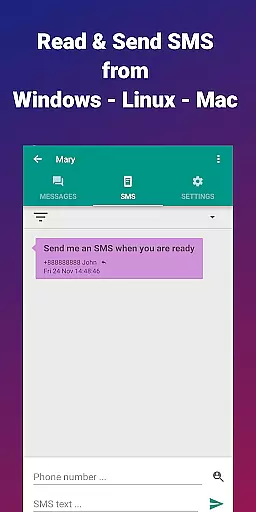
This app is perfect for users who want to read and send SMS from their computer, transfer files between phone and computer, copy-paste text across devices, or share files privately within a local network. Its privacy-first approach ensures no accounts, cloud storage, ads, or trackers are involved, making it an ideal choice for those seeking secure, local alternatives to traditional cloud-based solutions.
EasyJoin stands out with its comprehensive feature set tailored for productivity and privacy-conscious users. One of the core functionalities is its ability to transfer files instantly between various devices such as phones, PCs, and tablets without requiring internet access, cloud storage, or external servers. This ensures that your data stays private and encrypted on your local network.
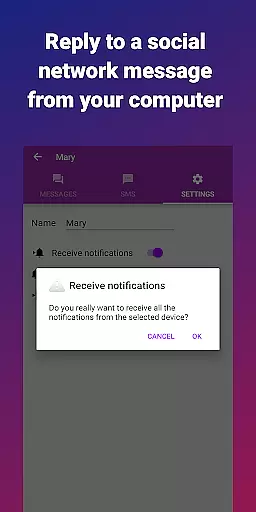
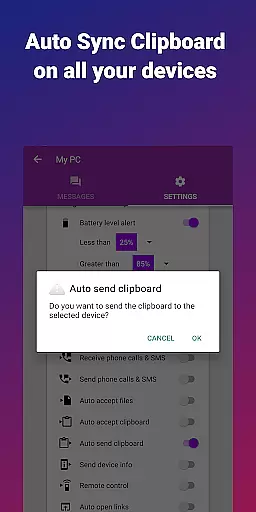
Another notable feature is the clipboard sync capability, which allows users to copy content on one device and paste it on another, regardless of platform—be it Android, Windows, macOS, iPhone, iPad, or Linux. Additionally, the app provides remote notification and SMS management, enabling users to read and respond to messages directly from their computers.
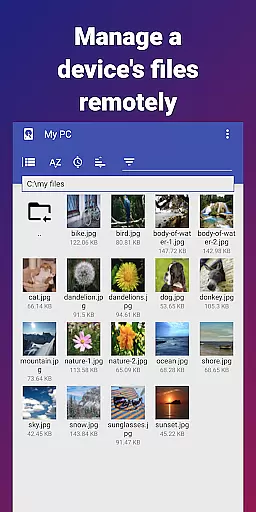
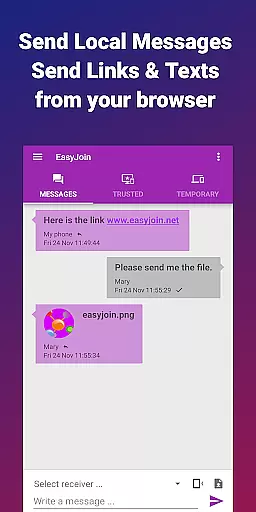
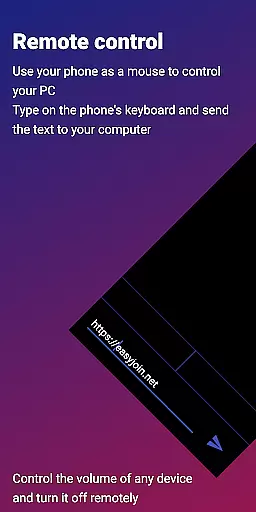
EasyJoin also includes remote control functionality, allowing users to use their phone as a keyboard or mouse for their PC or control their phone from their computer. With local network messaging, users can chat securely between linked devices without relying on external services. Cross-platform support further enhances its versatility, offering desktop apps for major operating systems and browser extensions. All these features are secured with end-to-end encryption, ensuring complete privacy and security.
EasyJoin excels in core task management by offering a suite of features that streamline device connectivity and file sharing. This application allows users to send files, sync clipboards, and manage SMS across devices without relying on cloud services or external servers.
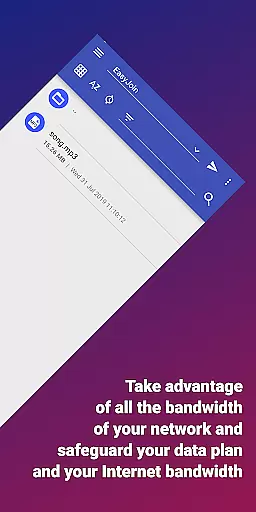
The app's architecture is designed for efficiency, ensuring that all tasks are executed within the local network. This not only accelerates file transfers but also enhances security by keeping data encrypted and private.
With functionalities like remote notifications and SMS management, EasyJoin empowers users to handle communications directly from their preferred device. This seamless integration across platforms makes multitasking intuitive and hassle-free.
Ultimately, EasyJoin's task management capabilities ensure that productivity is maximized without compromising privacy, making it an ideal tool for both personal and professional environments.
Cross-device synchronization is where EasyJoin truly shines, providing reliable and consistent performance across all connected devices. By leveraging the local network, EasyJoin ensures that your data is synced almost instantaneously between your phone, PC, tablet, and other supported devices.
This synchronization extends beyond mere file transfers; it includes clipboard syncing, allowing you to copy content on one device and paste it on another effortlessly. Whether you're working with text, images, or complex documents, EasyJoin maintains data integrity and format consistency.
Moreover, EasyJoin employs end-to-end encryption for all synchronized data, safeguarding your information against unauthorized access. This focus on security ensures that your files and communications remain confidential and tamper-proof during transit.
By eliminating the need for cloud storage and external servers, EasyJoin offers a dependable synchronization solution that respects user privacy while delivering top-notch performance. This makes it an invaluable tool for anyone seeking efficient and secure cross-device workflows.
Fast file transfer
Clipboard sync
Remote SMS
End-to-end encryption
Cross-platform support
Paid app
Wi-Fi required
No cloud backup
Limited free features
Complex setup

 4.20
4.20
Client for Nextcloud Deck
4.60
Protect and view your important info on your phone and tablet with eWallet®
4.80
Multilingual translator for text, voice, and image translation!
4.90
Subscribe to Webcal & .ics calendars and keep them up-to-date!
4.50
A comprehensive suite of tools designed specifically for Lactation Consultants
4.0
Experience and share your SolidWorks designs on your Android® phone and tablet.
2.50
Ultimate Virtual AI Character for immersive Roleplay Chat. Perfect Companion
3.90
Lightweight PDF, Word, Excel reader.
4.60
Best Tool for the professionals Electrician, Electrical contractors, etc.
4.90
Android Wallet Password Manager
4.80
The Pro Version of Android's tiniest Notepad app. Just 0.3MB but feature-packed!
4.60
App Lock with fingerprint, password: Lock apps & hide photos with lock screens
4.60
Calendar 2023 widget for Android. Appointment scheduler, planner, and reminder
4.60
Secure your apps with lock screens, use custom themes and different features.
4.40
A customizable calendar for your Wear OS watch
4.20
Experience real multitasking on your Android!
4.00
Remotely view listen control and record cameras.
3.70
Find and delete junk files & block unwanted notifications & manage files
3.70




User Reviews