
Calendar Pro for Wear OS is a comprehensive calendar solution that seamlessly integrates your smartphone calendars with your Wear OS smartwatch. This productivity app allows users to access, manage, and customize their schedules directly from their wrist.
The app's core functionality lies in its powerful synchronization capabilities, supporting major calendar services like Google Calendar, Outlook, and Samsung Calendar. Users can conveniently add, edit, and delete events through an intuitive interface optimized for wearable devices. The application's true strength emerges in its extensive customization options, enabling users to tailor both visual presentation and functional aspects to their specific needs.
Whether you're managing a busy work schedule or keeping track of personal appointments, Calendar Pro enhances productivity by providing instant access to your calendar information. The app's various watch faces and complications ensure you're always aware of upcoming events without needing to reach for your phone, making it an essential tool for efficient time management.
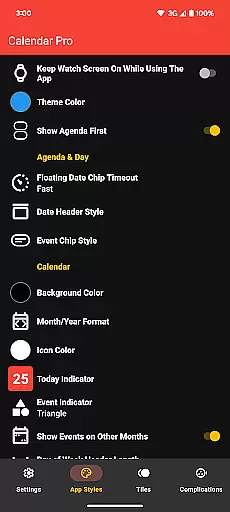
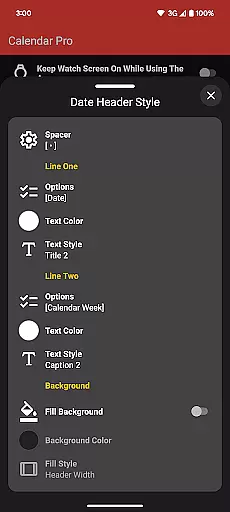
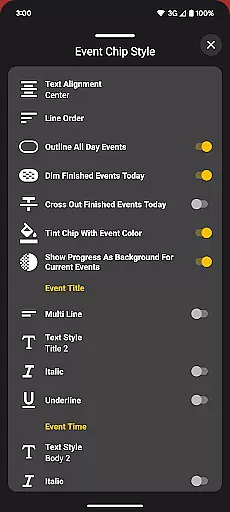
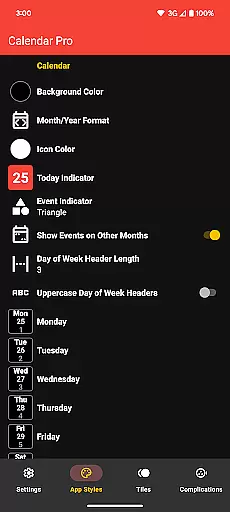
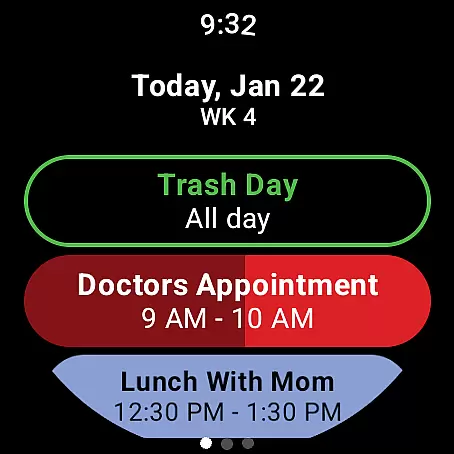
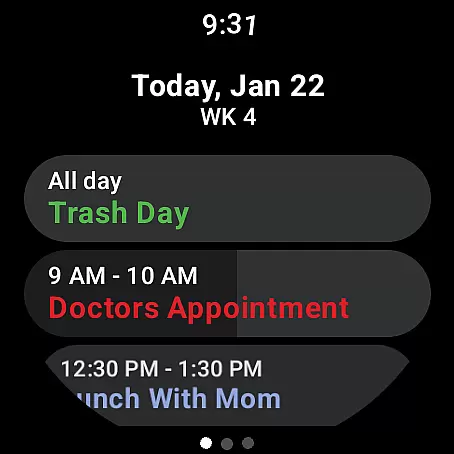
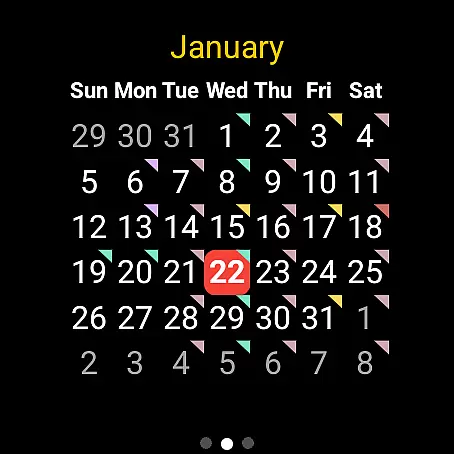
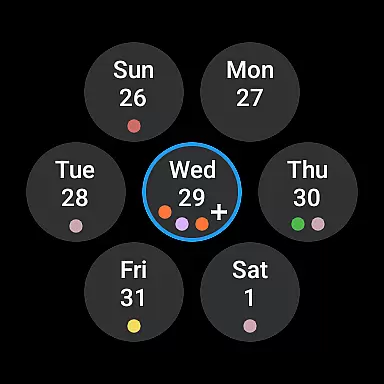
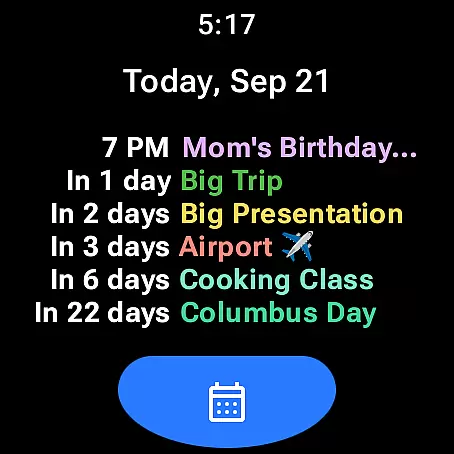
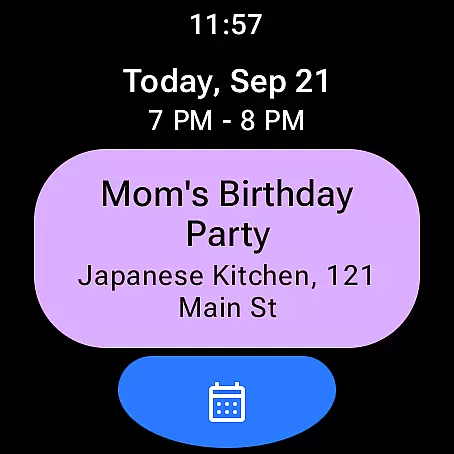
Calendar Pro distinguishes itself through its robust feature set designed specifically for wearable devices. The app provides multiple viewing options including month, agenda, and week views, each with detailed customization capabilities. Users can personalize everything from background colors to event indicator shapes, creating a calendar experience that perfectly matches their preferences.
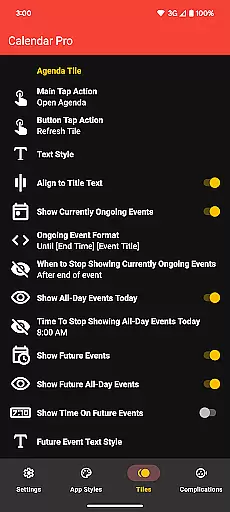
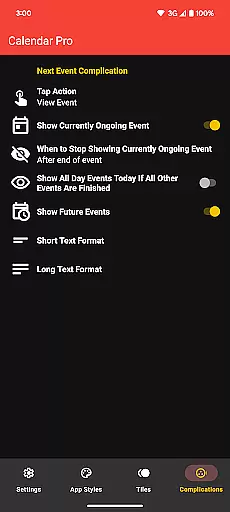
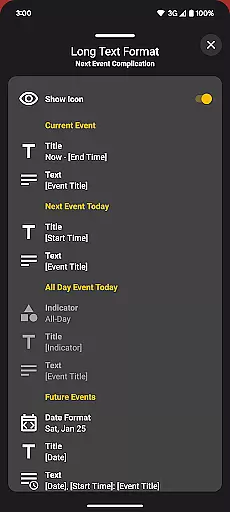
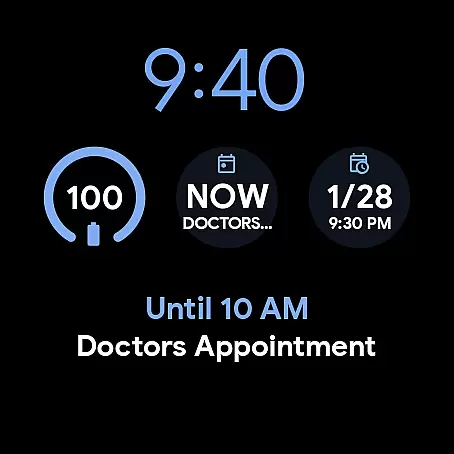
A standout feature is the comprehensive set of complication options. The Next Event complication offers flexible display configurations, allowing users to choose what information appears on their watch face. Similarly, the Agenda Tile provides quick access to upcoming events while offering various text style options for optimal readability on smaller screens.
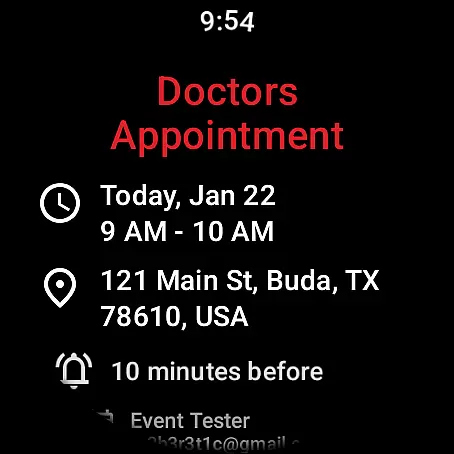
The app's editing capabilities are particularly noteworthy. Unlike many wearable calendar apps that only allow viewing, Calendar Pro enables full event management directly from the watch. This includes adding new events, modifying existing ones, and deleting unnecessary entries. With support for multiple calendar sources and no subscription fees, the app delivers exceptional value for users seeking a complete wearable calendar solution.
Calendar Pro for Wear OS excels in core task management by offering users the ability to add, edit, and delete events directly from their Wear OS watch. This seamless interaction ensures that users can manage their schedules on-the-go without needing to reach for their phones.
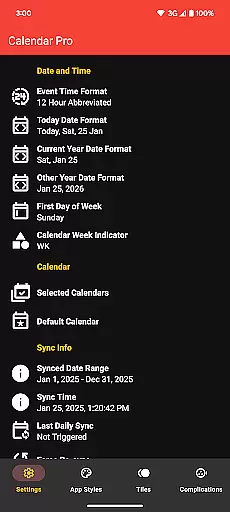
The app syncs the next 12 months of events to the watch, providing a comprehensive overview of upcoming commitments. With customizable month calendars and agenda views, users can tailor the interface to suit their preferences, ensuring they never miss an important date or meeting.
Event indicators and multiple theme colors enhance the user experience by making navigation intuitive and visually appealing. These features collectively contribute to a robust task management system that empowers users to take control of their time effectively.
Cross-device synchronization is a cornerstone of Calendar Pro for Wear OS, ensuring that all calendars from the user's phone are reliably synced to their Wear OS watch. This synchronization covers Google Calendar, Outlook Calendar, Samsung Calendar, DAVxu2075, and ICSxu2075, offering unparalleled compatibility across different platforms.
Users benefit from real-time updates, with changes made on the phone app instantly reflecting on the watch app. This dual installation requirement guarantees that users have access to their most current schedule, regardless of which device they are using.
With dedicated tiles and complications for next events, ongoing events, and future engagements, Calendar Pro ensures that users are always informed and up-to-date. The reliability of this cross-device functionality makes it an indispensable tool for managing personal and professional commitments efficiently.
Full event management on watch
Extensive customization options
Multiple calendar support
No subscription required
Intuitive user interface
Requires phone app installation
Limited Samsung calendar support
Complex initial setup
Premium price point
Font scaling limitations

Secure, fast, open-source, VNC and SSH Remote Desktop for Windows, Linux and Mac
 4.70
4.70
QuickBooks Workforce lets teams view pay info and track time in one place.
4.70
The long-awaited modern gallery app for your Nextcloud server
4.70
All in one sketching tool. Technical and General drawing. Online Maps support.
3.70
Direct Chat without saving contacts & Dual WA Account on Single Device
4.70
Tally and goal counter for Wear OS & mobile
4.50
Simple notepad & memo. Take notes, to-do list, shopping list with reminders.
4.80
Daily processing of PDF documents.
4.40
Note taking, handwriting, record audio, PDF annotation, planner & journal
4.20
Protect and view your important info on your phone and tablet with eWallet®
4.80
The Pro Version of Android's tiniest Notepad app. Just 0.3MB but feature-packed!
4.60
Planet Free VPN - The best Fast Unlimited and Secure VPN Without Logs
4.50
Fill, sign & send docs, forms, agreements & contracts via electronic signature.
4.50
CalenGoo is a very flexible and feature-rich calendar app
4.40
Share files & memories safely. Keep your photos and videos secure.
4.40
Intelligent AI Assistant
4.10
Make your handwriting beautiful, even more than pen on paper.
3.60
Code on-the-go with VScode for Android. Edit,debug and collaborate from mobile!!
3.10
A simple, portable logger for POTA, SOTA, Field Day, and more
4.2



User Reviews