
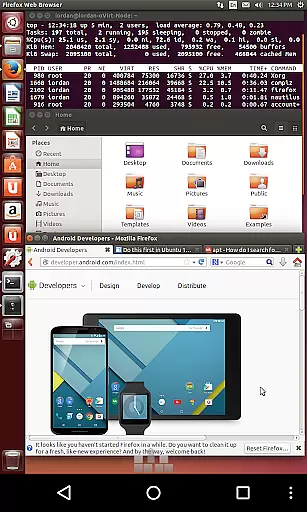
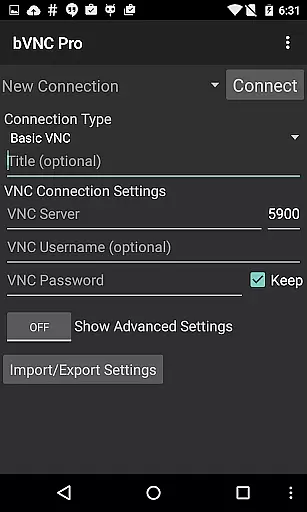
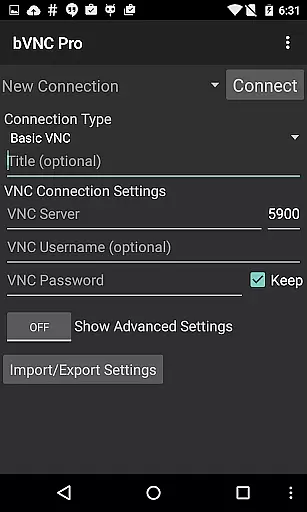
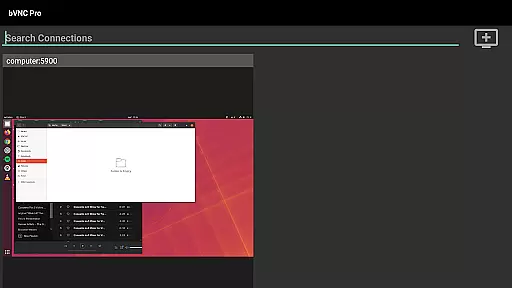
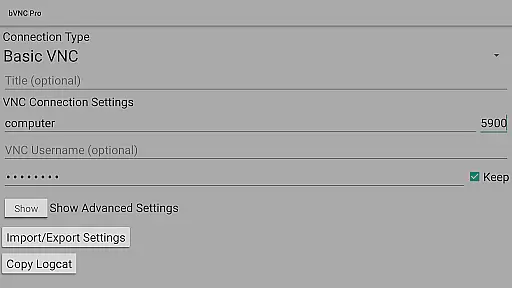
bVNC Pro is a secure, open-source VNC client designed for productivity-focused users who need reliable remote desktop access. It supports multiple operating systems including Windows, Mac, Linux, and others with VNC servers installed.
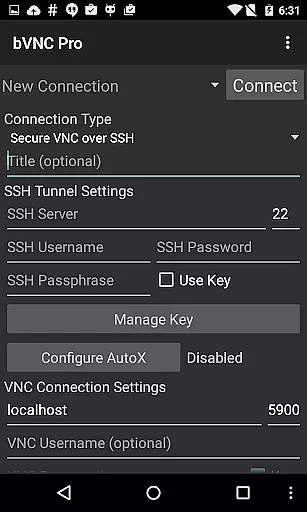
The app offers advanced features such as multi-touch mouse control, dynamic resolution changes, and full rotation. With SSH tunneling and high-grade encryption, users can ensure their connections are secure. The Pro version includes master password support and multi-factor SSH authentication.
Ideal for IT professionals and remote workers, bVNC Pro allows seamless control over virtual machines and supports various VNC servers. Its comprehensive feature set makes it a powerful tool for managing remote systems efficiently.
bVNC Pro provides an extensive range of features tailored for secure and efficient remote desktop management. Key functionalities include multi-touch controls for mouse operations, pinch-zoom, and scrolling capabilities.
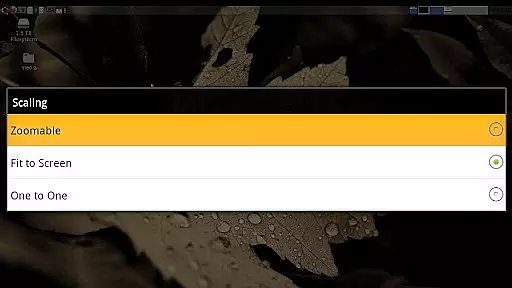
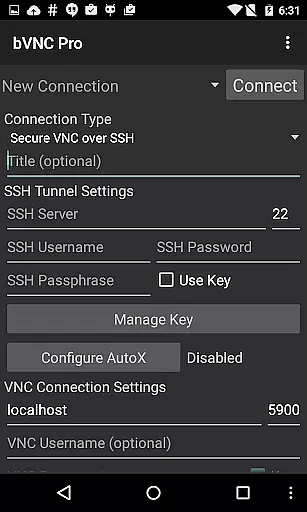
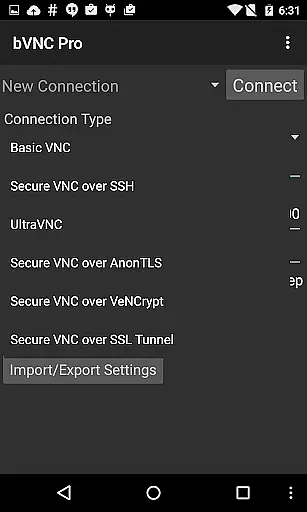
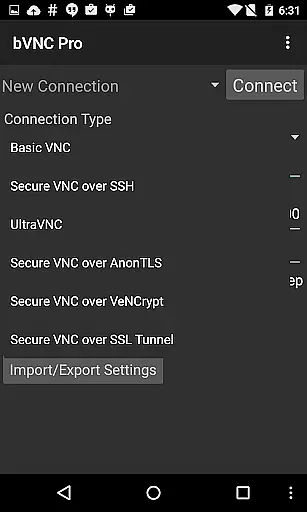
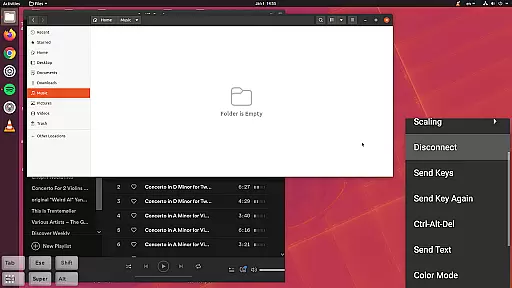
Users benefit from dynamic resolution adjustments, full rotation, and multi-language support. The app ensures secure connections through SSH tunneling, AnonTLS, and VeNCrypt protocols. Additionally, it supports importing encrypted RSA keys and offers multiple scaling modes.
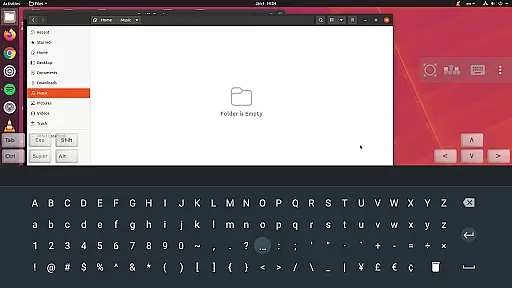
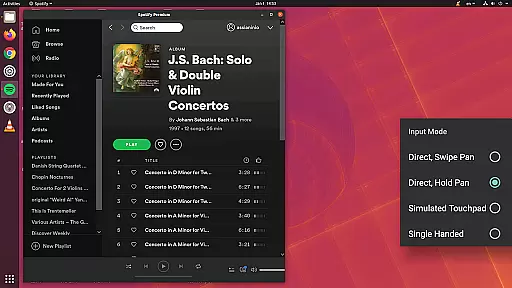
With compatibility across major VNC servers and operating systems, bVNC Pro delivers a versatile solution for remote access needs. Its innovative input modes and customizable settings enhance user experience significantly.
bVNC Pro is not just a remote desktop client but also an advanced productivity tool designed to streamline core task management for users who need secure and efficient access to their systems. The app supports multi-touch gestures, enabling users to perform complex tasks with ease. For instance, one-finger taps execute left-clicks, two-finger taps perform right-clicks, and three-finger taps trigger middle-clicks.
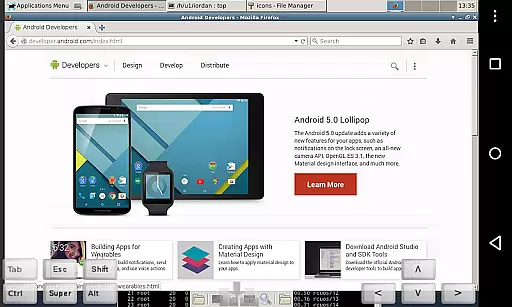
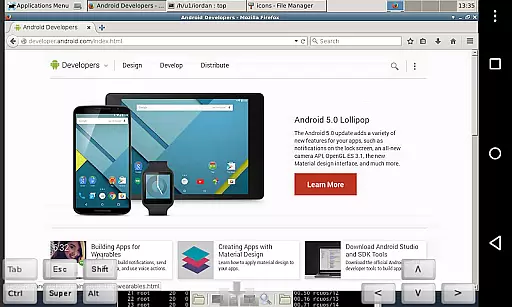
Additionally, bVNC Pro offers dynamic resolution changes, allowing users to reconfigure their desktop environments while remaining connected. This feature ensures that users can adapt their workspace according to the task at hand, whether it's managing virtual machines from BIOS to OS or handling intensive graphical applications.
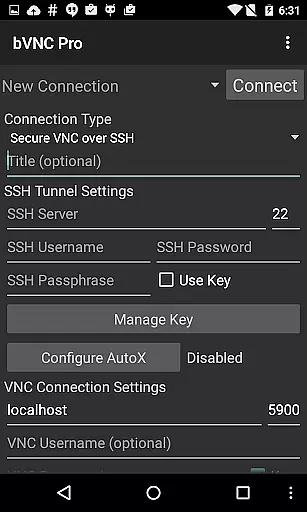
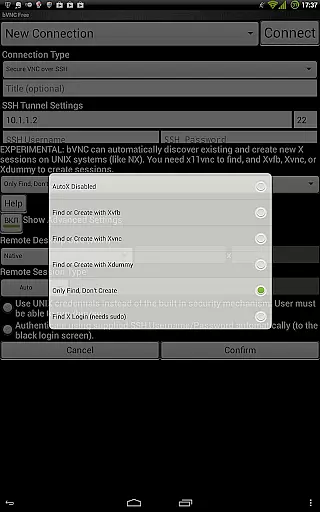
The inclusion of SSH tunneling, AnonTLS, and VeNCrypt further enhances task management by providing secure connections. These protocols ensure that sensitive data remains protected during remote sessions, making bVNC Pro ideal for professionals who require both accessibility and security in their daily operations.
Cross-device synchronization is a critical aspect of modern productivity tools, and bVNC Pro excels in this area by offering reliable and consistent performance across various platforms. Whether you're using Windows, Mac, Linux, or BSD, bVNC Pro ensures that your remote desktop experience remains seamless and uninterrupted.
The app supports multiple VNC servers, including TightVNC, UltraVNC, TigerVNC, and RealVNC, which means you can connect to different systems without worrying about compatibility issues. This versatility is crucial for users who manage diverse IT environments and need a unified solution for their remote access needs.
Moreover, bVNC Pro includes features like pinch-zoom, force landscape mode, and keep screen awake, which enhance usability on mobile devices. These functionalities ensure that users can efficiently interact with their remote desktops regardless of the device they are using, thereby improving overall productivity and user satisfaction.
Secure connections
Multi-touch support
Wide OS compatibility
High-grade encryption
Customizable settings
No RealVNC encryption
Complex setup
Paid Pro features
Advanced knowledge required
Limited UI customization

A Revolutionary All-in-One Artificial Intelligence Tools
 3.80
3.80
When you Focus, so will your Bean in this cozy focus timer
4.30
We're working to become the best machining app on the market! www.cncdirt.com
4.80
All in One PDF Reader: Manage, Read and Edit your Documents
4.20
Functional QR scanner and barcode reader that requires little storage space.
4.60
Scan paperwork into PDF/JPG, generate your own e-signature and send fax or email
4.70
AI Chatbot and AI writing assistant powered by ChatGPT.
4.60
Seamlessly read, manage, and organize all your PDF files solution in one place
4.40
Put a lock on your cloud: Take the security of your data into your own hands
3.70
Scientific calculator for Android - looks and operates like the real thing!
4.90
Multilingual translator for text, voice, and image translation!
4.90
Use powerful, industry-leading AI tools to generate visual charts from any data
4.80
Understand anything with a personalized AI research assistant
4.80
App Lock with fingerprint, password: Lock apps & hide photos with lock screens
4.60
A lightweight JSON & XML files creator, editor and viewer (Premium Version)
4.40
A Pixel Art watchface inspired by other iconic 90s designs for Wear OS devices!
4.40
A customizable calendar for your Wear OS watch
4.20
Ultimate Virtual AI Character for immersive Roleplay Chat. Perfect Companion
3.90
A comprehensive suite of tools designed specifically for Lactation Consultants
4.5




User Reviews