
PDF Reader - Edit & View is a comprehensive document management solution designed to simplify how you handle, organize, and convert files. This productivity app offers a robust set of tools for both casual users and professionals who regularly work with various document formats.
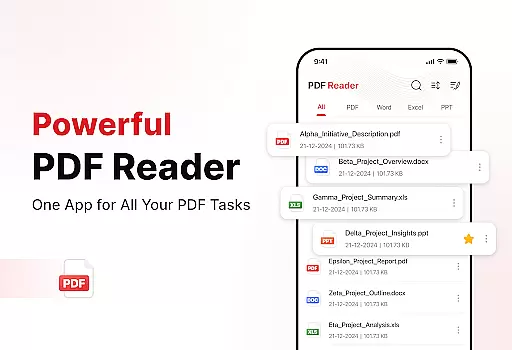
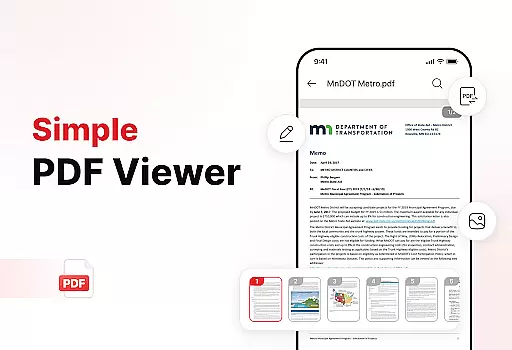
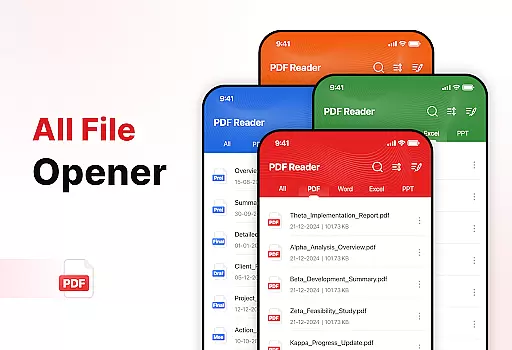
The app's core functionality revolves around its versatile PDF capabilities. Users can seamlessly open, read, and navigate through PDFs of any size without experiencing lag. The built-in file conversion features allow for effortless transformation between different formats including XLS, DOCX, and PPT, making it an essential tool for business and academic environments.
One notable application scenario is in professional settings where document organization and sharing are crucial. The app's enhanced productivity tools enable users to manage their digital workspace efficiently, sort files by multiple criteria, and quickly share documents with colleagues or clients, demonstrating its practical value in streamlining daily workflows.
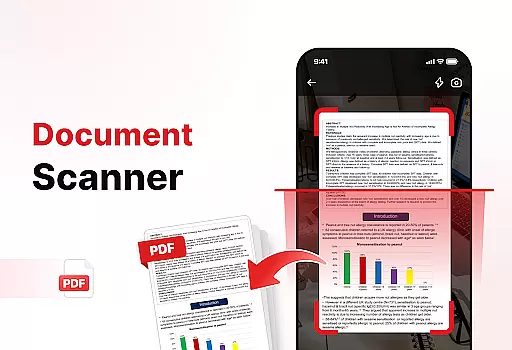
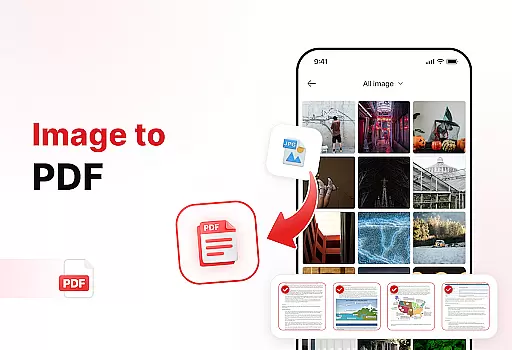
PDF Reader - Edit & View stands out with its diverse range of features that cater to various document management needs. The app's most prominent characteristic is its powerful document converter, which includes both document scanning and image-to-PDF functionalities.
The implementation of these features is particularly impressive. The document scan function captures text, images, and diagrams from physical documents and converts them into high-quality PDFs. Similarly, the image-to-PDF feature allows users to transform various visual content into professional-grade PDF documents within seconds. These capabilities are complemented by advanced organizational tools that include file sorting options, bookmark management, and quick search functions.
Each feature delivers tangible value to users. The ability to add signatures to PDFs streamlines administrative tasks, while the comprehensive file management system helps maintain an organized digital workspace. These innovative solutions demonstrate the app's commitment to enhancing user productivity through smart document management features.
Task management is a cornerstone of productivity, and the PDF Reader - Edit & View app excels in this area by offering users an intuitive way to handle their documents. The app's design focuses on simplifying document management through features like file sorting, which allows users to organize files by name, date, or size, ensuring that important documents are always easy to find.
The app also provides enhanced productivity tools such as Manage & Organize, which helps keep storage clean and clutter-free. Users can delete unnecessary files and access important ones quickly with bookmarks, streamlining their workflow and saving valuable time. This functionality ensures that users can maintain an efficient digital workspace.
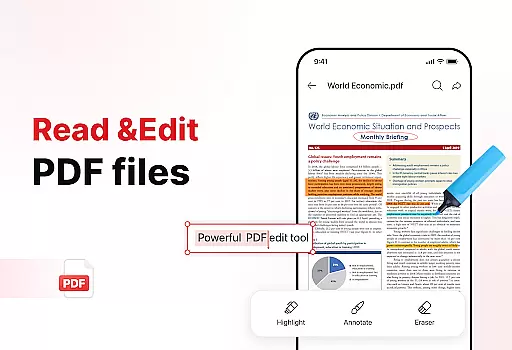
Moreover, the ability to add signatures to PDFs beautifully and easily further enhances the core task management capabilities of the app. This feature is particularly beneficial for professionals who frequently deal with contracts and legal documents, allowing them to sign and return documents without delay. Such practical tools make the PDF Reader - Edit & View app an indispensable asset for anyone looking to boost their productivity.
Cross-device synchronization is essential for users who work across multiple devices, and the PDF Reader - Edit & View app delivers reliable performance in this aspect. By ensuring that all your documents are up-to-date and accessible from any device, the app provides a seamless experience whether you're switching between your phone, tablet, or computer.
The app supports real-time updates, meaning changes made on one device are instantly reflected on all others. This is particularly useful for individuals who are often on the go and need to access their files from different locations. With this reliable synchronization, users can be confident that they are always working with the most current version of their documents.
In addition to its synchronization capabilities, the app offers effortless sharing options, allowing users to instantly share PDFs and files with colleagues, friends, or family. This feature complements the cross-device functionality by making collaboration straightforward and efficient. Overall, the PDF Reader - Edit & View app ensures that your document management process is as smooth and reliable as possible, no matter where you are or what device you're using.
User-friendly interface
Multi-format support
Powerful conversion tools
Advanced organization features
Efficient sharing options
Limited free features
Occasional performance issues
Subscription required for premium
Some tools not intuitive
Large file size

A customizable calendar for your Wear OS watch
 4.20
4.20
Seamlessly integrate data and reports to build your presentation to impress
4.80
Auto-shutoff Alarm with Sunrise, Sunset & Fixed Options.
3.50
Planet Free VPN - The best Fast Unlimited and Secure VPN Without Logs
4.50
A simple, portable logger for POTA, SOTA, Field Day, and more
4.0
Access your phone's notifications, calls, apps, photos & texts on your PC
3.90
Share files & memories safely. Keep your photos and videos secure.
4.40
AI Chatbot and AI writing assistant powered by ChatGPT.
4.60
Set up, print, and get support—in one place
4.20
Android Wallet Password Manager
4.80
QuickBooks Workforce lets teams view pay info and track time in one place.
4.70
App lock - lock apps with fingerprint, password, pin or pattern, protect privacy
4.70
When you Focus, so will your Bean in this cozy focus timer
4.30
Enjoy classic gameplay with customizable features and retro-style graphics.
4.30
Smart PDF reader & editor to view, organize and manage PDF documents easily.
3.70
Find and delete junk files & block unwanted notifications & manage files
3.70
Make your handwriting beautiful, even more than pen on paper.
3.60
The upgraded version of Name Wheel with AI and the power to add your own wheels.
4.2
IP Camera Viewer - Android TV : RTSP Surveillance camera viewer for Android TV
4.4



User Reviews