
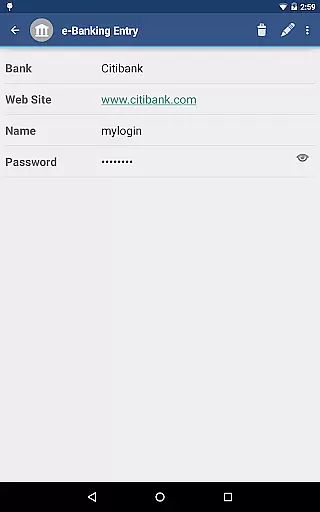
aWallet Cloud Password Manager is a robust productivity application designed to securely store sensitive information such as passwords, credit card details, and e-banking credentials. The app ensures top-notch security by encrypting all stored data using advanced algorithms like AES or Blowfish with key sizes up to 256 bits.
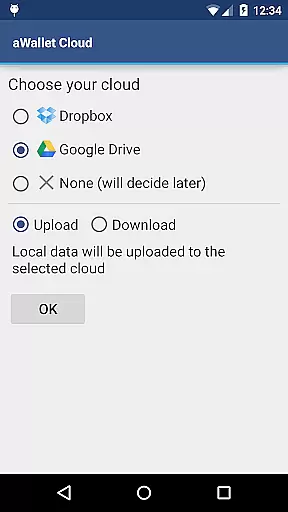
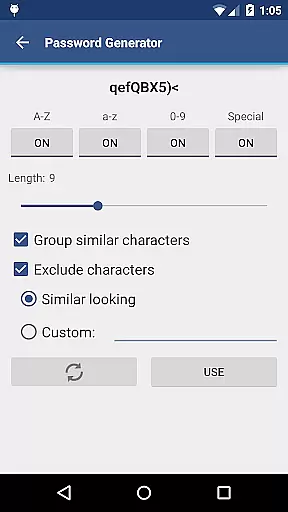
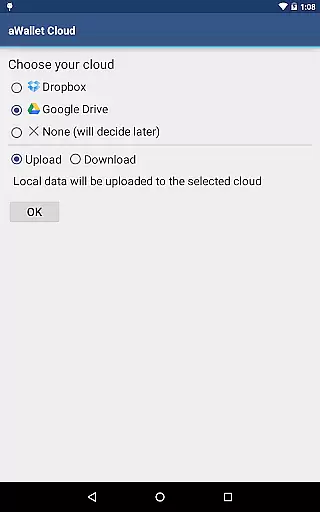
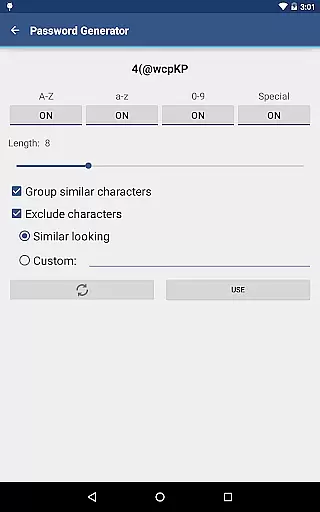
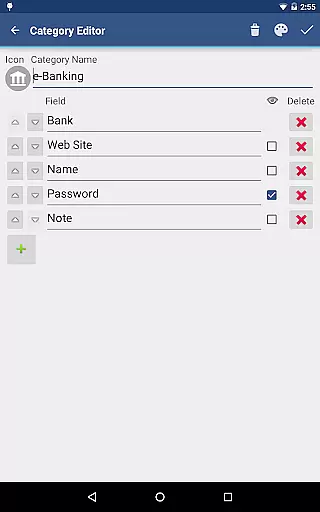
One of the standout features is its ability to synchronize encrypted data with your personal cloud storage accounts like Dropbox or Google Drive, ensuring that your information is accessible yet secure across multiple devices. Additionally, users can take advantage of built-in editors for customizing data categories and benefit from practical functionalities like auto-lock and password generation.
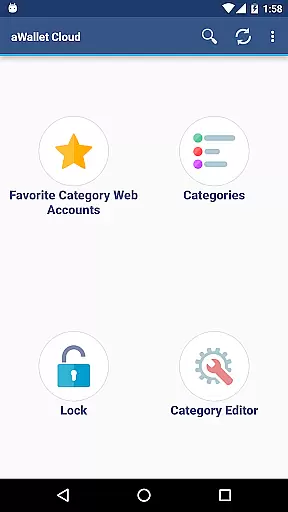
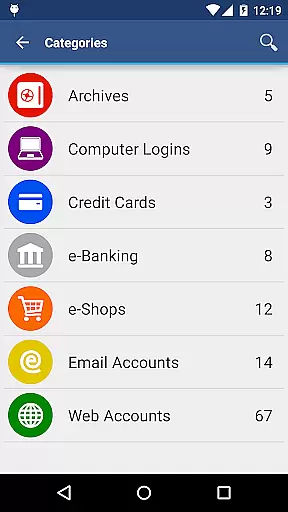
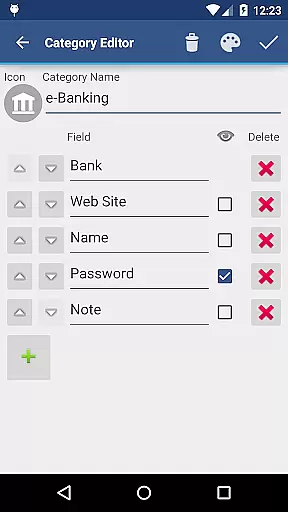
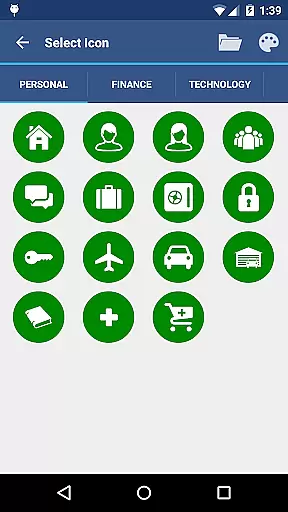
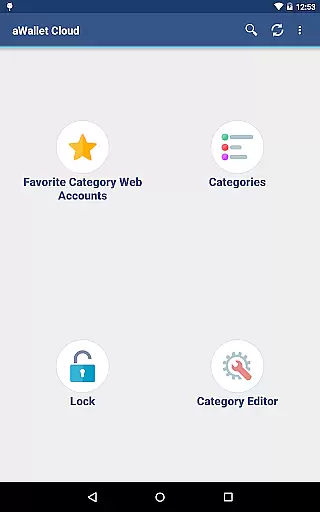
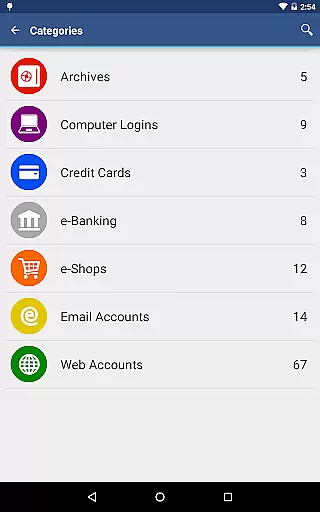
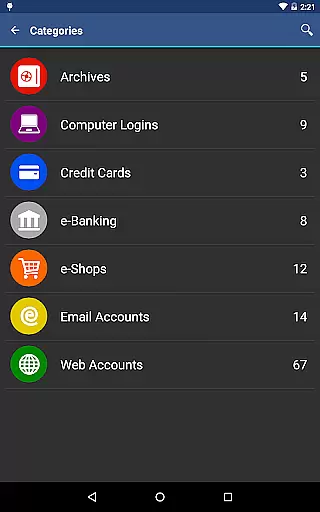
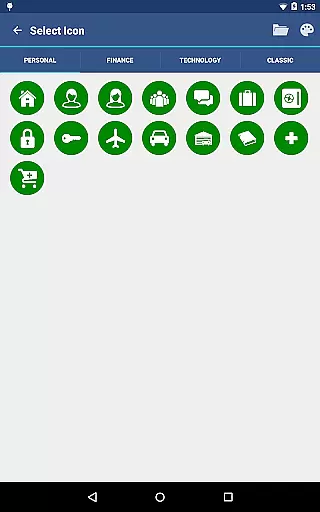
The app offers a comprehensive suite of features tailored to enhance productivity while maintaining stringent security protocols. Users can leverage the built-in editor to modify existing categories or create new ones complete with custom icons, thus tailoring the app to their specific needs.
Security remains at the forefront with features such as auto-destruction of the data file after several failed unlock attempts and support for fingerprint and facial recognition on compatible devices. Furthermore, the app facilitates easy backup and restore options to Android USB devices and allows exporting unencrypted data in CSV format, providing flexibility and peace of mind.
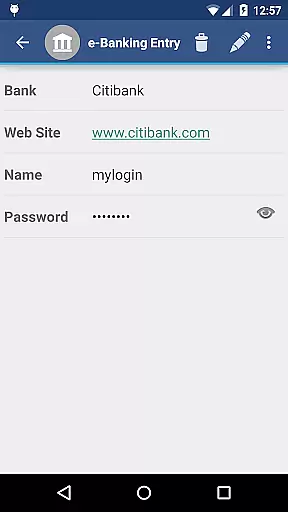
aWallet Cloud Password Manager excels in core task management by providing a comprehensive suite of features for securely handling sensitive information. The app allows users to store various types of data, including passwords, credit card details, and e-banking credentials, all within a structured and organized environment.
One of the standout features is its synchronization capability with cloud services like Dropbox or Google Drive, ensuring that your encrypted data is always up-to-date across devices. This seamless integration enhances productivity by allowing instant access to critical information whenever needed.
In addition to storage and sync, aWallet offers advanced functionalities such as an Auto lock feature and support for backup and restore operations on Android USB devices. These capabilities ensure that users can manage their tasks effectively while maintaining top-notch security standards.
Cross-device synchronization is a pivotal feature of aWallet Cloud Password Manager, ensuring reliable and secure updates across all your devices. By leveraging popular cloud services such as Dropbox and Google Drive, the app provides a dependable solution for maintaining consistency in your encrypted data.
The synchronization process is not only efficient but also robust, minimizing the risk of data loss or corruption during transfers. Users can rest assured that their sensitive information, including passwords and banking credentials, remains intact and accessible from any device linked to their cloud account.
Moreover, the app supports exporting unencrypted data in CSV format to USB devices, adding another layer of flexibility for managing backups. With these reliable synchronization features, aWallet ensures that you have seamless access to your essential data, regardless of the device you are using.
High-level encryption
Cloud synchronization
Customizable categories
Auto-lock feature
No advertisements
Complex for beginners
Limited free features
Requires cloud account
No iOS compatibility
Occasional sync issues

 4.20
4.20
Professional calendar app for Google Calendar, MS Outlook & Exchange
4.20
The Pro Version of Android's tiniest Notepad app. Just 0.3MB but feature-packed!
4.60
A lightweight JSON & XML files creator, editor and viewer (Premium Version)
4.40
Todo reminder
4.10
App Lock with fingerprint, password: Lock apps & hide photos with lock screens
4.60
Stay on top of your to-dos with Google Tasks, part of Google Workspace.
4.60
Activate Two Factor Authentication (2FA or Multi OTP), Password manager and more
4.10
This small app MUST BE INSTALLED after purchase, else license won't work
4.40
Best Tool for the professionals Electrician, Electrical contractors, etc.
4.90
Use powerful, industry-leading AI tools to generate visual charts from any data
4.80
Tally and goal counter for Wear OS & mobile
4.50
CalenGoo is a very flexible and feature-rich calendar app
4.40
Access, manage and transfer files on Android, PC, Mac, NAS and cloud storages.
4.30
Total remote control for your Android device, PC and cloud services (IFTTT)!
4.20
Pwnagotchi companion app
4.20
The ultimate file manager for rooted devices. The original and still the best.
4.00
ID.me Authenticator is a simple and free Two Factor Authentication solution
3.50
IP Camera Viewer - Android TV : RTSP Surveillance camera viewer for Android TV
4.1




User Reviews