
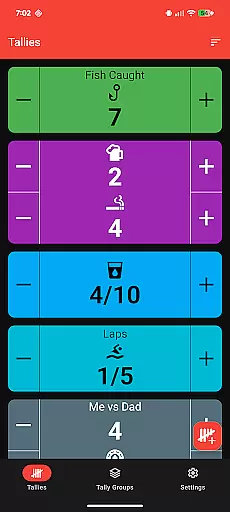
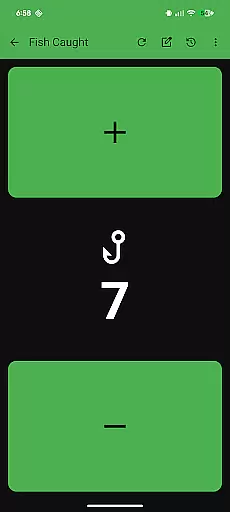
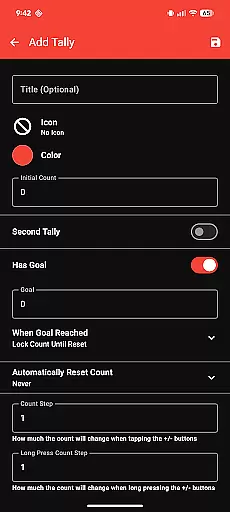
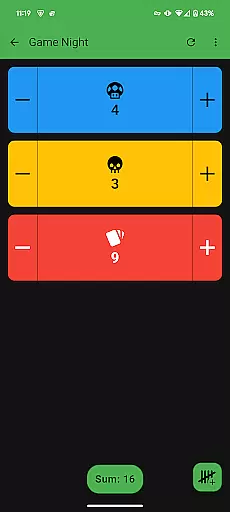
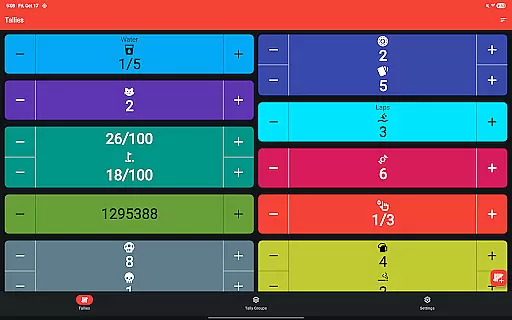
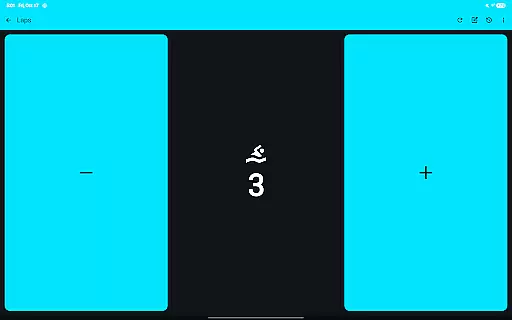
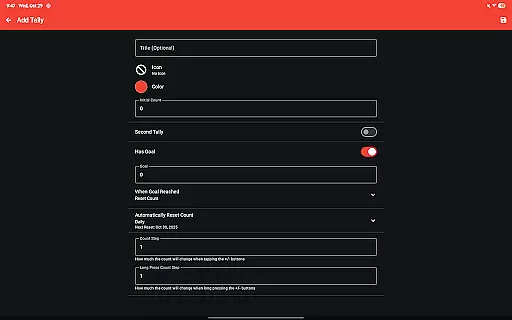
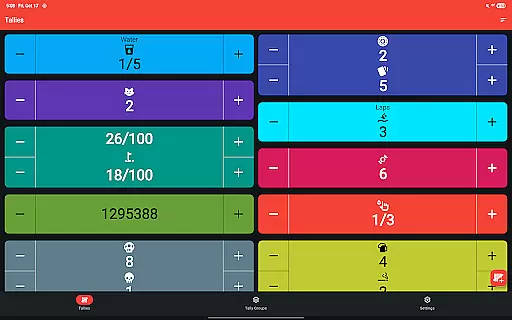
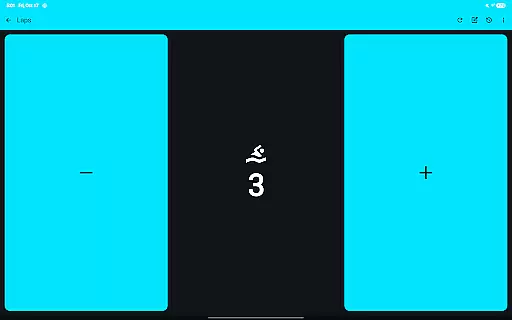
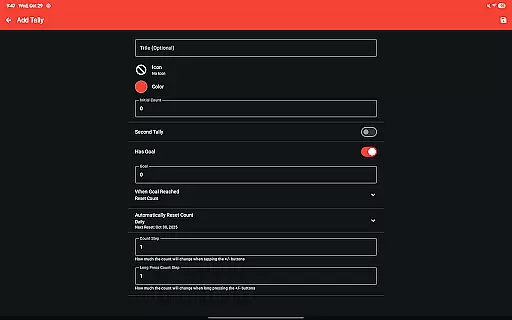
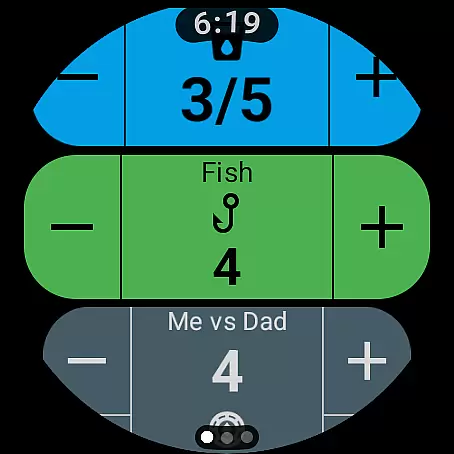
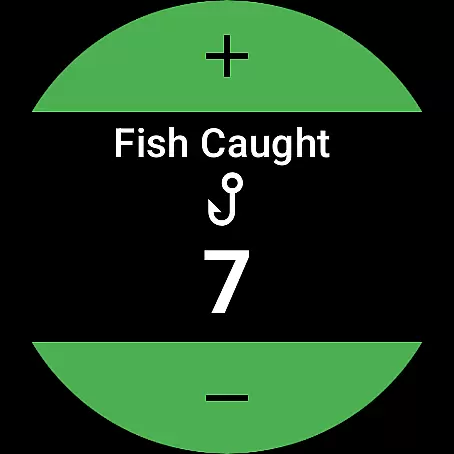
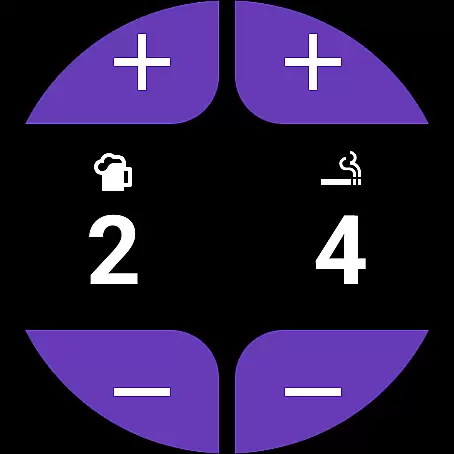
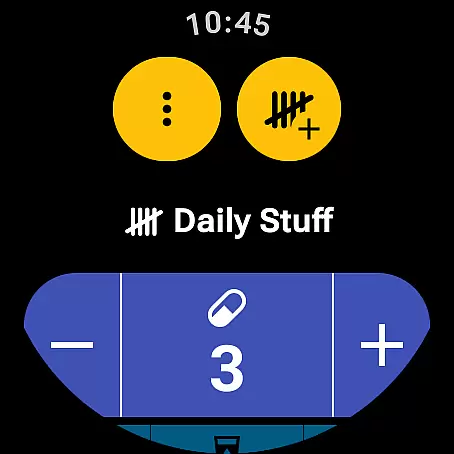
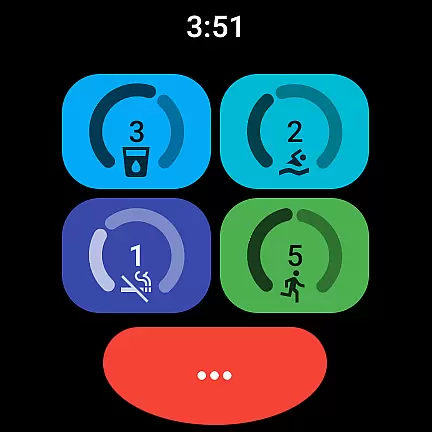
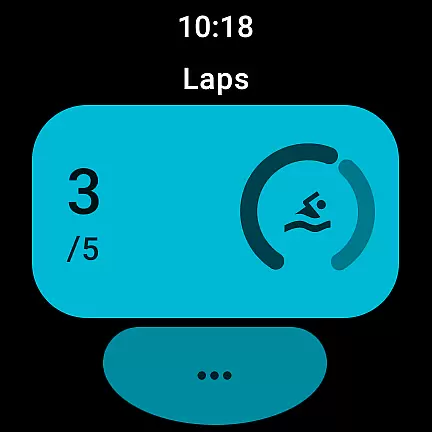
Tallies is a versatile productivity tool designed for both Wear OS and mobile devices, offering users an efficient way to track counts and achieve goals. The app provides double and single tally counters, ongoing counts, and goal tallies with customizable options such as locking or resetting the count upon reaching a target. With features like automatic resets on a daily, weekly, monthly, or yearly basis, users can maintain consistent tracking habits.
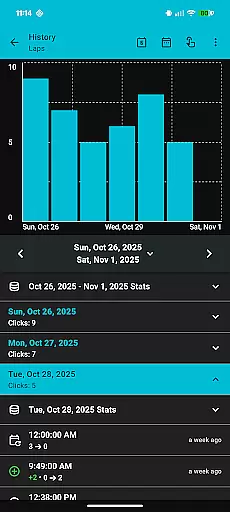
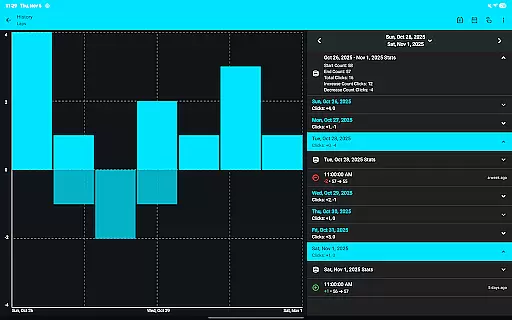
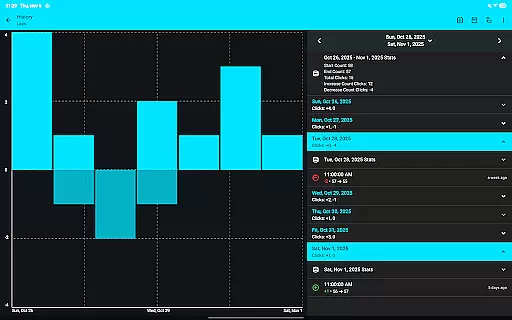
One of Tallies' standout capabilities is its synchronization functionality between smartphones and Wear OS watches, ensuring that all data is up-to-date across devices. Users can view detailed tally histories through multiple graphs and statistics on their phones, with the option to export this data as CSV files. This makes Tallies not only a simple counting tool but also a comprehensive solution for personal and professional progress tracking.
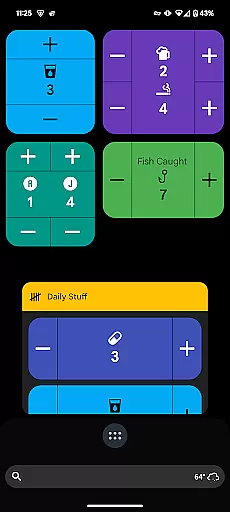
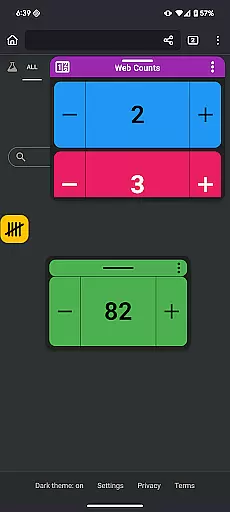
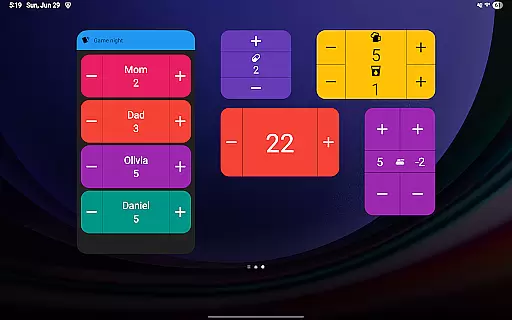
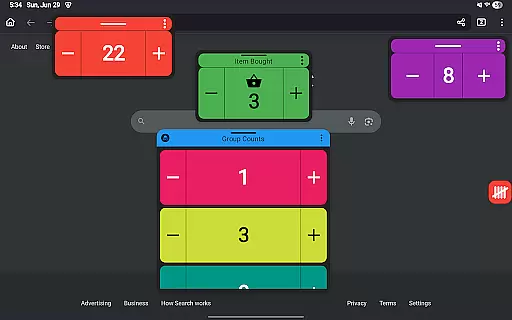
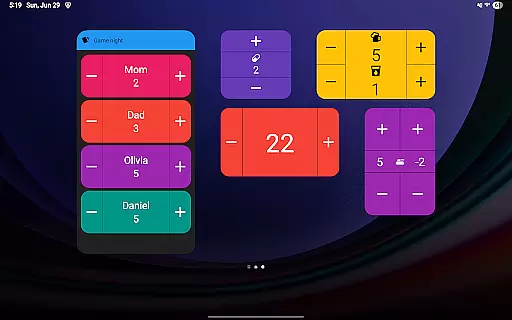
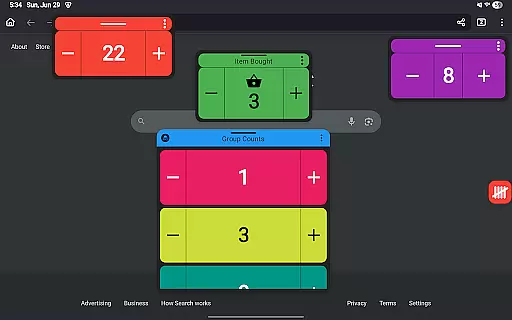
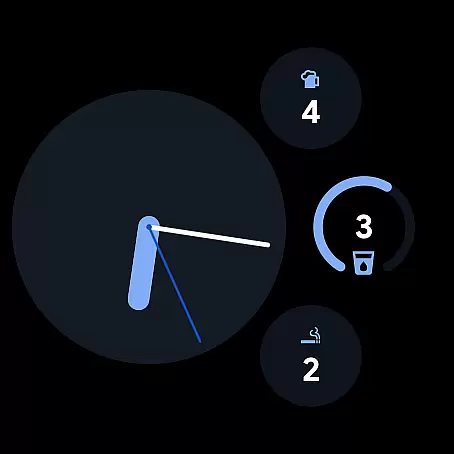
Tallies boasts an extensive set of features tailored to enhance user experience. For Wear OS, it offers specialized watch complications for ongoing and goal tallies, quick tally tiles, and shortcut tiles for easy access. On mobile devices, users benefit from home screen widgets displaying vertical, horizontal, and list views of tallies, as well as floating tally windows for Android 14+ users. These windows allow users to overlay tally information on top of other apps, providing constant visibility.
The app supports over 200 icons and multiple theme colors, enabling deep customization. Additional functionalities include vibration and sound feedback on count changes, full-screen mode, and the ability to use volume buttons for count adjustments in full-screen mode. Importantly, Tallies operates on a one-time purchase model, unlocking all features without any subscription fees, making it an accessible choice for users seeking long-term value.
Task management is at the heart of productivity applications, and Tallies excels in this area by providing users with a versatile tally and goal counter. This feature allows for both simple and complex tracking of tasks or goals, making it suitable for various productivity needs.
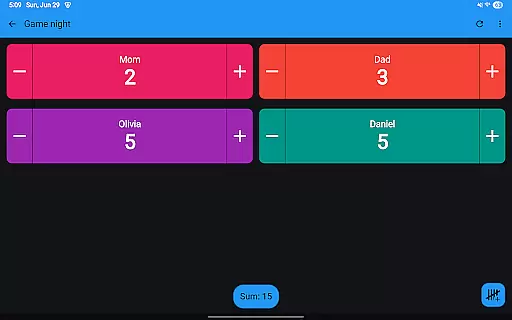
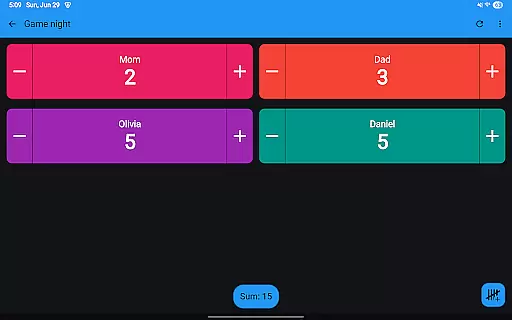
The app offers double and single tally counters, ongoing counts, and goal tallies with customizable options such as locking or resetting the count upon reaching a target. These functionalities ensure that users can tailor their task management experience to fit personal or professional objectives.
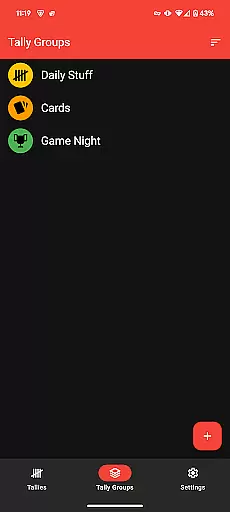
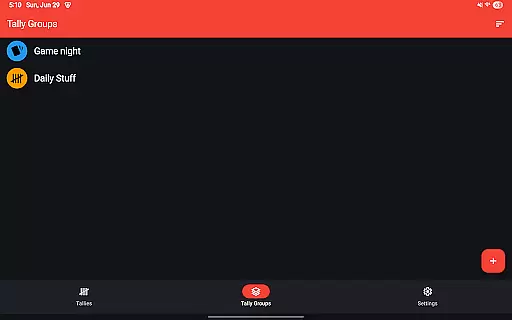
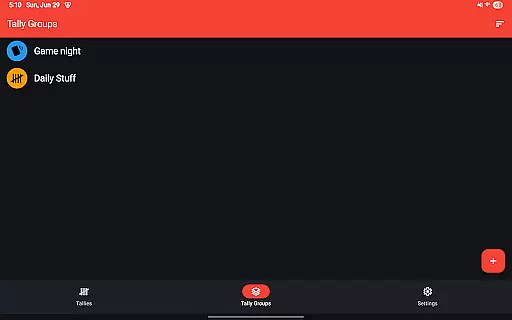
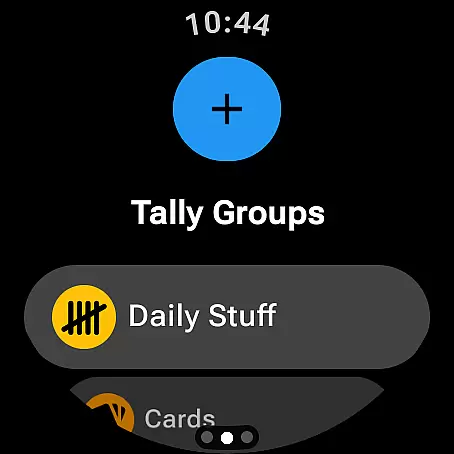
Additionally, Tallies provides automatic reset options for daily, weekly, monthly, and yearly tallies, which helps maintain an organized approach to task management over time. The inclusion of tally groups further enhances the ability to manage multiple related tasks efficiently.
By integrating with Wear OS and mobile platforms, Tallies ensures that users can access and update their task lists from different devices seamlessly. This cross-device functionality supports a dynamic lifestyle where productivity is not confined to one device or location.
Cross-device synchronization is crucial for users who rely on multiple devices throughout their day. Tallies addresses this need by offering reliable sync capabilities between phones and Wear OS watches, ensuring that all tally data is up-to-date across devices.
To facilitate this synchronization, Tallies requires installation on both phone and watch. Once installed, changes made to tallies on either device are automatically synced, providing a seamless experience for users who switch between devices frequently.
This synchronization extends to features like ongoing tally watch complications, goal tally watch complications, and home screen widgets on phones. Such integration ensures that users have quick access to their tally information regardless of the device they are using at any given moment.
Furthermore, the ability to view tally history on the phone with multiple graphs, selectable intervals, and stats enhances the analytical aspect of task tracking. As tally history from the watch syncs automatically to the phone when changed, users benefit from a comprehensive overview of their progress without manual updates.
User-friendly interface
Extensive customization options
Syncs across devices
No subscription required
Comprehensive feature set
Limited to Android platform
Floating window requires Android 14+
Watch sync needs app on both devices
Some features specific to Wear OS
Interface may overwhelm new users

Wake up & get tasks done! Add alarms & reminders on the Clock Launcher.
 4.00
4.00
Send files, sync SMS, notifications & clipboard across devices via local network
4.40
Todo reminder
4.10
Create and edit presentations with Google Slides, part of Google Workspace.
4.00
Use powerful, industry-leading AI tools to generate visual charts from any data
4.80
Understand anything with a personalized AI research assistant
4.80
Scan paperwork into PDF/JPG, generate your own e-signature and send fax or email
4.70
Simple notepad & memo. Take notes, to-do list, shopping list with reminders.
4.80
AI Chatbot and AI writing assistant powered by ChatGPT.
4.60
Direct Chat without saving contacts & Dual WA Account on Single Device
4.70
App lock - lock apps with fingerprint, password, pin or pattern, protect privacy
4.70 4.20
4.20
Easily read and manage all your PDF files
4.10
Intelligent AI Assistant
4.10
Unlock AutoNotification
4.00
Remotely view listen control and record cameras.
3.70
Code on-the-go with VScode for Android. Edit,debug and collaborate from mobile!!
3.10
Create study competitions, track your hours, and stay consistent with friends
4.5
The upgraded version of Name Wheel with AI and the power to add your own wheels.
4.5



User Reviews