
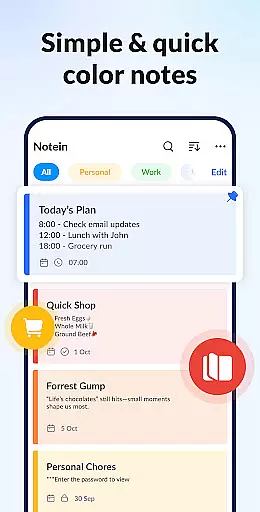
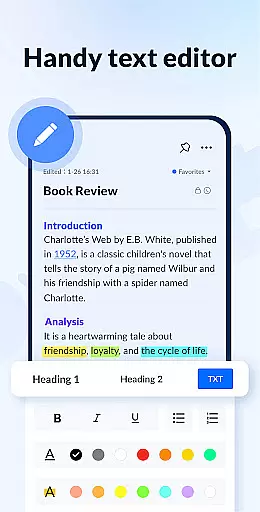
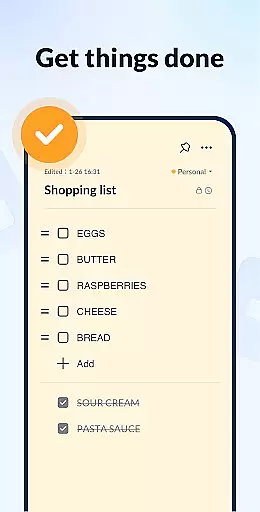
Notein - Notepad, Notes, Lists is a versatile productivity app designed to streamline note-taking and task management. This free notepad app offers multiple note-taking modes including text and checklist formats, automatic saving, and an intuitive interface for creating quick notes, to-do lists, and reminders.
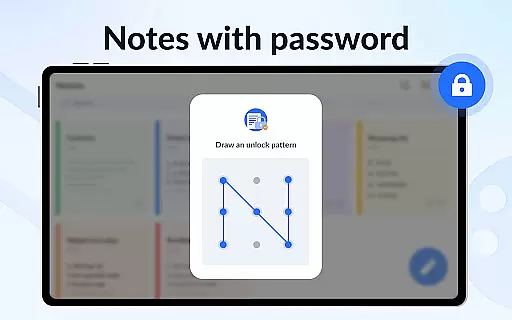
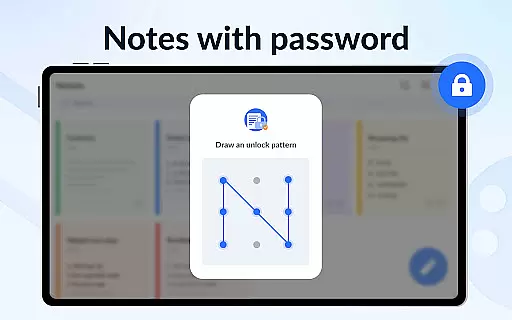
With features like calendar integration, color-coded organization, password protection, and sticky notes widgets, the app ensures users can efficiently manage their schedules while keeping important information secure and easily accessible. Whether for personal or professional use, Notein enhances productivity by providing a comprehensive digital notebook experience.
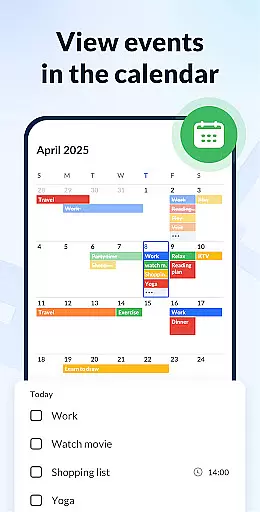
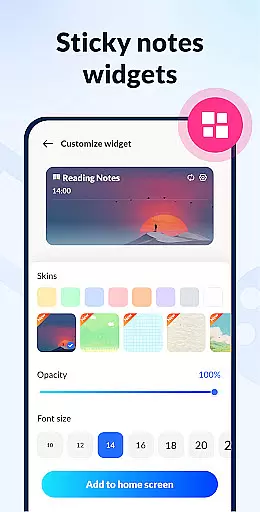
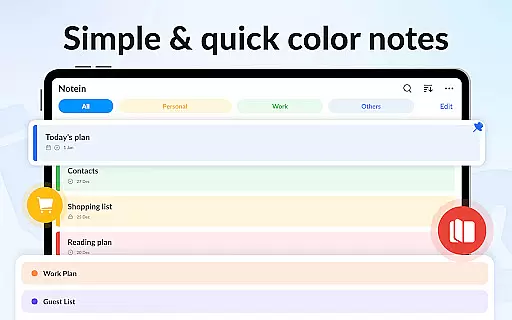
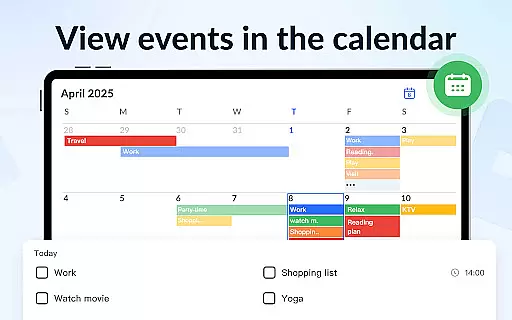
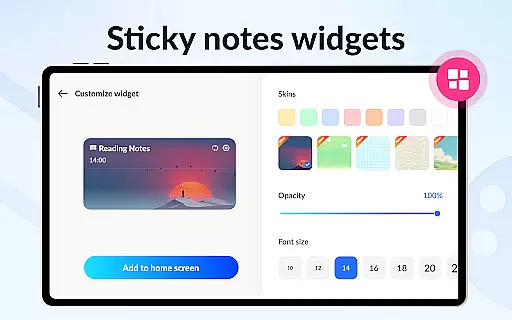
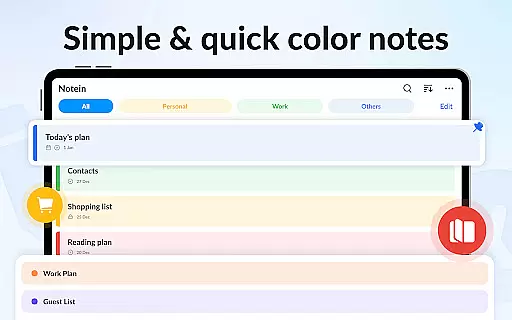
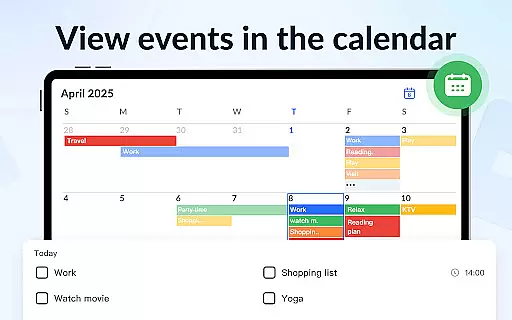
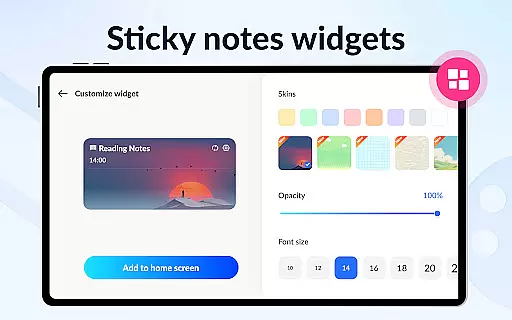
Notein stands out with its rich feature set tailored for efficient note management. The app provides colorful sticky notes widgets that allow users to pin important notes directly on their home screen for instant access. Its calendar mode enables scheduling tasks and viewing notes in a time-based context, making it easier to stay organized.
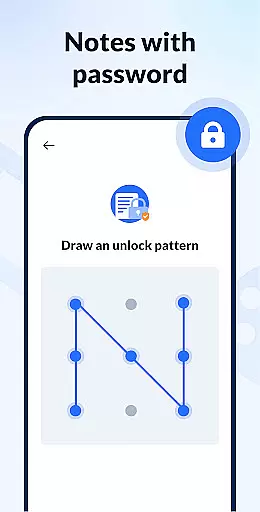
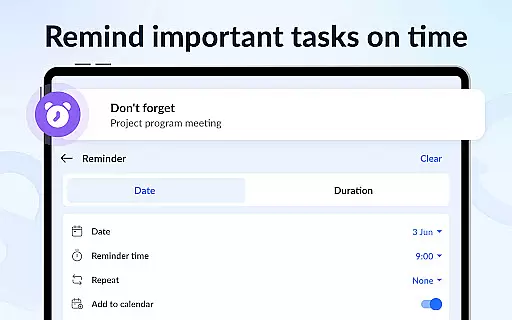
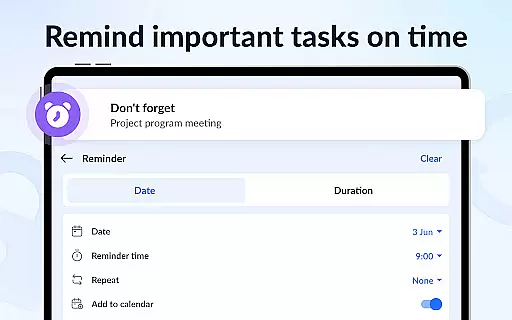
Additional functionalities include setting reminders for crucial tasks, managing notes by color for better categorization, and securing private notes with password protection. The app also supports cloud backup and restore, ensuring data safety. Sharing capabilities via various platforms and GTD (Get Things Done) methodology support further enhance its utility as a robust productivity tool.
Effective task management is essential for staying organized and productive in both personal and professional settings. Notein - Notepad, Notes, Lists excels in this area by offering a comprehensive suite of features designed to streamline your workflow.
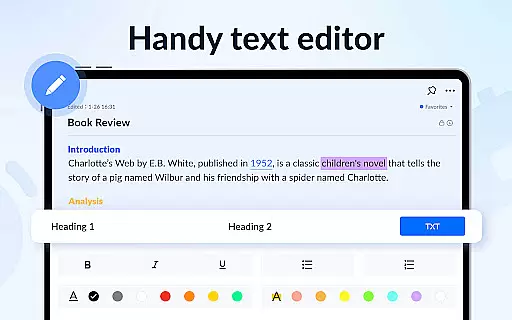
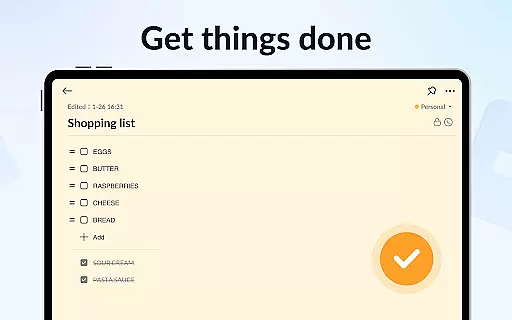
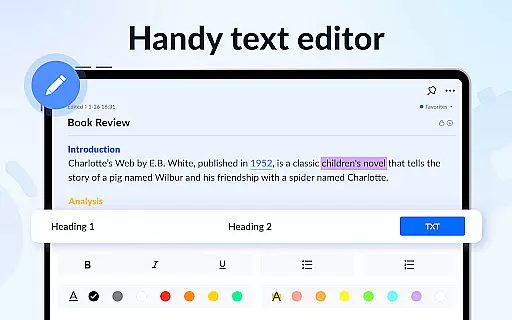
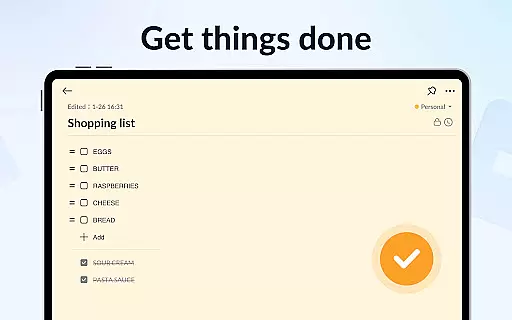
This productivity app provides multiple modes for note-taking, including text mode and checklist mode, allowing users to structure their tasks clearly. The automatic saving feature ensures that no information is lost, while the ability to pin important notes keeps critical tasks visible.
Users can benefit from the calendar integration, which enables them to schedule tasks and view their notes in a temporal context. This helps in planning and executing tasks more efficiently, ensuring deadlines are met without stress.
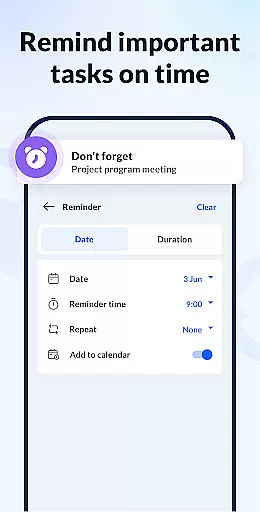
The app's reminder system is another valuable asset, notifying users of upcoming tasks and deadlines. With these capabilities, Notein empowers users to manage their responsibilities effectively, enhancing overall productivity.
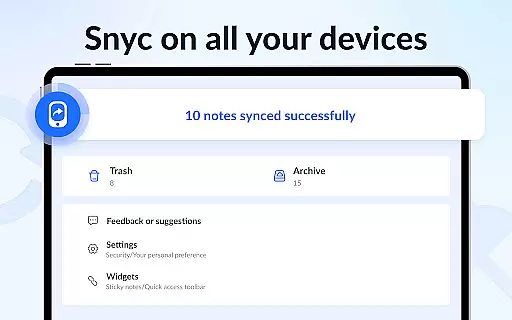
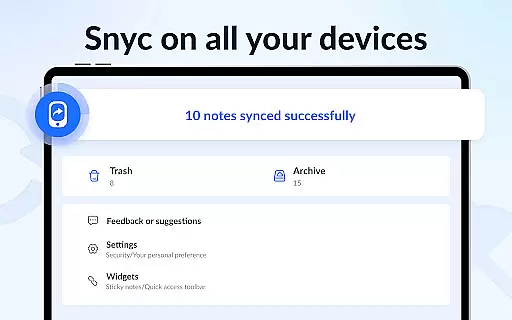
In today's interconnected world, reliable cross-device synchronization is crucial for maintaining seamless access to information across different platforms. Notein addresses this need by providing robust cloud backup and restore functionality.
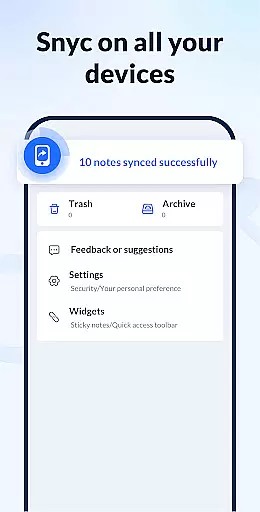
The app supports backing up all notes and lists to the cloud, safeguarding against data loss and enabling access from multiple devices. This means you can start a note on your phone during the commute and continue editing it on your tablet at home without missing a beat.
Furthermore, the sticky notes widget feature extends this convenience by displaying your most important notes directly on your device's home screen. This instant access enhances productivity by keeping vital information always within reach.
With its focus on synchronization reliability, Notein ensures that your notes remain consistent and up-to-date across all your devices, providing peace of mind and uninterrupted workflow.
User-friendly interface
Automatic note saving
Color-coded organization
Secure password protection
Cloud backup functionality
Limited advanced formatting
No collaboration features
Basic drawing tools
Occasional sync issues
Ads in free version

Native client for Forgejo and Gitea
 5.00
5.00
Ads Free App! Editor, Hide File, Copy, Move, Delete and Rename.. all facility av
1.70
Direct Chat without saving contacts & Dual WA Account on Single Device
4.70
Automates browsing any website and notifies you of important changes or events
4.30
Make your handwriting beautiful, even more than pen on paper.
3.60
All in One PDF Reader: Manage, Read and Edit your Documents
4.20
Cloud storage, automatic phone backup, and more.
4.10
Functional QR scanner and barcode reader that requires little storage space.
4.60
ID.me Authenticator is a simple and free Two Factor Authentication solution
3.50
Use powerful, industry-leading AI tools to generate visual charts from any data
4.80
aCalendar+ makes your day, week and month
4.70
App lock - lock apps with fingerprint, password, pin or pattern, protect privacy
4.70
A beautiful digital clock with autostart and many other functions
4.70
The Pro Version of Android's tiniest Notepad app. Just 0.3MB but feature-packed!
4.60
Fill, sign & send docs, forms, agreements & contracts via electronic signature.
4.50
Create and edit presentations with Google Slides, part of Google Workspace.
4.00
The ultimate file manager for rooted devices. The original and still the best.
4.00
⏰ Finally a timer app which can run multiple timers simultaneously on your watch
3.90
Mega cloud explorer plugin for Solid Explorer
3.80



User Reviews