
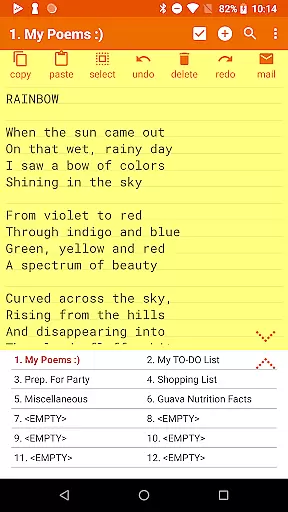
Notepad Pro represents the pinnacle of note-taking applications on Android, offering an extensive suite of features designed to enhance productivity. This app allows users to create unlimited notes with auto-save functionality, ensuring no thought or task is ever lost. Its compact size of just 0.3 MB and efficient design make it a versatile tool for both simple and complex note-taking needs.
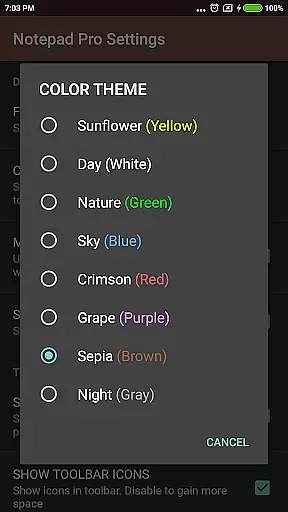
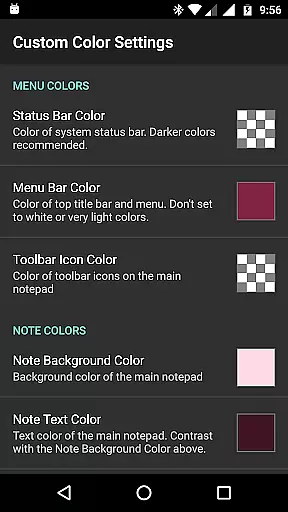
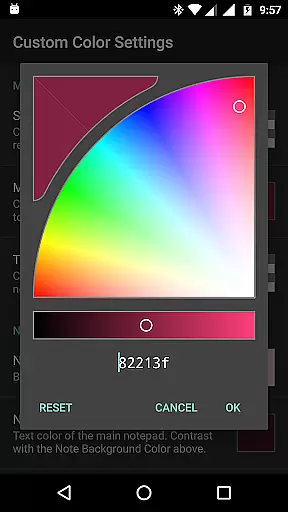
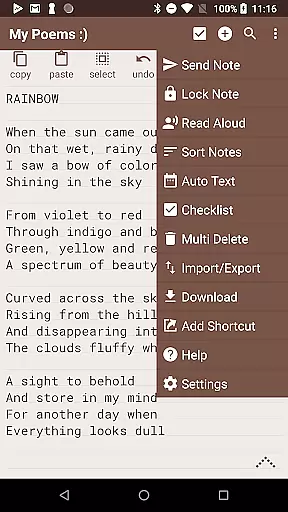
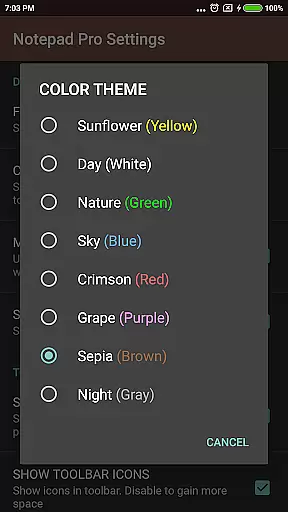
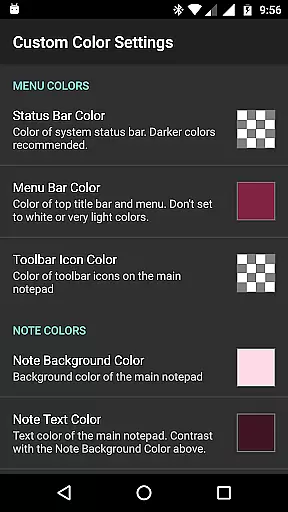
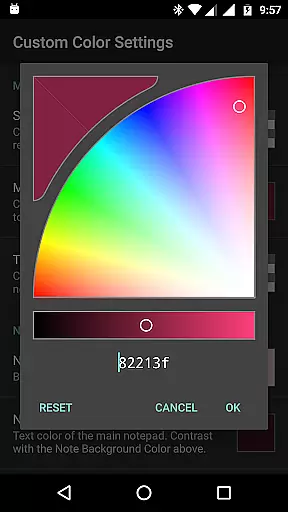
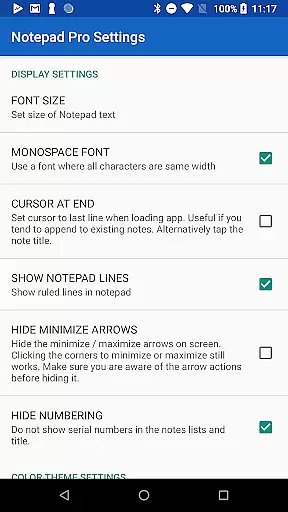
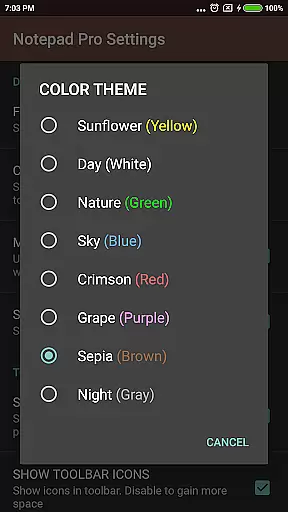
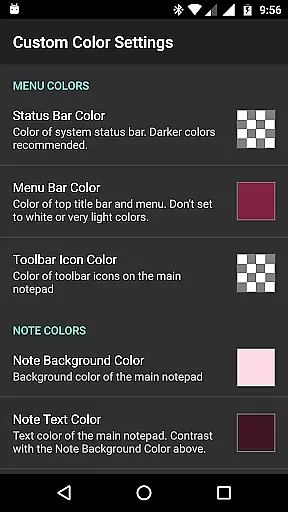
Beyond basic note creation, Notepad Pro excels in organization and customization. Users can categorize and bookmark notes, apply custom themes, and sort their entries effortlessly. The app also supports desktop widgets and shortcuts, providing seamless access to frequently used notes. These features make it ideal for professionals and students who require quick and organized access to their information.
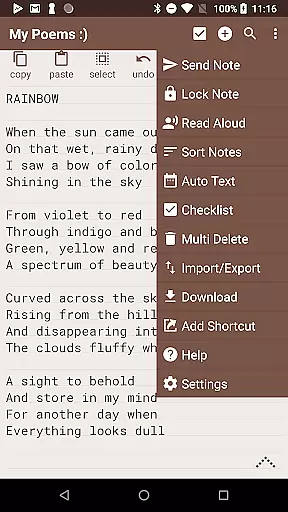
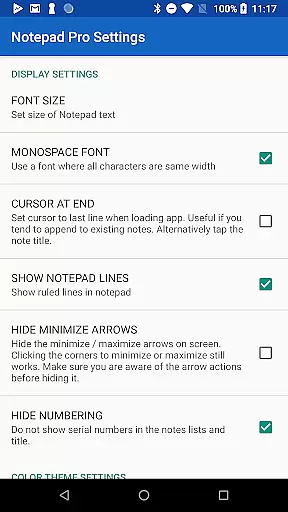
In addition to its robust feature set, Notepad Pro prioritizes user security and accessibility. It offers options to backup and restore notes, make notes read-only, and even share them via email or other apps. With capabilities like text-to-speech and comprehensive configuration settings, this app ensures that all users can tailor their experience to fit their unique requirements.
Notepad Pro stands out in the realm of productivity apps due to its rich feature set tailored for efficiency and customization. One of its hallmark features is the unlimited notepad slots, allowing users to jot down as many notes as needed without any constraints. Coupled with an auto-save function, users are guaranteed peace of mind knowing their data is secure.
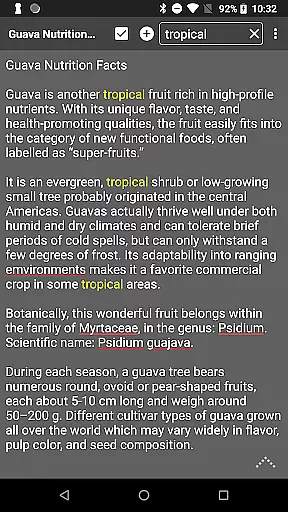
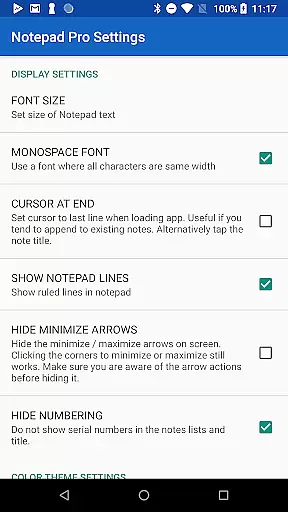
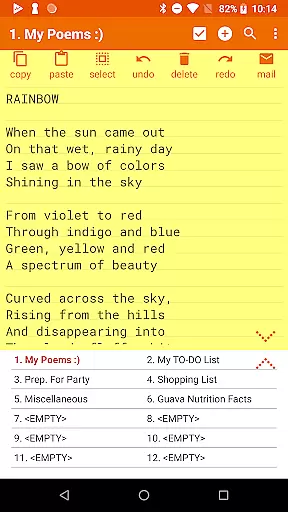
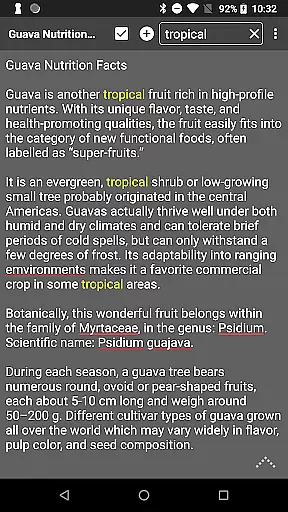
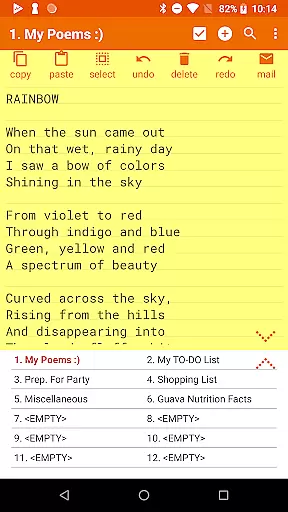
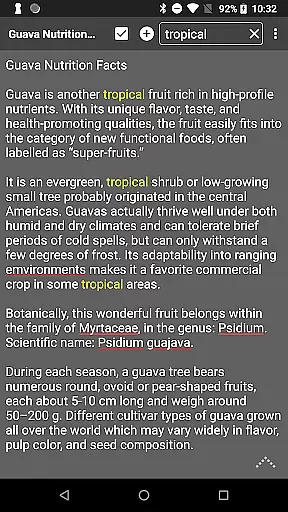
The app provides advanced organizational tools such as in-line checklists, search functionalities within and across notes, and the ability to rearrange and categorize notes. Custom themes and display options like full-screen view and always-visible note titles further enhance the user experience. These features ensure that every note is not only easy to create but also simple to locate and review.
Security and accessibility are at the forefront of Notepad Pro's design. Users can safeguard their notes with read-only settings, schedule backups, and even download local copies. Sharing options are equally robust, supporting integrations with external apps, email attachments, and desktop shortcuts. Such comprehensive features make Notepad Pro an indispensable tool for anyone seeking a reliable and customizable note-taking solution.
Notepad Pro excels in core task management by offering users a versatile Auto Save Notepad with unlimited notepad slots, ensuring that no idea or task is ever lost. This feature allows for seamless organization and access to notes anytime, anywhere.
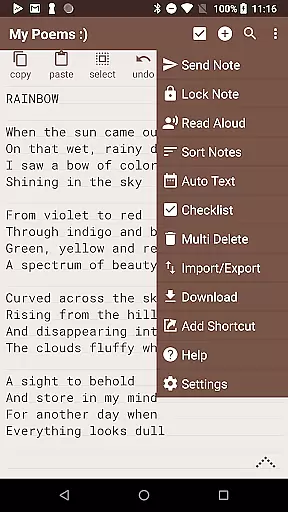
The app goes beyond simple note-taking by providing in-line checklist capability and the ability to search within and across notes. These functions empower users to efficiently manage tasks and retrieve information quickly, enhancing productivity.
With its tiny size of just 0.3 MB and no unwanted permissions, Notepad Pro ensures a lightweight yet secure experience. The desktop widget support further streamlines task management, allowing instant access right from the home screen.
Cross-device synchronization is crucial for users who work across multiple devices. Notepad Pro addresses this need by enabling users to download notes and backups locally, ensuring that their data is accessible even when switching between devices.
The app also offers selective import/export of notes, giving users control over which notes are synchronized. This flexibility ensures that only relevant information is shared across devices, maintaining an organized digital workspace.
Furthermore, Notepad Pro's ability to make notes read-only and specify backup frequency adds an extra layer of reliability. Users can safeguard their notes against accidental changes and ensure regular backups, making cross-device management both dependable and efficient.
Unlimited notes
Auto-save functionality
Customizable themes
Compact app size
Robust security options
Paid version only
No cloud sync
Limited design templates
Advanced features may overwhelm new users
Email sharing could be more streamlined

Mega cloud explorer plugin for Solid Explorer
 3.80
3.80
Absolutely the best CNC machinist speed and feed calculator around. fswizard.com
4.60
Remotely view listen control and record cameras.
3.70
Secure, fast, open-source, Remote Desktop Client for Windows and Linux with SSH
4.60
Pwnagotchi companion app
4.20
A comprehensive suite of tools designed specifically for Lactation Consultants
4.0
Understand anything with a personalized AI research assistant
4.80
Okta MFA
4.70
Set up, print, and get support—in one place
4.20
A beautiful digital clock with autostart and many other functions
4.70
A Pixel Art watchface inspired by other iconic 90s designs for Wear OS devices!
4.40
A customizable calendar for your Wear OS watch
4.20
All in One PDF Reader: Manage, Read and Edit your Documents
4.20
Device's storage information in a simple and clear graphical form (infographics)
4.10
Cloud storage, automatic phone backup, and more.
4.10
Activate Two Factor Authentication (2FA or Multi OTP), Password manager and more
4.10
Take control of your clipboard with Clipper!
3.90
Make your handwriting beautiful, even more than pen on paper.
3.60
Create study competitions, track your hours, and stay consistent with friends
4.0






User Reviews