
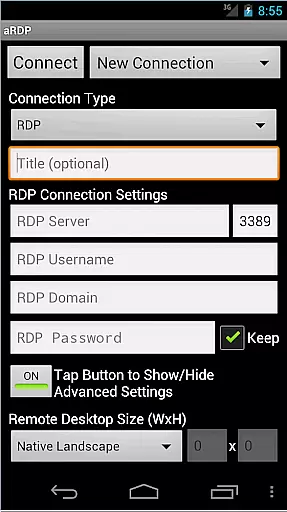
aRDP Pro is a premier open-source Remote Desktop Protocol (RDP) client, offering secure and versatile remote desktop control. It leverages the robust FreeRDP library to enable users to connect to Windows and Linux systems effortlessly.
With features like SSH tunneling, sound redirection, and multi-touch controls, it ensures a seamless experience across different platforms. The app is particularly beneficial for IT professionals and remote workers needing reliable access to their workstations.
aRDP Pro stands out with its comprehensive feature set tailored for productivity. It supports RDP file integration, multi-factor authentication, and console mode, catering to advanced user needs.
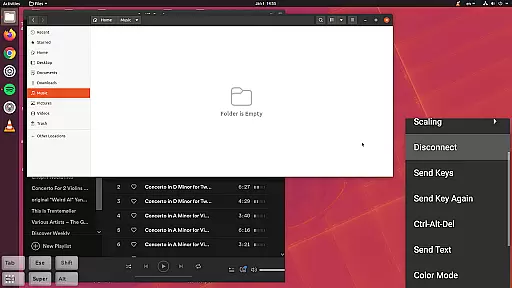
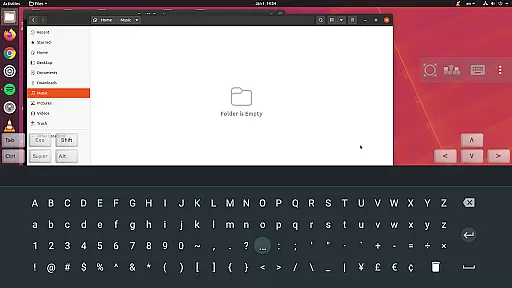
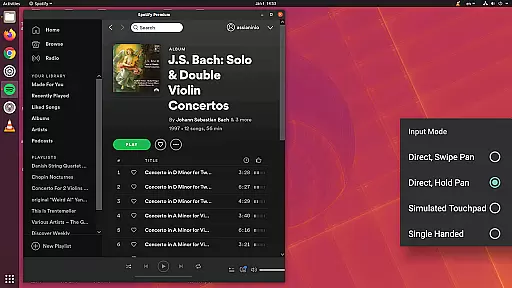
The application provides dynamic resolution changes, multi-language support, and full mouse functionality on Android 4.0+. Additionally, it offers innovative input methods such as simulated touchpad modes and stowable on-screen keys, enhancing usability and efficiency.
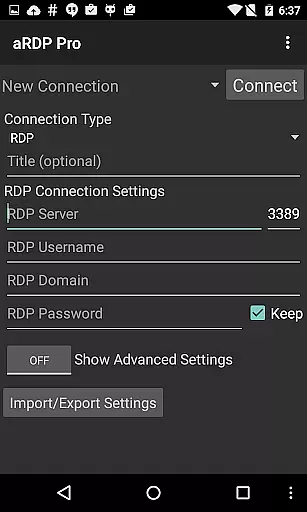
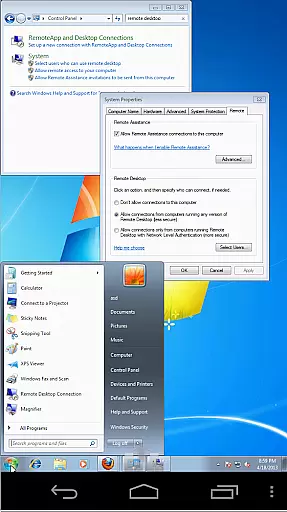
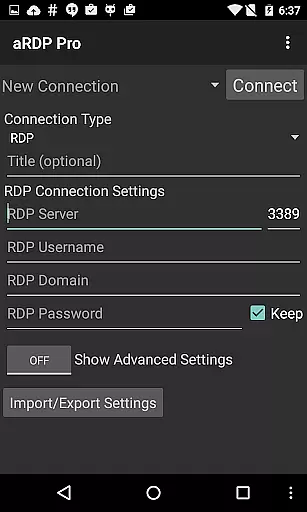
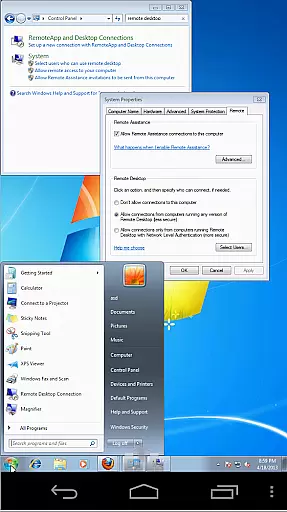
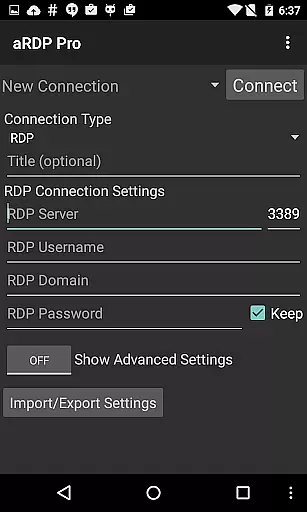
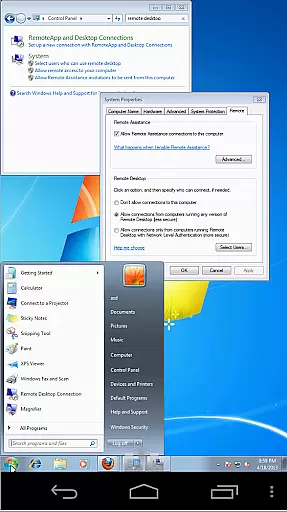
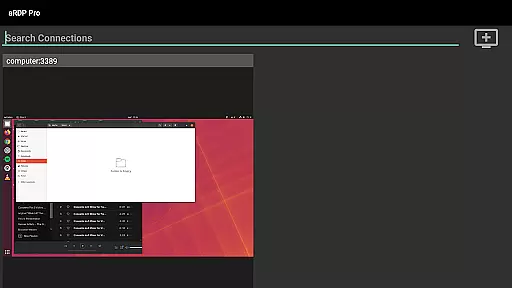
aRDP Pro excels in core task management by providing users with a comprehensive set of tools to control remote desktops efficiently. The application supports Remote Desktop Protocol (RDP) for Windows, except Windows 10 Home, and Linux computers with xrdp installed.
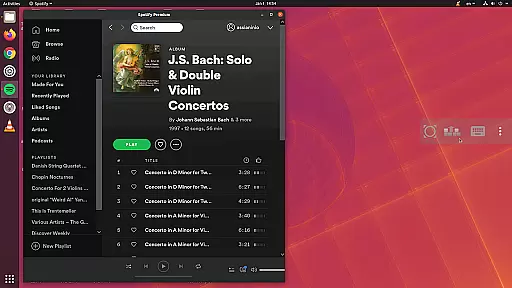
With features like dynamic resolution changes, multi-touch control, and various input modes, aRDP Pro ensures that users can reconfigure their desktop environments while maintaining an active connection. This flexibility is crucial for managing virtual machines from BIOS to OS level.
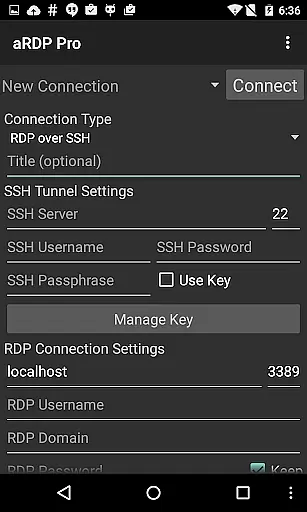
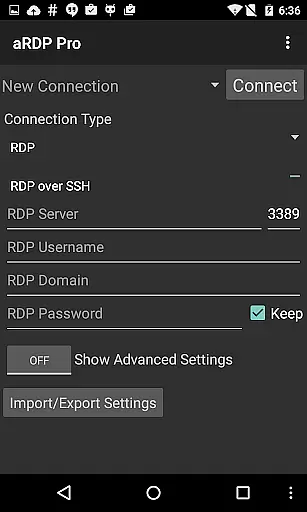
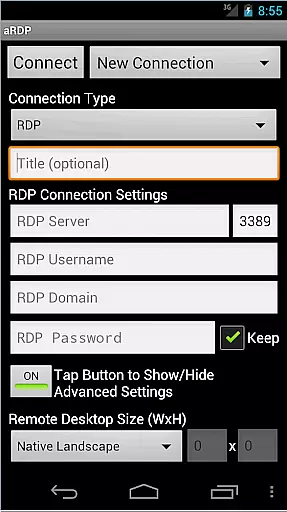
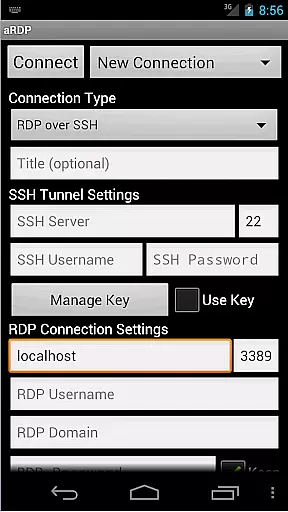
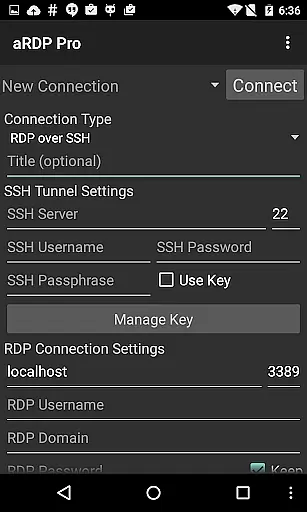
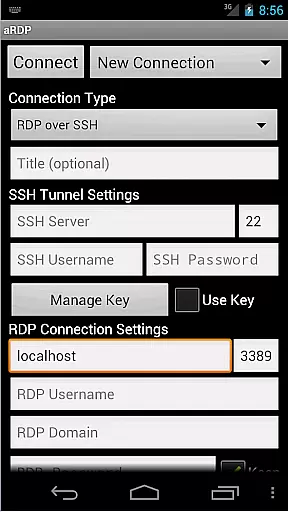
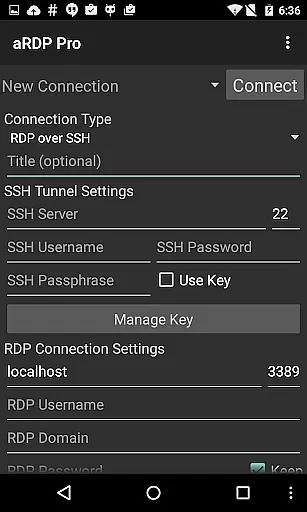
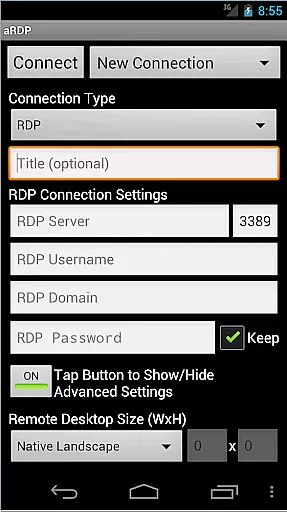
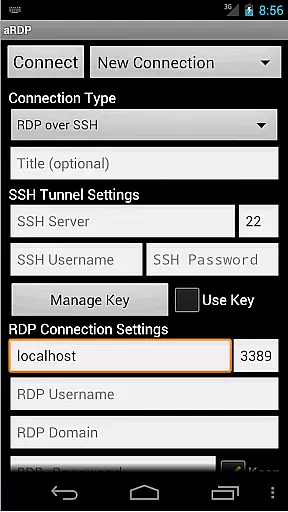
The app also offers SSH tunneling, adding a layer of security and enabling access to machines behind firewalls. Users benefit from the ability to save automatic connection sessions, thus streamlining repetitive tasks and enhancing productivity.
Overall, aRDP Pro's task management capabilities are designed to provide a seamless and secure remote desktop experience, making it an essential tool for IT professionals and remote workers alike.
Cross-device synchronization is a standout feature of aRDP Pro, ensuring reliable performance across different platforms. Whether you're using an Android smartphone or tablet, the app optimizes its UI for varying screen sizes, delivering a consistent user experience.
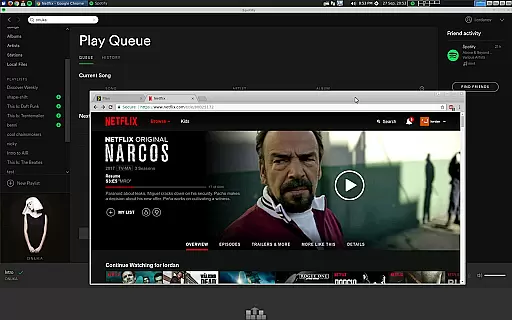
One of the key aspects of this reliability is the support for Samsung multi-window and Samsung DEX, allowing users to multitask effectively. Additionally, the app provides stowable on-screen keys such as Ctrl/Alt/Tab/Super and arrow keys, which enhance usability when switching between devices.
Clipboard integration further augments cross-device functionality by enabling copy/pasting from your local device to the remote desktop. This ensures that information flows smoothly between environments, reducing friction and increasing efficiency.
By focusing on these robust synchronization features, aRDP Pro guarantees that users can rely on consistent performance and functionality, regardless of the device they choose to use.
Secure SSH connections
Multi-touch remote control
Dynamic resolution adjustment
Comprehensive Linux support
Advanced session management
No iOS version available
Limited Windows 10 Home support
Occasional connectivity issues
Complex setup for beginners
Interface could be more intuitive

Direct Chat without saving contacts & Dual WA Account on Single Device
 4.70
4.70
The Pro Version of Android's tiniest Notepad app. Just 0.3MB but feature-packed!
4.60
Functional QR scanner and barcode reader that requires little storage space.
4.60
Tally and goal counter for Wear OS & mobile
4.50
To do list widget with a notebook organizer, checklist, simple shopping list
4.60
Use powerful, industry-leading AI tools to generate visual charts from any data
4.80
Seamlessly read, manage, and organize all your PDF files solution in one place
4.40
Set up, print, and get support—in one place
4.20
Browse and view your photos and videos from the phone with photo & video hide.
4.10
Mind Map and brainstorm, note taking and idea collection
4.80
App Lock with fingerprint, password: Lock apps & hide photos with lock screens
4.60
Calendar 2023 widget for Android. Appointment scheduler, planner, and reminder
4.60
PDF scanner & converter for files, photos, lottery, QR codes. One swipe away!
4.50
CalenGoo is a very flexible and feature-rich calendar app
4.40
Wake up & get tasks done! Add alarms & reminders on the Clock Launcher.
4.00
The ultimate file manager for rooted devices. The original and still the best.
4.00
Ultimate Virtual AI Character for immersive Roleplay Chat. Perfect Companion
3.90
All in one sketching tool. Technical and General drawing. Online Maps support.
3.70
Simple and reliable communication between inmates, friends and family
3.20




User Reviews