
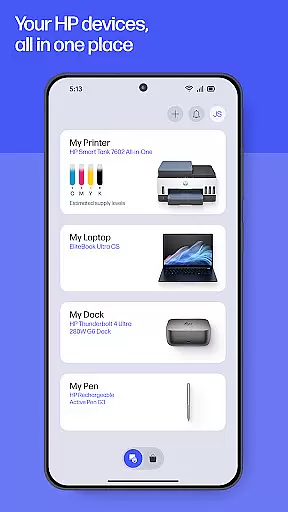
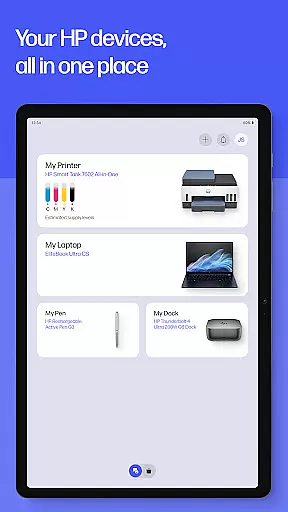
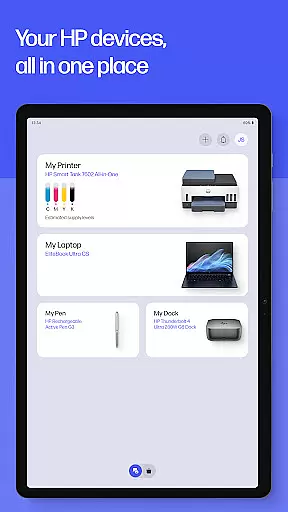
The HP app is a comprehensive productivity tool designed to enhance your experience with HP devices. It serves as an all-in-one solution for printer setup, personalized printing, scanning, and accessing support. With guided setups, users can effortlessly manage their printers and computers while staying informed about ink levels and device settings.
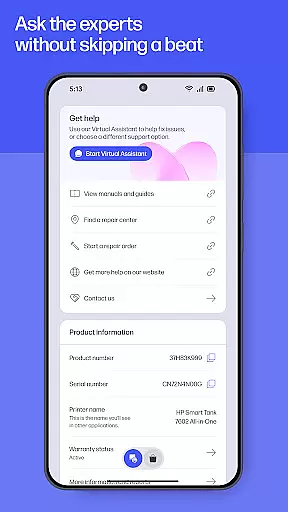
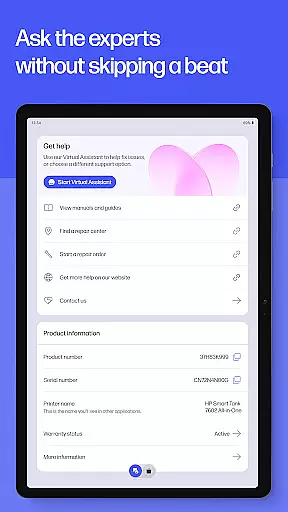
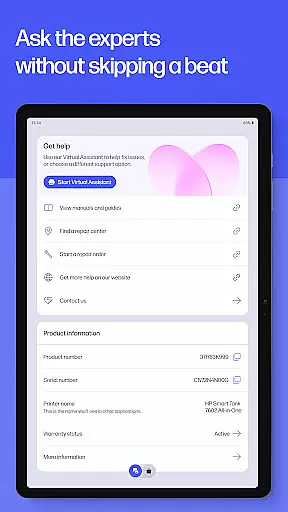
Additionally, the app offers advanced features such as HP Printables, photo printing, document scanning, faxing, and print shortcuts. These functionalities ensure that whether you're at home or in the office, completing tasks like printing school forms or scanning receipts is seamless and efficient. The app also provides instant help through live chat and phone support, ensuring uninterrupted productivity.
This application is particularly beneficial for individuals and businesses relying on HP technology, offering tools that make daily tasks easier and more efficient. By integrating various functions into one platform, the HP app streamlines workflows and enhances user convenience.
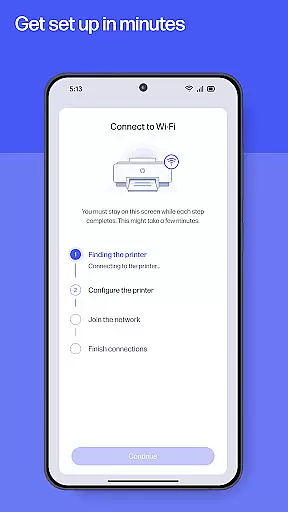
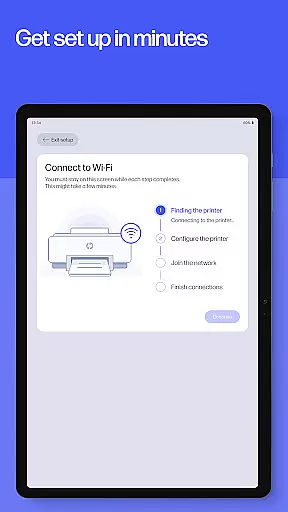
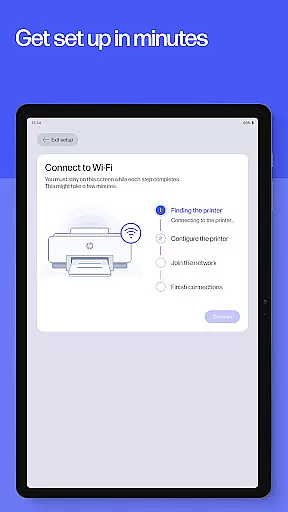
The HP app boasts a wide array of features tailored to maximize productivity. One standout feature is the guided setup, which simplifies the process of setting up new devices by providing step-by-step instructions. This ensures users can quickly start managing their HP printers and computers, including essential tasks like checking ink levels.
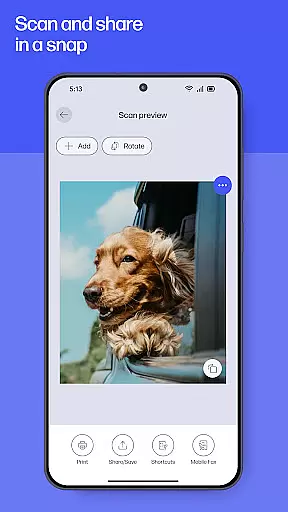
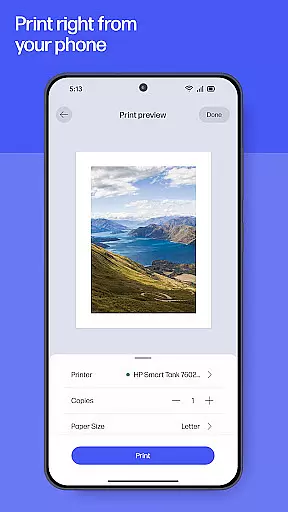
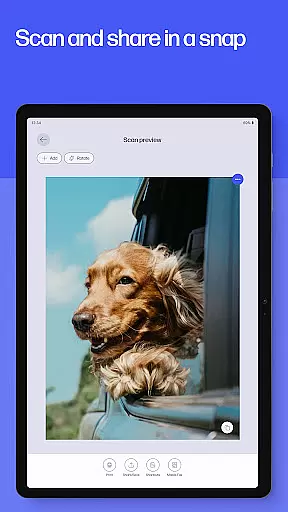
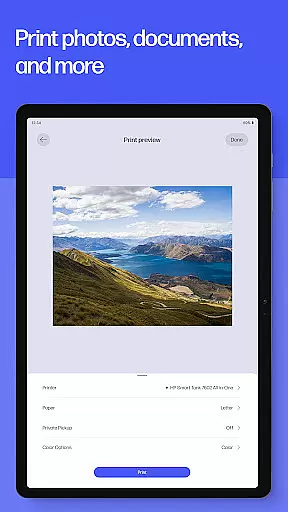
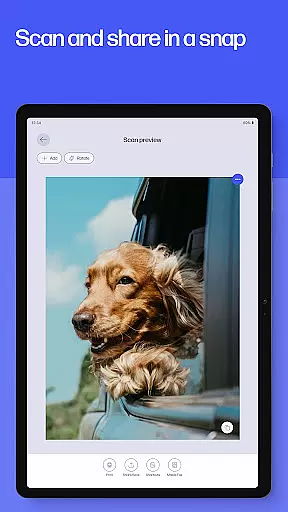
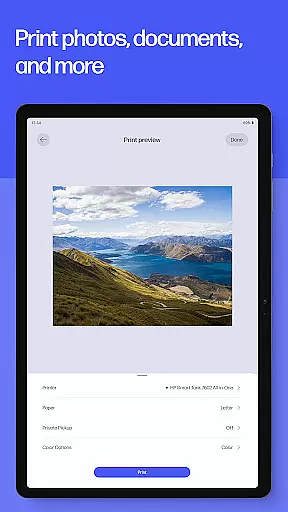
Another significant feature is HP Printables, which unlocks a world of creativity with access to cards, coloring pages, educational worksheets, and fun craft projects. Users can also print high-quality photos directly from their devices and adjust documents before printing. The app supports scanning and digitizing documents for easy sharing and storage, along with fax capabilities for sending and receiving faxes directly within the app.
Furthermore, the app includes print shortcuts for frequently used tasks and notifications for low ink or paper supplies, ensuring uninterrupted printing. With features like HP Warranty Check, users can keep track of their device warranties. These robust functionalities collectively enhance the overall user experience, making the HP app a versatile tool for both personal and professional use.
Task management is at the heart of productivity applications, and the HP app excels in providing users with a streamlined experience. This app allows you to handle various tasks such as printing, scanning, and managing your HP devices efficiently. With guided setups for new devices and features like checking ink levels, it ensures that you can focus on your work without getting bogged down by device management.
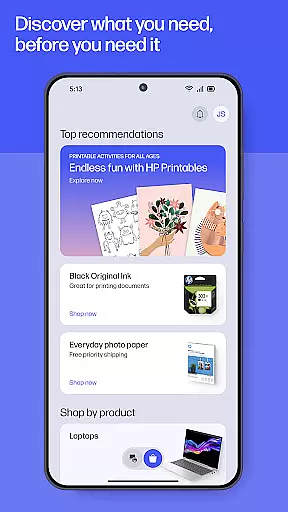
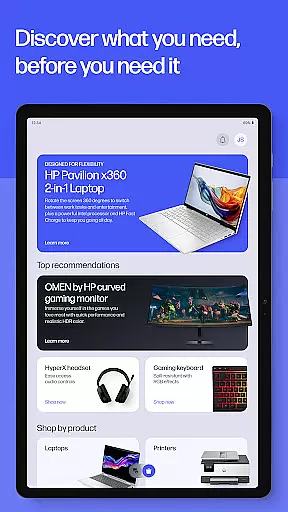
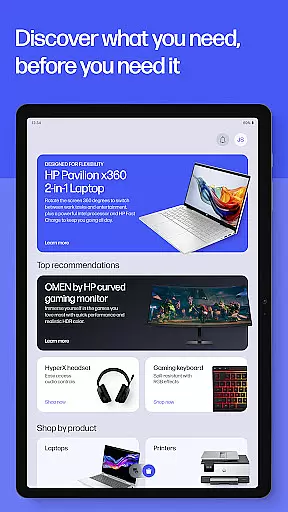
The HP app goes beyond basic task management by offering personalized recommendations and customizable settings. Users can adjust their device settings to match their preferences and discover new HP products that suit their needs. The inclusion of Print Shortcuts allows for quick access to frequently used print jobs, saving time and enhancing workflow efficiency.
Moreover, the app provides essential notifications, such as low ink or paper alerts, ensuring uninterrupted productivity. These proactive notifications enable users to order supplies promptly, keeping their tasks on track. By centralizing these core functions, the HP app delivers an intuitive and effective task management solution, making it an indispensable tool for both home and office environments.
Cross-device synchronization is crucial for maintaining consistency and reliability across different platforms, and the HP app offers robust solutions in this area. Whether you're using an Android mobile phone or tablet, the app ensures that your data and settings are seamlessly synchronized. This means you can start a task on one device and continue it on another without missing a beat.
The app's synchronization capabilities extend to its wide array of features, including printing, scanning, and document management. For instance, Scan Documents allows users to quickly digitize paperwork and access them from any synced device. Similarly, Print Shortcuts and customized settings are reliably mirrored across devices, providing a uniform experience regardless of where you are working from.
Furthermore, the HP app supports auto-updates, ensuring that all your devices have the latest features and improvements. This commitment to synchronization reliability means that users can trust the app to deliver consistent performance and functionality. By prioritizing cross-device compatibility and real-time updates, the HP app enhances user convenience and productivity, making it a reliable choice for managing tasks across multiple devices.
User-friendly interface
Comprehensive device management
Advanced printing options
Instant support services
Versatile document handling
Limited to HP devices
Some features English-only
Potential future charges
Internet access required
HP account necessary

Unlock AutoNotification
 4.00
4.00
All in one sketching tool. Technical and General drawing. Online Maps support.
3.70
A simple, portable logger for POTA, SOTA, Field Day, and more
4.0
Protect and view your important info on your phone and tablet with eWallet®
4.80
⏰ Finally a timer app which can run multiple timers simultaneously on your watch
3.90
Subscribe to Webcal & .ics calendars and keep them up-to-date!
4.50
Tally and goal counter for Wear OS & mobile
4.50
* block pre-roll ads, pop-up and forced redirect ads * Samsung certification app
4.00
QuickEdit is a fast, stable and full featured text and code editor.
4.20
8 custom complications. Custom Time Fonts. Beautiful color schemes. A++ Design.
5.00
Scientific calculator for Android - looks and operates like the real thing!
4.90
Direct Chat without saving contacts & Dual WA Account on Single Device
4.70
Device's storage information in a simple and clear graphical form (infographics)
4.10
Customizable calendar widget for seamless event sync, planning & scheduling.
4.00
The ultimate file manager for rooted devices. The original and still the best.
4.00
Ultimate Virtual AI Character for immersive Roleplay Chat. Perfect Companion
3.90
A Revolutionary All-in-One Artificial Intelligence Tools
3.80
Easiest event planning, volunteer signups & parent teacher conference scheduling
2.20
IP Camera Viewer - Android TV : RTSP Surveillance camera viewer for Android TV
4.5




User Reviews