
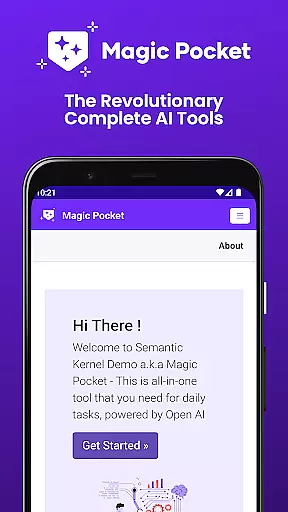
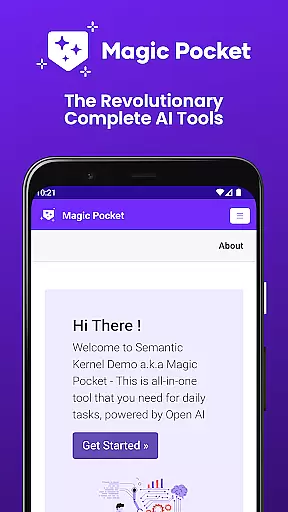
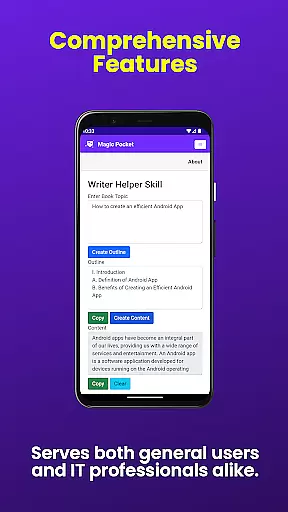
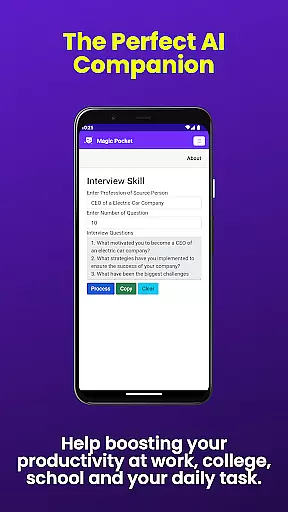
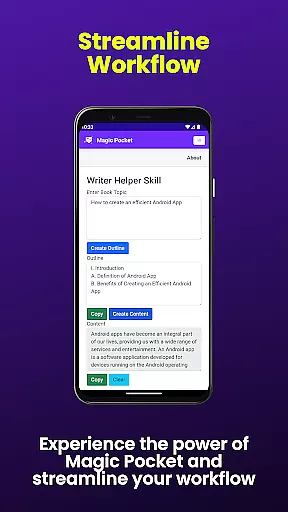
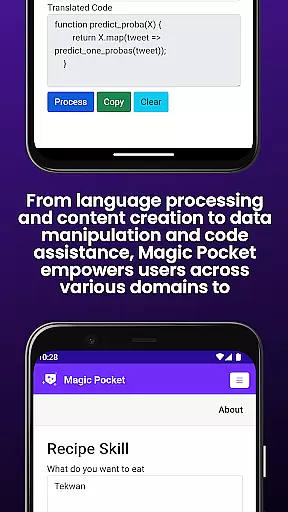
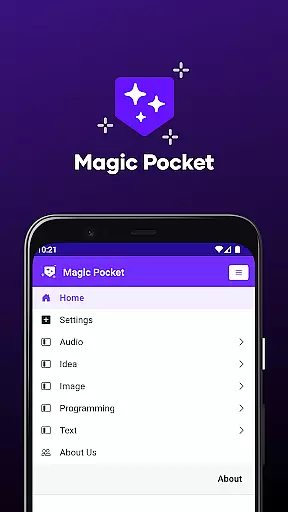
Magic Pocket is a productivity powerhouse, offering users an extensive suite of 100 cutting-edge features designed to enhance creativity and efficiency. Available on Android and Windows platforms, this app provides innovative tools for media management, creative projects, and text transformation.
At its core, Magic Pocket enables seamless video conversations, smooth speech-to-speech translation, and effortless content conversion between HTML and Markdown formats. The application stands out with its AI-driven capabilities, including image animation through voice commands, high-quality video generation using the Luma model, and realistic handwriting simulation.
This versatile tool proves invaluable for professionals and creatives alike. Whether you're generating detailed images with the Sana Model, creating captivating 2D animations from static pictures, or manipulating video backgrounds, Magic Pocket streamlines complex tasks while maintaining exceptional output quality.
The application's feature set distinguishes itself through remarkable diversity and innovation. Magic Pocket incorporates advanced AI models like Photon for image generation and Trellis for 3D asset creation, alongside traditional productivity tools such as video captioning and foreground extraction.
Users benefit from sophisticated image processing capabilities, including resolution enhancement through image inversion and seamless background replacement in videos. The app's strength lies in its ability to transform various media formats - from converting images to emojis and vector graphics to generating professional headshot photographs instantly.
Particularly noteworthy are Magic Pocket's creative automation features. These include automated video generation from existing footage, voice-activated image animation, and efficient data extraction from visual content. Each feature is designed to save time while maintaining professional-grade results across different media types.
Task management is a cornerstone of productivity applications, and Magic Pocket excels in this domain by offering an extensive suite of features designed to streamline your workflow. With the introduction of 100 cutting-edge tools, users can now manage tasks with unprecedented precision and efficiency.
Magic Pocket's task management capabilities are highlighted by innovative functions such as Talk with Video for seamless communication, Extract Image Data for organizing visual information, and Change Video Background to customize media content effortlessly. These features collectively ensure that every aspect of your project can be tackled within a single, versatile app.
The true value of Magic Pocket lies in its ability to integrate various productivity tools into one platform. Users benefit from Html to Markdown converters, Speech to Speech translation, and Vector Image Generators, which together create a comprehensive work environment that adapts to diverse needs. This consolidation not only saves time but also enhances the quality of output across different types of projects.
Ultimately, Magic Pocket empowers users to take control of their tasks like never before. Whether you're handling creative projects or managing media assets, the application provides robust solutions that cater to both simple and complex requirements, ensuring that productivity is not just maintained but significantly amplified.
Cross-device synchronization is essential for maintaining workflow continuity in today's multi-device world. Magic Pocket addresses this need with reliable synchronization features that ensure your data and projects are consistently up-to-date across all your devices.
The application supports real-time updates, allowing users to start a task on one device and seamlessly continue on another without missing a beat. For instance, the Handwriting Generator and Video Foreground Extractor maintain state and progress regardless of where you access them from, providing a fluid cross-platform experience.
Magic Pocket's synchronization extends beyond mere data replication; it encompasses the entire ecosystem of tools. From Luma Video Generator to Sana Image Generator, each feature is meticulously engineered to sync settings, preferences, and project states across Android and Windows platforms. This ensures that whether at home or on-the-go, your creative process remains uninterrupted.
By prioritizing synchronization reliability, Magic Pocket guarantees that users can focus on their work without worrying about data loss or inconsistencies. This peace of mind is invaluable for professionals who rely on consistent access to their tools and information, making Magic Pocket an indispensable asset in any productive environment.
Extensive feature set
Cross-platform support
AI-powered tools
Professional output quality
Regular updates
Steep learning curve
High system requirements
Subscription costs
Complex interface
Limited mobile functionality

Seamlessly integrate data and reports to build your presentation to impress
 4.80
4.80
All in one sketching tool. Technical and General drawing. Online Maps support.
3.70
Device's storage information in a simple and clear graphical form (infographics)
4.10
⏰ Finally a timer app which can run multiple timers simultaneously on your watch
3.90
Todo reminder
4.10
All document reader, all in one file viewer read PDF, DOCX, XLS, PPT, TXT files.
4.60
Subscribe to Webcal & .ics calendars and keep them up-to-date!
4.50
A simple Whisper AI keyboard for reliable speech transcription and rewording
4.60
Browse and view your photos and videos from the phone with photo & video hide.
4.10
Best Tool for the professionals Electrician, Electrical contractors, etc.
4.90
Calendar 2023 widget for Android. Appointment scheduler, planner, and reminder
4.60
Functional QR scanner and barcode reader that requires little storage space.
4.60
Lightweight PDF, Word, Excel reader.
4.60
Activate Two Factor Authentication (2FA or Multi OTP), Password manager and more
4.10
Intelligent AI Assistant
4.10
Mega cloud explorer plugin for Solid Explorer
3.80
Make your handwriting beautiful, even more than pen on paper.
3.60
Simple and reliable communication between inmates, friends and family
3.20
Ads Free App! Editor, Hide File, Copy, Move, Delete and Rename.. all facility av
1.70






User Reviews