
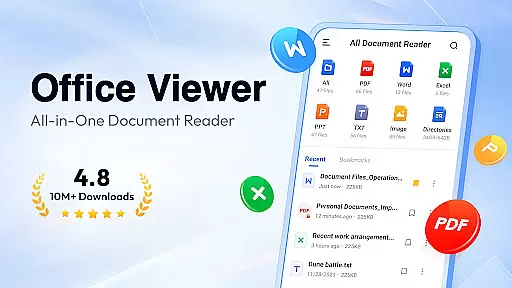
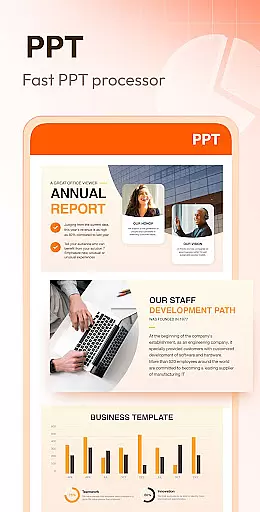
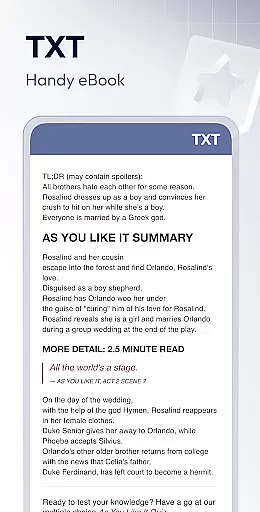
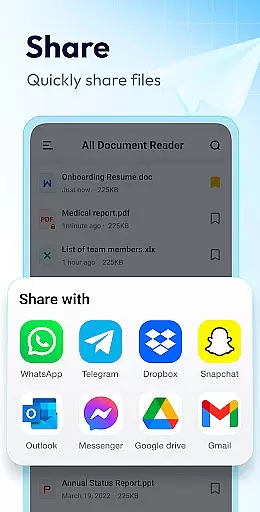
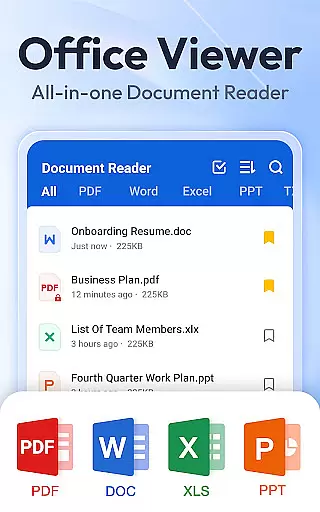
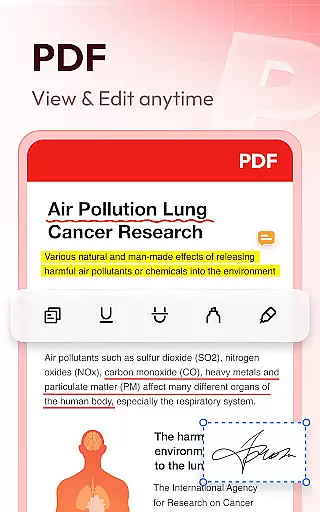
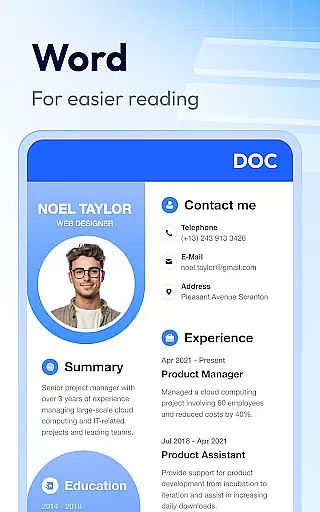
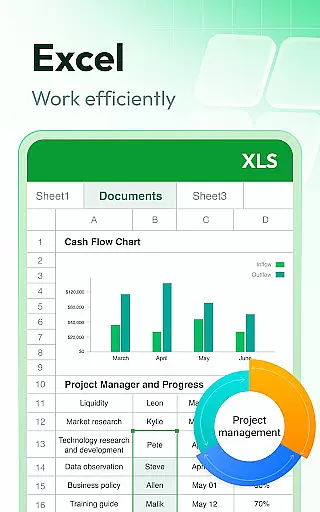
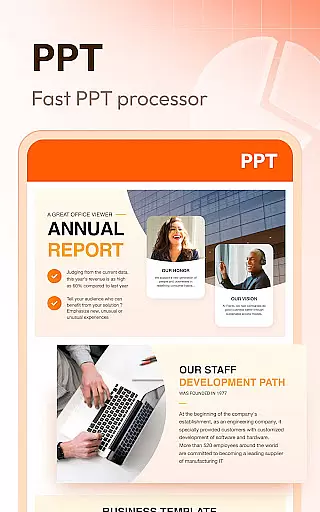
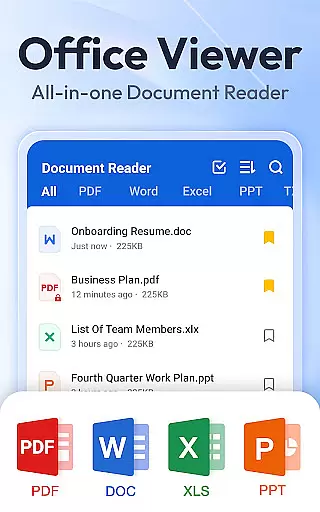
Document Reader & PDF Editor is a versatile productivity tool designed to streamline document management across various formats. This all-in-one solution supports PDF, Word, Excel, PPT, and TXT files, offering users the ability to read, organize, and manage their documents efficiently.
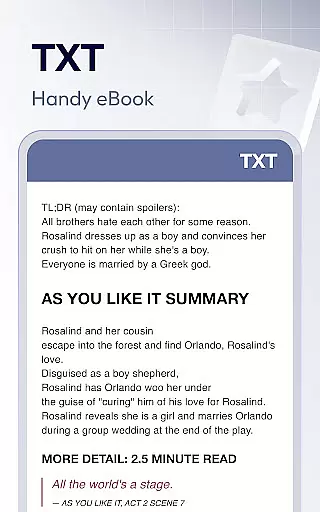
The app stands out with its user-friendly interface that presents files in well-organized folders, enabling quick search and easy access. Whether you need to open a Word document, read a PDF, or manage multiple file types in one place, Document Reader provides a seamless experience without requiring an internet connection.
Ideal for professionals and students alike, this app allows for offline document reading and bookmarking for quick retrieval. Its compatibility with all office formats and additional features like zoom functionality and print capabilities make it an essential tool for anyone seeking to enhance their document handling efficiency.
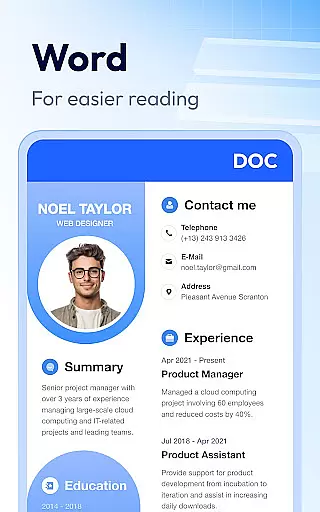
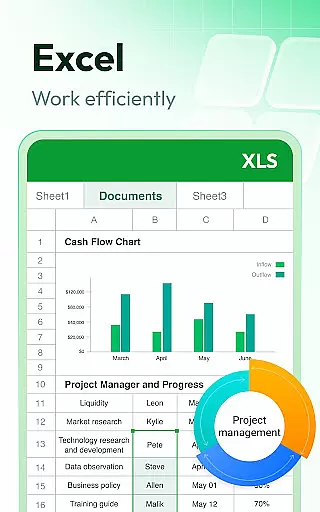
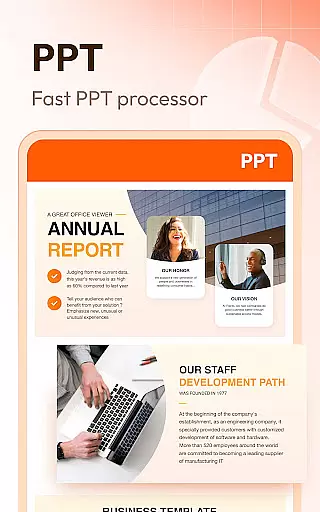
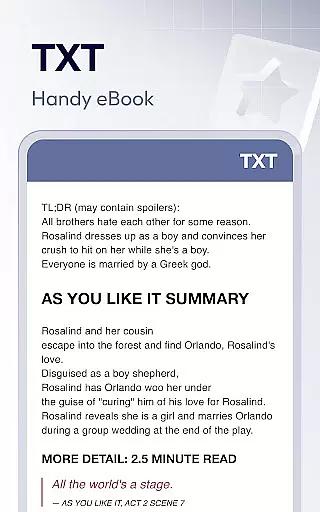
Document Reader & PDF Editor distinguishes itself through a comprehensive feature set tailored for productivity. The app's core strength lies in its extensive format support, including PDF, DOC, XLS, PPT, and more, making it a universal document viewer.
Advanced functionalities such as page zooming, direct page jumping, and switching between landscape and portrait modes enhance the reading experience. Users can sort documents by various criteria, utilize quick search features, and enjoy HD quality viewing with stable performance.
Innovative tools like image to PDF conversion, night mode, and in-document text search demonstrate the app's commitment to providing a complete document management solution. These features collectively ensure that users can handle their files with unprecedented ease and flexibility.
At the heart of Document Reader & PDF Editor lies its robust core task management system, designed to streamline document handling across various formats. This productivity tool consolidates PDF, Word, Excel, and PPT files into a unified interface, simplifying file navigation and management.
The application's intelligent organization features allow users to quickly search and access documents through well-structured file lists. Sorting options by file path, size, name, or last edit date enhance the efficiency of document retrieval, ensuring that users can manage their files with minimal effort.
Document Reader goes beyond basic viewing by offering advanced functionalities such as bookmarking crucial documents for instant access and enabling offline reading. These capabilities ensure that users maintain productivity regardless of their internet connectivity status.
By integrating essential office suite viewers into one application, Document Reader & PDF Editor eliminates the need for multiple apps, providing a seamless experience for professionals who require reliable and versatile document management on the go.
While Document Reader & PDF Editor currently focuses on individual device performance, its developers understand the importance of cross-device synchronization in today's interconnected world. The application maintains consistent performance across different Android versions, particularly with the MANAGE_EXTERNAL_STORAGE permission for devices running Android 11 and above.
The app ensures reliable access to documents regardless of the device being used. Its offline functionality guarantees that users can work on their documents without worrying about network availability, though synchronization features are limited to local device management at present.
Looking ahead, the development team plans to enhance synchronization capabilities, potentially allowing seamless transitions between smartphones, tablets, and other devices. This would enable professionals to start working on one device and continue on another without losing progress or formatting integrity.
Although full cloud synchronization is not yet implemented, the application's current architecture lays a solid foundation for future expansion into cross-device functionality, promising enhanced productivity and convenience for users managing documents across multiple platforms.
User-friendly interface
Offline functionality
Multi-format support
Quick search feature
HD quality viewing
Limited editing capabilities
Requires storage permission
No cloud integration
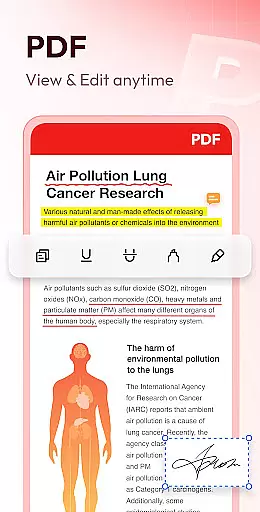
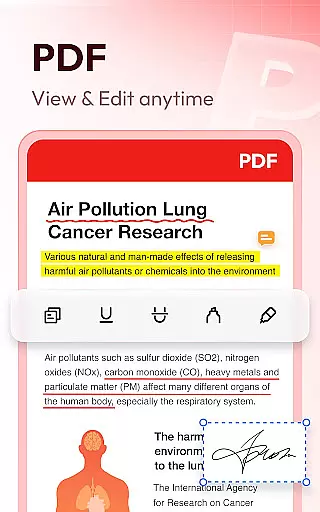
Basic PDF tools only
Interface could be outdated

Experience Reading - Night Mode for Documents
 4.40
4.40
Create study competitions, track your hours, and stay consistent with friends
4.3
Direct Chat without saving contacts & Dual WA Account on Single Device
4.70
8 custom complications. Custom Time Fonts. Beautiful color schemes. A++ Design.
5.00
Make your handwriting beautiful, even more than pen on paper.
3.60
Enjoy classic gameplay with customizable features and retro-style graphics.
4.30
Best Tool for the professionals Electrician, Electrical contractors, etc.
4.90
Daily processing of PDF documents.
4.40
Set up, print, and get support—in one place
4.20
Native client for Forgejo and Gitea
5.00
Secure, fast, open-source, VNC and SSH Remote Desktop for Windows, Linux and Mac
4.70
To do list widget with a notebook organizer, checklist, simple shopping list
4.60
Lightweight PDF, Word, Excel reader.
4.60
Subscribe to Webcal & .ics calendars and keep them up-to-date!
4.50
Send files, sync SMS, notifications & clipboard across devices via local network
4.40
All in One PDF Reader: Manage, Read and Edit your Documents
4.20
Customizable calendar widget for seamless event sync, planning & scheduling.
4.00
Take control of your clipboard with Clipper!
3.90
Remotely view listen control and record cameras.
3.70



User Reviews