
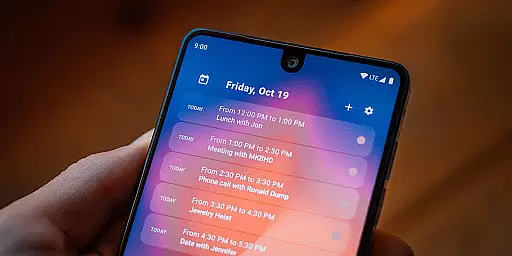
Home Agenda is a highly customizable calendar widget and planner designed to streamline your daily schedule while offering a personalized experience on your Android home screen. This productivity tool allows users to sync events from multiple calendar services, including Google Calendar and Outlook, ensuring all important appointments are centralized in one convenient location. With instant synchronization and real-time notifications, staying organized has never been easier.
The app stands out with its custom design options, enabling users to tailor widget sizes and themes to match their personal style. Whether you need quick access to your agenda or want to plan your day efficiently, Home Agenda provides an intuitive interface that enhances usability. Its lightweight architecture ensures minimal battery consumption, making it ideal for everyday use without compromising device performance.
What truly sets Home Agenda apart is its commitment to privacy. Unlike many other calendar apps, it operates 100% locally, meaning no data tracking or intrusive ads. Your information remains private, giving you complete control over your schedule. This makes the app not only a practical planning tool but also a secure solution for managing your time effectively.
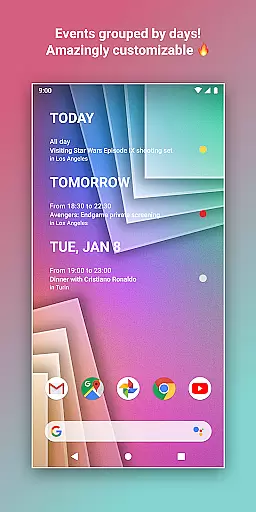
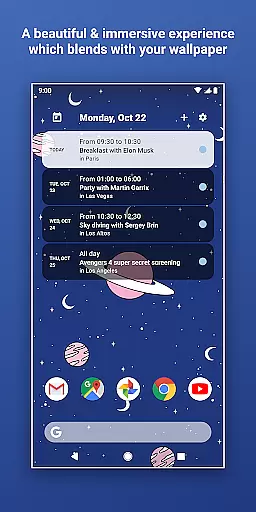
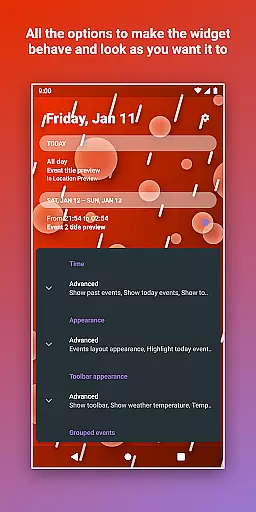
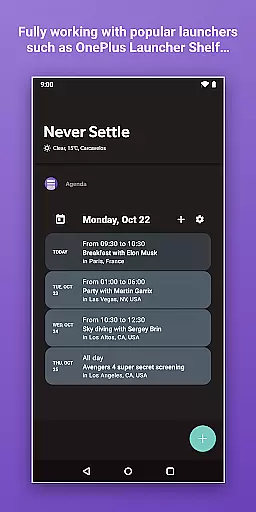
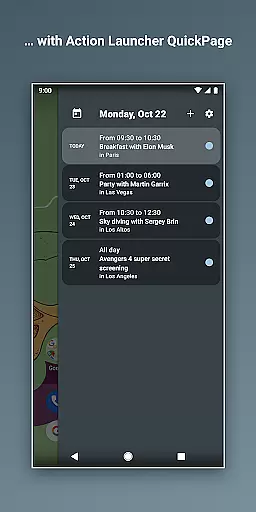
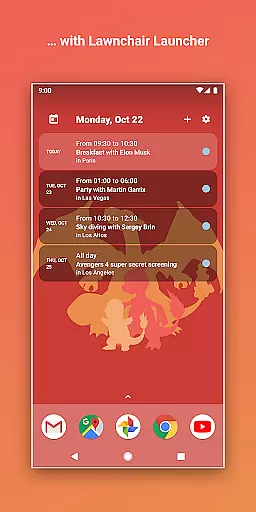
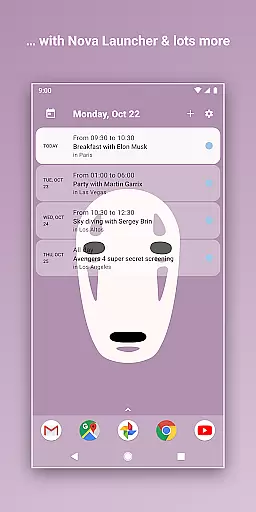
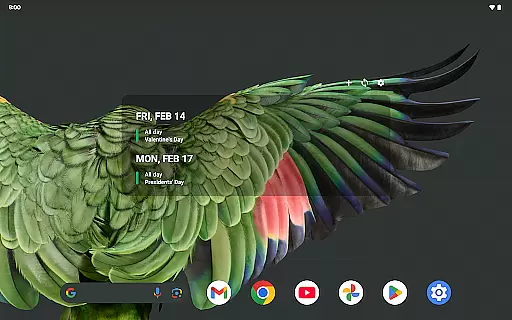
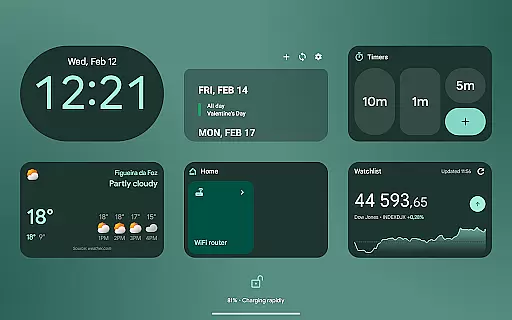
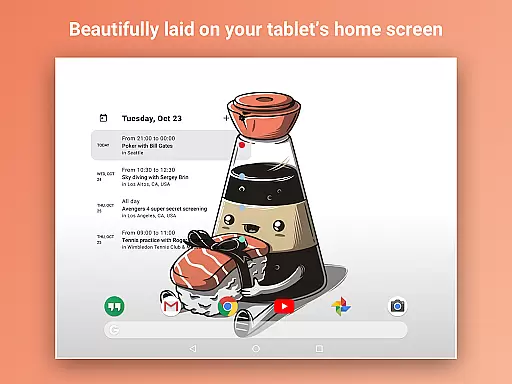
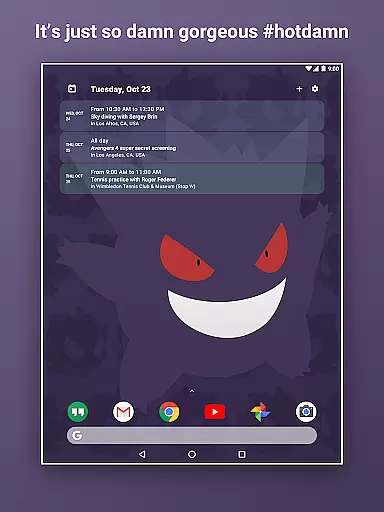
Home Agenda offers a robust set of features that cater to both functionality and personalization. One of its standout capabilities is the ability to create fully customized widgets. Users can choose from various sizes, colors, and themes, allowing them to design a home screen layout that suits their preferences perfectly. This level of customization ensures that your calendar doesn't just serve as a functional tool but also enhances the aesthetic appeal of your device.
In addition to its visual flexibility, the app supports seamless integration with popular calendar services such as Google Calendar and Outlook. This connectivity enables automatic event syncing, so you're always up-to-date with your latest schedule. The app also allows users to add, edit, and manage events directly from the widget, saving time and effort. Real-time notifications further enhance productivity by keeping you informed about upcoming tasks and deadlines.
Another key feature is its focus on performance optimization. Home Agenda is engineered to consume minimal system resources, ensuring smooth operation even on older devices. Its low battery impact makes it a reliable companion for users who need constant access to their schedules without worrying about excessive power usage. Combined with its privacy-first approach, these features make Home Agenda a top choice for anyone seeking an efficient and secure planning solution.
Effective task management is essential for maintaining productivity, and Home Agenda excels in this area by offering a comprehensive suite of tools designed to keep you organized.
This app allows users to sync events from various calendar services like Google Calendar and Outlook, ensuring that all important dates and appointments are centralized in one accessible location. The instant sync feature means you're always up-to-date with your latest schedule.
With the ability to quickly view, add, and edit events directly from the home screen widget, users can manage their day-to-day tasks effortlessly. This streamlined approach saves time and reduces the complexity often associated with planning tools.
The true value of Home Agenda lies in its capacity to transform your Android home screen into a dynamic planning hub, boosting productivity while maintaining an elegant and modern interface that's both intuitive and customizable.
In todayu2019s interconnected world, reliable cross-device synchronization is key for anyone managing their life across multiple platforms. Home Agenda addresses this need by providing consistent and accurate updates no matter where you are.
The app supports integration with popular calendar services such as Google Calendar and Outlook, ensuring that changes made on one device reflect immediately on all others. This seamless connectivity helps maintain harmony between your personal and professional schedules.
Optimized for daily use, Home Agenda ensures low battery impact while delivering real-time notifications so you're always aware of upcoming events or changes to your schedule. This optimization speaks volumes about the app's dedication to performance without compromising device health.
By focusing on user privacy and control, Home Agenda guarantees that your data remains local and secureu2014never tracked or sharedu2014which enhances trust in its synchronization capabilities. Enjoy peace of mind knowing your information stays private yet perfectly synchronized across devices.
User-friendly interface
Highly customizable widgets
Instant event synchronization
Lightweight and efficient
Strong privacy protection
Limited reminder support
No public API access
Premium features may require payment
Design complexity for beginners
Dependent on third-party calendars

Native client for Forgejo and Gitea
 5.00
5.00
Unlock AutoNotification
4.00
Professional calendar app for Google Calendar, MS Outlook & Exchange
4.20
Mind Map and brainstorm, note taking and idea collection
4.80
Stay on top of your to-dos with Google Tasks, part of Google Workspace.
4.60
Activate Two Factor Authentication (2FA or Multi OTP), Password manager and more
4.10
Docker, Kubernetes management over Portainer Mobile
4.40
Great calculator for Android named one of USA TODAY's "25 Essential Apps".
4.90
Lightweight PDF, Word, Excel reader.
4.60
Understand anything with a personalized AI research assistant
4.80
Simple notepad & memo. Take notes, to-do list, shopping list with reminders.
4.80
A simple Whisper AI keyboard for reliable speech transcription and rewording
4.60
Share files & memories safely. Keep your photos and videos secure.
4.40
Access, manage and transfer files on Android, PC, Mac, NAS and cloud storages.
4.30
Intelligent AI Assistant
4.10
Create and edit presentations with Google Slides, part of Google Workspace.
4.00
⏰ Finally a timer app which can run multiple timers simultaneously on your watch
3.90
Easiest event planning, volunteer signups & parent teacher conference scheduling
2.20
AI Video AI Image Private LLM AI Browser Llama Gemma Ollama Connect LLM Studio
4.4



User Reviews