
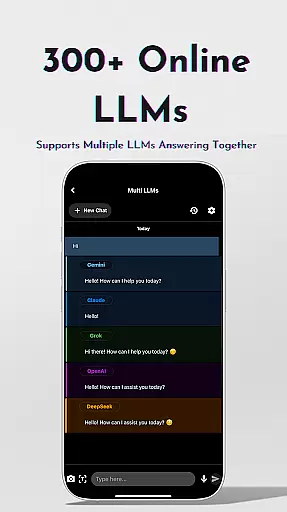
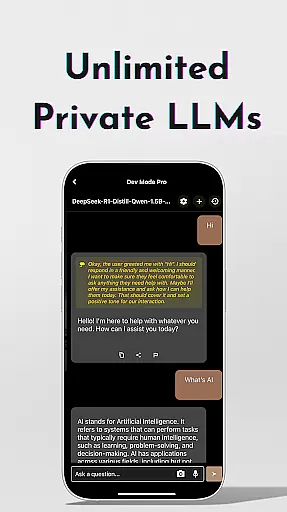
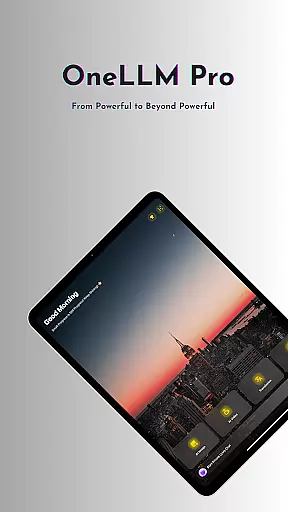
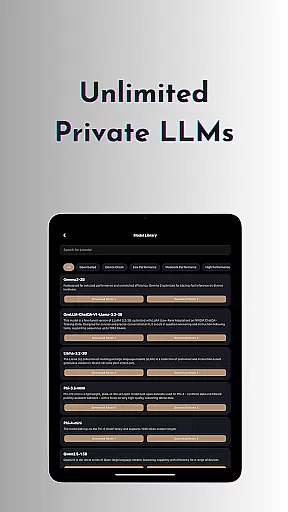
OneLLM Pro is a powerful productivity tool that seamlessly integrates local and cloud AI capabilities, offering users an extensive suite of AI-powered features. Whether offline or online, the app provides access to thousands of fully offline Large Language Models (LLMs) as well as 300+ leading online LLMs, including top performers like ChatGPT 4o, Claude, and Llama. This ensures lightning-fast, secure interactions with maximum privacy while leveraging cloud power for demanding tasks.
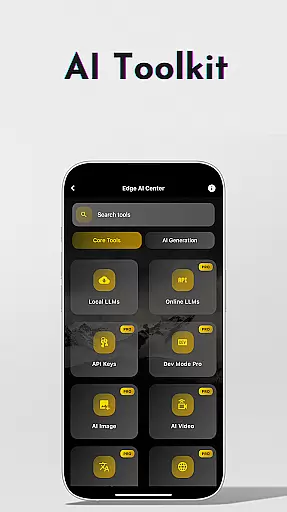
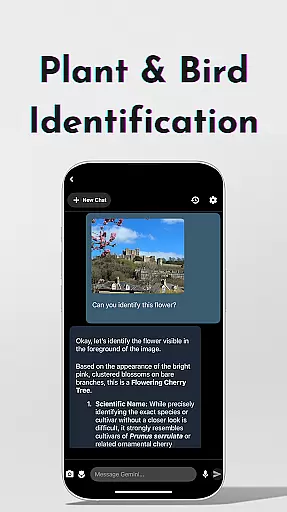
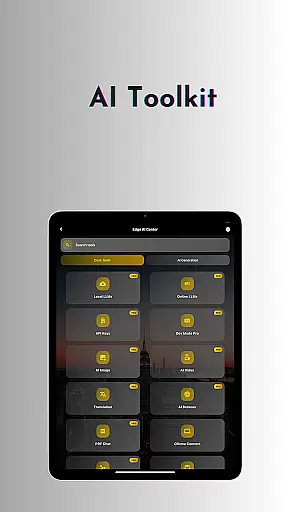
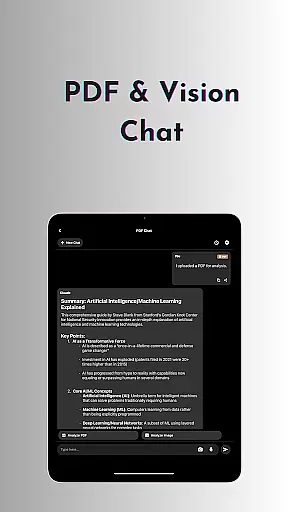
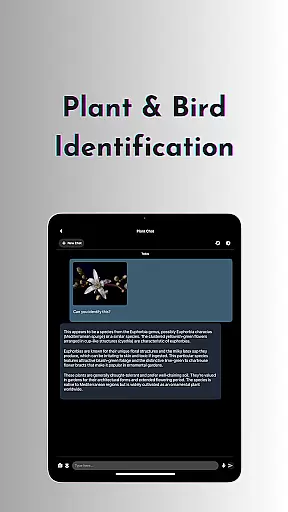
The app's AI toolkit covers a wide range of use cases, from AI video and image generation to offline OCR document scanning, private speech-to-text transcription, and more. With specialized tools like Study Assistant, Plant & Birds Identification, and Multi-LLM Simultaneous Response Mode, OneLLM Pro caters to both everyday and advanced user needs. Optimized for all devices, it delivers exceptional performance without compromising privacy, making it ideal for professionals, students, and tech enthusiasts alike.
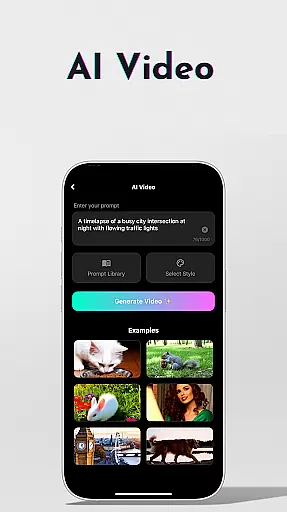
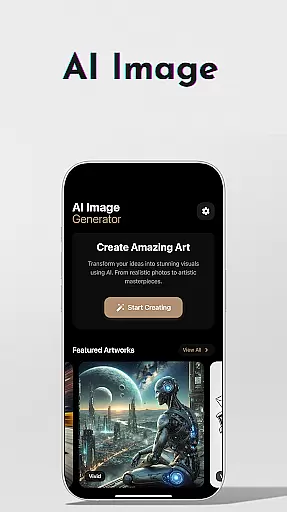
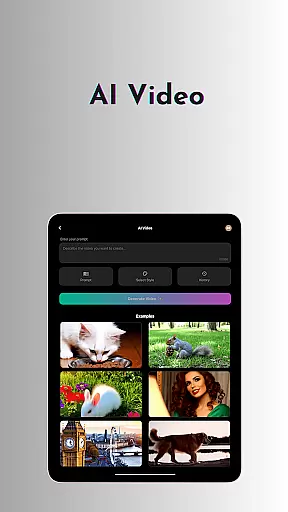
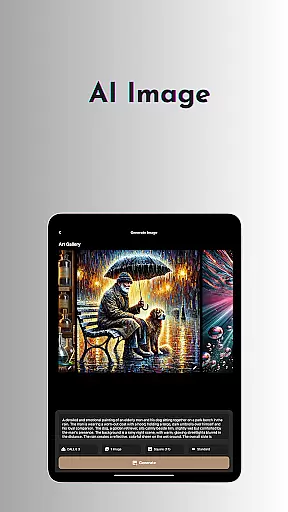
OneLLM Pro stands out with its comprehensive AI toolkit designed to enhance productivity across various tasks. The app offers AI video generation and AI image creation powered by Stable Diffusion and DALL·E 3, enabling users to transform ideas into stunning visuals. Its offline capabilities include private LLMs, OCR document scanning, and speech-to-text transcription, ensuring functionality even without an internet connection.
For developers and advanced users, the LLM Dev Mode allows fine-tuning virtually every parameter, saving custom configurations, and managing per-model history. Integration with Hugging Face and Ollama Connect further expands its utility by enabling easy access to large LLMs on PCs or servers. With smart LLM matching, the app intelligently recommends models optimized for your device’s specs, ensuring peak performance while saving storage and battery life.
Effective task management is essential for productivity applications, and OneLLM Pro excels in this area by offering a comprehensive suite of AI-powered tools. The app provides users with the ability to organize, prioritize, and execute tasks efficiently through its intelligent system that adapts to various work styles.
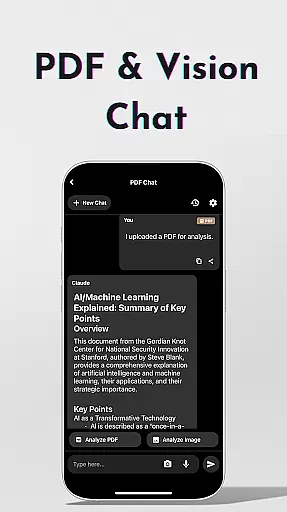
OneLLM Pro's core task management feature includes an advanced Study Assistant, which supports seamless learning by delivering answers from top models. Users can input text, capture photos, or upload images to receive instant feedback, making it versatile for different types of tasks and projects.
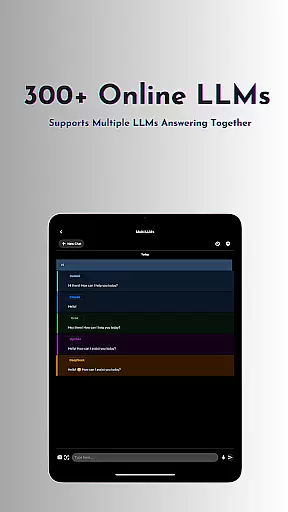
The application also enables Multi-LLM Simultaneous Response Mode, allowing users to get quick responses from multiple leading LLMs without switching between apps. This streamlines workflows and enhances productivity by providing instant access to diverse AI capabilities tailored to specific needs.
Furthermore, OneLLM Pro offers LLM Dev Mode for advanced customization. Users can fine-tune parameters, save configurations, and track changes over time, ensuring that their experience is optimized for personal efficiency and effectiveness in managing complex tasks.
Cross-device synchronization is a critical component for any productivity tool, ensuring that users have consistent access to their data and workflows regardless of the device they are using. OneLLM Pro addresses this need by providing reliable and real-time updates across all connected devices.
The app leverages both local processing and cloud performance to maintain synchronization. By choosing private local processing, users benefit from enhanced security and privacy while still enjoying the convenience of having their information synced when they switch between devices.
OneLLM Pro's Smart LLMs Matching feature intelligently recommends LLMs optimized for each deviceu2019s specifications, guaranteeing smooth performance on both entry-level and flagship devices. This ensures that no matter where you are or what device you use, your tasks will be up-to-date and ready for action.
In addition, with an ad-free experience and built-in Hugging Face integration, OneLLM Pro delivers uninterrupted focus on productivity. Users can easily download and customize models directly from Hugging Face, further enhancing the reliability of cross-device operations as they tailor the app to fit their unique workflow requirements.
Extensive AI toolkit
Offline and online LLMs
Privacy-focused design
Cross-device optimization
Ad-free experience
Complex for beginners
Requires API configuration
High storage usage
Limited free features
Subscription-based model

Native client for Forgejo and Gitea
 5.00
5.00
Create study competitions, track your hours, and stay consistent with friends
4.1
Mega cloud explorer plugin for Solid Explorer
3.80
A simple, portable logger for POTA, SOTA, Field Day, and more
4.0
All document reader, all in one file viewer read PDF, DOCX, XLS, PPT, TXT files.
4.60
A comprehensive suite of tools designed specifically for Lactation Consultants
4.1
Share files & memories safely. Keep your photos and videos secure.
4.40
Ultimate Virtual AI Character for immersive Roleplay Chat. Perfect Companion
3.90
Set up, print, and get support—in one place
4.20
The Pro Version of Android's tiniest Notepad app. Just 0.3MB but feature-packed!
4.60
Stay on top of your to-dos with Google Tasks, part of Google Workspace.
4.60
A simple Whisper AI keyboard for reliable speech transcription and rewording
4.60
Subscribe to Webcal & .ics calendars and keep them up-to-date!
4.50
Tally and goal counter for Wear OS & mobile
4.50
Docker, Kubernetes management over Portainer Mobile
4.40
Take control of your clipboard with Clipper!
3.90
All in one sketching tool. Technical and General drawing. Online Maps support.
3.70
Make your handwriting beautiful, even more than pen on paper.
3.60
Simple and reliable communication between inmates, friends and family
3.20




User Reviews