
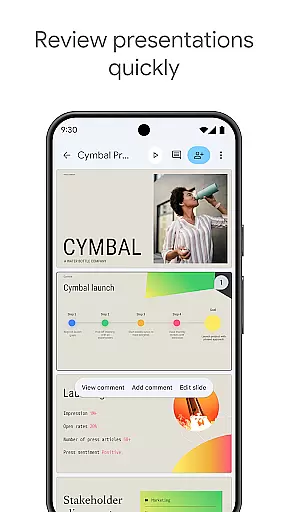
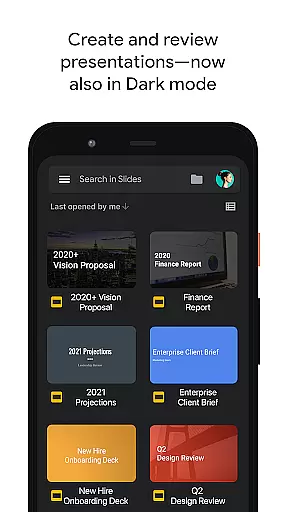
Google Slides is a powerful productivity application that allows users to create, edit, and collaborate on presentations directly from their Android devices. The app offers a comprehensive suite of features including real-time collaboration, offline editing capabilities, and automatic saving functionality. Users can seamlessly add and rearrange slides, format text and shapes, and even present directly from their mobile device.
The application stands out with its smart suggestions feature that helps users design visually appealing slides instantly. Additionally, the integration with video conferencing tools enables users to present slides during video calls, making it an ideal solution for remote teams and online meetings. Whether you need to work on a business proposal or a school project, Google Slides provides all the necessary tools to create professional-quality presentations anytime, anywhere.
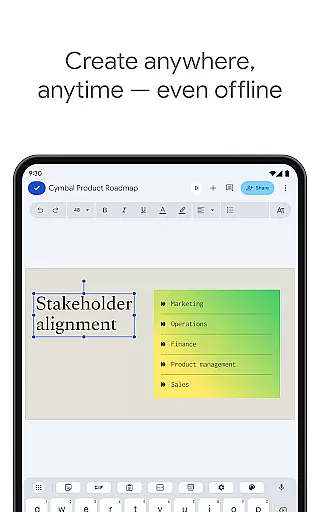
Google Slides offers an impressive array of features designed to enhance productivity and streamline presentation creation. One of its key strengths is the ability to collaborate in real-time, allowing multiple users to work on the same presentation simultaneously. This feature is particularly beneficial for team projects where members are located in different places. The app also supports offline mode, ensuring users can continue working even without an internet connection.
In addition to basic editing tools, Google Slides provides advanced features such as smart suggestions for slide design, which automatically generates visually appealing layouts based on content. The app seamlessly integrates with other Google Workspace services, enabling users to import PowerPoint files, insert multimedia elements, and apply smooth transitions between slides. Furthermore, the built-in calendar integration allows users to schedule and join video calls directly from the app, while the automatic saving feature ensures no work is ever lost.
Google Slides excels in core task management by offering a comprehensive suite of tools designed to streamline presentation creation and editing.
The app allows users to create new presentations or modify existing ones with ease, providing features such as adding and rearranging slides, formatting text and shapes, and inserting images and videos. These capabilities ensure that all presentation needs are met within a single, efficient platform.
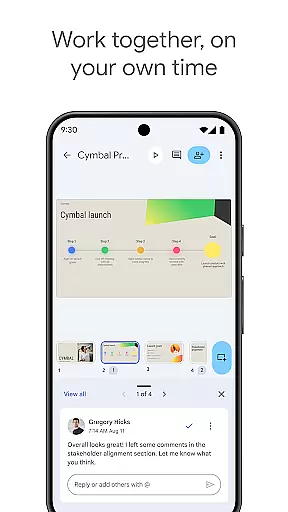
Real-time collaboration is another significant aspect of task management in Google Slides. Multiple users can work on the same presentation simultaneously, making it ideal for team projects. The ability to share presentations and control who can edit, view, or comment ensures that collaboration is both flexible and secure.
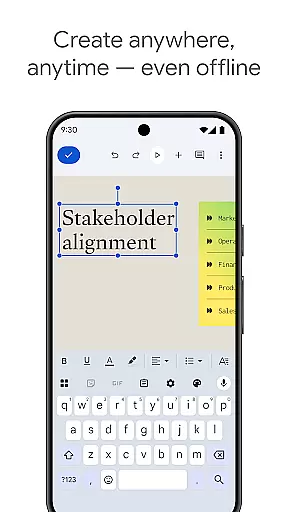
Additionally, Google Slides automatically saves all work, eliminating the worry of losing important progress. This feature, combined with the ability to work offline, makes task management seamless and reliable, allowing users to focus on creating high-quality presentations without interruptions.
Cross-device synchronization is a cornerstone of Google Slides, ensuring that users have a consistent and reliable experience across all their devices.
Whether working on an Android phone, tablet, PC, or Mac, Google Slides keeps all presentations up-to-date and accessible. This means you can start a presentation on one device and continue editing it on another without any loss of formatting or content. Such reliability is crucial for professionals who need to work on the go or from multiple locations.
The app also supports PowerPoint file compatibility, allowing users to open, edit, and save files from different sources seamlessly. This interoperability enhances productivity by removing barriers between different systems and ensuring that all team members can contribute regardless of the software they use.
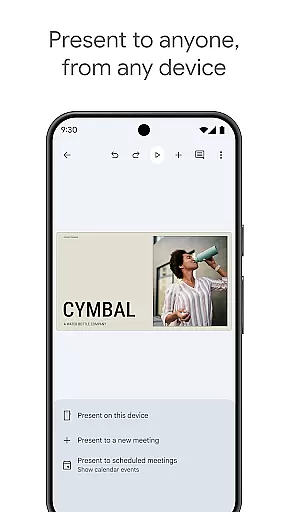
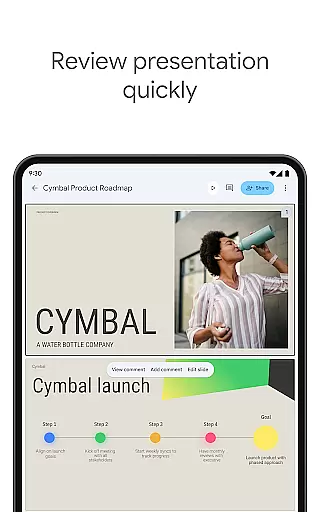
Furthermore, Google Slides offers the ability to present directly from mobile devices, providing flexibility and convenience. Users can practice and refine their presentations right up to the last minute, knowing that their work is always synchronized and available wherever they need it.
User-friendly interface
Real-time collaboration
Offline editing capabilities
Automatic saving feature
Cross-platform compatibility
Limited advanced formatting options
Requires Google account
Occasional sync issues
Basic template selection
Dependent on internet for full functionality

 4.20
4.20
Native client for Forgejo and Gitea
5.00
Create study competitions, track your hours, and stay consistent with friends
4.2
8 custom complications. Custom Time Fonts. Beautiful color schemes. A++ Design.
5.00
We're working to become the best machining app on the market! www.cncdirt.com
4.80
aCalendar+ makes your day, week and month
4.70
PDF scanner & converter for files, photos, lottery, QR codes. One swipe away!
4.50
Docker, Kubernetes management over Portainer Mobile
4.40
AT&T Internet customers can use this app to personalize their Wi-Fi network.
4.40
Planet Free VPN - The best Fast Unlimited and Secure VPN Without Logs
4.50
Experience Reading - Night Mode for Documents
4.40
Access, manage and transfer files on Android, PC, Mac, NAS and cloud storages.
4.30
Total remote control for your Android device, PC and cloud services (IFTTT)!
4.20
Pwnagotchi companion app
4.20
All in One PDF Reader: Manage, Read and Edit your Documents
4.20
Activate Two Factor Authentication (2FA or Multi OTP), Password manager and more
4.10
Intelligent AI Assistant
4.10
All in one sketching tool. Technical and General drawing. Online Maps support.
3.70
Remotely view listen control and record cameras.
3.70




User Reviews