
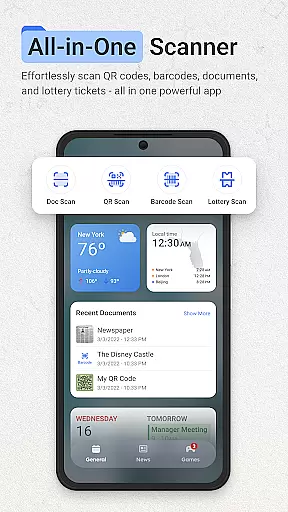
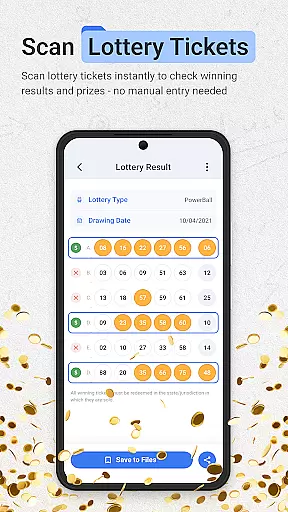
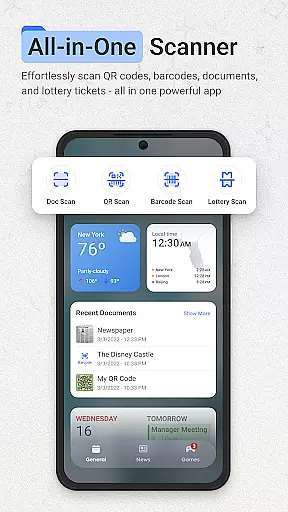
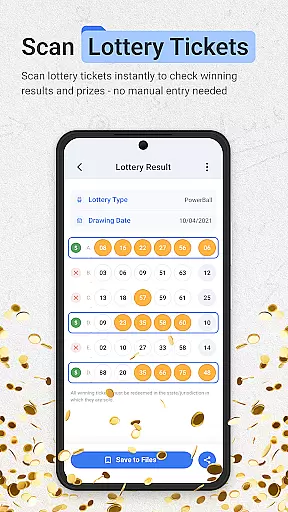
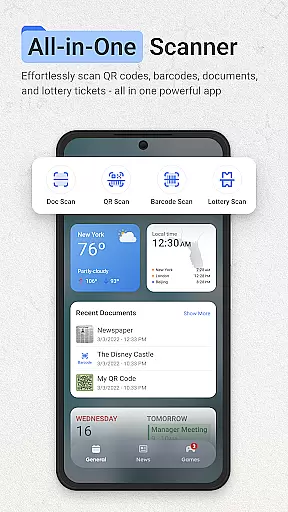
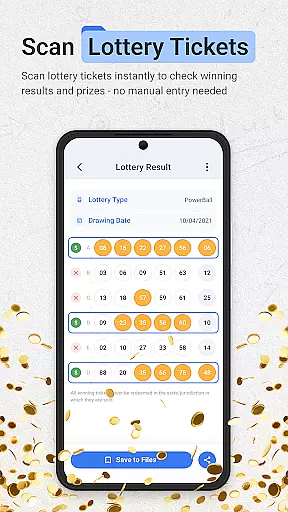
ScanNow Home revolutionizes productivity by integrating advanced scanning tools directly into your home screen experience. This innovative app combines a clean, customizable launcher interface with essential document management features, making it easier than ever to stay organized. The application's core functionality includes instant document scanning, barcode and QR code processing, and lottery ticket validation - all accessible from your home screen.
The app stands out with its comprehensive set of professional-grade tools. Users can digitize documents with auto-edge detection, verify product prices through barcode scanning, and manage lottery tickets with automatic result checking. Its smart launcher interface enhances Android's native capabilities while maintaining intuitive navigation. Whether you're a student managing notes, a professional handling business documents, or simply looking to streamline daily tasks, ScanNow Home offers a unified solution that saves time and boosts efficiency.
ScanNow Home distinguishes itself through its robust feature set designed for maximum productivity. The document scanner offers advanced capabilities including perspective correction, multi-page support, and image enhancement tools that ensure professional-quality results every time. The integrated Yahoo search functionality provides quick access to information without leaving the home screen environment.
What sets this productivity tool apart is its seamless combination of scanning utilities with launcher capabilities. The adaptive icon support and dark mode make it visually appealing, while smart app categorization helps maintain an organized workspace. The app's recent updates have enhanced its performance with improved scanning accuracy, better low-light functionality, and optimized battery usage. These features work together to create a powerful yet user-friendly productivity ecosystem that adapts to various professional and personal needs.
ScanNow Home revolutionizes productivity by integrating essential scanning tools directly into your home screen experience, streamlining core task management like never before. The app consolidates document scanning, barcode and QR code processing, and lottery ticket validation into one intuitive interface.
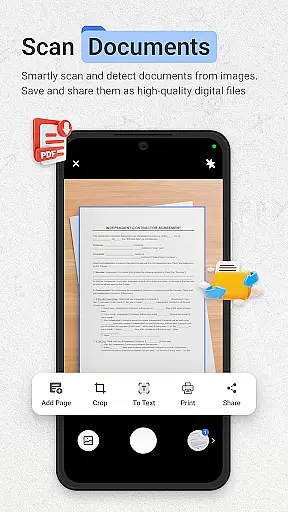
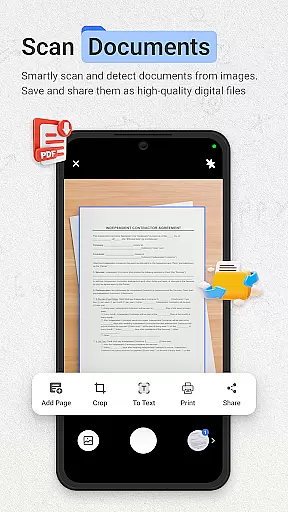
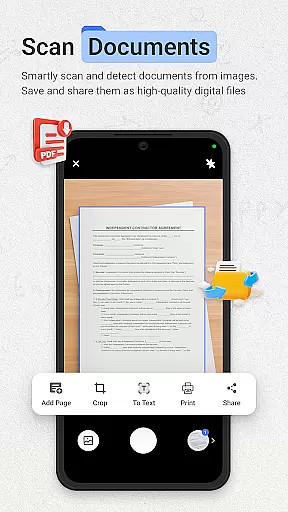
The document scanner offers instant capture with advanced features like auto-edge detection, perspective correction, and batch scanning capabilities. These functions enable users to efficiently digitize and organize important paperwork, receipts, and notes while maintaining crystal-clear quality through image enhancement technology.
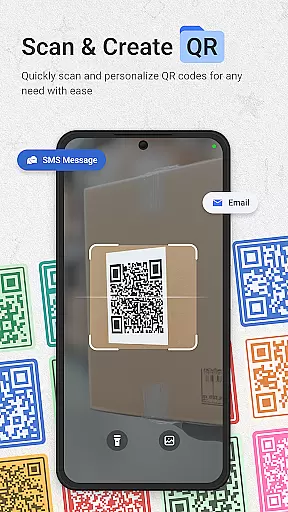
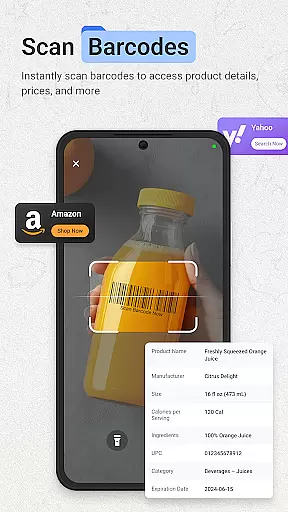
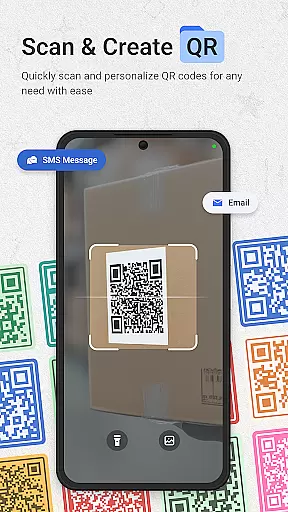
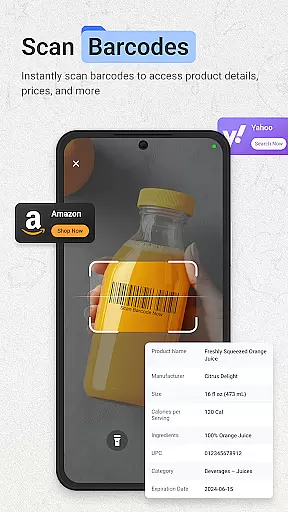
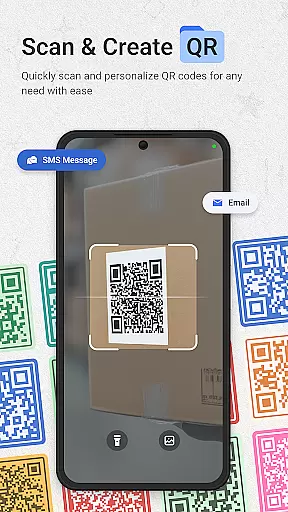
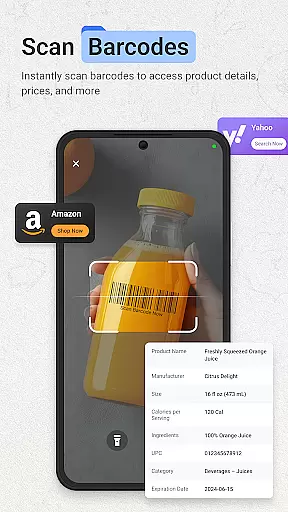
For inventory management and product research, the lightning-fast barcode scanner supports all major formats and includes price comparison functionality. Meanwhile, the QR scanner provides seamless URL browsing and maintains a comprehensive scan history with search capabilities, making information retrieval both efficient and organized.
All these features are accessible instantly from the home screen, eliminating the need to navigate through multiple apps. This integration significantly enhances workflow efficiency, allowing users to focus on their core tasks without interruption or unnecessary app switching.
In today's interconnected world, ScanNow Home ensures reliable cross-device synchronization for all your scanning needs. The application maintains consistent performance across various Android devices, providing users with seamless access to their scanned documents and data regardless of which device they're using.
The app's cloud-based architecture enables real-time updates and synchronization of scanned documents, barcode histories, and lottery ticket records. Whether you're using your primary phone or a secondary device, all your data remains current and accessible, with changes reflected immediately across all connected devices.
Advanced security protocols protect your synchronized data during transmission and storage. The app employs industry-standard encryption methods to safeguard sensitive information, ensuring that your documents and personal data remain private while benefiting from the convenience of cross-device access.
This synchronization capability extends to the app's launcher features as well, maintaining your preferred settings, customizations, and app categorizations across devices. Users can enjoy a consistent, personalized experience regardless of which device they choose to use, making their productivity truly device-independent.
Instant access to scanning tools
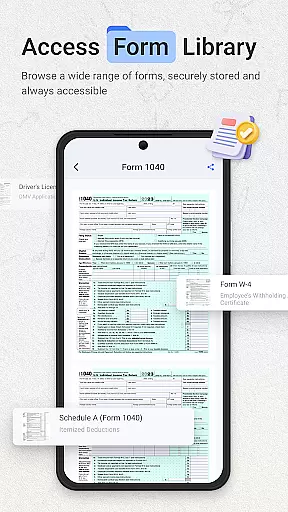
Comprehensive document management
Multi-functional utility suite
Customizable launcher interface
Professional-grade features
Some features require in-app purchases
Android 8.0 minimum requirement
Requires multiple permissions
Occasional scanning inaccuracies
Interface may feel complex to new users

Create study competitions, track your hours, and stay consistent with friends
 4.2
4.2
Automates browsing any website and notifies you of important changes or events
4.30
Make your handwriting beautiful, even more than pen on paper.
3.60
Simple and reliable communication between inmates, friends and family
3.20
Secure, open-source, SPICE and SSH Remote Desktop for QEMU KVM virtual machines
4.00
Tally and goal counter for Wear OS & mobile
4.50
The ultimate file manager for rooted devices. The original and still the best.
4.00
Simple notepad & memo. Take notes, to-do list, shopping list with reminders.
4.80
Browse and view your photos and videos from the phone with photo & video hide.
4.10
Great calculator for Android named one of USA TODAY's "25 Essential Apps".
4.90
Seamlessly integrate data and reports to build your presentation to impress
4.80
Calendar 2023 widget for Android. Appointment scheduler, planner, and reminder
4.60
A simple Whisper AI keyboard for reliable speech transcription and rewording
4.60
Send files, sync SMS, notifications & clipboard across devices via local network
4.40
A Pixel Art watchface inspired by other iconic 90s designs for Wear OS devices!
4.40
Experience real multitasking on your Android!
4.00
A Revolutionary All-in-One Artificial Intelligence Tools
3.80
All in one sketching tool. Technical and General drawing. Online Maps support.
3.70
Find and delete junk files & block unwanted notifications & manage files
3.70



User Reviews