
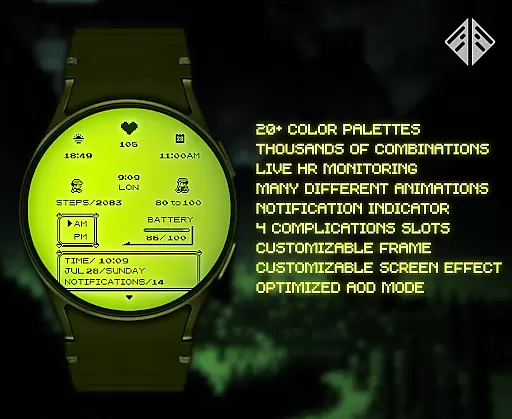
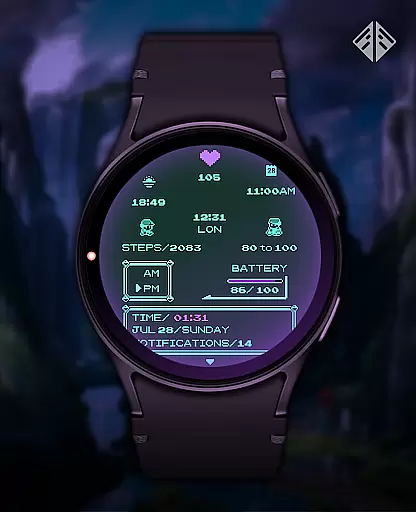
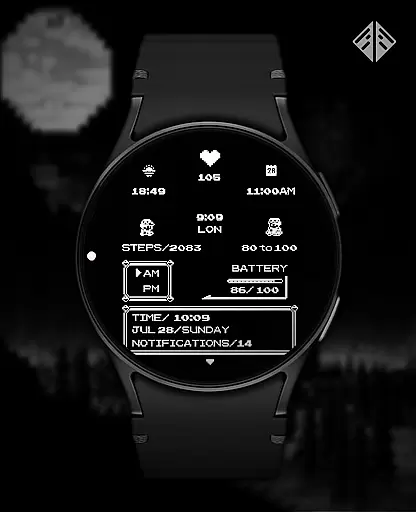
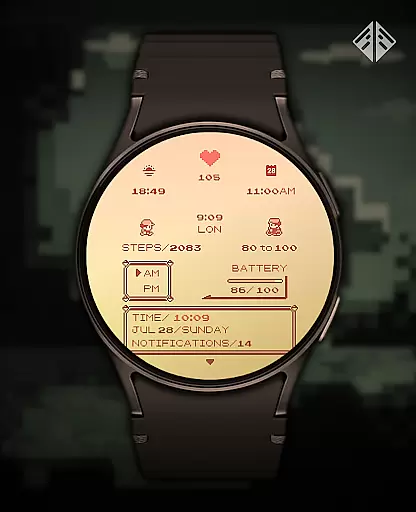
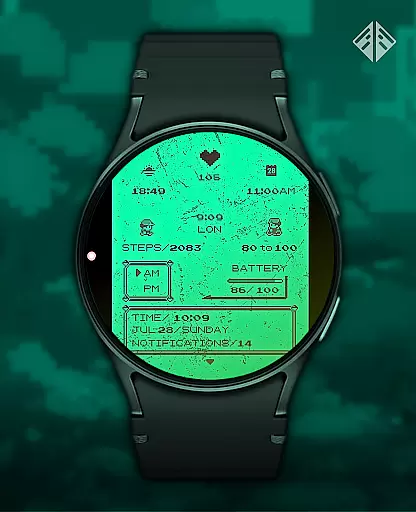
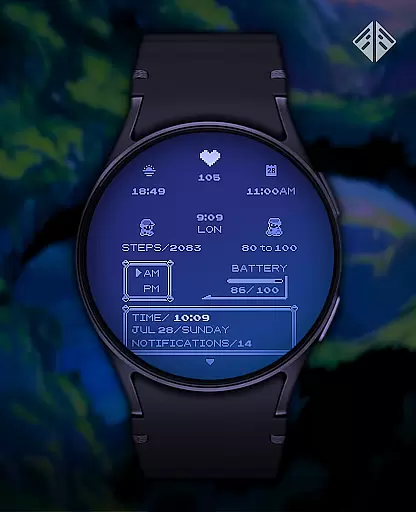
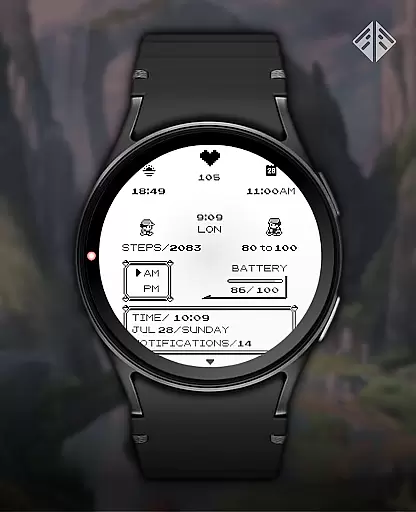
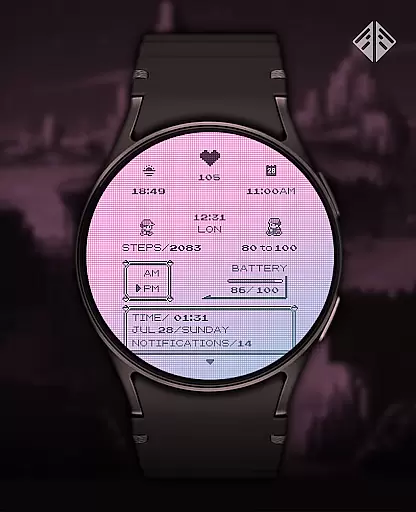
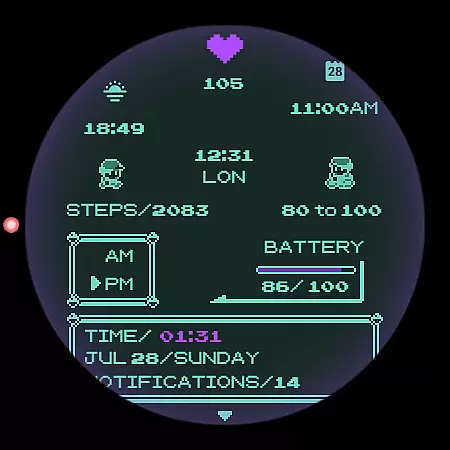
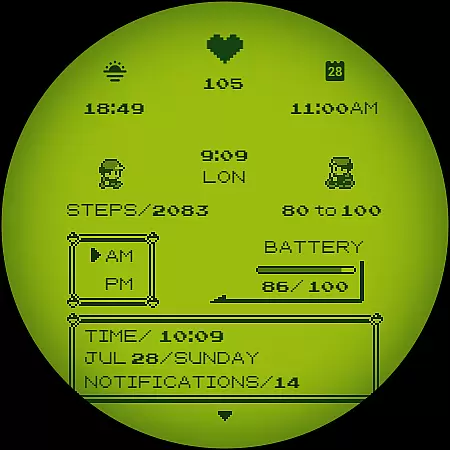
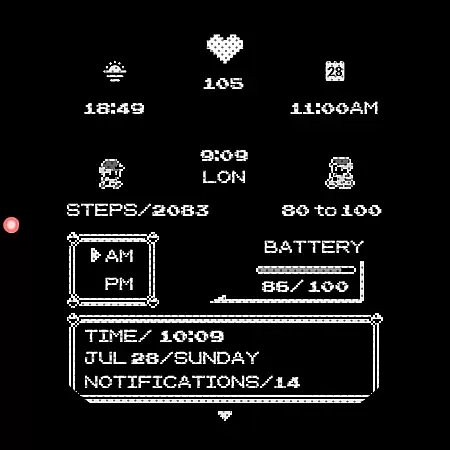
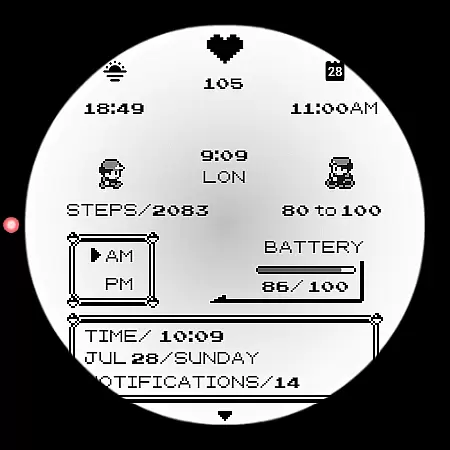
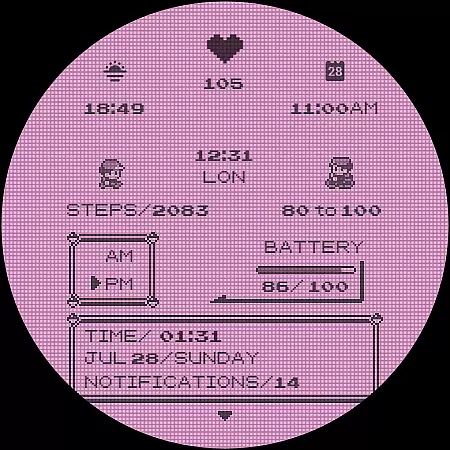
Poke Pixel Retro Watch Face is a pixel art themed watch face designed for Wear OS smartwatches. This standalone app offers users an animated, highly customizable experience with over 1000 possible combinations. It supports various features like 12/24 hour format and auto date format while presenting information in a clean, retro gaming style.
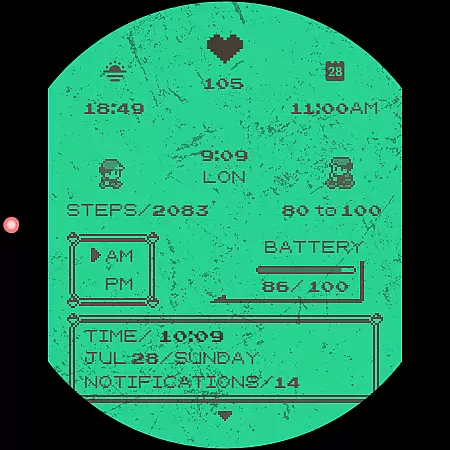
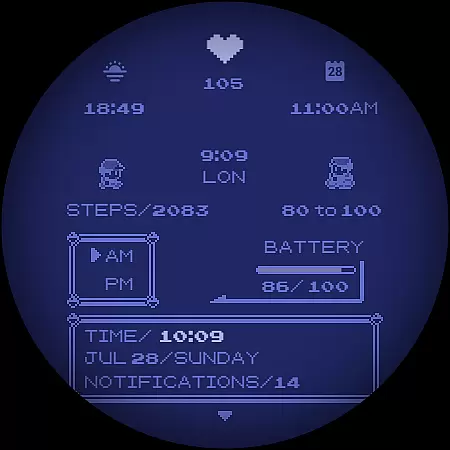
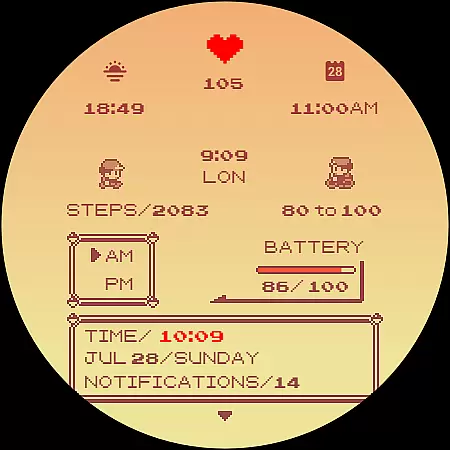
The watch face stands out through its unique handcrafted design and extensive customization options. Users can choose from 30 color schemes and modify elements such as the frame and battery light. Its intuitive companion app simplifies installation and management, making it accessible even for less tech-savvy individuals.
Ideal for those who appreciate nostalgic aesthetics on their smartwatch, Poke Pixel provides both functionality and style. The ability to customize extensively ensures that each user can tailor the watch face to their personal preferences, enhancing their overall wearable experience.
This productivity-focused watch face boasts numerous distinctive features. With support for 30 color schemes and customizable elements like frames and battery indicators, it allows users to personalize their smartwatch appearance extensively. The inclusion of both 12/24 hour formats and automatic date formatting ensures global usability.
Functionality extends beyond mere aesthetics; Poke Pixel displays a wealth of information at a glance while maintaining a clean, pixel-perfect style inspired by retro gaming consoles. Its compatibility with multiple Wear OS devices—including Samsung, Mobvoi Ticwatch, Fossil, and more—demonstrates versatility across different hardware platforms.
Additionally, the easy-to-use companion app facilitates straightforward installation and management processes. Users benefit from ongoing support and updates, ensuring continuous improvement and feature enhancements over time. This commitment to quality underscores the developer's dedication to providing lasting value to customers.
Poke Pixel Retro Watch Face offers a unique approach to managing essential tasks directly from your wrist. The watch face is designed with productivity in mind, providing users with the ability to view important information at a glance.
With support for both 12 and 24-hour formats, automatic date adjustments, and customizable color schemes, this app ensures that time management becomes intuitive and visually appealing. Users can tailor the display to prioritize what matters most to them, whether it's upcoming appointments or daily goals.
The pixel art theme not only brings a retro aesthetic but also enhances clarity by presenting data in a clean, easy-to-read format. This attention to detail helps streamline daily workflows without overwhelming the user with unnecessary complexity.
By integrating seamlessly with Wear OS devices, Poke Pixel Retro Watch Face empowers users to stay organized and efficient throughout their day, making it an invaluable tool for anyone looking to enhance their personal productivity.
One of the standout features of Poke Pixel Retro Watch Face is its reliable cross-device synchronization. As a standalone Wear OS application, it ensures that all your smartwatches are always in sync with your smartphone.
This synchronization extends beyond mere installation; it includes real-time updates of settings and preferences across devices. Whether you change a color scheme or adjust specific customizations, these changes are reflected instantly on all linked devices.
The companion app plays a crucial role in maintaining this reliability. It simplifies the process of connecting your smartwatch to your phone, ensuring that any modifications made through the app are accurately mirrored on the watch face itself.
Such robust synchronization means users never have to worry about discrepancies between devices, allowing for a seamless experience whether theyu2019re using a Samsung, Fossil, or any other compatible Wear OS device. This reliability underscores the appu2019s commitment to enhancing user convenience and efficiency.
Highly customizable
Versatile compatibility
Retro aesthetic appeal
Comprehensive feature set
Ongoing developer support
Premium pricing model
Limited free options
Requires Wear OS
Installation complexity
Occasional sync issues

Create study competitions, track your hours, and stay consistent with friends
 4.1
4.1
All in one sketching tool. Technical and General drawing. Online Maps support.
3.70
Direct Chat without saving contacts & Dual WA Account on Single Device
4.70
IP Camera Viewer - Android TV : RTSP Surveillance camera viewer for Android TV
4.5
Stay on top of your to-dos with Google Tasks, part of Google Workspace.
4.60
Activate Two Factor Authentication (2FA or Multi OTP), Password manager and more
4.10
Multilingual translator for text, voice, and image translation!
4.90
Functional QR scanner and barcode reader that requires little storage space.
4.60
Secure, open-source, SPICE and SSH Remote Desktop for QEMU KVM virtual machines
4.00
Great calculator for Android named one of USA TODAY's "25 Essential Apps".
4.90
Use powerful, industry-leading AI tools to generate visual charts from any data
4.80
QuickBooks Workforce lets teams view pay info and track time in one place.
4.70
The Pro Version of Android's tiniest Notepad app. Just 0.3MB but feature-packed!
4.60
Calendar 2023 widget for Android. Appointment scheduler, planner, and reminder
4.60
To do list widget with a notebook organizer, checklist, simple shopping list
4.60
Enjoy classic gameplay with customizable features and retro-style graphics.
4.30 4.20
4.20
The ultimate file manager for rooted devices. The original and still the best.
4.00
Smart PDF reader & editor to view, organize and manage PDF documents easily.
3.70



User Reviews