
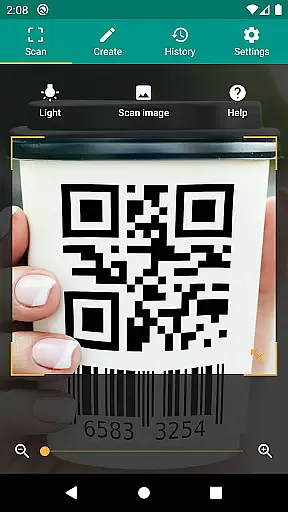
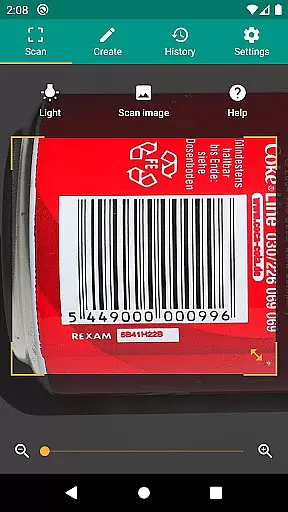
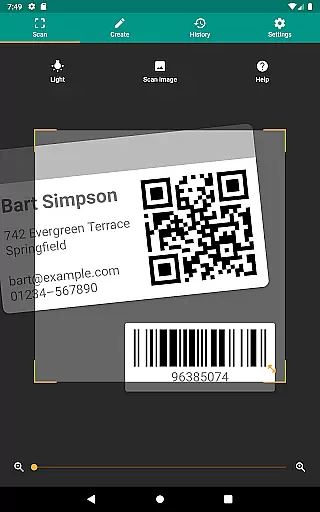
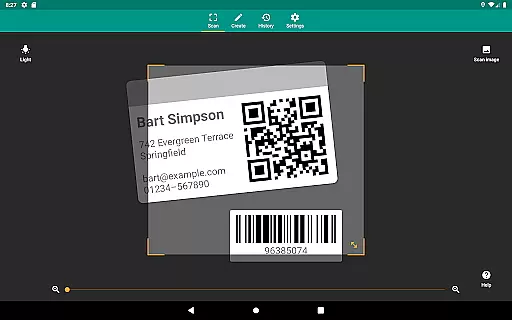
QR & Barcode Scanner is a versatile productivity tool designed to streamline your daily tasks through advanced scanning technology. This application supports all common barcode formats, including QR, Data Matrix, Aztec, UPC, EAN, and Code 39, making it an essential utility for both personal and professional use.
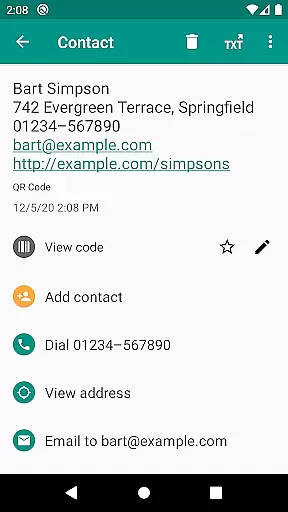
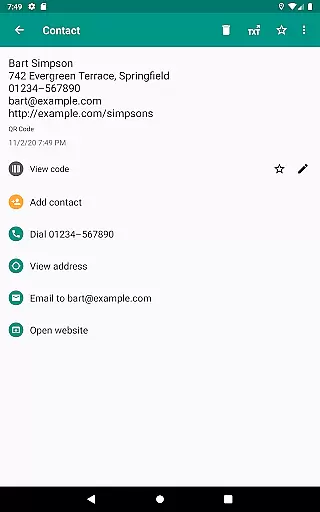
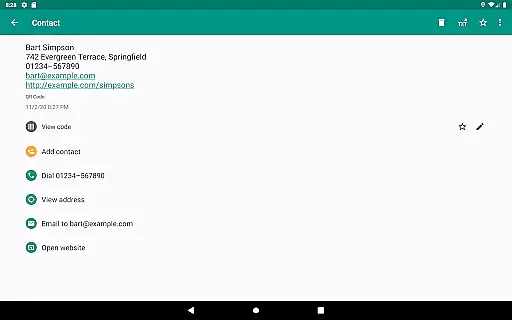
Beyond basic scanning capabilities, the app offers relevant actions that enhance user experience. You can open URLs, connect to WiFi hotspots, add calendar events, and read VCards directly from scanned codes. The built-in security features powered by Google Safe Browsing ensure safe and fast browsing experiences while maintaining optimal performance.
Whether you're managing inventory, implementing quality assurance processes, or simply looking to scan product information quickly, this app provides the tools necessary to increase efficiency and accuracy in your operations.
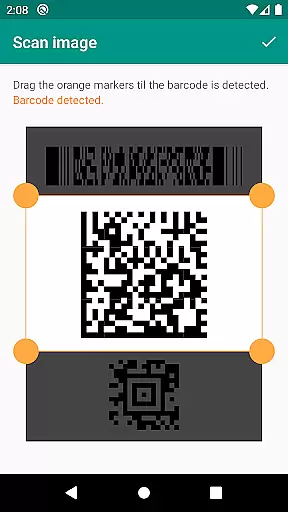
QR & Barcode Scanner stands out with its comprehensive feature set tailored for productivity enthusiasts. One of its key strengths is the ability to scan images without requiring access to your device storage, ensuring privacy and security. The app also includes a flashlight and zoom functionality, allowing reliable scans even in challenging lighting conditions or from a distance.
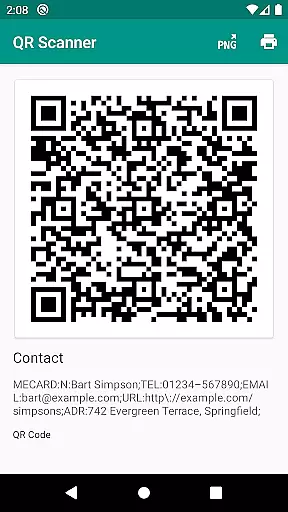
Another notable feature is the built-in QR code generator, which lets users share arbitrary data such as website links by displaying them as QR codes on their screens. Additionally, custom search options enable specific information retrieval by integrating favorite shopping websites into barcode searches. These functionalities make it easier than ever to manage unlimited scan histories and export them as CSV files for further analysis in Excel or cloud storage solutions like Google Drive.
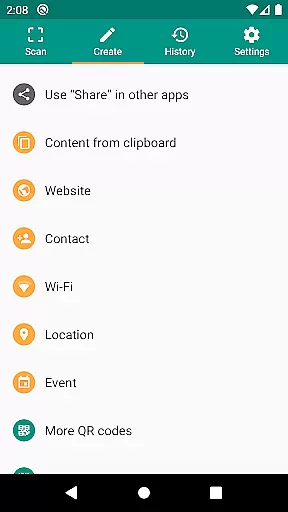
The app's support for various QR code types—including website links, contact data, calendar events, and more—ensures broad compatibility and utility across different scenarios. Whether you need to scan article numbers, Codabar, or PDF417 codes, this app delivers consistent performance and reliability.
QR & Barcode Scanner excels in core task management by offering a comprehensive suite of tools designed to handle various barcode formats efficiently. The app supports all common formats, including QR, Data Matrix, Aztec, UPC, EAN, and Code 39, ensuring that users can scan virtually any code they encounter.
The application goes beyond simple scanning by providing relevant actions based on the scanned content. Users can open URLs, connect to WiFi hotspots, add calendar events, read VCards, and find product and price information from popular online services like Amazon, eBay, and Google. This functionality streamlines task management by consolidating multiple actions into one seamless process.
Security and performance are prioritized with features such as Chrome Custom Tabs, which protect against malicious links using Google Safe Browsing technology. Additionally, minimal permissions ensure user privacy, allowing image scans without accessing device storage and sharing contact data without accessing the address book. These measures enhance both safety and efficiency.
Cross-device synchronization is a critical feature for productivity apps, and QR & Barcode Scanner delivers reliable performance in this area. The app allows users to create and share arbitrary data, such as website links, using the built-in QR code generator. By displaying these codes on the screen, users can easily transfer information between devices through scanning.
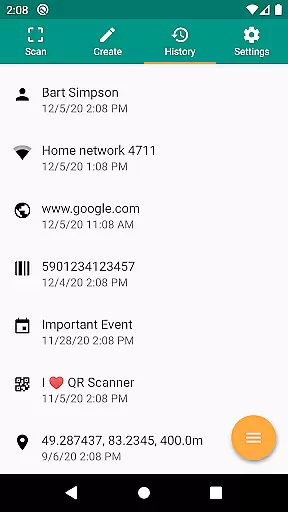
For businesses and individuals managing inventory or implementing quality assurance processes, the app offers CSV export and annotation capabilities. Users can maintain an unlimited history of scans, annotate them, and export the data as a CSV file. This feature facilitates integration with external tools like Excel or cloud storage services such as Google Drive, ensuring that data remains accessible and organized across different platforms.
Moreover, custom search options enable users to tailor their experience by adding preferred websites to the barcode search function. Whether it's a favorite shopping site or a specific service, this flexibility enhances cross-device usability by providing consistent and personalized results regardless of the device being used.
User-friendly interface
Comprehensive format support
Enhanced security features
Customizable search options
Efficient inventory management
Limited design customization
No offline database
Occasional slow processing
Ads in free version
Requires internet for some features

 4.20
4.20
AI Video AI Image Private LLM AI Browser Llama Gemma Ollama Connect LLM Studio
4.2
Auto-shutoff Alarm with Sunrise, Sunset & Fixed Options.
3.50
Send files, sync SMS, notifications & clipboard across devices via local network
4.40
Font maker keyboard with your own handwriting
4.10
ID.me Authenticator is a simple and free Two Factor Authentication solution
3.50
Secure your apps with lock screens, use custom themes and different features.
4.40
Understand anything with a personalized AI research assistant
4.80
QuickEdit is a fast, stable and full featured text and code editor.
4.20
Great calculator for Android named one of USA TODAY's "25 Essential Apps".
4.90
Quickly and easily keep track of your work shifts
4.70
Fill, sign & send docs, forms, agreements & contracts via electronic signature.
4.50
Docker, Kubernetes management over Portainer Mobile
4.40
Share files & memories safely. Keep your photos and videos secure.
4.40
When you Focus, so will your Bean in this cozy focus timer
4.30
Secure, open-source, SPICE and SSH Remote Desktop for QEMU KVM virtual machines
4.00
Smart PDF reader & editor to view, organize and manage PDF documents easily.
3.70
Remotely view listen control and record cameras.
3.70
Ads Free App! Editor, Hide File, Copy, Move, Delete and Rename.. all facility av
1.70



User Reviews