
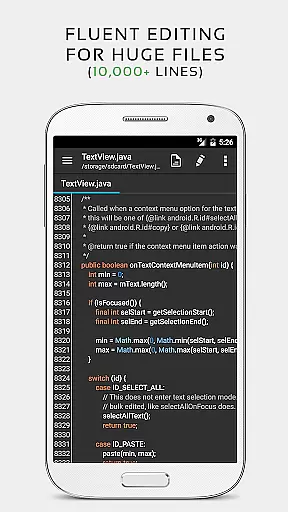
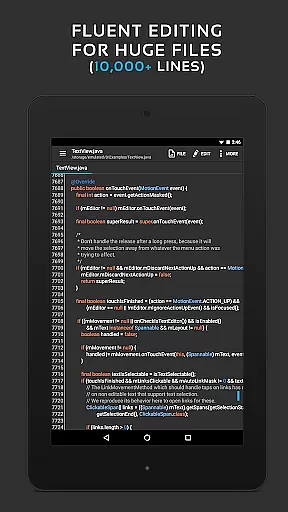
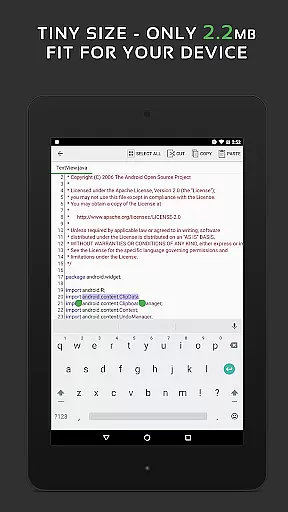
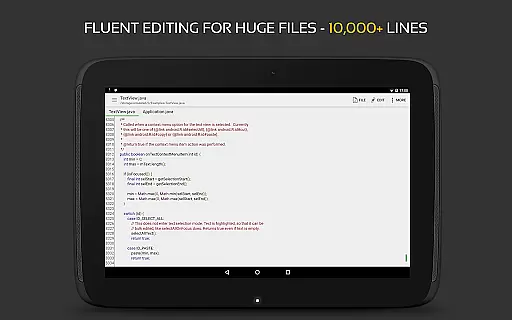
QuickEdit Text Editor Pro is a premium text editing solution designed for both general and professional use. This app stands out with its ability to handle large text files of over 10,000 lines without lag, making it ideal for developers and writers who need a reliable editor on their mobile devices.
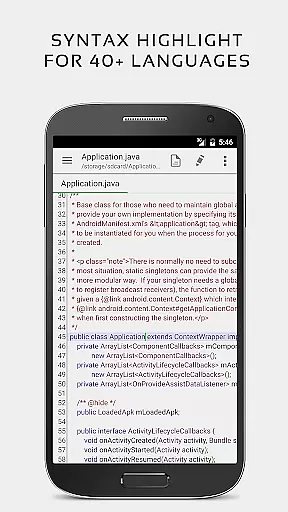
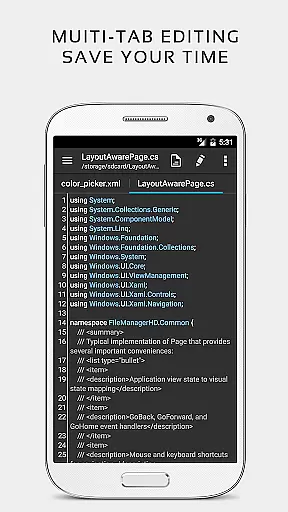
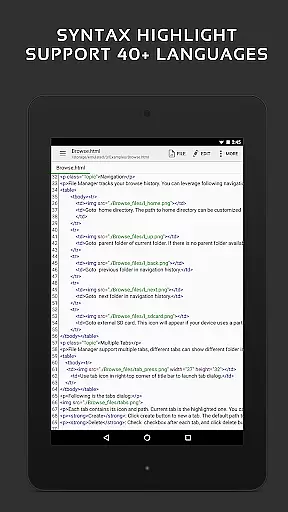
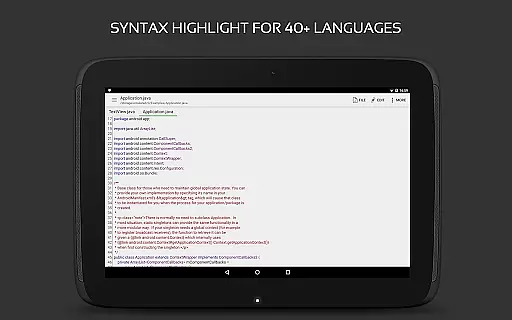
The application supports syntax highlighting for more than 170 programming languages and includes an online compiler for over 30 common languages. QuickEdit also offers advanced features such as multi-tab navigation, line numbering, unlimited undo and redo, and smooth scrolling in both vertical and horizontal directions. These capabilities ensure users can efficiently manage complex coding projects or simple text editing tasks.
With support for cloud services like Google Drive and Dropbox, QuickEdit enables seamless file access and management across devices. Its user-friendly interface and performance optimizations make it suitable for both smartphones and tablets, providing a versatile tool for anyone needing a powerful text editor on the go.
QuickEdit Text Editor Pro boasts an array of sophisticated features tailored for efficiency and ease of use. The app's enhanced notepad functionality includes numerous improvements over standard text editors, such as syntax highlighting for 170+ languages including C++, Java, Python, and many others.
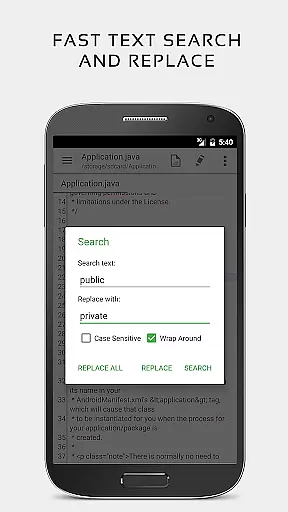
One of the standout features is the integrated online compiler that supports over 30 programming languages, allowing users to compile and run code directly within the app. Additionally, QuickEdit provides advanced text manipulation tools like quick search and replace, automatic indentation, and easy hex color value input, which streamline the editing process.
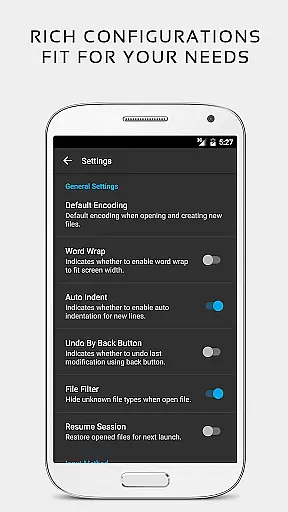
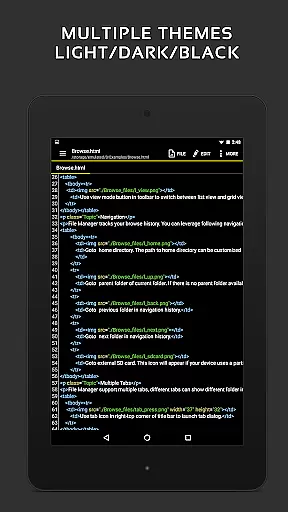
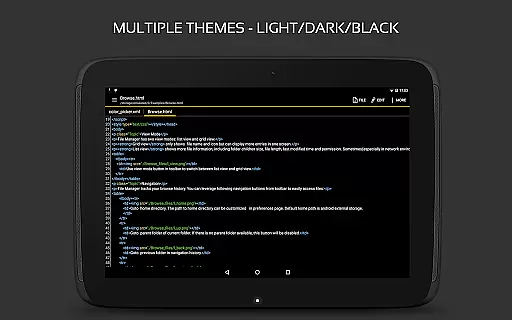
For power users, QuickEdit supports physical keyboards with key combinations, smooth scrolling in all directions, and direct line number targeting. The app also offers preview modes for HTML, CSS, AsciiDoc, and Markdown files, ensuring compatibility with various document formats. With both light and dark themes available, users can customize their editing environment to suit their preferences while enjoying an ad-free experience.
Task management is a critical aspect of productivity applications, especially for text editors like QuickEdit Text Editor Pro. This feature ensures that users can efficiently handle multiple tasks without losing track of their progress.
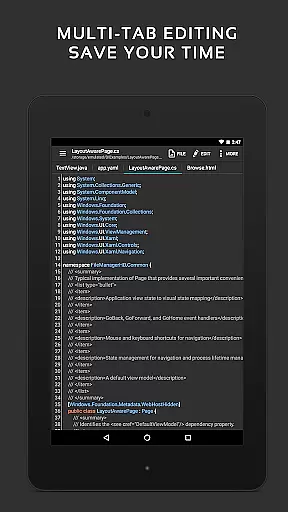
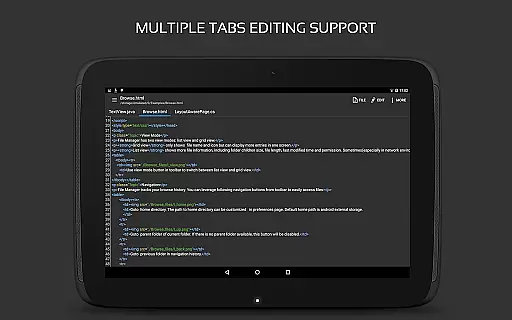
QuickEdit excels in this area by providing enhanced notepad functionalities and supporting over 170 programming languages with syntax highlighting. The app allows users to navigate between multiple open tabs effortlessly, making it easier to manage different coding or writing projects simultaneously.
Moreover, the application includes undo and redo changes without limit, display, increase, or decrease line indentations, and quickly search and replace content. These features collectively enhance the user's ability to manage complex tasks within a single interface.
By integrating high performance with no lag, even on large text files, QuickEdit ensures that users can maintain their workflow without interruptions. This seamless experience is crucial for professionals who rely on efficient task management to meet deadlines and produce quality work.
Cross-device synchronization is essential for users who work across multiple devices and need reliable access to their files and projects at all times. QuickEdit Text Editor Pro addresses this need by offering robust synchronization features.
The app supports accessing files from various cloud storage services such as FTP, Google Drive, Dropbox, and OneDrive. This integration ensures that users can seamlessly open and edit their documents regardless of their location or device, promoting flexibility and continuity in their work processes.
Additionally, QuickEdit provides physical keyboard support, including key combinations, and smooth scrolling both vertically and horizontally. These features enhance the user experience when switching between devices, ensuring that the transition is as smooth and intuitive as possible.
With its optimized performance for both phones and tablets, QuickEdit delivers a consistent and reliable cross-device experience. Users can trust that their work will be accurately synchronized and readily available, allowing them to focus on their tasks without worrying about technical inconsistencies.
Fast and responsive performance
Extensive language support
Integrated online compiler
Advanced text editing tools
Cloud service integration
Paid version only
No collaborative editing
Limited customer support
Complex for beginners
Few templates available

Take control of your clipboard with Clipper!
 3.90
3.90
Wake up & get tasks done! Add alarms & reminders on the Clock Launcher.
4.00
Font maker keyboard with your own handwriting
4.10
All document reader, all in one file viewer read PDF, DOCX, XLS, PPT, TXT files.
4.60
Subscribe to Webcal & .ics calendars and keep them up-to-date!
4.50
A beautiful digital clock with autostart and many other functions
4.70
Okta MFA
4.70
AT&T Internet customers can use this app to personalize their Wi-Fi network.
4.40
Seamlessly read, manage, and organize all your PDF files solution in one place
4.40
Best Tool for the professionals Electrician, Electrical contractors, etc.
4.90
Android Wallet Password Manager
4.80
Quickly and easily keep track of your work shifts
4.70
A simple Whisper AI keyboard for reliable speech transcription and rewording
4.60
This small app MUST BE INSTALLED after purchase, else license won't work
4.40 4.20
4.20
A customizable calendar for your Wear OS watch
4.20
Make apps & sites with natural language prompts
4.10
All in one sketching tool. Technical and General drawing. Online Maps support.
3.70
Easiest event planning, volunteer signups & parent teacher conference scheduling
2.20





User Reviews