
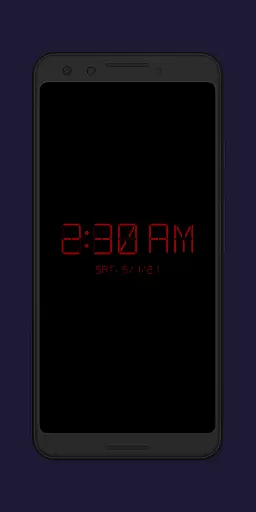
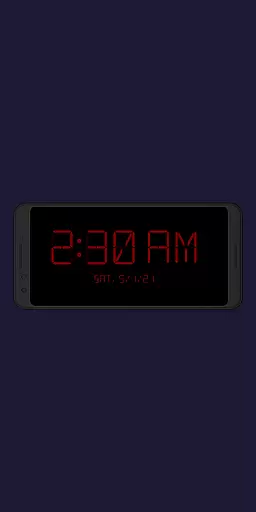
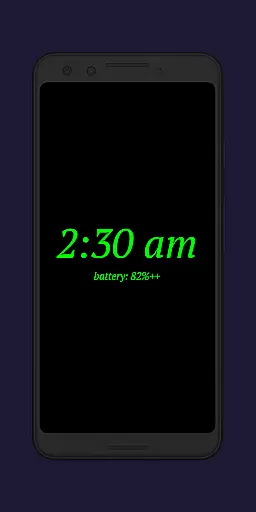
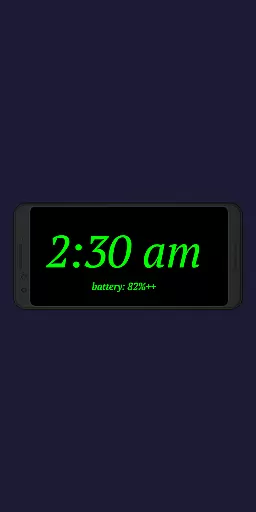
Night Clock + is a versatile digital clock app designed to serve as both a bedside night clock and a daylight mode display. It transforms your device into a beautiful digital clock for both day and night use, offering convenience when you need to check the time after dark.
The app includes a built-in flashlight feature for nighttime use and provides various customization options. With adjustable font types, colors, brightness levels, and display sizes, users can tailor the clock to their preferences. Additionally, it offers advanced features such as showing the next alarm time from the Android system and automatic night clock activation based on power connection or preset times.
Whether you want a reliable night clock or a stylish digital display for unused devices, Night Clock + delivers functionality and aesthetics in one package.
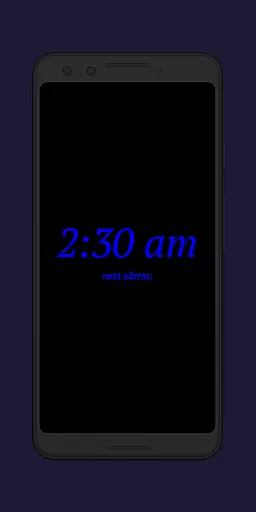
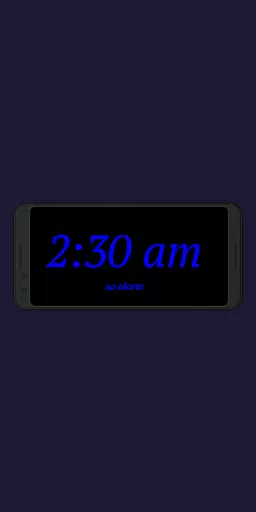
Night Clock + stands out with its extensive customization capabilities. Users can choose from four different font types and adjust font colors completely. The app allows free selection of brightness levels specifically for the night clock screen, ensuring optimal visibility without straining the eyes.
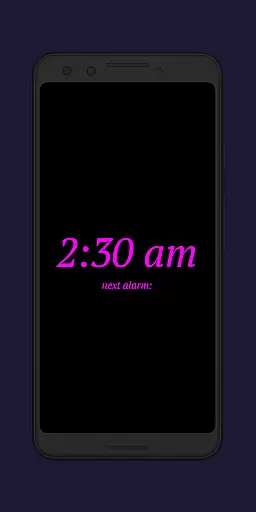
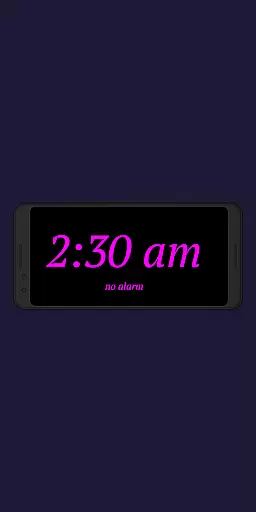
Advanced functionalities include displaying the next alarm time set in the Android system directly on the clock interface. The integrated flashlight feature is easily accessible right on the night clock screen, providing added convenience during nighttime.
Automatic night clock activation can be triggered by connecting a power cord or at a preset time, catering to user preferences. The daylight mode supports automatic brightness adjustments throughout the day, while an integrated screensaver function moves the clock slowly across the screen. These features collectively enhance usability and provide a personalized experience.
In the realm of productivity, core task management is pivotal for organizing and prioritizing tasks efficiently. Night Clock + integrates this feature by offering users the ability to set and view their next alarm time directly on the night clock screen. This seamless integration ensures that users can maintain an overview of their upcoming commitments without needing to navigate away from the clock interface.
The application takes task management a step further by providing automatic night clock start options. Users can configure the app to initiate the night clock mode when a power cord is connected or at a preset time, aligning perfectly with their daily routines. These automation features reduce the cognitive load on users, allowing them to focus on more critical tasks.
Moreover, the daylight mode enhances task visibility during the day by adjusting brightness levels automatically. This functionality ensures that any displayed information remains accessible and readable, regardless of ambient lighting conditions. By doing so, Night Clock + not only manages tasks but also optimizes the user's interaction with their environment.
Overall, these task management features contribute significantly to user productivity. They offer convenience, streamline daily operations, and ensure that important reminders are always visible. With such comprehensive tools at their disposal, users can achieve greater efficiency in both their personal and professional lives.
Cross-device synchronization reliability is essential for maintaining consistency and accessibility across multiple devices. Night Clock + addresses this need by ensuring that all settings and features are available without limitations, regardless of the device being used. This uniformity allows users to transition smoothly between devices while retaining full functionality and personalization options.
The app employs robust permission systems to enhance synchronization reliability. For instance, the 'Show / draw above other apps' permission facilitates the automatic start of the night clock, ensuring uninterrupted service even when switching contexts or devices. Similarly, camera and flashlight permissions guarantee that these features remain operational, providing a seamless experience across different hardware configurations.
Night Clock + also tracks total display time within the app settings, offering insights into usage patterns across devices. This data can be invaluable for users seeking to optimize their device interactions and understand their habits better. Such analytics empower users to make informed decisions about their digital environments.
By focusing on reliable cross-device synchronization, Night Clock + delivers a cohesive user experience. Whether using an old device as a dedicated digital clock or integrating it into a broader ecosystem, users benefit from consistent performance and feature availability. This reliability ultimately enhances user satisfaction and trust in the application.
User-friendly interface
Highly customizable settings
Built-in flashlight functionality
Automatic night clock activation
Daylight mode with brightness control
Limited to Android devices
Some features locked in free version
Requires specific permissions
No iOS compatibility
Premium version costs money

Ads Free App! Editor, Hide File, Copy, Move, Delete and Rename.. all facility av
 1.70
1.70
We're working to become the best machining app on the market! www.cncdirt.com
4.80
Remotely view listen control and record cameras.
3.70
aCalendar+ makes your day, week and month
4.70
Font maker keyboard with your own handwriting
4.10
Functional QR scanner and barcode reader that requires little storage space.
4.60
Best Tool for the professionals Electrician, Electrical contractors, etc.
4.90
Use powerful, industry-leading AI tools to generate visual charts from any data
4.80
Simple notepad & memo. Take notes, to-do list, shopping list with reminders.
4.80
8 custom complications. Custom Time Fonts. Beautiful color schemes. A++ Design.
5.00
Mind Map and brainstorm, note taking and idea collection
4.80
QuickBooks Workforce lets teams view pay info and track time in one place.
4.70
Scan paperwork into PDF/JPG, generate your own e-signature and send fax or email
4.70
Translate text/voice/photos in 150+ languages. Offline & fast translator app.
4.50
Experience Reading - Night Mode for Documents
4.40
Easily read and manage all your PDF files
4.10
A Revolutionary All-in-One Artificial Intelligence Tools
3.80
All in one sketching tool. Technical and General drawing. Online Maps support.
3.70
Find and delete junk files & block unwanted notifications & manage files
3.70



User Reviews