
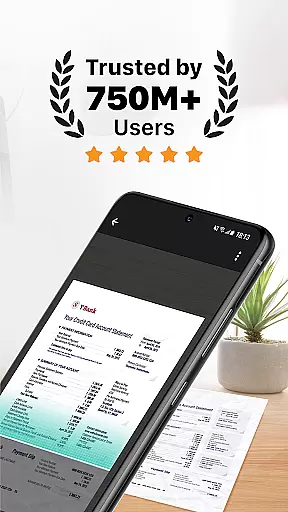
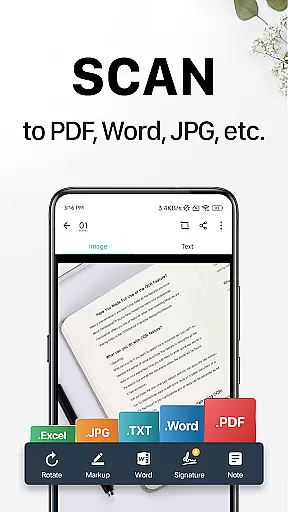
CamScanner is a versatile productivity app that transforms your mobile device into a powerful portable scanner. With advanced OCR technology, it allows users to instantly scan, save, and share documents in various formats including PDF, JPG, Word, or TXT. The app's intelligent cropping and auto-enhancing features ensure premium scan quality with sharp text and vibrant colors.
Beyond basic scanning, CamScanner offers comprehensive document management capabilities. Users can extract text from images, annotate documents, add watermarks, and even search for specific content within their scanned files. The app supports wireless printing and remote faxing to over 30 countries, making it an essential tool for both personal and professional use.
This productivity app is particularly valuable for remote workers and students who need to digitize important documents on the go. Its cross-platform synchronization feature enables seamless access to documents across multiple devices, while advanced security measures like password protection ensure sensitive information remains confidential.
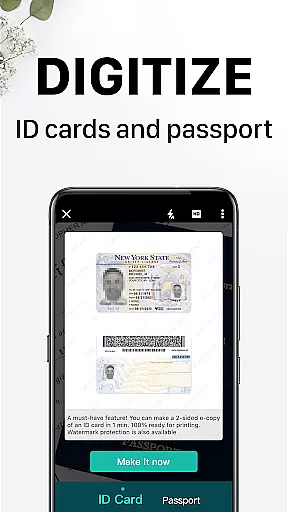
CamScanner distinguishes itself through its comprehensive feature set designed to enhance productivity. The app's quick document digitization capability supports various document types including receipts, notes, and business cards. Its smart cropping algorithm automatically detects document edges, while the auto-enhancement feature optimizes color and resolution for professional-quality scans.
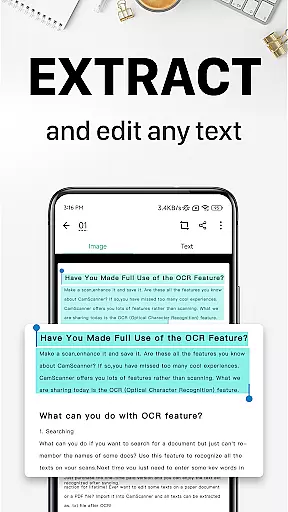
The app's OCR functionality stands out by enabling users to extract and edit text from scanned documents. This feature, combined with advanced editing tools, allows for annotations, watermarking, and content tagging. The quick search capability lets users find specific documents through tags or content-based image search, significantly improving document management efficiency.
Additional notable features include secure document protection through password settings, wireless printing capabilities, and remote fax services to multiple countries. The app's cross-platform synchronization ensures users can access their documents from any device, while the unlimited access membership provides enhanced functionality for power users seeking maximum productivity.
CamScanner excels in core task management by offering a comprehensive suite of tools that streamline document handling. This productivity app allows users to quickly digitize receipts, notes, invoices, and more, transforming them into high-quality scans.
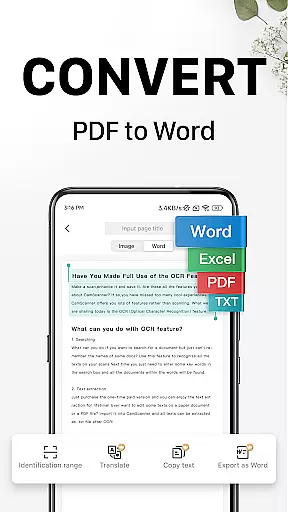
The app's intelligent cropping and auto-enhancement features ensure that all scanned documents maintain premium color accuracy and resolution. With optical character recognition (OCR), CamScanner enables users to extract text from images or PDFs, making the content easily searchable and editable.
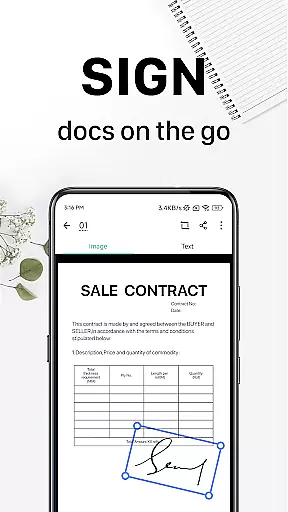
Sharing documents is effortless with CamScanner's multiple sharing options. Users can send files in PDF or JPEG formats via social media, email attachments, or download links. The ability to annotate documents and add customized watermarks further enhances document management.
By providing quick search functionalities through tagging and OCR-based content searches, CamScanner ensures users can efficiently locate specific documents. Syncing across platforms allows seamless access on smartphones, tablets, or computers, ensuring productivity is never compromised.
Cross-device synchronization is a standout feature of CamScanner, ensuring reliable access to documents across all user devices. By signing up for an account, users can sync their scanned documents on smartphones, tablets, and computers, accessing them anytime and anywhere.
This synchronization capability extends the utility of CamScanner beyond mobile devices. Whether at home or in the office, users can view, edit, and share documents using the web interface at www.camscanner.com. This flexibility significantly boosts productivity by allowing uninterrupted workflow transitions between devices.
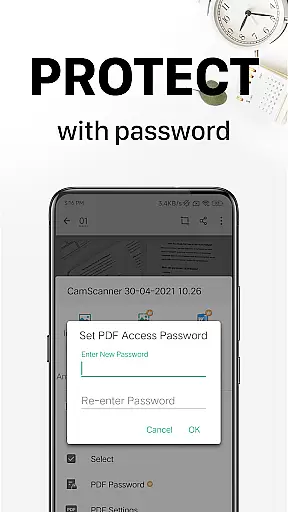
Security is also a priority with CamScanner's synchronization feature. Users can protect confidential documents with passwords, both for viewing and for document download links. This ensures sensitive information remains secure while being accessible across devices.
Additionally, CamScanner offers unlimited access memberships that unlock all features, including advanced synchronization options. Subscriptions are available on weekly, monthly, quarterly, or annual terms, catering to varying user needs. This subscription model ensures continuous improvement and support for cross-device functionality.
Advanced OCR technology
Multi-format document support
Cross-platform synchronization
Wireless printing capability
Remote fax services
Premium features locked
Subscription required
Basic quality limitations
File size restrictions
Ads in free version

The long-awaited modern gallery app for your Nextcloud server
 4.70
4.70
Experience real multitasking on your Android!
4.00
Todo reminder
4.10
Simple and reliable communication between inmates, friends and family
3.20
Ultimate Virtual AI Character for immersive Roleplay Chat. Perfect Companion
3.90
Lightweight PDF, Word, Excel reader.
4.60
Seamlessly read, manage, and organize all your PDF files solution in one place
4.40
Browse and view your photos and videos from the phone with photo & video hide.
4.10
QuickEdit is a fast, stable and full featured text and code editor.
4.20
Scientific calculator for Android - looks and operates like the real thing!
4.90
Protect and view your important info on your phone and tablet with eWallet®
4.80
Client for Nextcloud Deck
4.60
CalenGoo is a very flexible and feature-rich calendar app
4.40
Enjoy classic gameplay with customizable features and retro-style graphics.
4.30
Font maker keyboard with your own handwriting
4.10
Activate Two Factor Authentication (2FA or Multi OTP), Password manager and more
4.10
Intelligent AI Assistant
4.10
Take control of your clipboard with Clipper!
3.90
Access your phone's notifications, calls, apps, photos & texts on your PC
3.90




User Reviews