
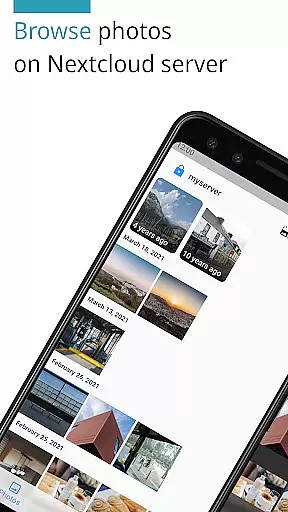
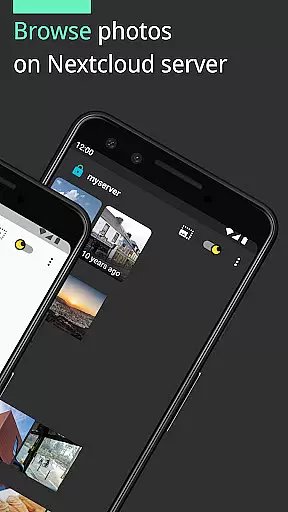
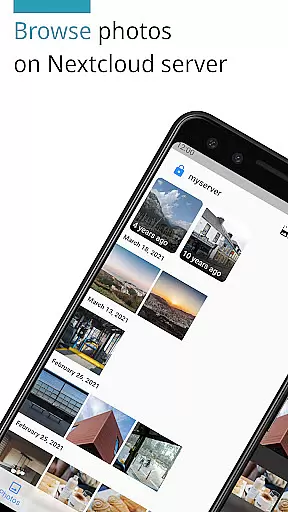
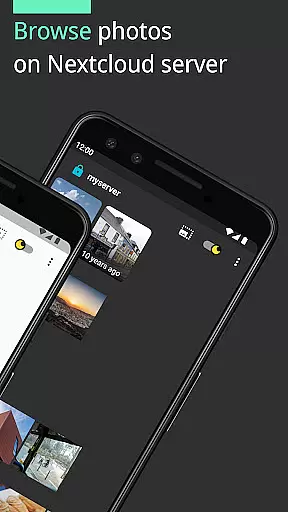
Photos for Nextcloud is a powerful productivity app designed to enhance photo management within the self-hosted Nextcloud ecosystem. The app offers advanced features such as JPEG XL support, client-side EXIF extraction, and machine learning-based photo enhancement. These capabilities ensure users can efficiently organize, edit, and share their photos while maintaining complete control over their data.
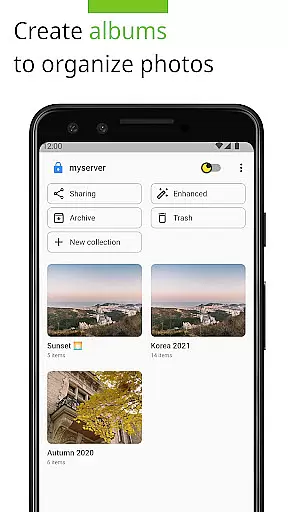
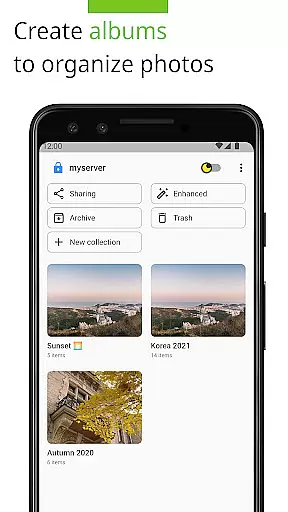
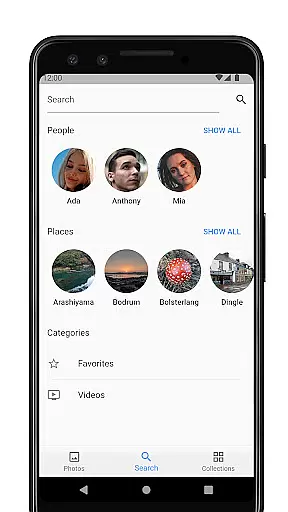
In addition to supporting multiple image and video formats like JPEG, PNG, WebP, HEIC, GIF, JPEG XL, MP4, and WebM, Photos for Nextcloud allows users to sign in to multiple servers and create shared albums with others on the same server. Its open-source nature and integration with Nextcloud apps like Face Recognition make it an ideal tool for individuals seeking a secure and flexible photo management solution.
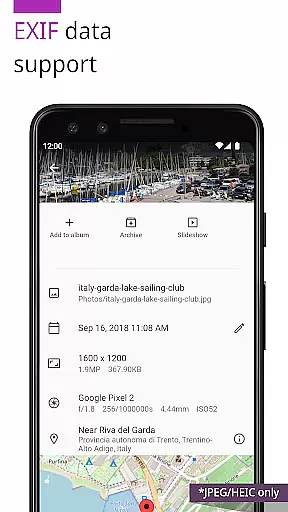
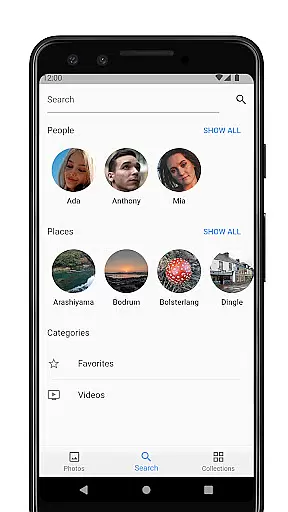
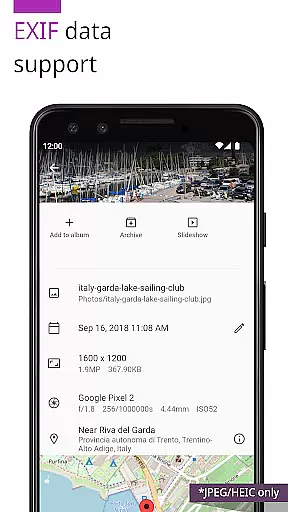
One of the standout features of Photos for Nextcloud is its ability to extract EXIF data directly on the client side, even for file formats not natively supported by the server. This ensures accurate metadata handling across various devices. Additionally, the app supports reverse geocoding, which translates geographic coordinates into human-readable locations, enhancing photo organization based on location data.
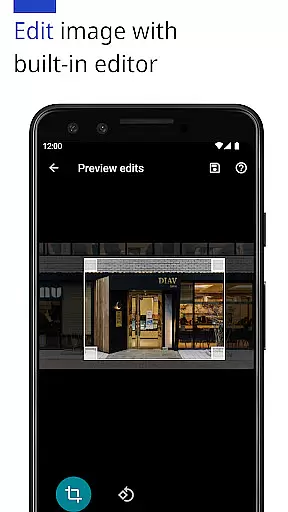
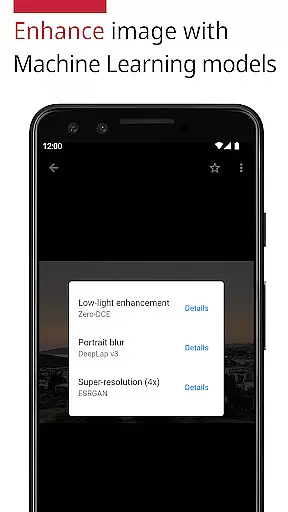
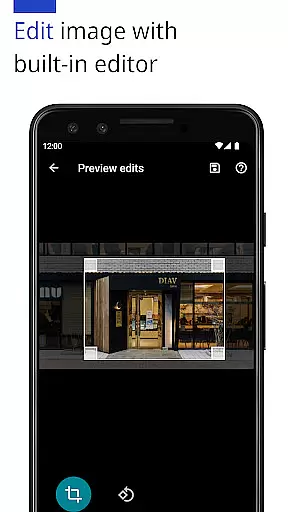
The built-in photo editor provides essential editing tools, while machine learning models offer advanced photo enhancement options. Users can also enjoy experimental features like shared albums, allowing collaboration with other users on the same server. With no features locked behind paywalls, both free and paid versions offer the same comprehensive functionality, making this app accessible to all Nextcloud users.
Task management is a cornerstone of productivity applications, and Photos for Nextcloud excels in this area by offering users the ability to efficiently organize their digital assets. The app supports a variety of formats including JPEG, PNG, WebP, HEIC, GIF, JPEG XL for images, and MP4, WebM for videos, ensuring that all user media can be centrally managed.
The application provides more flexible albums and client-side EXIF extraction, which allows users to sort and categorize photos based on metadata not supported by the server. This feature enhances the core task management by enabling users to create meaningful collections without being limited by server capabilities.
Additionally, the app's reverse geocoding functionality adds another layer of organization, allowing users to tag and search for photos based on location data. This comprehensive approach to managing digital content ensures that users can easily retrieve and organize their files, thus improving overall productivity.
Cross-device synchronization is vital for users who access their files from multiple devices. Photos for Nextcloud addresses this need with reliable synchronization features that ensure data consistency across all user devices. Whether signing in to multiple servers or sharing albums with other users on the same server, the app maintains a seamless experience.
With built-in photo editing tools and machine learning enhancements, any modifications made to photos are reliably synced across devices. This means that users can start editing on one device and continue on another without losing any progress or quality, providing a fluid cross-device workflow.
Furthermore, as an open-source application, it offers transparency and flexibility, giving users peace of mind regarding their data's integrity during synchronization processes. This reliability fosters trust and confidence in using Photos for Nextcloud as a dependable productivity tool.
Advanced photo enhancement
Client-side EXIF support
Multiple server logins
Open-source flexibility
Secure self-hosting
Experimental sharing
Limited codec support
No offline mode
Requires Nextcloud
Complex setup

A customizable calendar for your Wear OS watch
 4.20
4.20
Experience Reading - Night Mode for Documents
4.40
Pwnagotchi companion app
4.20
Cloud storage, automatic phone backup, and more.
4.10
Best Tool for the professionals Electrician, Electrical contractors, etc.
4.90
A beautiful digital clock with autostart and many other functions
4.70
To do list widget with a notebook organizer, checklist, simple shopping list
4.60
Scientific calculator for Android - looks and operates like the real thing!
4.90
Seamlessly read, manage, and organize all your PDF files solution in one place
4.40
Great calculator for Android named one of USA TODAY's "25 Essential Apps".
4.90
App lock - lock apps with fingerprint, password, pin or pattern, protect privacy
4.70
PDF scanner & converter for files, photos, lottery, QR codes. One swipe away!
4.50
This small app MUST BE INSTALLED after purchase, else license won't work
4.40
When you Focus, so will your Bean in this cozy focus timer
4.30
Enjoy classic gameplay with customizable features and retro-style graphics.
4.30
⏰ Finally a timer app which can run multiple timers simultaneously on your watch
3.90
Find and delete junk files & block unwanted notifications & manage files
3.70
Auto-shutoff Alarm with Sunrise, Sunset & Fixed Options.
3.50
ID.me Authenticator is a simple and free Two Factor Authentication solution
3.50




User Reviews