
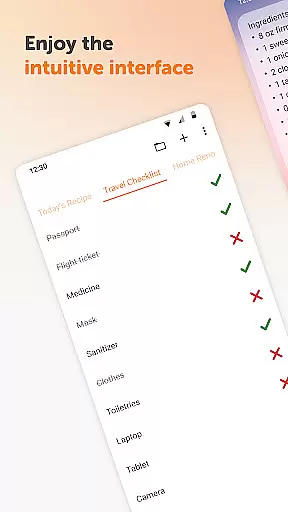
Simple Notes Pro is a productivity-focused note-taking application designed to help users quickly capture ideas, create shopping lists, and manage daily tasks. The app offers an intuitive interface that allows for easy organization of notes and to-do lists without any complicated setup steps.
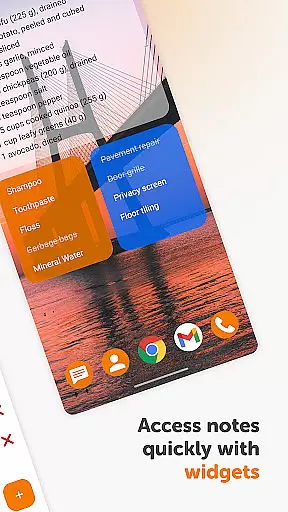
One of the standout features of Simple Notes Pro is its customizable and resizable widget, which provides instant access to your notes directly from the home screen. This makes it an invaluable tool for remembering important information on the go. Whether you need to jot down a quick reminder or organize your daily agenda, this app ensures you can do so efficiently and effectively.
The app's value lies in its simplicity and functionality. With autosave functionality, multiple independent plain text notes, and support for checklists, Simple Notes Pro ensures that users never lose their important notes. Its ad-free, open-source nature, combined with privacy-focused features like offline access, makes it a reliable choice for users seeking a secure and distraction-free note-taking experience.
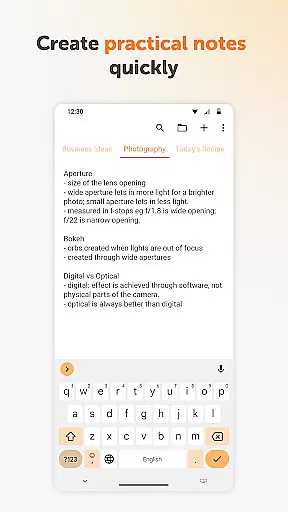
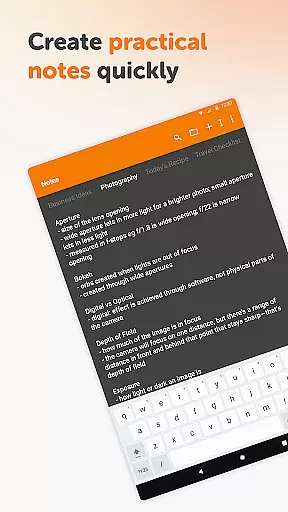
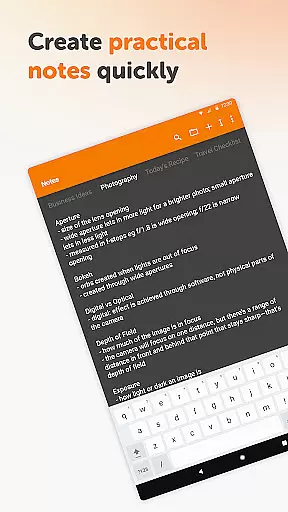
Simple Notes Pro stands out with its rich feature set tailored for productivity enthusiasts. One of its key features is the ability to create multiple independent plain text notes and checklists rapidly. This functionality supports efficient organization and management of various tasks and ideas.
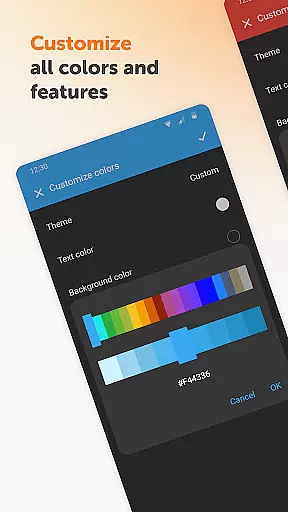
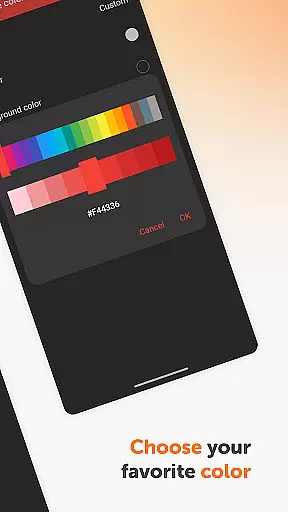
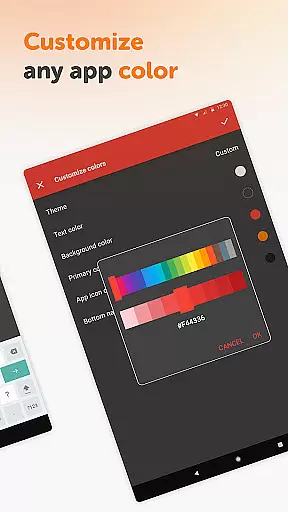
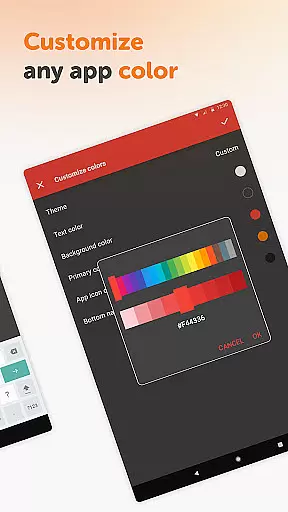
The app also includes a customizable and resizable widget, offering users the convenience of accessing their notes directly from the home screen. This widget not only enhances accessibility but also allows for personalization in terms of colors and size, catering to individual preferences. Additionally, Simple Notes Pro incorporates material design and a default dark theme, ensuring a visually appealing and user-friendly experience.
Privacy and security are prioritized, as the app operates without internet access, thus providing more privacy and stability compared to other note-taking apps. Furthermore, being fully open-source and free from ads or unnecessary permissions, Simple Notes Pro delivers a seamless and trustworthy user experience, making it an excellent choice for those who value data security and simplicity.
Task management is a cornerstone of productivity applications, and Simple Notes Pro excels in this area by providing users with an intuitive platform for organizing their daily activities. The app allows for the creation of multiple independent plain text notes and lists, ensuring that users can segment their tasks efficiently without clutter.
The customizable and resizable widget further enhances the task management experience. With just a tap, users can access their lists and organize their to-do items swiftly. This seamless interaction ensures that managing tasks doesn't become a chore in itself, but rather a natural extension of the user's daily routine.
Simple Notes Pro also features an autosave function, which means users will not lose their progress due to accidental closures or mishaps. This feature provides peace of mind and encourages users to jot down ideas as soon as they arise, knowing their work is always preserved securely.
Cross-device synchronization is vital for users who operate across multiple platforms and need reliable access to their notes and lists at all times. Simple Notes Pro addresses this need by ensuring that data is consistently backed up and synchronized, although specific details on cloud services are not provided in the description.
While the app emphasizes local functionality with no internet access, thus enhancing privacy, security, and stability, it still assures users of a dependable backup system. This approach caters to those who prioritize data integrity and prefer minimalistic apps without reliance on constant connectivity.
By focusing on core functionalities without unnecessary permissions or ads, Simple Notes Pro delivers a streamlined experience where synchronization reliability is implied through its robust design and commitment to user-centric features. Users can trust that their information remains accessible and intact across sessions.
User-friendly interface
Customizable widgets
Offline functionality
No ads or unnecessary permissions
Autosave feature
Limited advanced features
No cloud sync option
Basic design elements
Restricted collaboration tools
Plain text only

Client for Nextcloud Deck
 4.60
4.60
QuickBooks Workforce lets teams view pay info and track time in one place.
4.70
Mega cloud explorer plugin for Solid Explorer
3.80
Device's storage information in a simple and clear graphical form (infographics)
4.10
IP Camera Viewer - Android TV : RTSP Surveillance camera viewer for Android TV
4.1
Functional QR scanner and barcode reader that requires little storage space.
4.60
Intelligent AI Assistant
4.10
Simple notepad & memo. Take notes, to-do list, shopping list with reminders.
4.80
Daily processing of PDF documents.
4.40
Best Tool for the professionals Electrician, Electrical contractors, etc.
4.90
Seamlessly integrate data and reports to build your presentation to impress
4.80
The long-awaited modern gallery app for your Nextcloud server
4.70
A beautiful digital clock with autostart and many other functions
4.70
Scan paperwork into PDF/JPG, generate your own e-signature and send fax or email
4.70
Tally and goal counter for Wear OS & mobile
4.50
Secure your apps with lock screens, use custom themes and different features.
4.40
Enjoy classic gameplay with customizable features and retro-style graphics.
4.30
Experience and share your SolidWorks designs on your Android® phone and tablet.
2.50
A comprehensive suite of tools designed specifically for Lactation Consultants
4.3



User Reviews