
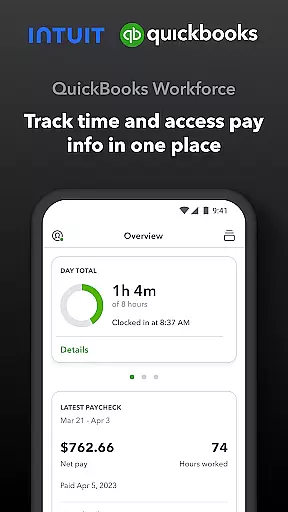
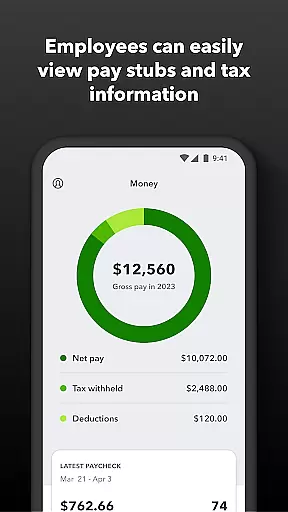
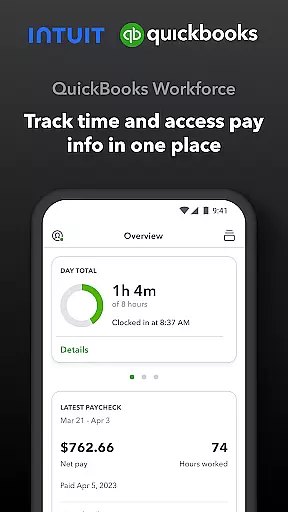
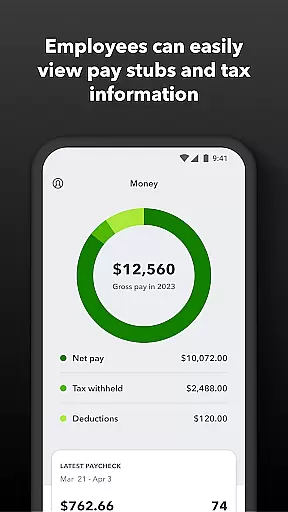
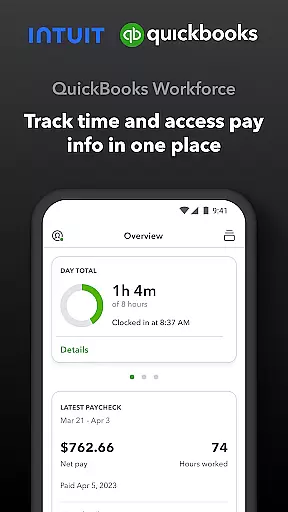
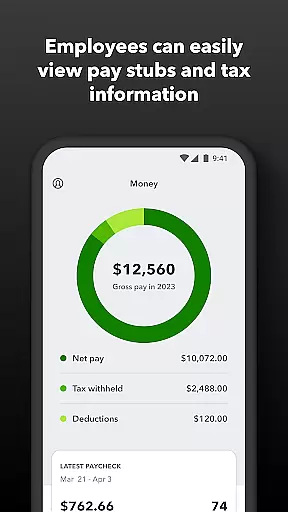
QuickBooks Workforce is a comprehensive productivity app designed to streamline payroll and time tracking for businesses using QuickBooks Payroll and QuickBooks Time. The app allows employees to access their pay information, including pay stubs and W-2s, anytime and anywhere, ensuring transparency and convenience in managing personal financial data.
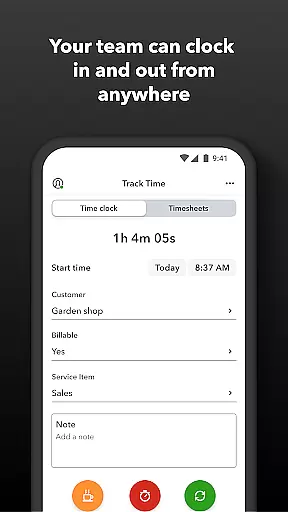
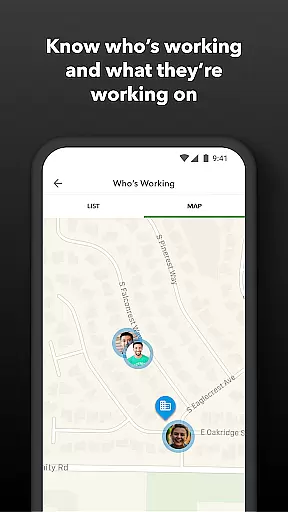
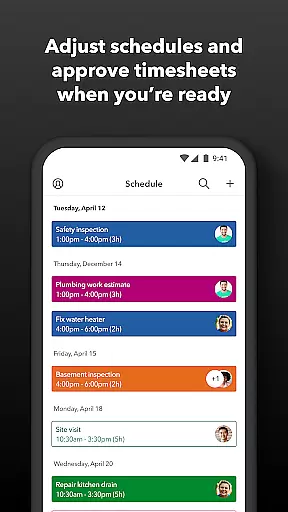
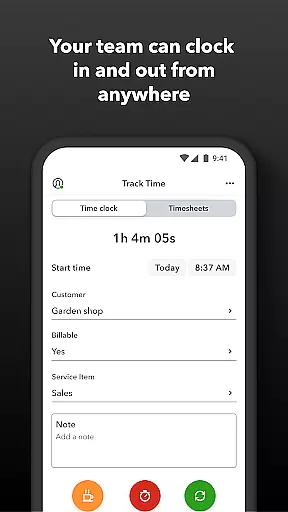
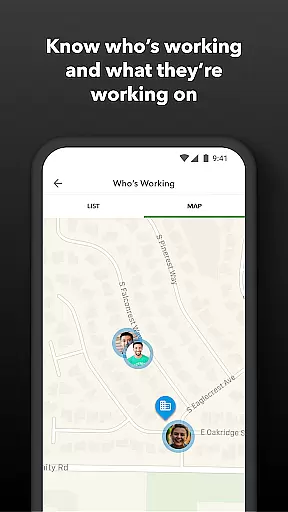
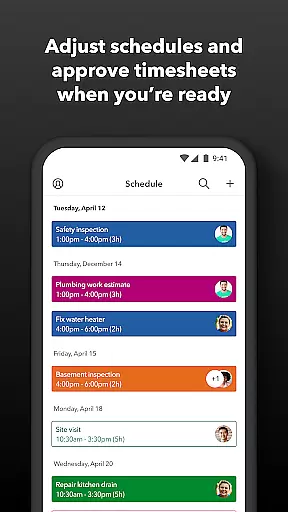
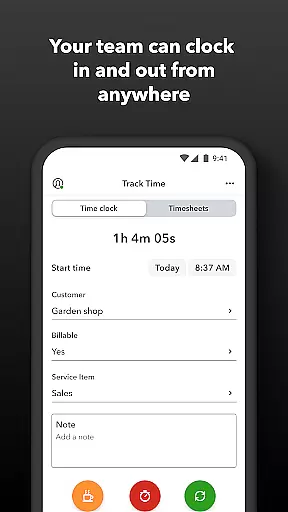
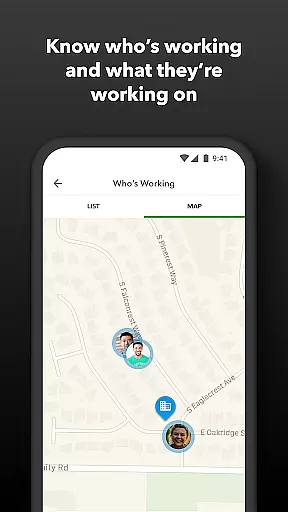
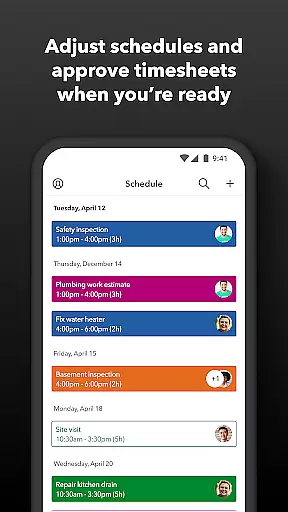
Beyond basic payroll functions, QuickBooks Workforce offers advanced time tracking features. Employees can clock in and out even without Wi-Fi, submit requests for paid time off, and manage their schedules efficiently. Employers benefit from real-time monitoring of who is working and where, the ability to approve timesheets, and tools to manage employee schedules and track accruals for vacation, sick days, and holidays.
This app is particularly useful for businesses that need accurate time logs to protect against labor disputes and audits. By replacing traditional paper timesheets with digital solutions, QuickBooks Workforce reduces payroll costs, eliminates manual data entry, and integrates seamlessly with QuickBooks Online and other accounting software, enhancing overall operational efficiency.
QuickBooks Workforce stands out with its robust set of features tailored for both employees and employers. For employees, the app provides essential functionalities such as accessing pay stubs and W-2s, submitting time-off requests, and managing job schedules. The GPS location-based time tracking ensures accurate recording of work hours, which is crucial for payroll accuracy and compliance.
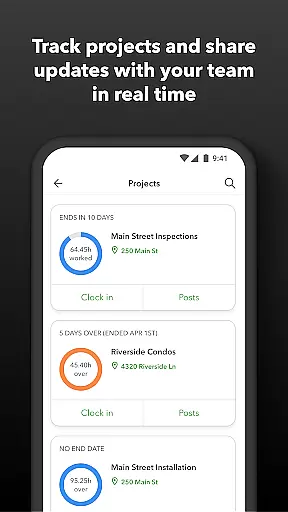
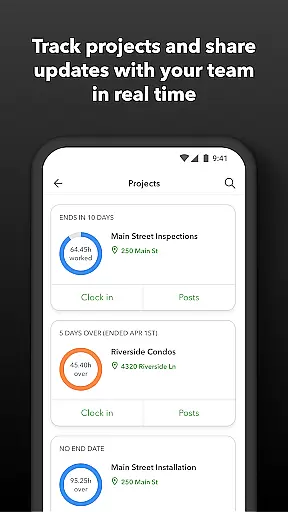
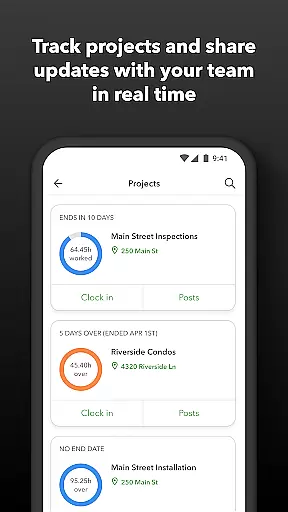
For employers and administrators, the app offers powerful tools to oversee team productivity and project status. They can approve, edit, or delete timesheets, schedule shifts, and receive alerts if employees don't clock in as planned or approach overtime. The geofencing feature available in QuickBooks Time Elite reminds teams to clock in or out when entering or leaving a job site, adding an extra layer of automation and precision.
Additional benefits include seamless integration with various payroll, accounting, and invoicing software, real-time reporting in multiple formats, and an open API for developers. These features collectively help businesses save on payroll costs, enhance data accuracy, and improve overall efficiency in managing workforce operations.
Task management is a cornerstone of productivity applications, and QuickBooks Workforce excels in this area by offering comprehensive tools for both employees and employers. The app allows team members to clock in and out, edit timesheets, and manage job schedules, all within a unified platform.
For employers and administrators, the ability to approve, modify, or delete timesheets adds an extra layer of control and oversight. Additionally, features like real-time tracking of who is working and where, along with setting up geofences for automatic clock-ins and clock-outs, enhance workforce management capabilities significantly.
The benefits for users include streamlined operations through automated alerts when employees don't clock in as scheduled or approach overtime. This ensures that businesses can maintain optimal staffing levels while avoiding unnecessary labor costs. Moreover, detailed reporting on vacation, sick leave, and holidays helps in better planning and resource allocation.
Cross-device synchronization is vital for ensuring that all team members have access to the most current data regardless of their location or device. QuickBooks Workforce provides reliable synchronization across multiple platforms, allowing seamless integration between mobile devices and desktop systems.
This reliability extends to its integration capabilities with other software solutions such as QuickBooks Online and QuickBooks Desktop Payroll. By eliminating manual data entry and providing real-time updates, the app ensures that payroll processing and invoicing are both faster and more accurate.
Users benefit from consistent and up-to-date information at their fingertips, which enhances decision-making processes. Real-time reports available in various formats (PDF, CSV, online, HTML) further support this by giving stakeholders instant access to critical business insights, thus improving overall efficiency and responsiveness.
User-friendly interface
Comprehensive payroll management
Real-time time tracking
Seamless software integration
Advanced scheduling tools
Limited free features
Subscription costs
Complex setup process
Occasional sync issues
Geofencing requires premium

When you Focus, so will your Bean in this cozy focus timer
 4.30
4.30
Native client for Forgejo and Gitea
5.00
Direct Chat without saving contacts & Dual WA Account on Single Device
4.70
Stay on top of your to-dos with Google Tasks, part of Google Workspace.
4.60
A beautiful digital clock with autostart and many other functions
4.70
A Pixel Art watchface inspired by other iconic 90s designs for Wear OS devices!
4.40
Intelligent AI Assistant
4.10
Use powerful, industry-leading AI tools to generate visual charts from any data
4.80
Understand anything with a personalized AI research assistant
4.80
Multilingual translator for text, voice, and image translation!
4.90
The long-awaited modern gallery app for your Nextcloud server
4.70
The Pro Version of Android's tiniest Notepad app. Just 0.3MB but feature-packed!
4.60
Functional QR scanner and barcode reader that requires little storage space.
4.60
A customizable calendar for your Wear OS watch
4.20
Font maker keyboard with your own handwriting
4.10
Smart PDF reader & editor to view, organize and manage PDF documents easily.
3.70
Remotely view listen control and record cameras.
3.70
Simple and reliable communication between inmates, friends and family
3.20
AI Video AI Image Private LLM AI Browser Llama Gemma Ollama Connect LLM Studio
4.0




User Reviews