
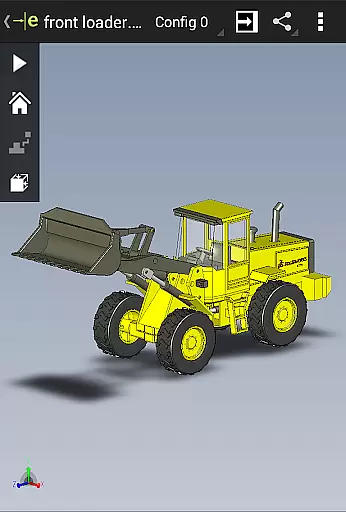
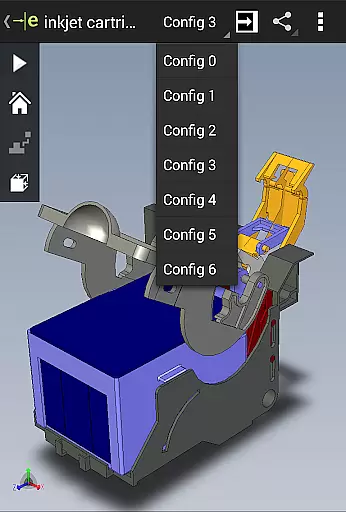
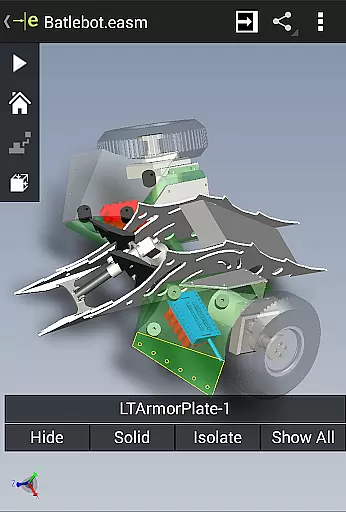
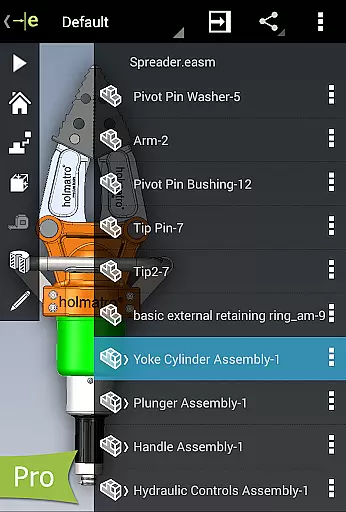
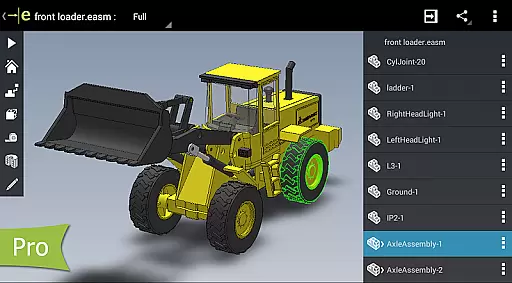
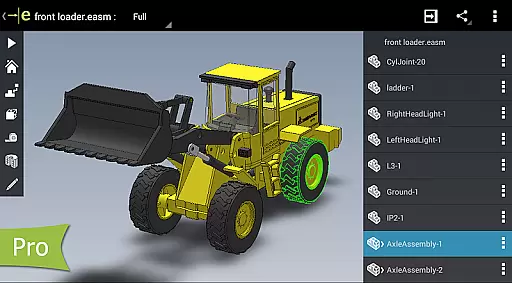
eDrawings is a powerful CAD viewer designed for Android devices, enabling users to view native eDrawings files as well as SolidWorks parts, assemblies, and drawings. This app revolutionizes the way product design information is shared by allowing users to easily send and receive CAD files via email.
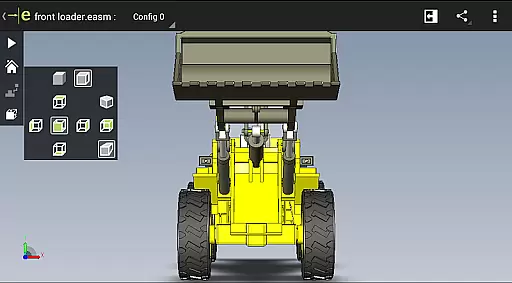
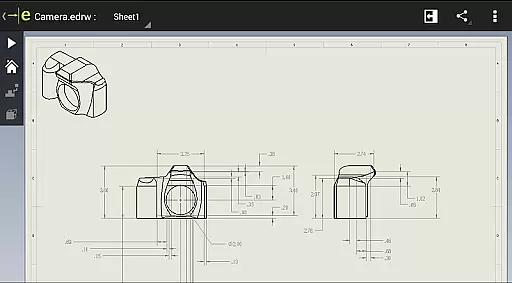
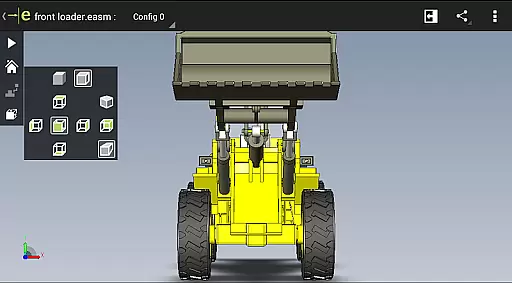
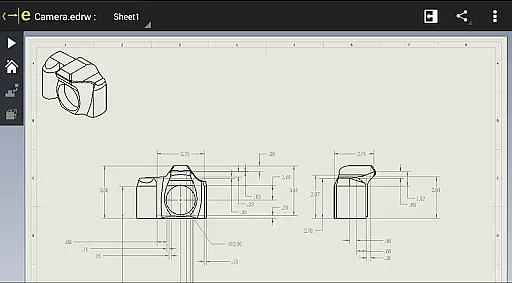
With multi-touch gestures, users can pan, zoom, and rotate models effortlessly. The app supports drawing sheets and exploded views for files published from SolidWorks, making it an essential tool for anyone involved in product development.
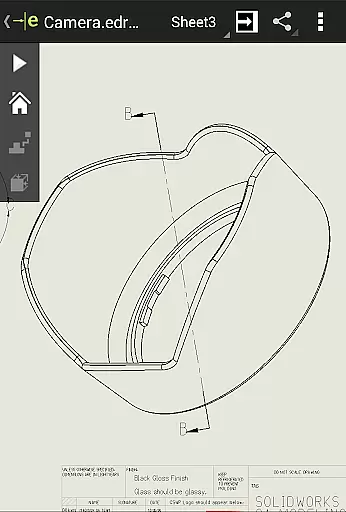
Whether you're a regular CAD software user or not, eDrawings makes it easy to interpret and understand both 2D and 3D designs, enhancing collaboration across all stages of product development.
eDrawings offers an intuitive and user-friendly interface that supports a wide range of file types including 3D (EASM, EPRT, SLDASM, SLDPRT, IGES, IGS, JT, STEP, STP, IFC) and 2D (EDRW, SLDDRW, DWG, DXF) formats. Users can open files from various sources such as email attachments, cloud storage services, web and FTP sites, and network folders.
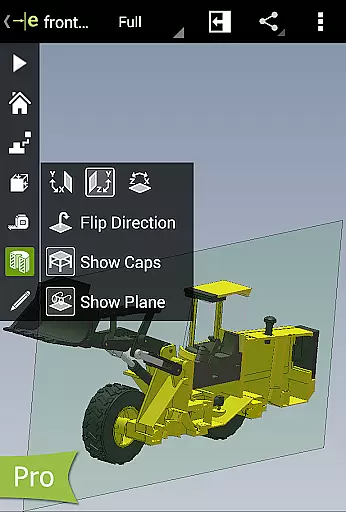
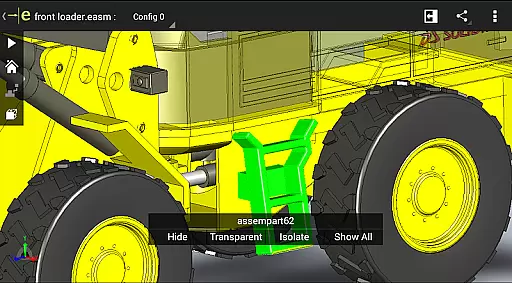
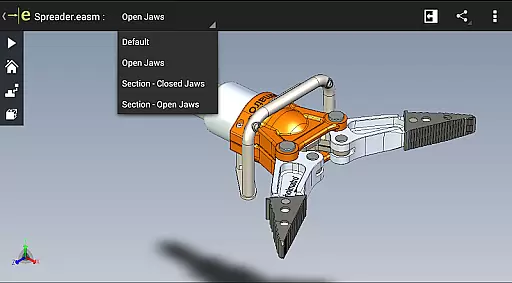
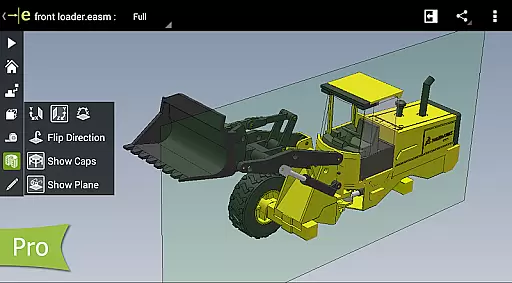
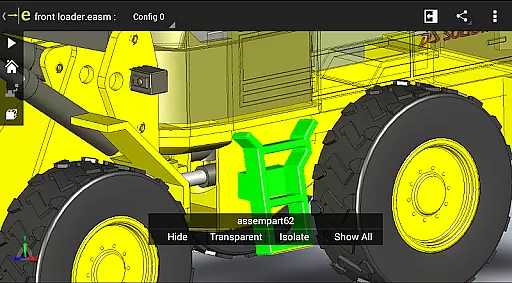
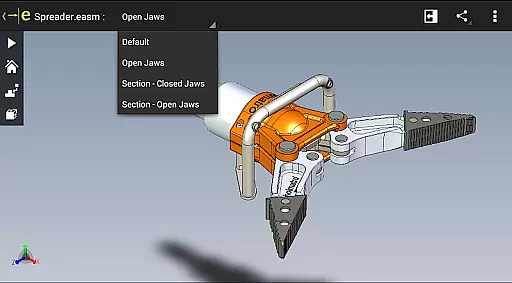
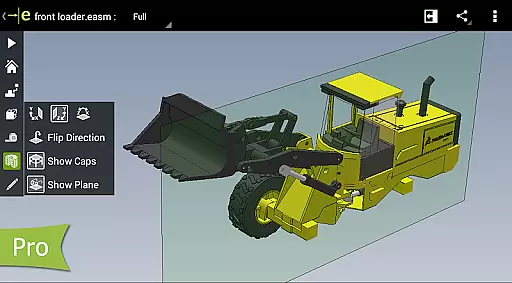
The app allows users to animate 3D standard views, browse 2D drawing sheets, and view designs in full screen with a simple double tap. With the Pro version available through in-app purchase, users can measure designs, view dynamic cross sections, and create markups with text notes and freehand notations.
eDrawings Pro enhances collaboration by enabling users to share marked-up files with others for review and further comments, saving all markups with history within the eDrawings file.
Task management is a critical aspect of productivity applications, and eDrawings excels in this area by providing users with an intuitive interface to handle complex CAD data efficiently. The app allows you to open various 3D and 2D file formats, including EASM, EPRT, SLDASM, SLDPRT, IGES, IGS, JT, STEP, STP, IFC, EDRW, SLDDRW, DWG, and DXF, from multiple sources such as email attachments, cloud storage services, web, FTP sites, and network folders.
eDrawings simplifies the process of working with CAD files by offering multi-touch gestures for panning, zooming, and rotating models, making navigation seamless and efficient. This functionality ensures that users can focus on their design work without being hindered by cumbersome controls.
The ability to animate 3D standard views and browse through 2D drawing sheets adds another layer of convenience, allowing users to visualize their projects comprehensively. With these features, eDrawings supports a dynamic workflow that enhances productivity and collaboration among team members.
Cross-device synchronization is vital for maintaining consistency and accessibility across different platforms, and eDrawings addresses this need effectively. By enabling users to load and send files via email, the app facilitates collaboration with all stakeholders involved in product development, regardless of whether they are regular CAD software users or not.
This feature ensures that everyone has access to the latest design information, promoting better communication and understanding of 2D and 3D designs. Whether you're working on an Android phone or tablet, eDrawings provides reliable synchronization that keeps your data up-to-date and accessible.
Furthermore, upgrading to eDrawings Pro through an in-app purchase unlocks additional capabilities like measuring designs, viewing dynamic cross-sections, creating markups, and sharing marked-up files. These advanced features enhance the collaborative experience, ensuring that all feedback and modifications are preserved within the eDrawings file for future reference.
Easy-to-use interface
Wide file format support
Enhanced collaboration tools
Multi-touch gestures
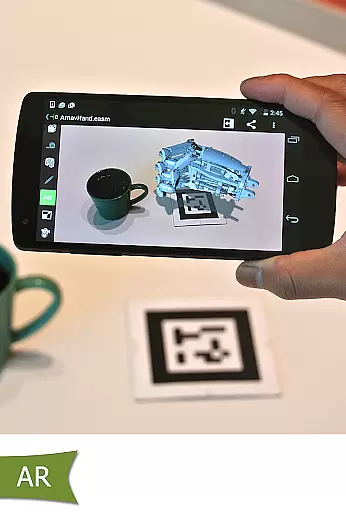
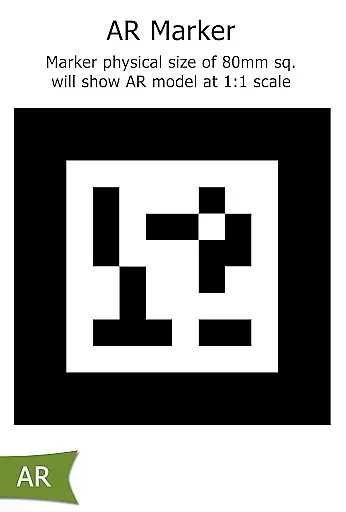
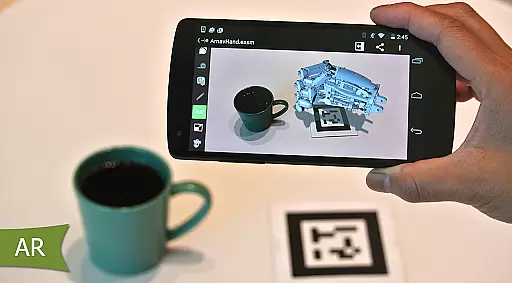
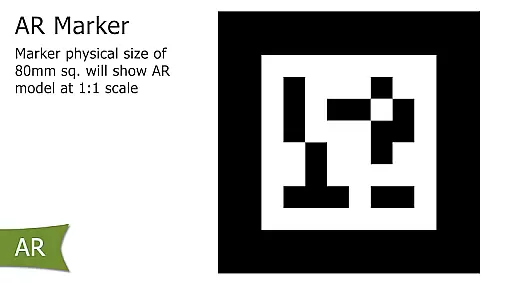
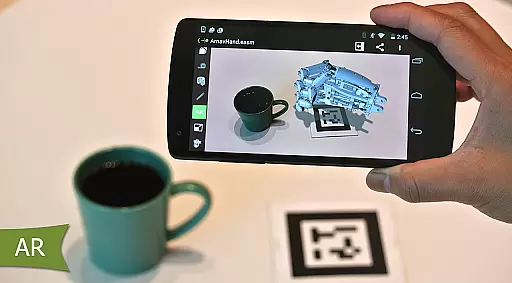
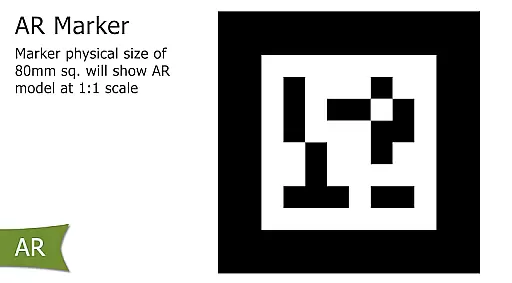
Augmented reality features
Pro features require in-app purchase
Limited AR functionality on some devices
Occasional UI clipping issues
No offline help documentation
Some advanced features only in Pro version

AI Video AI Image Private LLM AI Browser Llama Gemma Ollama Connect LLM Studio
 4.1
4.1
A customizable calendar for your Wear OS watch
4.20
All in one sketching tool. Technical and General drawing. Online Maps support.
3.70
Protect and view your important info on your phone and tablet with eWallet®
4.80
⏰ Finally a timer app which can run multiple timers simultaneously on your watch
3.90
Subscribe to Webcal & .ics calendars and keep them up-to-date!
4.50
Secure, open-source, SPICE and SSH Remote Desktop for QEMU KVM virtual machines
4.00
Use powerful, industry-leading AI tools to generate visual charts from any data
4.80
Browse and view your photos and videos from the phone with photo & video hide.
4.10
Secure, fast, open-source, VNC and SSH Remote Desktop for Windows, Linux and Mac
4.70
The long-awaited modern gallery app for your Nextcloud server
4.70
Stay on top of your to-dos with Google Tasks, part of Google Workspace.
4.60
A simple Whisper AI keyboard for reliable speech transcription and rewording
4.60
This small app MUST BE INSTALLED after purchase, else license won't work
4.40
Automates browsing any website and notifies you of important changes or events
4.30
Device's storage information in a simple and clear graphical form (infographics)
4.10
A Revolutionary All-in-One Artificial Intelligence Tools
3.80
Auto-shutoff Alarm with Sunrise, Sunset & Fixed Options.
3.50
ID.me Authenticator is a simple and free Two Factor Authentication solution
3.50




User Reviews