
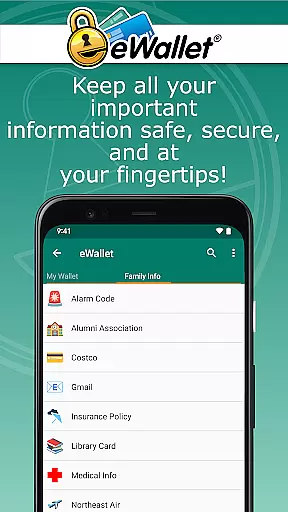
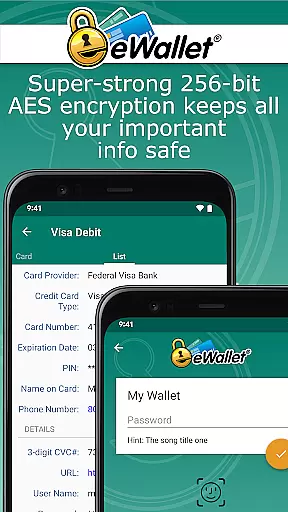
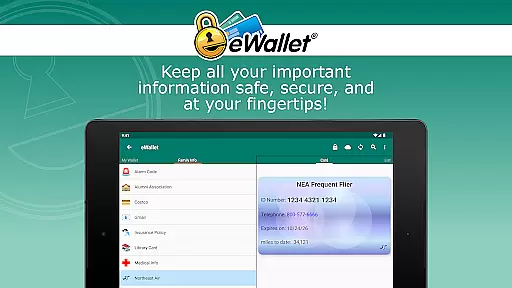
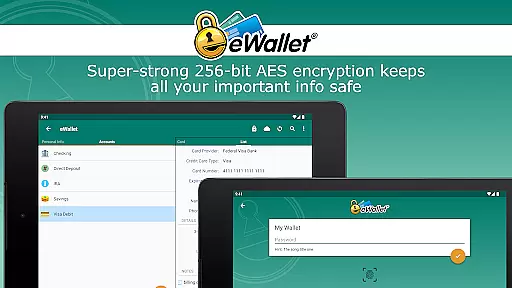
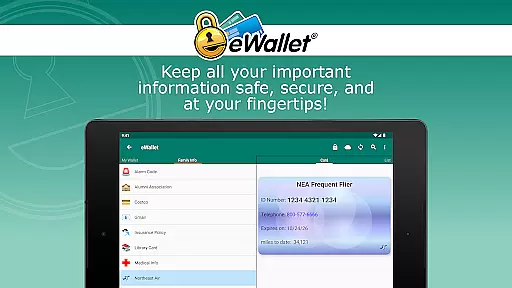
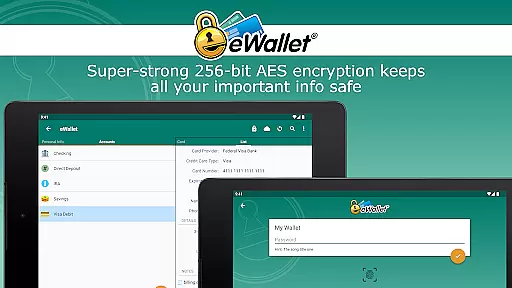
eWallet is a premier productivity app designed to securely manage your digital life. This robust password manager locks sensitive information such as passwords, credit card details, and bank account numbers behind military-grade 256-bit AES encryption. With its updated biometric features, users can conveniently access their data through fingerprint, iris scan, or facial recognition on compatible devices.
The app offers seamless synchronization options, allowing you to sync your secure wallets across Android devices and desktop computers via cloud services like Dropbox, Google Drive, or Microsoft OneDrive, or through local Wi-Fi. eWallet stands out with its user-friendly interface, customizable wallets, and powerful features such as an auto-locking mechanism and random password generator. Whether for personal or professional use, eWallet ensures your critical data remains safe, organized, and accessible wherever you go.
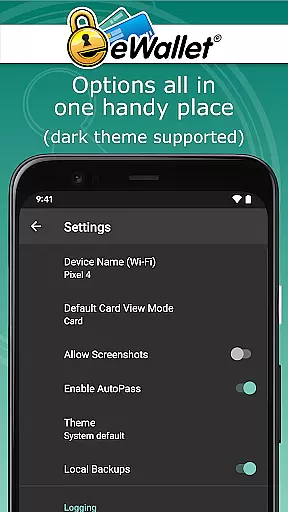
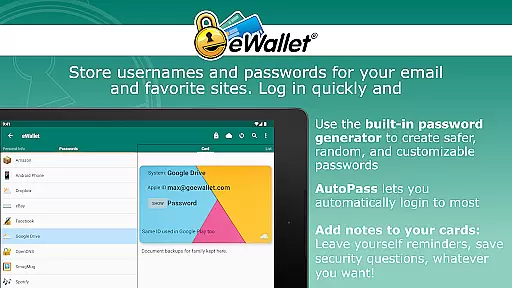
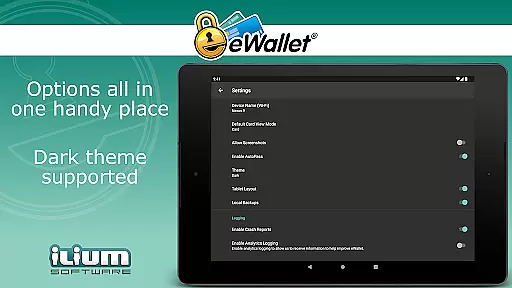
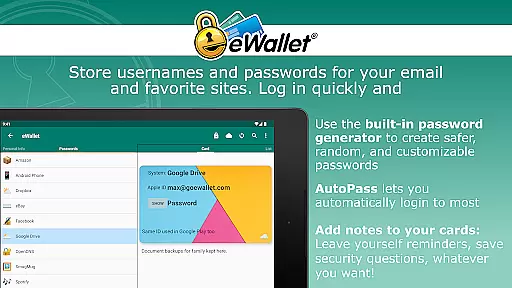
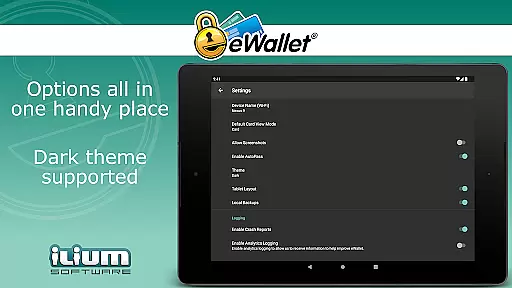
eWallet boasts an array of sophisticated features tailored for secure and efficient personal data management. The app supports biometric authentication methods including fingerprint, facial recognition, and iris scanning, ensuring quick yet secure access on compatible devices. Its Dark Theme provides a comfortable viewing experience, while the random password generator helps create strong, unique passwords for all your accounts.
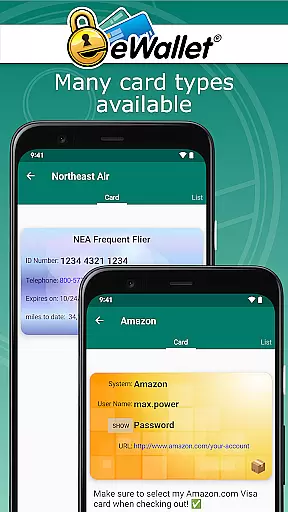
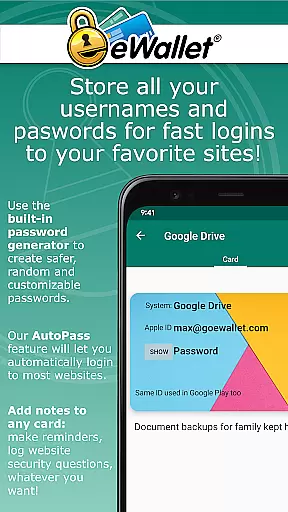
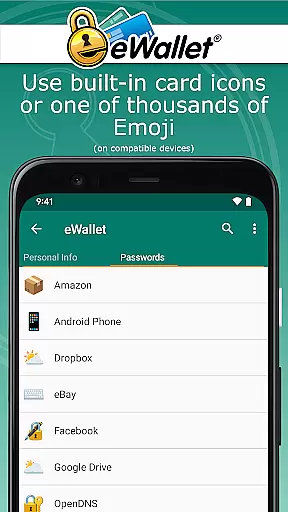
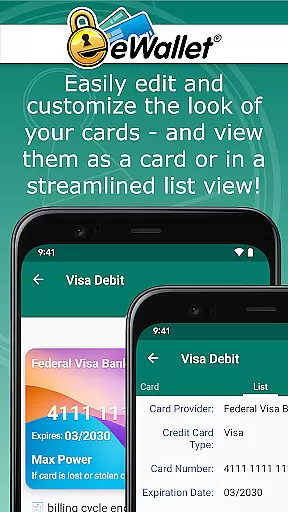
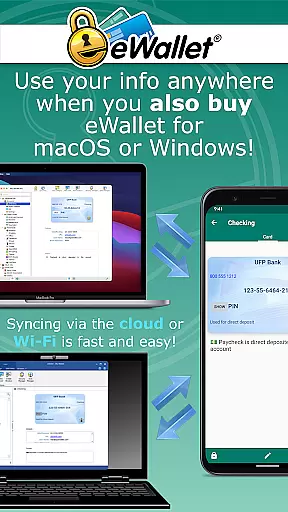
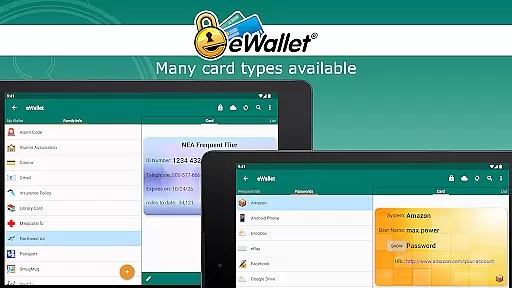
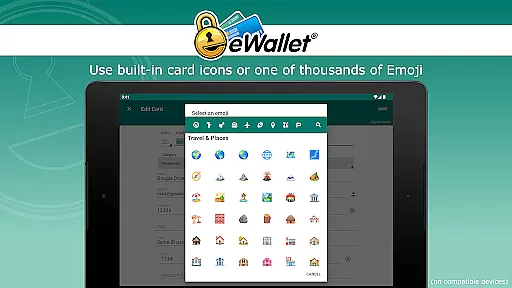
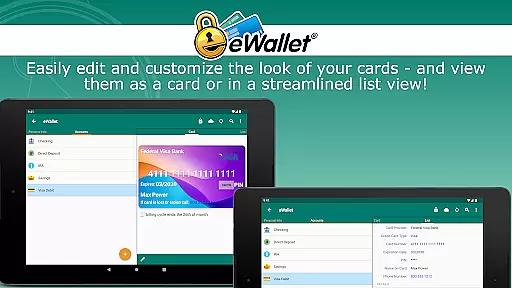
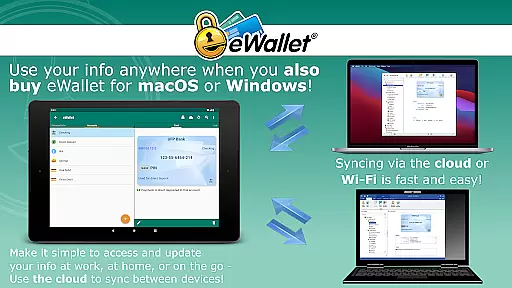
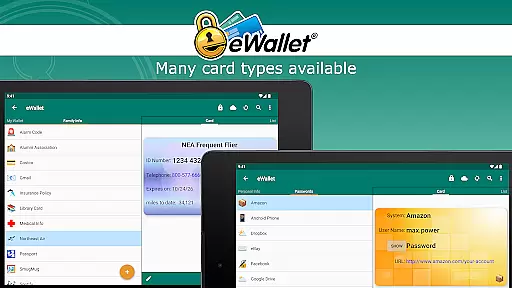
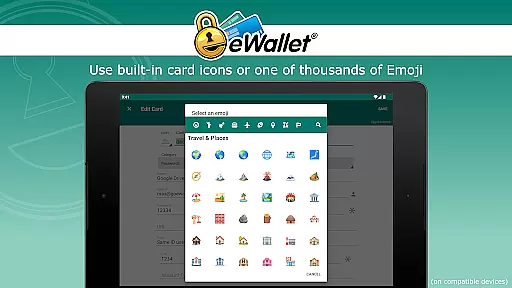
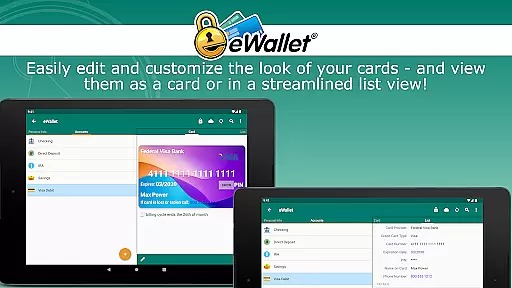
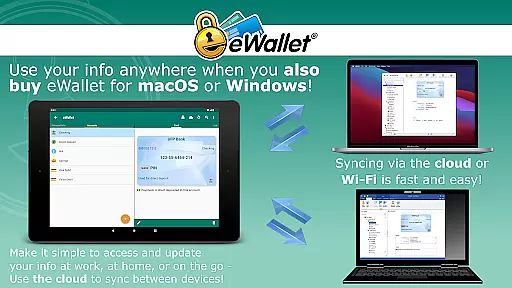
One of eWallet's standout capabilities is its seamless synchronization feature. Users can sync multiple wallets across devices using cloud services like Dropbox, Google Drive, or Microsoft OneDrive, or via Wi-Fi with the macOS or Windows versions. Additionally, the app allows customization of wallets with visually appealing cards, backgrounds, and categories, and even supports over three thousand emoji for card customization on Android OS 8+. With its auto-locking feature and AutoPass functionality for automatic password entry, eWallet combines convenience with top-tier security.
In the realm of productivity, eWallet excels in core task management by offering a secure and efficient way to handle sensitive information. This app allows users to manage an array of personal data including passwords, credit card details, and bank account numbers with military-grade encryption.
The functionality extends to organizing this information into multiple wallets that can be customized with different categories, backgrounds, and even emojis for visual distinction. With features like auto-locking and random password generation, users are equipped with tools that not only store their data but also enhance security.
Furthermore, eWallet supports synchronization across devices via cloud services or Wi-Fi, ensuring that your data is always up-to-date and accessible wherever you are. This cross-device compatibility underpins its role as a comprehensive task manager for personal and financial information.
eWallet provides reliable cross-device synchronization, which is crucial for maintaining consistency and accessibility of your important data. By leveraging popular cloud platforms such as Dropbox, Google Drive, or Microsoft OneDrive, it ensures that all your wallets are updated in real-time across your Android devices and desktop computers.
This seamless sync experience is further enhanced by the ability to perform local Wi-Fi synchronization, providing an additional layer of convenience without compromising on security. Users can rest assured that their data remains protected while being effortlessly managed across different platforms.
With over 28 years of expertise in mobile security software, Ilium Software has crafted eWallet to be a dependable solution for those who require constant access to their digital credentials. The assurance of having synchronized backups gives peace of mind and underscores the app's commitment to safety and reliability.
Strong encryption
Biometric access
Cloud sync
Customizable UI
Auto-lock feature
No iOS support
Paid desktop version
Complex setup
Limited free features
Device compatibility

Mega cloud explorer plugin for Solid Explorer
 3.80
3.80
We're working to become the best machining app on the market! www.cncdirt.com
4.80
App lock - lock apps with fingerprint, password, pin or pattern, protect privacy
4.70
Create and edit presentations with Google Slides, part of Google Workspace.
4.00
Calendar 2023 widget for Android. Appointment scheduler, planner, and reminder
4.60
Access, manage and transfer files on Android, PC, Mac, NAS and cloud storages.
4.30
A beautiful digital clock with autostart and many other functions
4.70
Secure your apps with lock screens, use custom themes and different features.
4.40
Use powerful, industry-leading AI tools to generate visual charts from any data
4.80
Seamlessly integrate data and reports to build your presentation to impress
4.80
Mind Map and brainstorm, note taking and idea collection
4.80
Absolutely the best CNC machinist speed and feed calculator around. fswizard.com
4.60
A simple Whisper AI keyboard for reliable speech transcription and rewording
4.60
Send files, sync SMS, notifications & clipboard across devices via local network
4.40
Ultimate Virtual AI Character for immersive Roleplay Chat. Perfect Companion
3.90
Simple and reliable communication between inmates, friends and family
3.20
AI Video AI Image Private LLM AI Browser Llama Gemma Ollama Connect LLM Studio
4.0
The upgraded version of Name Wheel with AI and the power to add your own wheels.
4.3
IP Camera Viewer - Android TV : RTSP Surveillance camera viewer for Android TV
4.5




User Reviews