
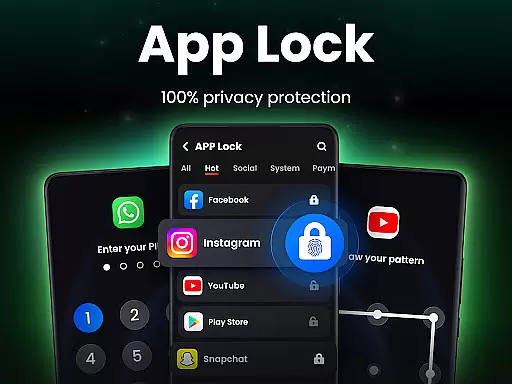
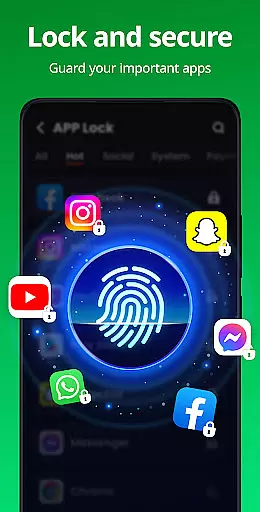
App Lock is a powerful productivity tool designed to protect your private data with advanced security features. This app allows users to lock specific applications using PIN, pattern, or fingerprint authentication, ensuring that sensitive information remains secure. With its user-friendly interface, App Lock is perfect for safeguarding personal chats, photos, and financial apps from unauthorized access.
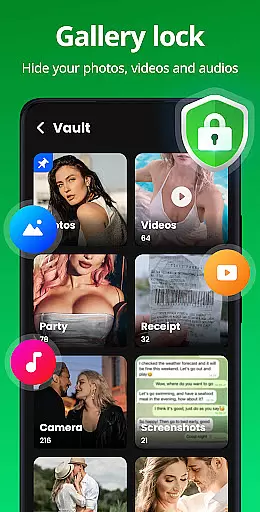
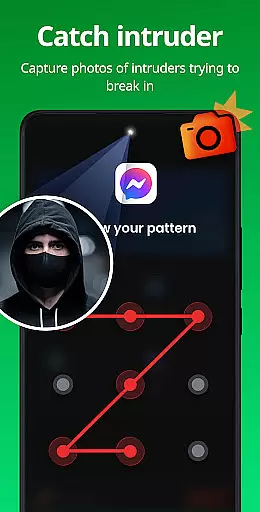
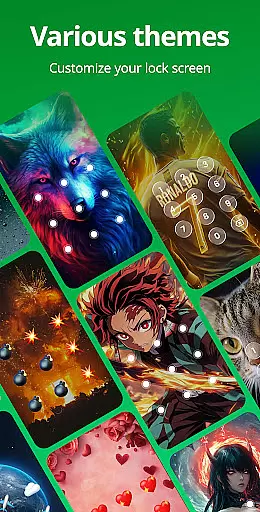
In addition to locking apps, the application offers a Safe Vault feature for hiding private photos and videos, an Intruder Selfie function that captures images of failed unlock attempts, and customizable lock screen themes. These features collectively provide a comprehensive solution for maintaining privacy on your device, making it an essential tool for anyone looking to enhance their mobile security.
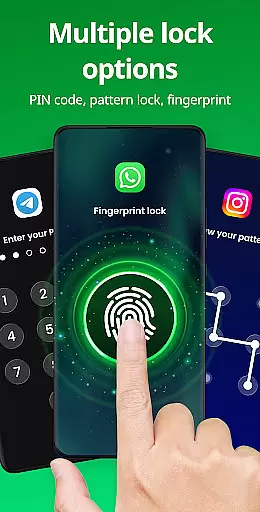
App Lock stands out with its diverse range of features tailored to maximize user privacy and convenience. One of its core functionalities is the ability to lock apps using multiple methods such as PIN, pattern, or fingerprint, offering flexibility and enhanced security. Users can protect social media apps, financial services like Google Pay, and even their gallery and contacts, ensuring complete control over who accesses their data.
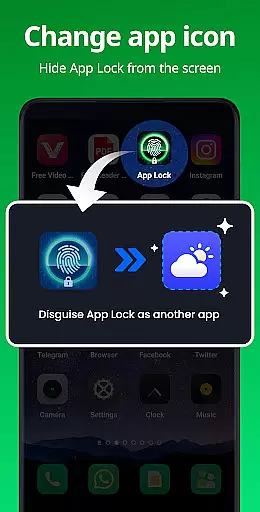
Beyond basic locking capabilities, App Lock includes innovative features like the Safe Vault for hiding sensitive files, Intruder Selfie to capture unauthorized access attempts, and Disguise App functionality to mask the app's presence. Additionally, users can customize their experience with various themes and benefit from advanced options like random keyboards and invisible pattern paths. These features not only protect user data but also offer peace of mind in knowing their digital life is secure.
App Lock excels in core task management by offering a comprehensive suite of features designed to protect user privacy and secure sensitive data. The app allows users to lock specific applications with PINs, patterns, or fingerprint recognition, ensuring that personal information remains confidential.
The functionality extends beyond just locking apps; it includes an innovative Safe Vault feature for hiding private photos and videos. This means your media files are not only protected from unauthorized access but are also invisible in the regular gallery view, providing an additional layer of security.
With its Intruder Selfie capability, App Lock takes security a step further by capturing images of anyone attempting to gain unauthorized access. This feature acts as both a deterrent and a tool for identifying potential privacy intrusions, making it invaluable for maintaining control over your digital space.
Cross-device synchronization is crucial for users managing privacy across multiple devices, and App Lock addresses this need effectively. While the primary function focuses on locking apps and protecting data, the app ensures that your settings and preferences are reliably synced across all your devices.
This productivity app offers customization options such as themes and relock settings, which remain consistent regardless of the device you're using. Whether you choose to lock apps immediately after exiting or set a custom relock time, these preferences are maintained across devices, providing a seamless user experience.
Additionally, App Lock's forthcoming cloud backup feature promises to enhance cross-device functionality by allowing users to back up their data securely. This means you'll never have to worry about losing important settings or hidden files when switching between devices, ensuring maximum productivity and peace of mind.
Easy to use
Multiple lock options
Safe Vault included
Intruder Selfie feature
Customizable themes
Requires permissions
May slow device
Frequent relocks
Limited free themes
Premium features cost

Take control of your clipboard with Clipper!
 3.90
3.90
Total remote control for your Android device, PC and cloud services (IFTTT)!
4.20
Unlock AutoNotification
4.00
Todo reminder
4.10
Create and edit presentations with Google Slides, part of Google Workspace.
4.00
Access your phone's notifications, calls, apps, photos & texts on your PC
3.90
Lightweight PDF, Word, Excel reader.
4.60
Daily processing of PDF documents.
4.40
Set up, print, and get support—in one place
4.20
We're working to become the best machining app on the market! www.cncdirt.com
4.80
Quickly and easily keep track of your work shifts
4.70
Fill, sign & send docs, forms, agreements & contracts via electronic signature.
4.50
All in One PDF Reader: Manage, Read and Edit your Documents
4.20
Activate Two Factor Authentication (2FA or Multi OTP), Password manager and more
4.10
Intelligent AI Assistant
4.10
Remotely view listen control and record cameras.
3.70
Find and delete junk files & block unwanted notifications & manage files
3.70
Make your handwriting beautiful, even more than pen on paper.
3.60
Auto-shutoff Alarm with Sunrise, Sunset & Fixed Options.
3.50



User Reviews