
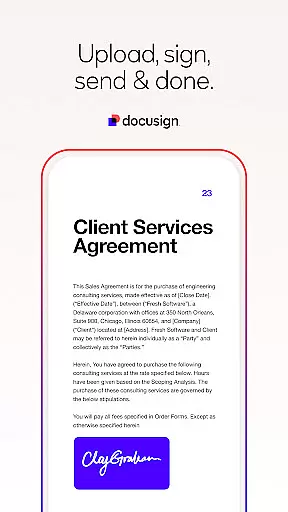
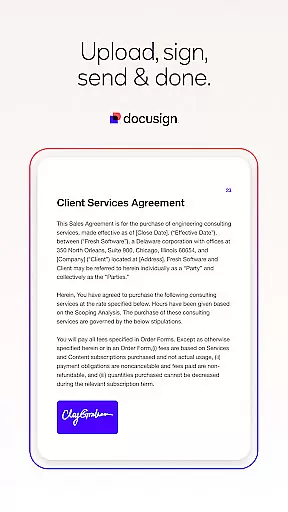
Docusign is the world's leading eSignature solution, enabling businesses and individuals to securely sign and manage agreements from anywhere, at any time. The app offers a streamlined process for uploading documents, creating digital signatures, and sending files for signature with ease.
With advanced features like 'Sign Here' tags, real-time push notifications, and support for multiple document formats, Docusign simplifies agreement management while maintaining legal compliance and security. Whether you're handling NDAs, sales contracts, or lease agreements, this productivity tool ensures efficiency and reliability in every transaction.
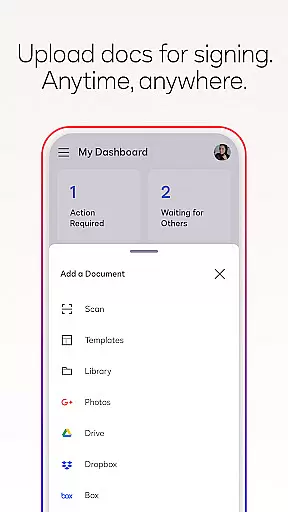
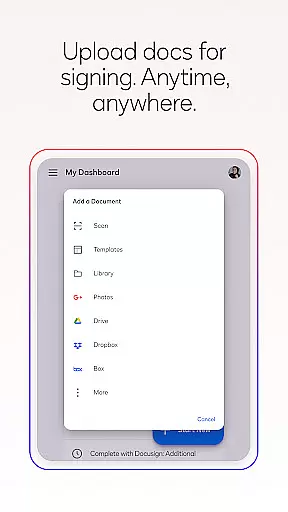
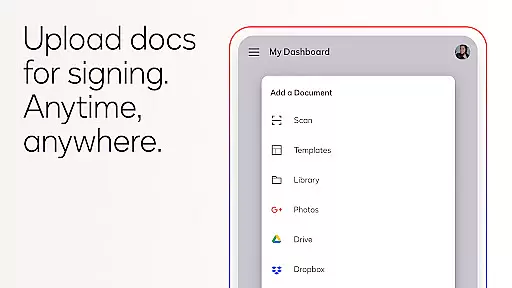
Docusign stands out with its comprehensive feature set tailored for efficient agreement management. Users can upload documents via email, Google Drive, Dropbox, or photo scanning, making file preparation seamless. The app supports both in-person and remote signing, adapting documents responsively for optimal mobile viewing.
Additional capabilities include setting signing orders, managing workflows for multiple signers, and sending reminders directly from the app. With ISO 27001 and SSAE16 compliance, Docusign guarantees legally binding agreements backed by robust encryption protocols. These features make it an indispensable tool for professionals across industries seeking secure and flexible document management solutions.
At the heart of Docusign lies its robust core task management system, designed to streamline agreement processes for businesses and individuals alike. This feature allows users to create, send, and manage documents that require signatures with remarkable ease and efficiency.
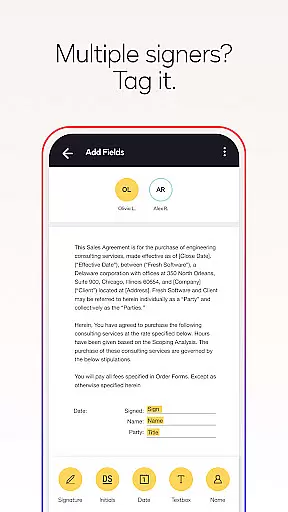
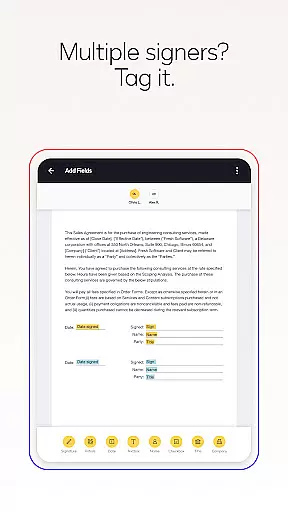
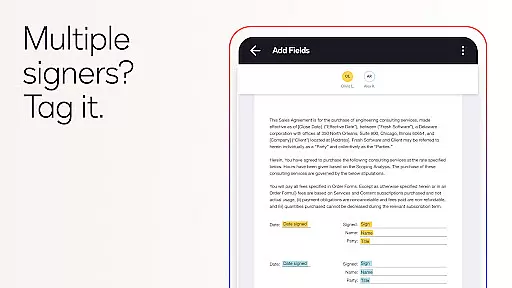
The app provides a comprehensive suite of tools for preparing documents, including 'Sign Here' tags that guide signers precisely where they need to sign or initial. Users can set specific workflows for multiple signers, ensuring an organized and efficient signing process. Additionally, Docusign supports both in-person and remote signing, making it versatile for various use cases.
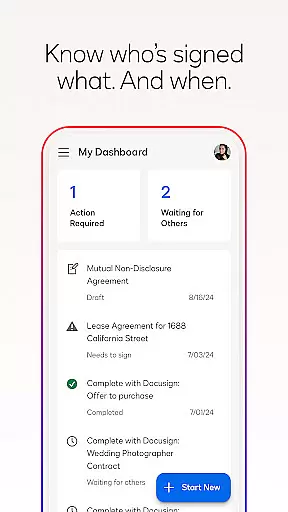
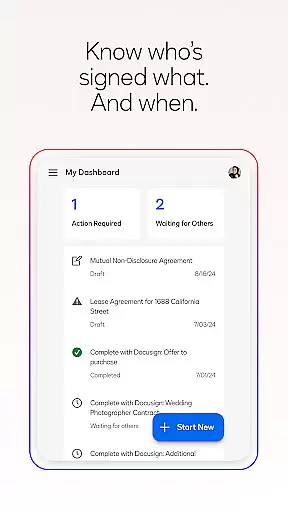
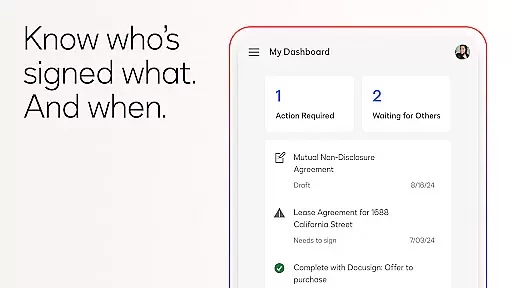
With real-time push notifications, users are immediately informed when a document has been signed. This functionality not only enhances productivity but also ensures that all parties are kept in the loop, reducing delays and improving overall workflow efficiency.
Docusign excels in cross-device synchronization, ensuring that your agreements and documents are accessible and up-to-date across all your devices. Whether you're switching from your phone to your tablet or desktop, you can trust that your data will be consistent and reliable wherever you access it.
This seamless synchronization is powered by secure cloud technology, which automatically updates your documents in real time. As a result, every change made on one device instantly reflects on others, providing a cohesive experience no matter where you are or what device you're using.
Moreover, this reliability extends to collaboration features, allowing teams to work together efficiently. Multiple users can access and edit documents simultaneously without worrying about version control issues, thanks to Docusign's intelligent agreement management capabilities.
User-friendly interface
Legally compliant signatures
Multi-platform accessibility
Real-time notifications
Secure encryption protocols
Limited free sending options
Premium features require subscription
Occasional syncing issues
Advanced tools need learning
Higher pricing tiers

QuickBooks Workforce lets teams view pay info and track time in one place.
 4.70
4.70
Professional calendar app for Google Calendar, MS Outlook & Exchange
4.20
Planet Free VPN - The best Fast Unlimited and Secure VPN Without Logs
4.50
A lightweight JSON & XML files creator, editor and viewer (Premium Version)
4.40
Absolutely the best CNC machinist speed and feed calculator around. fswizard.com
4.60
CalenGoo is a very flexible and feature-rich calendar app
4.40
Stay on top of your to-dos with Google Tasks, part of Google Workspace.
4.60
The ultimate file manager for rooted devices. The original and still the best.
4.00
Experience and share your SolidWorks designs on your Android® phone and tablet.
2.50
Best Tool for the professionals Electrician, Electrical contractors, etc.
4.90
Direct Chat without saving contacts & Dual WA Account on Single Device
4.70
A beautiful digital clock with autostart and many other functions
4.70
The AI assistant that thinks with you - write, code, and solve complex tasks
4.60
Calendar 2023 widget for Android. Appointment scheduler, planner, and reminder
4.60
Automates browsing any website and notifies you of important changes or events
4.30
Enjoy classic gameplay with customizable features and retro-style graphics.
4.30
Make apps & sites with natural language prompts
4.10
Cloud storage, automatic phone backup, and more.
4.10
Make your handwriting beautiful, even more than pen on paper.
3.60






User Reviews