
Business Calendar Pro is a comprehensive productivity tool designed for professionals who need an efficient way to manage their schedules. The app offers an intuitive interface with quick day views, smooth scrolling, and zoomable multi-day views, making it easy to navigate through appointments. Its standout feature is the ability to customize every aspect of the calendar, from individual reminders with specific sounds to adjustable font sizes for better readability.
The app supports synchronization with major calendar services like Google Calendar and Microsoft Outlook, ensuring all your events are up-to-date across devices. With professional widgets and advanced features such as drag-and-drop event management, task add-ons, and comprehensive reminder notifications, Business Calendar Pro provides a complete solution for organizing your professional life. Whether you're scheduling meetings or managing personal tasks, this app ensures you stay on top of your commitments.
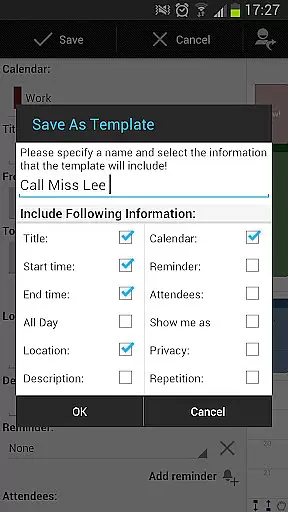
Business Calendar Pro stands out with its extensive customization options and user-friendly design. The app allows users to adapt all views and widgets to their preferences, offering individualized reminders with vibration, sounds, and repetitions. This level of personalization extends to font sizes and color-coded views, providing a tailored experience that suits various workflow needs.
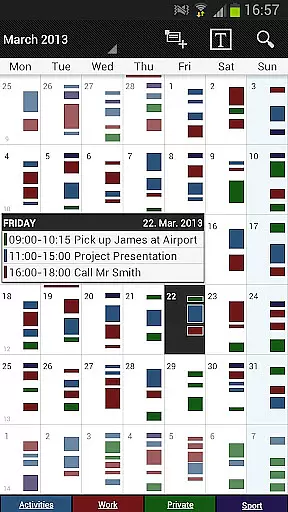
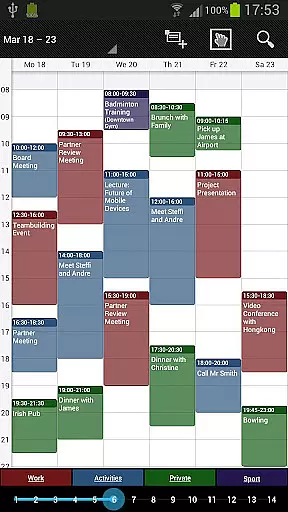
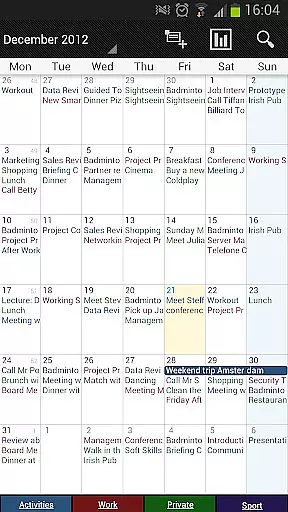
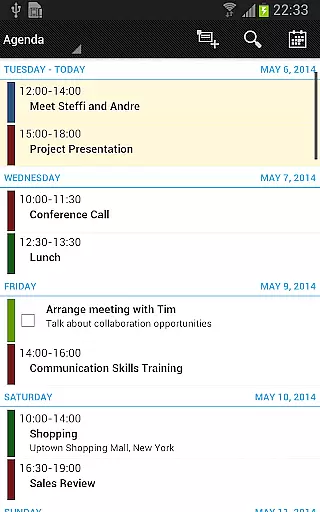
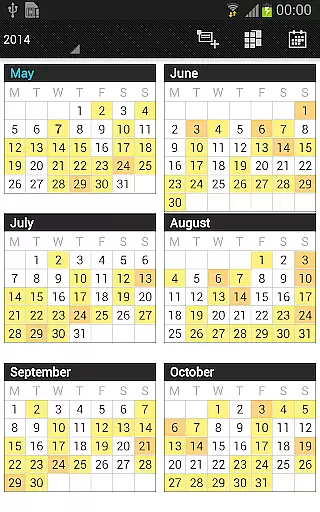
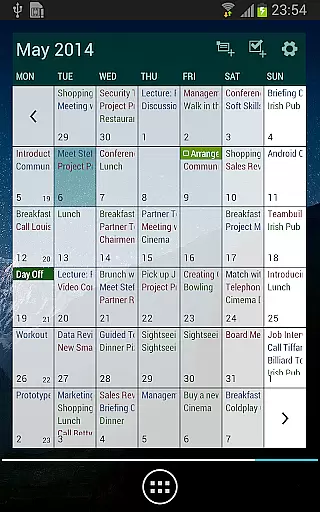
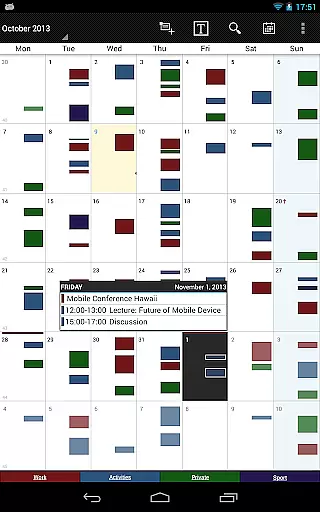
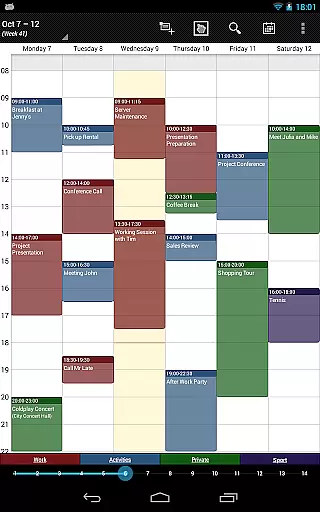
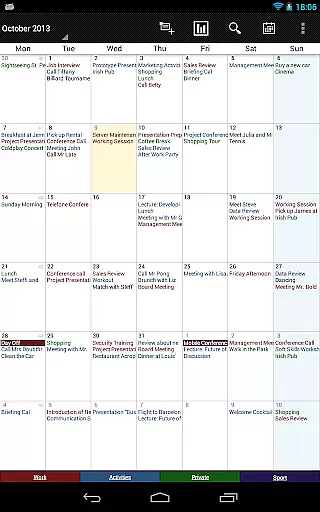
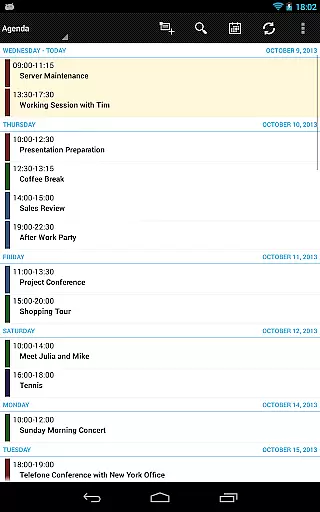
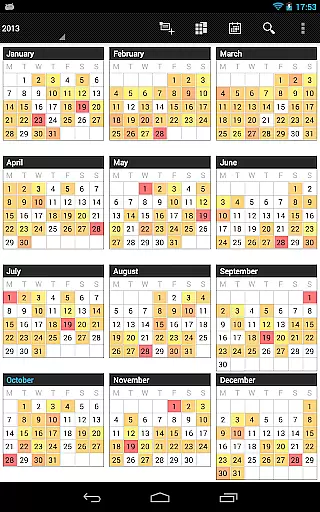
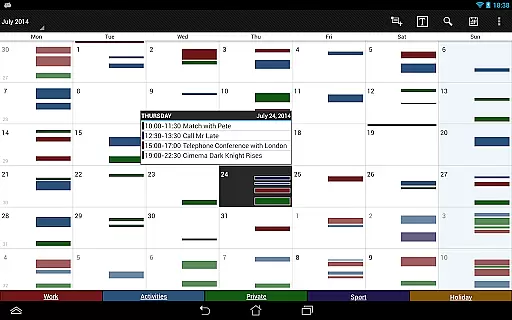
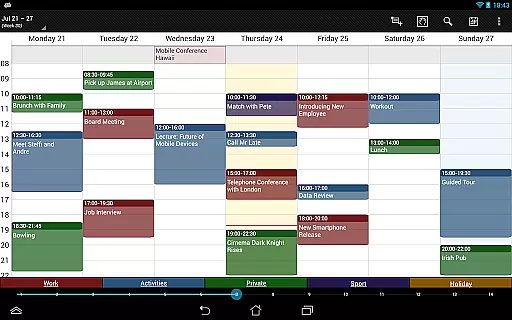
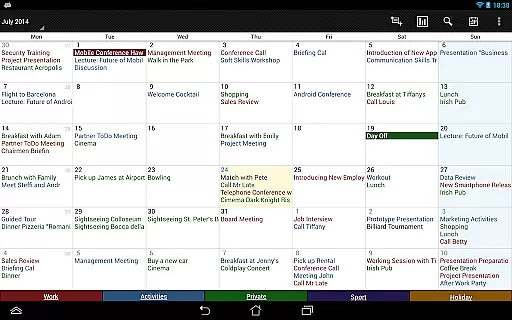
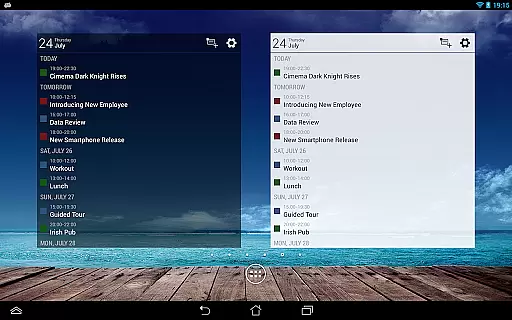
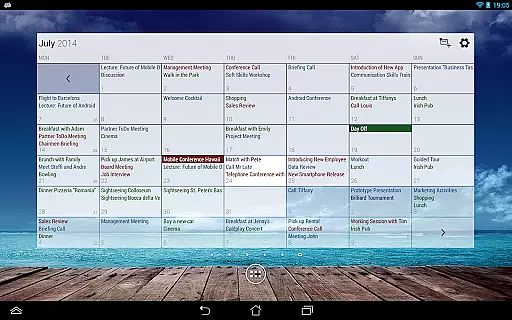
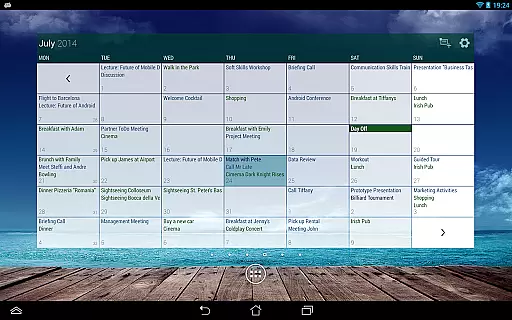
One of the key features is the smooth scroll and zoom functionality, which enhances interaction with the calendar. Users can easily switch between different views such as month, week, day, agenda, and event views. The app also includes professional widgets for different timeframes and supports advanced functionalities like multi-selection for managing multiple events at once. Additionally, the pro version offers task management integration with Google Tasks and Toodledo, further boosting productivity.
Business Calendar Pro excels in core task management by offering a comprehensive suite of tools designed to streamline your scheduling and event handling. The app provides multiple views including month, week, day, agenda, and event views, ensuring you have a complete overview of your tasks.
One standout feature is the Quick Day View, which allows users to swiftly assess all events scheduled for the day. Additionally, the app supports smooth scrolling and zooming, making navigation intuitive and efficient. These capabilities ensure that users can easily manipulate their schedules with minimal effort.
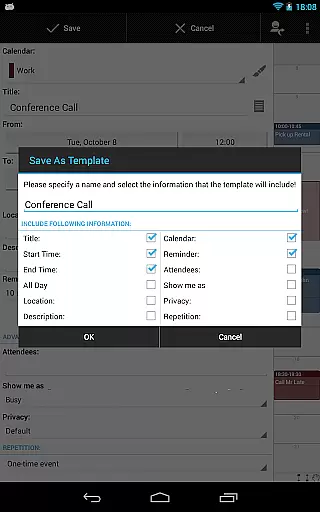
The app also includes advanced functionalities such as individual reminders with options for vibration, sounds, repetitions, and intervals. This level of customization ensures that users never miss an important event or meeting. Furthermore, the ability to sync with external calendars like Google Calendar and Microsoft Outlook enhances its utility, providing a seamless experience across different platforms.
Cross-device synchronization is a critical feature of Business Calendar Pro, ensuring that your data remains consistent and up-to-date across all your devices. By leveraging Android calendar synchronization, the app allows users to sync events with services like Google Calendar, Microsoft Outlook, and Exchange effortlessly.
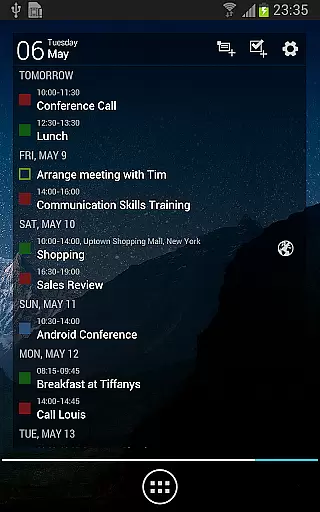
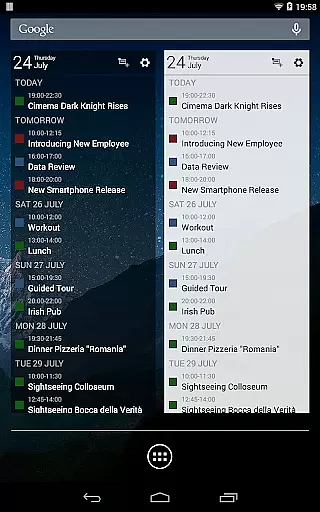
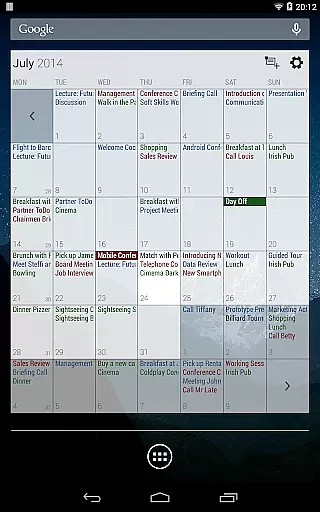
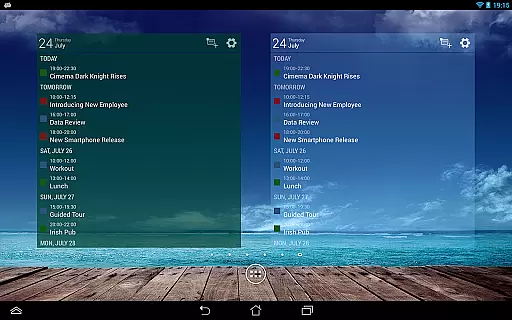
This synchronization extends to professional widgets for month, week, agenda, and day views, which can be customized with specific colors, font sizes, and individual calendar settings. Such detailed customization guarantees that your calendar looks and functions the same way on every device you use.
Moreover, the app offers import and export functionalities in .ics format, allowing for quick backups and transfers of all your calendars. This feature not only enhances data security but also facilitates easy sharing and migration between different systems. With these robust synchronization capabilities, Business Calendar Pro ensures reliable and efficient cross-device performance.
User-friendly interface
Highly customizable
Syncs with Google Calendar
Advanced widget options
Comprehensive task management
Paid application
Complex for beginners
Limited free version
Occasional sync issues
Heavy on system resources

A Revolutionary All-in-One Artificial Intelligence Tools
 3.80
3.80
Total remote control for your Android device, PC and cloud services (IFTTT)!
4.20
Wake up & get tasks done! Add alarms & reminders on the Clock Launcher.
4.00
Easily read and manage all your PDF files
4.10
Pwnagotchi companion app
4.20
Translate text/voice/photos in 150+ languages. Offline & fast translator app.
4.50
A comprehensive suite of tools designed specifically for Lactation Consultants
4.3
Scientific calculator for Android - looks and operates like the real thing!
4.90
AT&T Internet customers can use this app to personalize their Wi-Fi network.
4.40
Great calculator for Android named one of USA TODAY's "25 Essential Apps".
4.90
Multilingual translator for text, voice, and image translation!
4.90
App lock - lock apps with fingerprint, password, pin or pattern, protect privacy
4.70
Fill, sign & send docs, forms, agreements & contracts via electronic signature.
4.50
A lightweight JSON & XML files creator, editor and viewer (Premium Version)
4.40
When you Focus, so will your Bean in this cozy focus timer
4.30
Activate Two Factor Authentication (2FA or Multi OTP), Password manager and more
4.10
Create and edit presentations with Google Slides, part of Google Workspace.
4.00
Experience and share your SolidWorks designs on your Android® phone and tablet.
2.50
A simple, portable logger for POTA, SOTA, Field Day, and more
4.2




User Reviews