
PDF Reader - Smart PDF Viewer is a comprehensive productivity tool designed for managing and reading various document formats on Android devices. This app allows users to effortlessly handle PDF files, including reading, sharing, and organizing documents, receipts, and more.
In addition to basic viewing capabilities, the app offers advanced features such as e-signature support, PDF-to-image conversion, merging and splitting PDFs, and file sharing. Its all-in-one nature means users get a PDF reader, ebook viewer, and editor combined, with options to convert images or scans into PDF format. The app's interface supports both light and dark modes, and it provides easy access to recently opened files.
This app is particularly useful for students and professionals who need efficient document management solutions. By streamlining workflows and offering powerful tools like password protection and text search, it enhances productivity in both work and study environments.
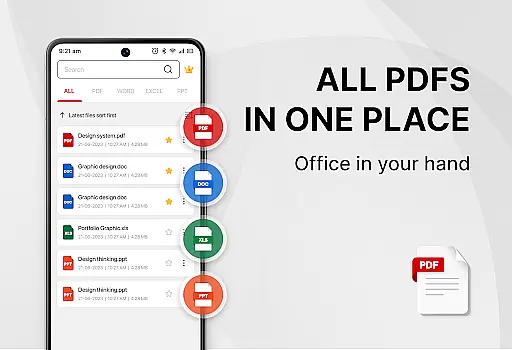
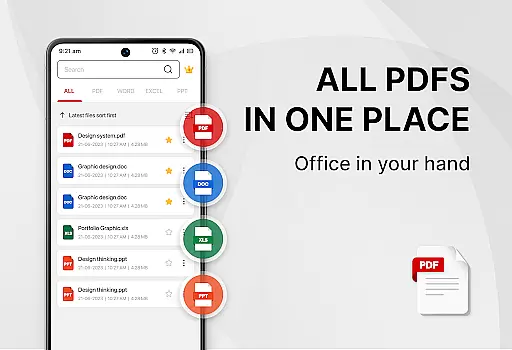
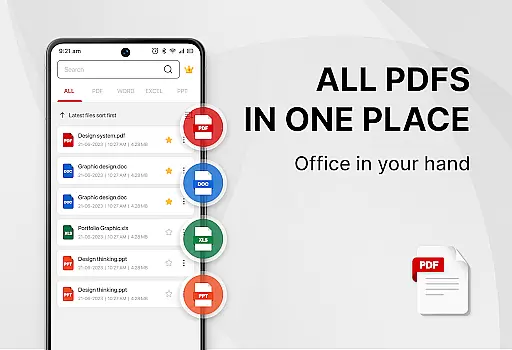
Smart PDF Viewer stands out with its extensive feature set tailored for document management. The app supports multiple formats including PDF, Word, Excel, and PPT, making it versatile for various use cases. Its smart search functionality helps users quickly locate specific files.
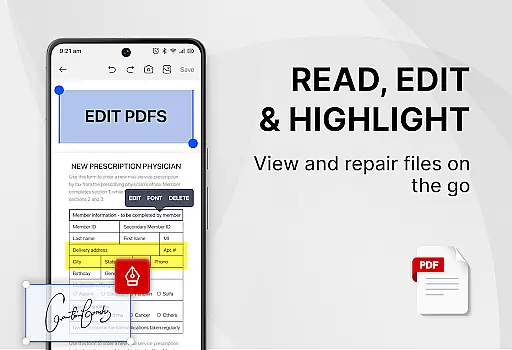
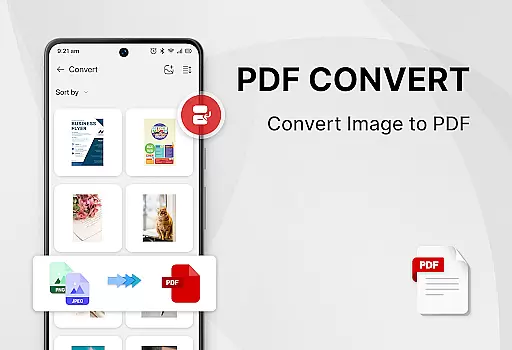
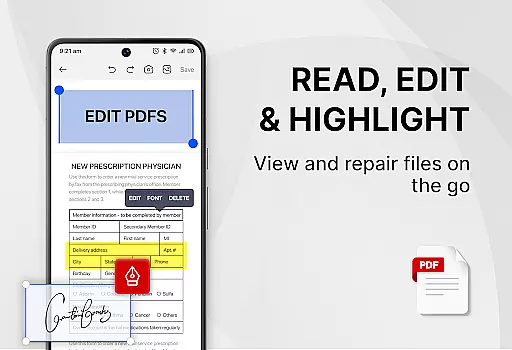
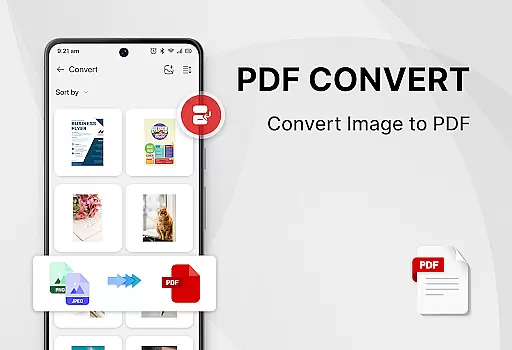
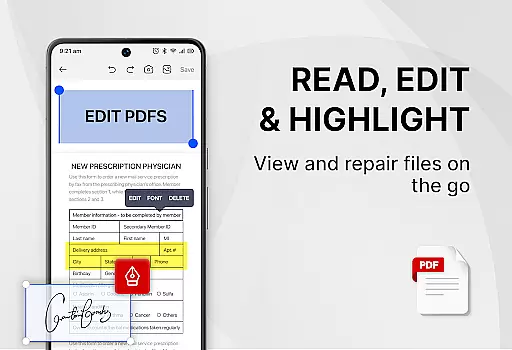
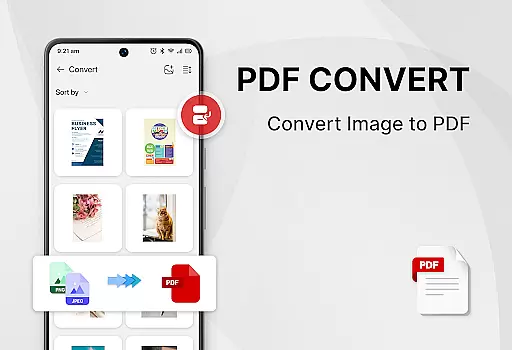
One of the key highlights is the ability to add e-signatures, convert images to PDFs, and scan paper documents directly into digital format. Users can also merge and split PDF files, set passwords for document protection, and copy text from PDFs with ease. These features ensure that users can customize and secure their documents according to their needs.
The app's user-friendly design includes one-click switching between light and dark modes, and a simple list view for recently opened files. With all these capabilities available for free, it provides significant value to users looking for an efficient and cost-effective document solution.
Task management is essential for productivity applications as it enables users to organize, track, and prioritize their work efficiently. PDF Reader - Smart PDF Viewer offers a comprehensive suite of tools that go beyond simple document viewing.
This app allows users to manage PDF files with features such as smart search, easy file organization, and quick access to recently opened documents. The ability to switch between light and dark modes enhances user comfort during long reading sessions.
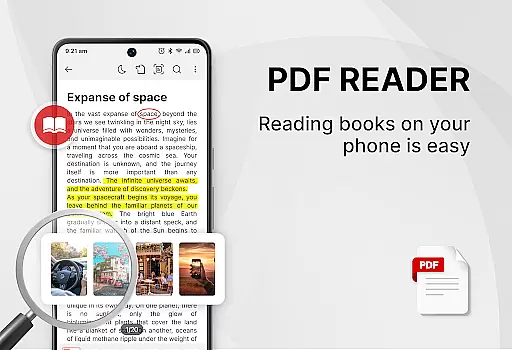
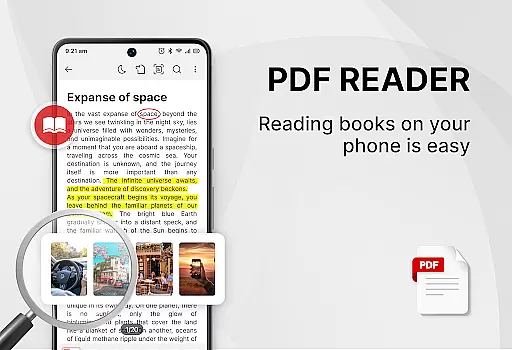
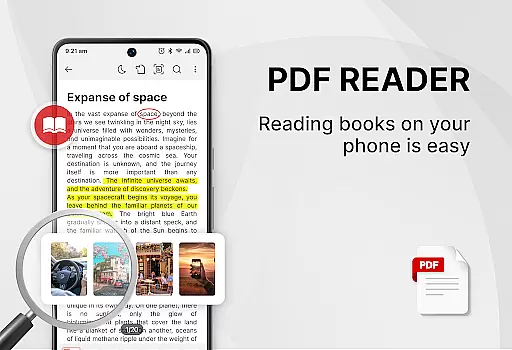
Users benefit from the app's all-in-one nature, which combines a PDF reader, ebook viewer, and editor in a single platform. This consolidation simplifies workflows and reduces the need for multiple applications, thus streamlining the document handling process.
The inclusion of powerful PDF tools like e-signature support, file conversion, and password protection adds layers of functionality that cater to both personal and professional needs, making daily tasks more manageable and secure.
Cross-device synchronization is crucial for users who operate on multiple platforms or devices throughout their day. PDF Reader - Smart PDF Viewer ensures that your documents are accessible wherever you are, maintaining consistency across different environments.
While the app description does not explicitly mention cloud services, its request for MANAGE_EXTERNAL_STORAGE permission suggests that it manages document files locally on the device. This local management can be reliable if users synchronize their files manually or use third-party cloud services.
For users, this means they can start reading or editing a document on one device and continue on another, provided they have transferred the files appropriately. This flexibility supports a seamless transition between work and personal settings.
Despite the lack of automatic cross-device syncing, the app's robust feature setu2014including PDF tools such as merging, splitting, and converting filesu2014ensures that once documents are available, they can be manipulated effectively, regardless of where the user is accessing them from.
User-friendly interface
Comprehensive format support
Free advanced features
Efficient document management
Powerful security options
Requires storage permission
Limited offline functionality
Occasional ads in free version
Advanced tools may overwhelm new users
Interface not highly customizable

Mega cloud explorer plugin for Solid Explorer
 3.80
3.80
Planet Free VPN - The best Fast Unlimited and Secure VPN Without Logs
4.50
aCalendar+ makes your day, week and month
4.70
Fill, sign & send docs, forms, agreements & contracts via electronic signature.
4.50
Docker, Kubernetes management over Portainer Mobile
4.40
To do list widget with a notebook organizer, checklist, simple shopping list
4.60
A Pixel Art watchface inspired by other iconic 90s designs for Wear OS devices!
4.40
Use powerful, industry-leading AI tools to generate visual charts from any data
4.80
Lightweight PDF, Word, Excel reader.
4.60
Best Tool for the professionals Electrician, Electrical contractors, etc.
4.90
Secure, fast, open-source, VNC and SSH Remote Desktop for Windows, Linux and Mac
4.70
Direct Chat without saving contacts & Dual WA Account on Single Device
4.70
A beautiful digital clock with autostart and many other functions
4.70
Stay on top of your to-dos with Google Tasks, part of Google Workspace.
4.60
Secure your apps with lock screens, use custom themes and different features.
4.40
Customizable calendar widget for seamless event sync, planning & scheduling.
4.00
⏰ Finally a timer app which can run multiple timers simultaneously on your watch
3.90
IP Camera Viewer - Android TV : RTSP Surveillance camera viewer for Android TV
4.2
A comprehensive suite of tools designed specifically for Lactation Consultants
4.0



User Reviews