
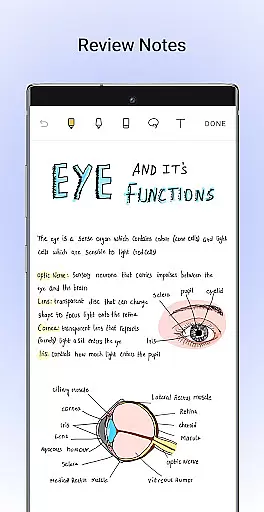
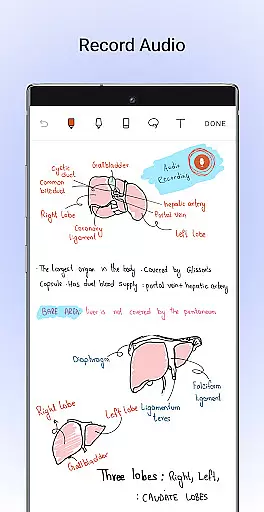
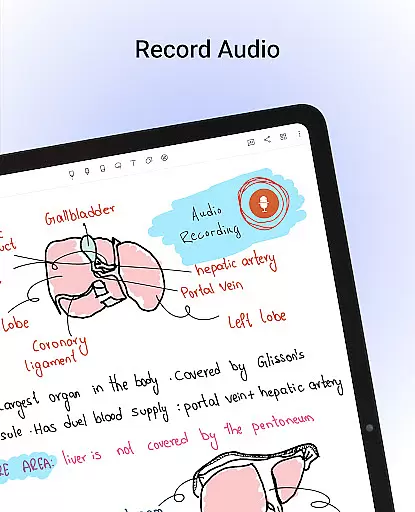
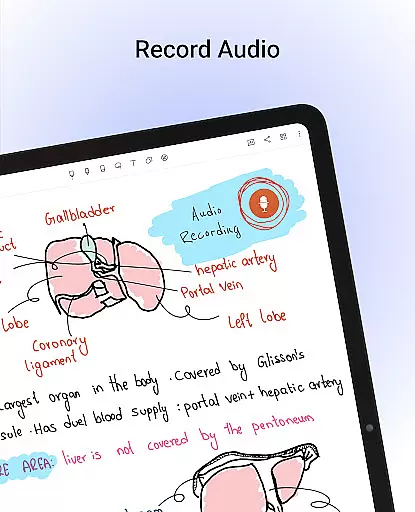
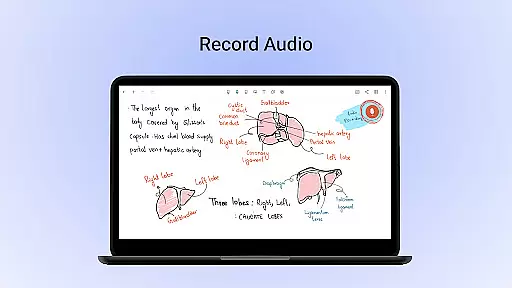
Noteshelf is a powerful note-taking app designed for students, teachers, and professionals. It allows users to take beautiful handwritten notes, annotate PDFs, record audio notes, and more. The app offers realistic pens and highlighters, supports various stylus options, and provides features like handwriting recognition in 65 languages and OCR capabilities.
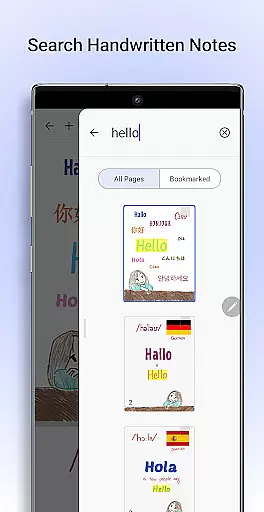
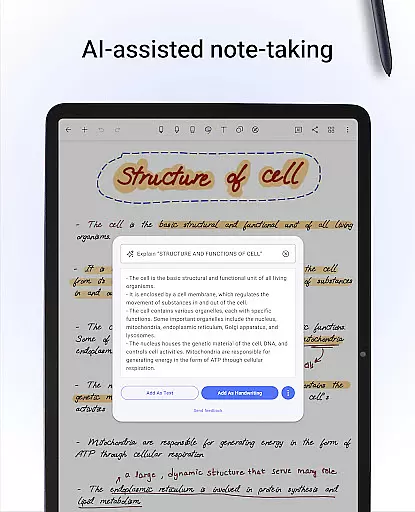
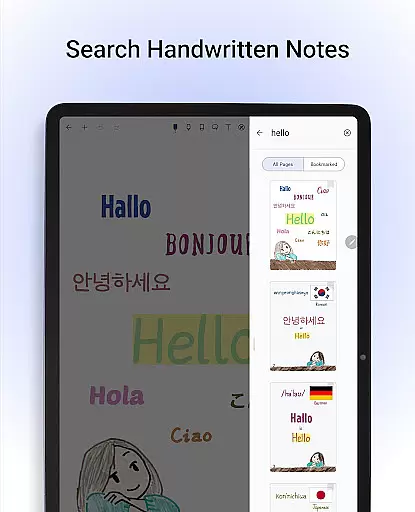
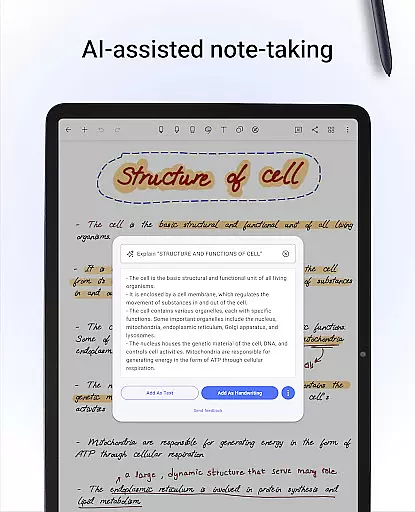
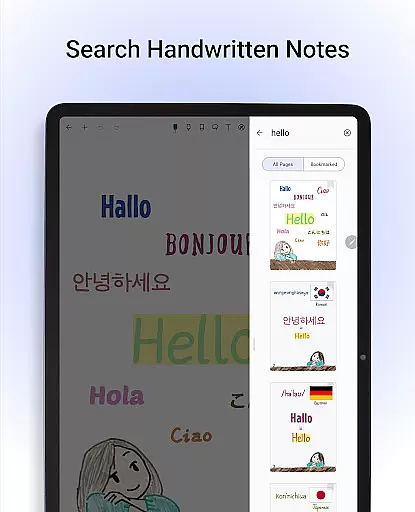
With Noteshelf, users can search and convert handwritten notes to text, find templates for every need, and personalize their note-taking experience with different paper styles and customizable covers. The app also includes Noteshelf AI, an intelligent assistant that understands handwriting and helps generate notes on any topic.
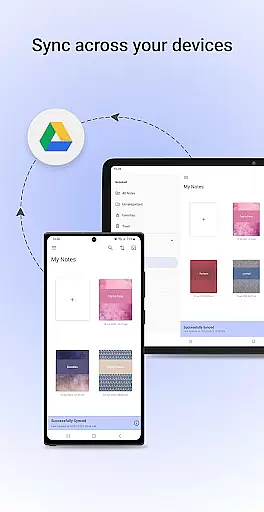
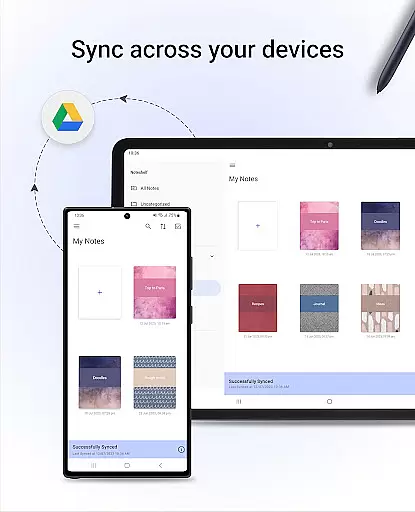
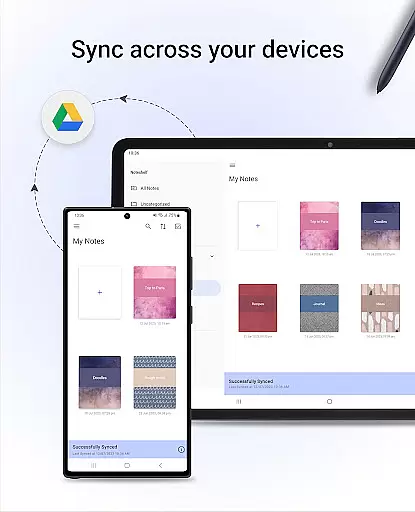
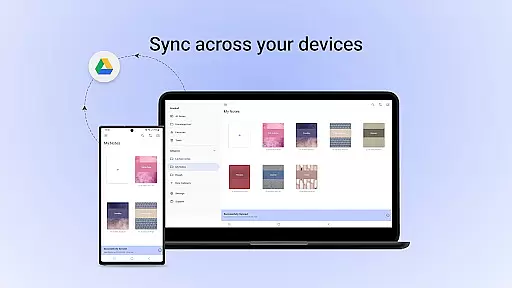
This productivity tool is perfect for organizing digital notes, annotating documents, and staying productive in educational or professional settings. Users can sync notes via Google Drive, auto-backup to cloud services, and access their notes from any Android device, ensuring data safety and accessibility.
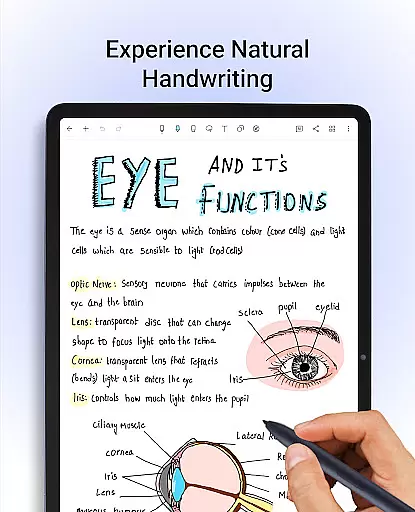
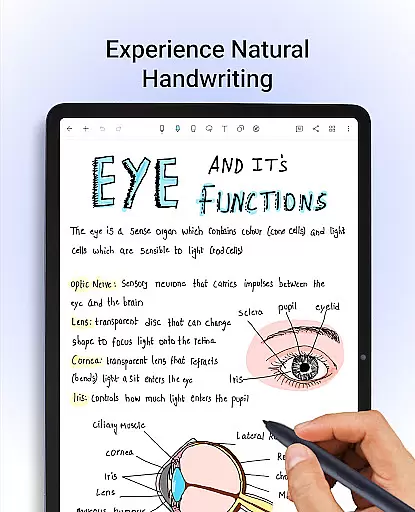
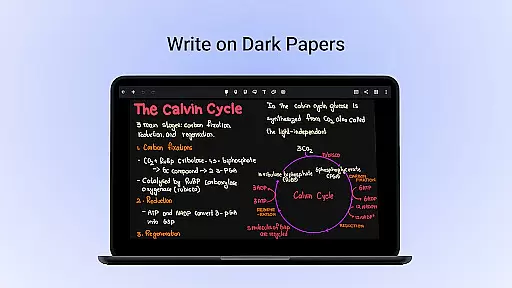
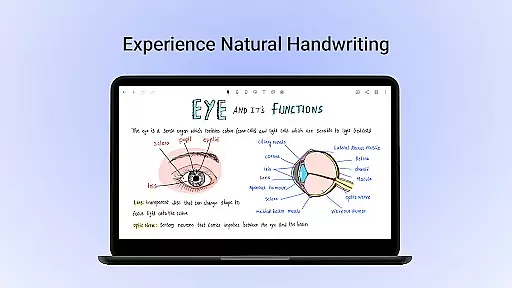
Noteshelf stands out with its comprehensive feature set tailored for efficient note-taking. The app provides natural handwriting support through realistic pens and highlighters, making note-taking colorful and fun. It supports a variety of stylus options, including Samsung Galaxy Note's S-pen with quick-erase functionality, enhancing the user experience.
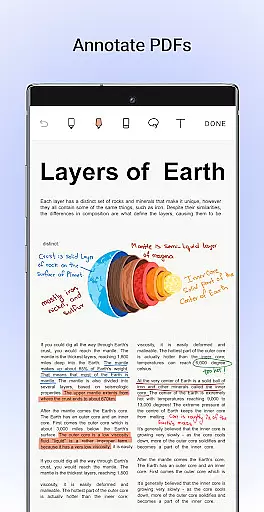
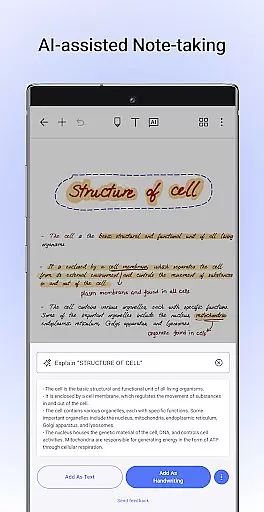
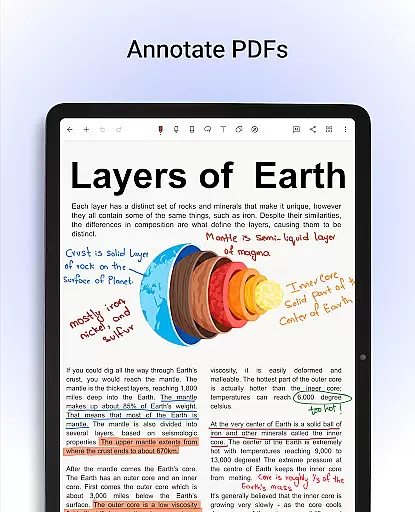
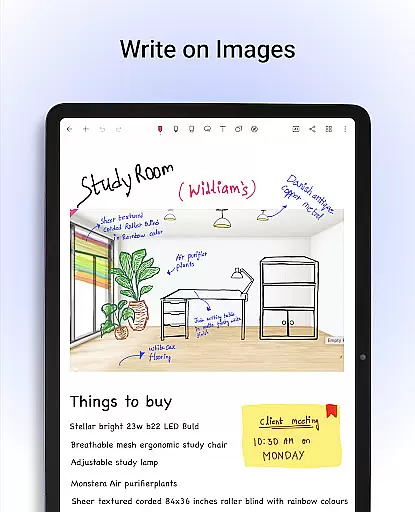
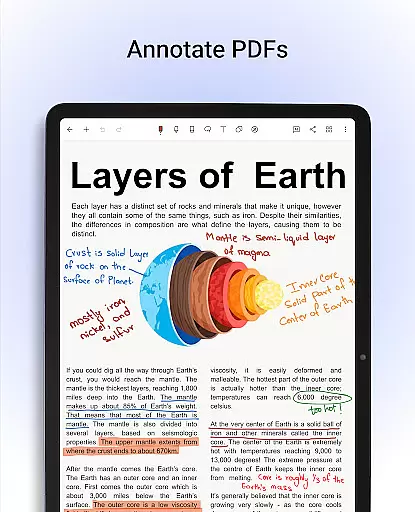
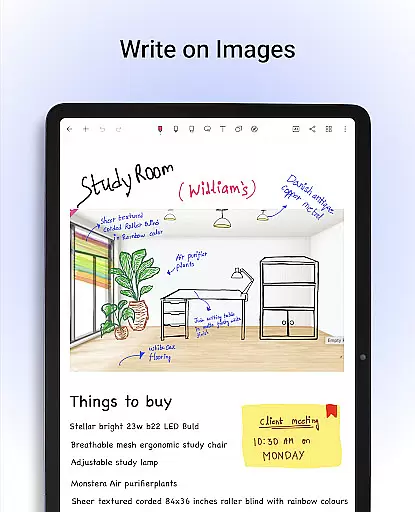
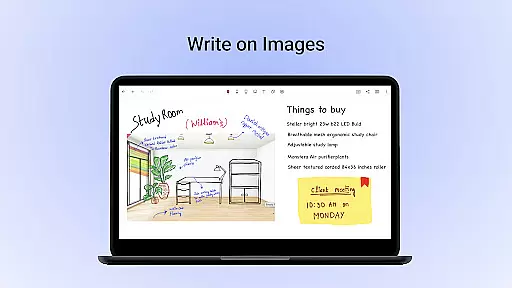
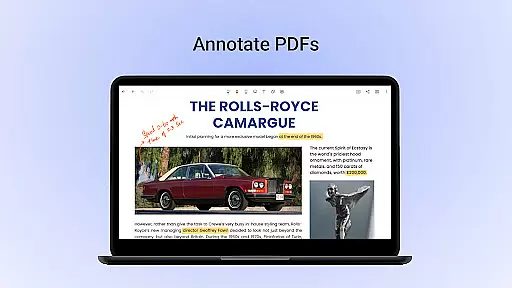
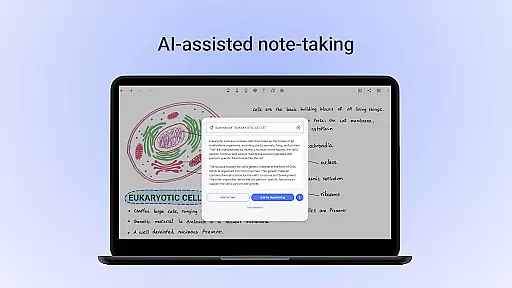
Users can annotate PDFs and write on images using convenient formatting tools, edit school notes, grade papers, fill out forms, and sign documents. The app includes Noteshelf AI, which generates beautiful handwritten notes, creates study summaries, translates text, and explains complex terms, offering unparalleled assistance in note management.
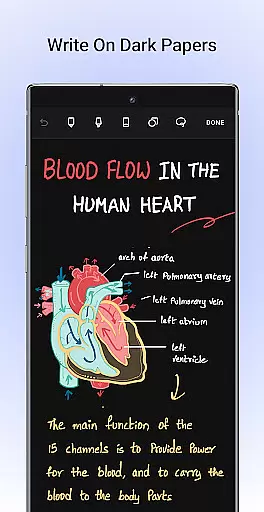
Additional features include organizing notes with bookmarks, syncing via Google Drive, auto-backup to multiple cloud services, and publishing notes to Evernote. With over 200 templates, personalization options, shape drawing tools, and dark mode support, Noteshelf ensures a versatile and eye-friendly note-taking experience.
Noteshelf excels in core task management by offering a comprehensive suite of tools designed to enhance productivity. The app allows users to take beautiful handwritten notes, annotate PDFs, and record audio notes, catering to the needs of students, teachers, and professionals.
The natural handwriting feature provides an experience that feels just right, with realistic pens and highlighters. Users can play around with colors, shapes, and images, making note-taking colorful and fun. Support for various stylus options ensures that users will not miss using a pen and notepad, while Samsung Galaxy Note devices benefit from a quick-erase option with the S-pen button.
With features like OCR, users can search through their handwritten notes and convert them to typed text seamlessly, supporting 65 languages. Noteshelf AI adds another layer of intelligence, helping users generate beautiful handwritten notes, summarize content, translate text, and explain complex terms.
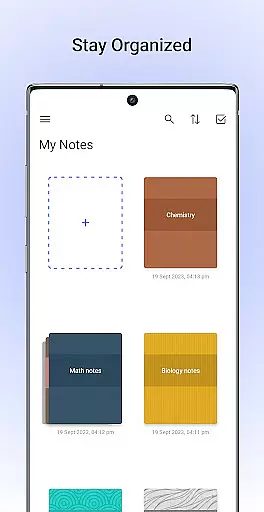
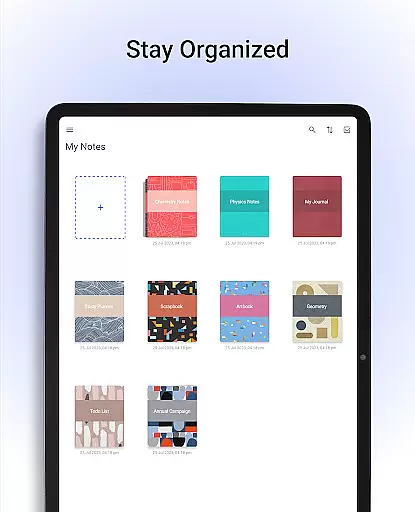
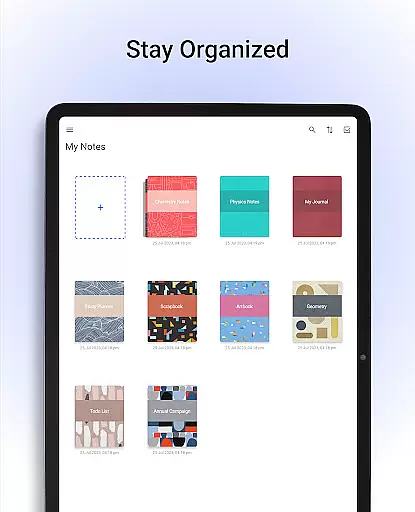
Staying organized is made easy with the ability to keep personal and business notes separate, drag and drop notebooks into groups, and bookmark important pages. Syncing via Google Drive and auto-backup options ensure notes are safe and accessible anytime, across any Android device.
Cross-device synchronization is a critical feature of Noteshelf, ensuring that all your notes are reliably backed up and accessible from any location. By syncing via Google Drive, users can easily access their notes on any Android device, providing flexibility and peace of mind.
Noteshelf goes beyond basic synchronization by offering auto-backup options to multiple cloud services including OneDrive, Dropbox, and WebDAV. This multi-cloud strategy ensures that your data is protected and can be retrieved even if one service faces downtime.
In addition to cloud backups, Noteshelf allows automatic publishing of notes to Evernote, extending accessibility and integration with other productivity tools. This seamless connection between platforms enhances workflow efficiency and data redundancy.
Users can also share their notes as images, illustrating their content with visuals from libraries like UNSPLASH and PIXABAY. With continuous updates and new features on the horizon, Noteshelf remains committed to improving cross-device reliability and user experience, ensuring your digital notes are always at your fingertips.
User-friendly interface
Realistic pen options
Versatile annotation tools
Handwriting recognition
Cloud integration
Limited free features
Requires learning curve
Premium subscription cost
Occasional bugs
Heavy storage usage

Experience Reading - Night Mode for Documents
 4.40
4.40
Planet Free VPN - The best Fast Unlimited and Secure VPN Without Logs
4.50
8 custom complications. Custom Time Fonts. Beautiful color schemes. A++ Design.
5.00
The Pro Version of Android's tiniest Notepad app. Just 0.3MB but feature-packed!
4.60
A lightweight JSON & XML files creator, editor and viewer (Premium Version)
4.40
All in One PDF Reader: Manage, Read and Edit your Documents
4.20
Font maker keyboard with your own handwriting
4.10
Access your phone's notifications, calls, apps, photos & texts on your PC
3.90
Use powerful, industry-leading AI tools to generate visual charts from any data
4.80
We're working to become the best machining app on the market! www.cncdirt.com
4.80
Quickly and easily keep track of your work shifts
4.70
Calendar 2023 widget for Android. Appointment scheduler, planner, and reminder
4.60
Docker, Kubernetes management over Portainer Mobile
4.40
When you Focus, so will your Bean in this cozy focus timer
4.30
Professional calendar app for Google Calendar, MS Outlook & Exchange
4.20
Wake up & get tasks done! Add alarms & reminders on the Clock Launcher.
4.00
* block pre-roll ads, pop-up and forced redirect ads * Samsung certification app
4.00
Auto-shutoff Alarm with Sunrise, Sunset & Fixed Options.
3.50
IP Camera Viewer - Android TV : RTSP Surveillance camera viewer for Android TV
4.5



User Reviews