Proton VPN is a secure and privacy-focused virtual private network application developed by the team behind Proton Mail. This free-to-use app offers unlimited data access with no bandwidth or speed restrictions, ensuring users can browse the internet safely without compromising their personal information. The app's strict no-logs policy guarantees that your online activities remain private, while advanced features like DNS leak protection and Perfect Forward Secrecy provide robust security measures.
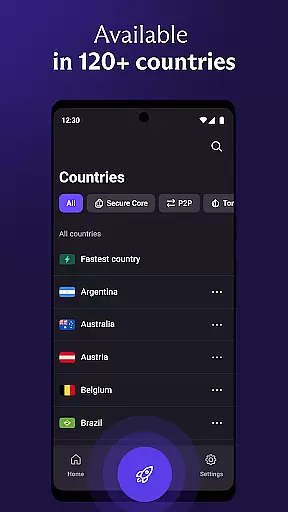
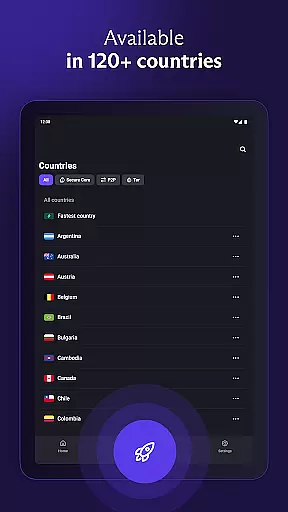
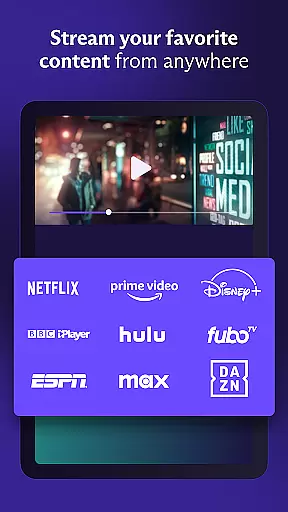
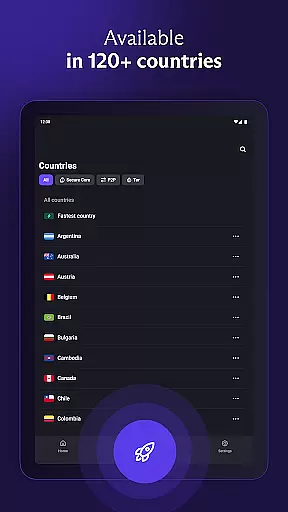
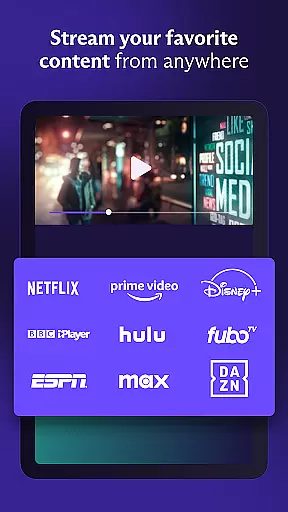
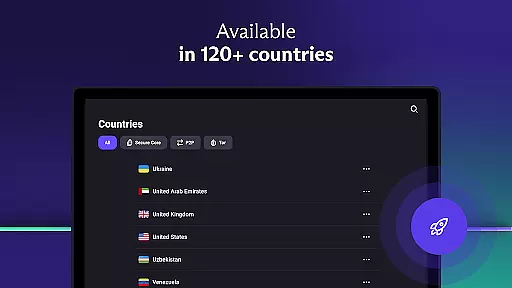
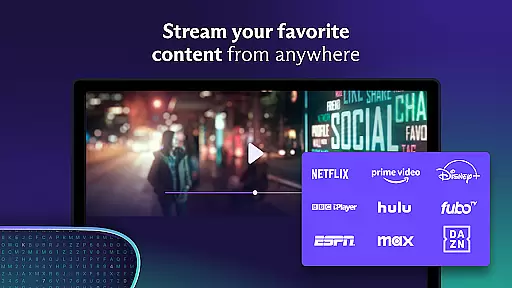
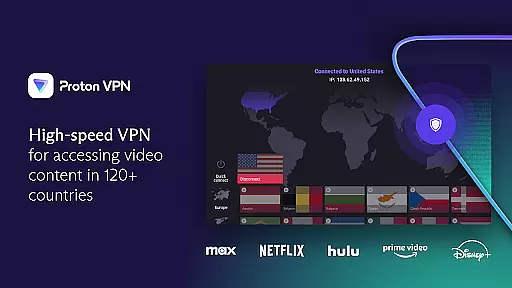
Beyond basic functionality, Proton VPN allows users to bypass geo-restrictions and access blocked content through its smart protocol selection. With servers distributed across 126 countries, it ensures high-speed connections and reliable performance. Whether you're looking to stream content, share files, or simply protect your browsing history on public Wi-Fi networks, Proton VPN delivers a comprehensive solution for maintaining digital privacy.
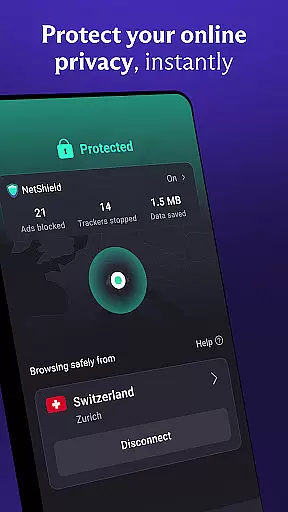
The app also includes premium options that enhance user experience further. Features such as NetShield (an ad blocker), Secure Core architecture, and multi-device support make it an ideal choice for individuals seeking top-tier encryption standards alongside everyday usability. By combining cutting-edge technology with an accessible interface, Proton VPN stands out in the crowded VPN market.
Proton VPN distinguishes itself through several key features designed to maximize both security and convenience. One standout aspect is its unique VPN Accelerator technology, which boosts connection speeds by up to 400%, making it one of the fastest services available today. Additionally, the inclusion of advanced protocols like OpenVPN and WireGuard ensures that all communications are encrypted using industry-leading methods, providing peace of mind even when connected to unsecured networks.
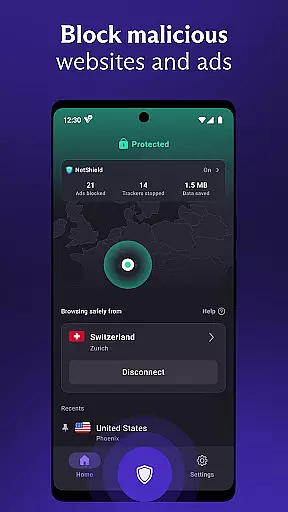
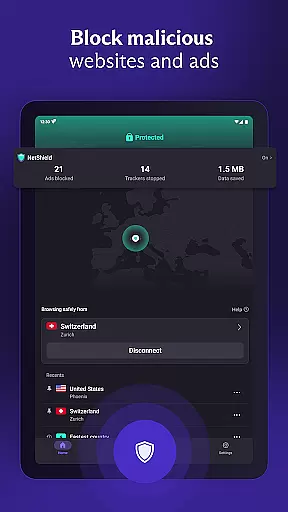
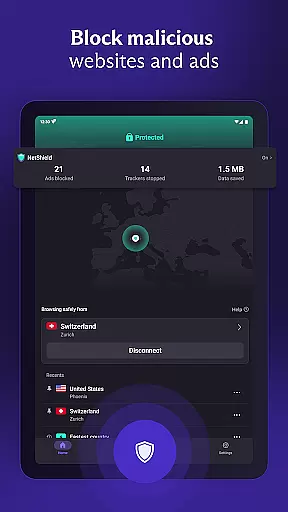
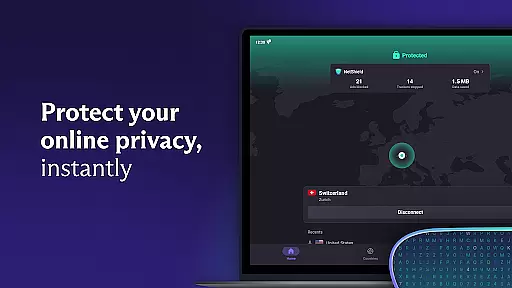
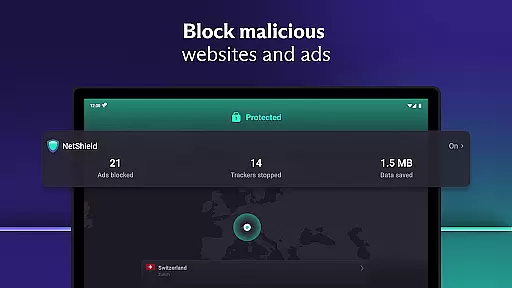
Another notable feature is the Always-On VPN/Kill Switch functionality, which prevents accidental exposure during unexpected disconnections. For those concerned about intrusive advertisements or malicious websites, the built-in NetShield acts as a DNS filter, blocking ads and malware while preventing trackers from monitoring your activity. Furthermore, Proton's Secure Core architecture routes traffic through multiple servers, adding an extra layer of anonymity against sophisticated cyber threats.
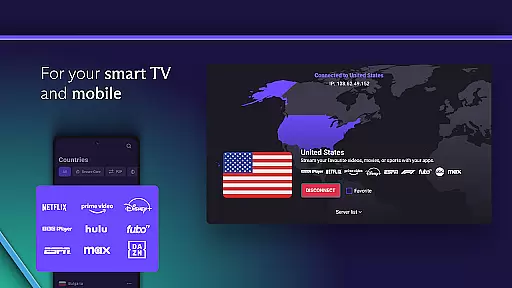
Finally, Proton VPN supports cross-platform usage, allowing seamless integration across Android, iOS, Windows, macOS, and Linux devices. Its open-source codebase has been independently audited for transparency, reinforcing trust among privacy-conscious users. These innovations collectively position Proton VPN as not just another tool but a comprehensive ecosystem dedicated to safeguarding digital freedom.
Proton VPN excels in delivering core functions with remarkable accuracy and effectiveness, ensuring users experience secure and private internet access. The app employs advanced protocols like OpenVPN and WireGuard, which are proven to be secure, guaranteeing encrypted connections that protect user data from potential threats.
The implementation of Perfect Forward Secrecy ensures that even if encryption keys are compromised in the future, past communications remain protected. Additionally, Proton VPN's DNS leak protection encrypts DNS queries, preventing exposure of browsing activity through leaks. This meticulous attention to detail in safeguarding user privacy underscores the app's commitment to providing a reliable and robust service.
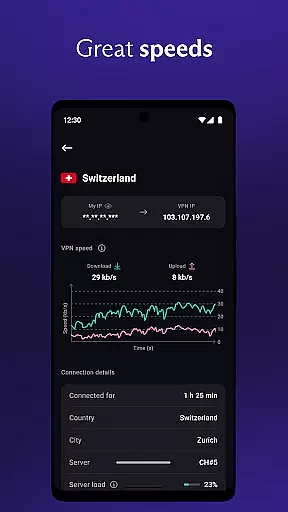
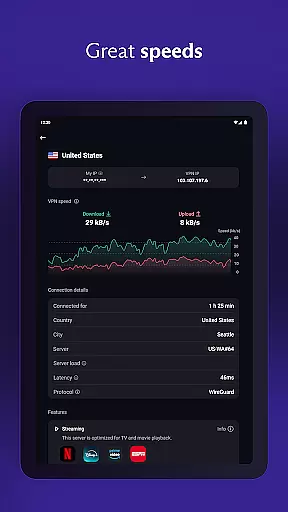
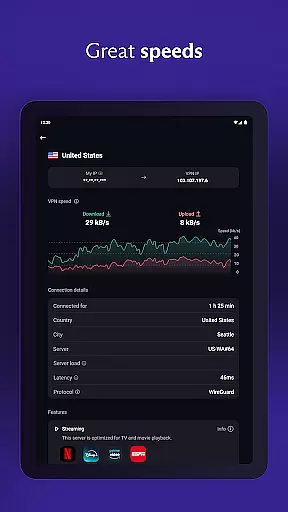
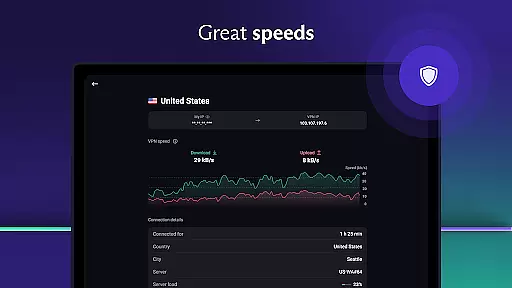
For users seeking uninterrupted security, the always-on VPN feature acts as a kill switch, protecting against accidental disconnections and ensuring continuous privacy. With unlimited data access and no speed restrictions, Proton VPN delivers on its promise of high-speed, secure internet access without compromising performance or user experience.
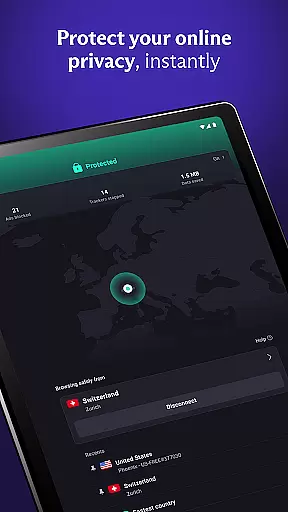
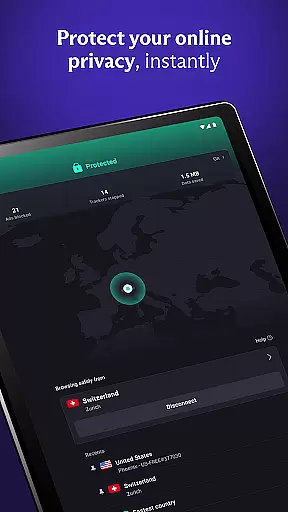
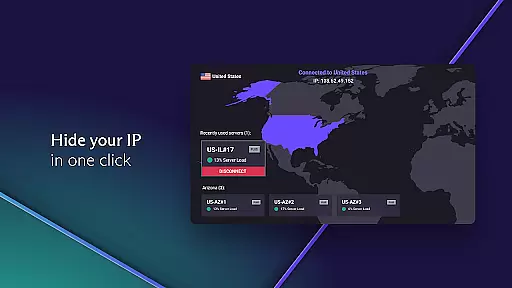
Proton VPN stands out for its interface simplicity and intuitiveness, making it accessible even to those new to VPN services. The design emphasizes ease of use, featuring a one-click 'Quick Connect' option that immediately secures the useru2019s internet connection, particularly useful on public Wi-Fi hotspots.
The app offers a discreet icon option, allowing users to maintain privacy about their use of a VPN on their devices. This thoughtful feature caters to users who prioritize subtlety in their digital tools, enhancing the overall user experience by addressing specific needs and preferences.
Premium features such as NetShield, an ad blocker and malware protector, are seamlessly integrated into the interface, providing additional layers of security without complicating the user journey. By focusing on a streamlined and intuitive interface, Proton VPN ensures that users can easily navigate and utilize its comprehensive suite of privacy-enhancing tools.
Free unlimited usage
No logs policy
Advanced security protocols
High-speed connections
Cross-platform compatibility
Limited free server locations
Premium features require subscription
Occasional connectivity issues
Interface may feel complex
Fewer tutorials for beginners

Complete kernel toolbox with features to manage and tweak your rooted device
 4.30
4.30
An easy-to-use calculator designed to save time calculating and bending conduit
4.30
Unleash gamepad precision for ultimate mobile gaming dominance.
3.90
Quickly check the frequency of the Earth
4.30
Mirror your screen to Fire TV - Super fast and simple
4.40
Powerful collection of electronics tools and reference.A must for any enthusiast
4.90
Game Booster, GFX Tool is now compatible with newer game update
4.50
Pro Emulator is an easy to use game console emulator for a range of consoles.
4.40
fast and easy mp3 music downloader
4.80
Best leveling tool for your Android device. Hang paintings like a pro.
4.90
Small and simple app to Verify Root Access and BusyBox Install!
4.70
App to pay for FUTO Keyboard
4.60
Keep track of your Palia friendships, tasks, and inventory with Palia Notebook
4.60 4.50
4.50
eXtended Permission Manager - a small app to manage permissions and AppOps
4.50
Just one-tap to easy translate in any language after calls within seconds.
4.20
App that Recover your pictures, videos or files after you delete them.
4.20
Undelete and recover your lost or deleted files with DiskDigger!
3.40
Transfer Files, APK from Phone to Watch & Install.
4.4






User Reviews