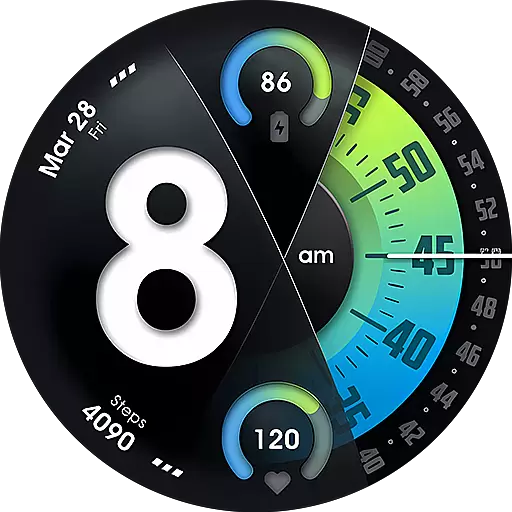
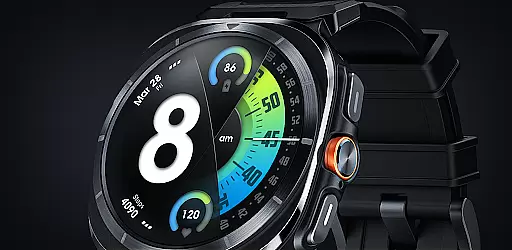
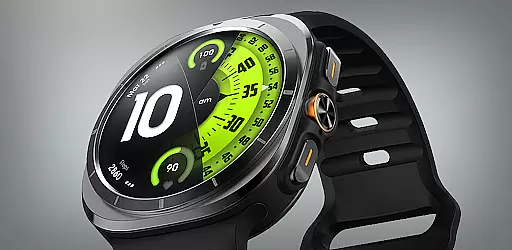
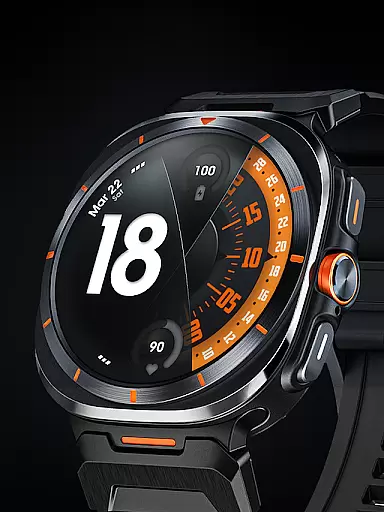
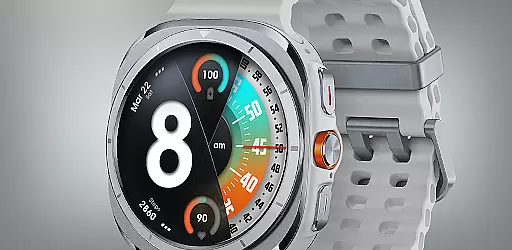
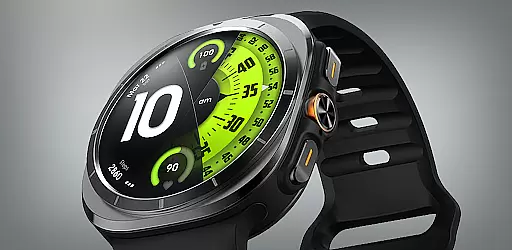
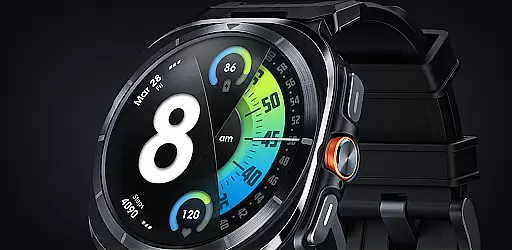
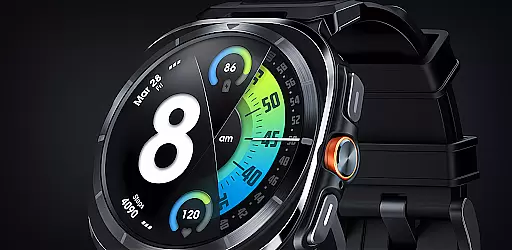
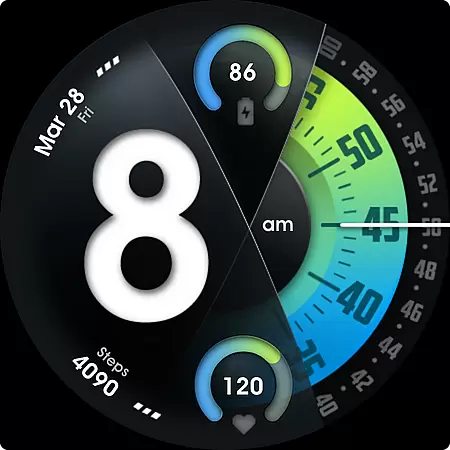
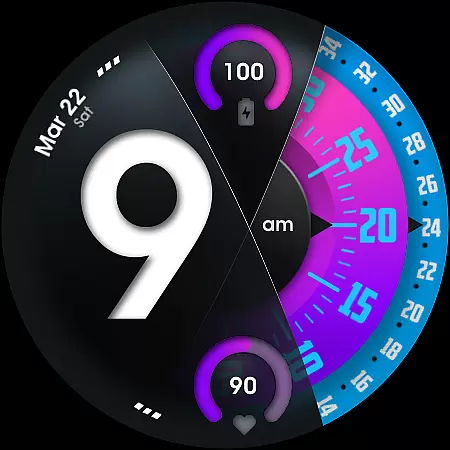
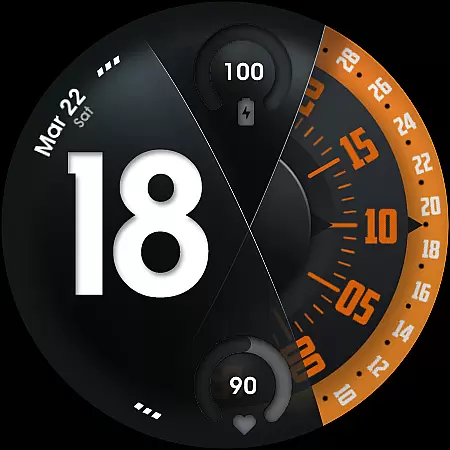
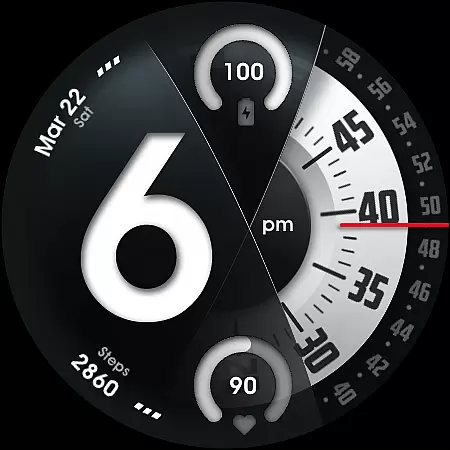
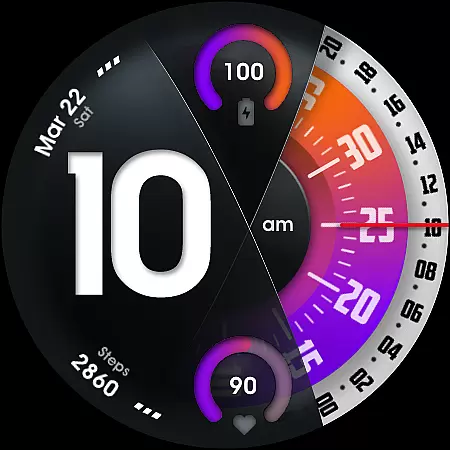
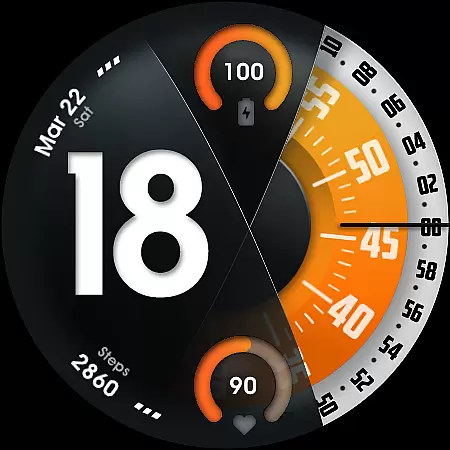
UsA Florencia Neo is a redesigned watch face for Wear OS devices, offering a unique blend of digital and analog styles. This innovative timepiece stands out with its distinctive design aesthetic that combines digital hours with classic analog minute and second hands. The watch face is compatible with Wear OS 4 or newer, including Galaxy Watch 4/5/6/7/8 Series, Pixel Watch series, and other Wear OS 4+ devices.
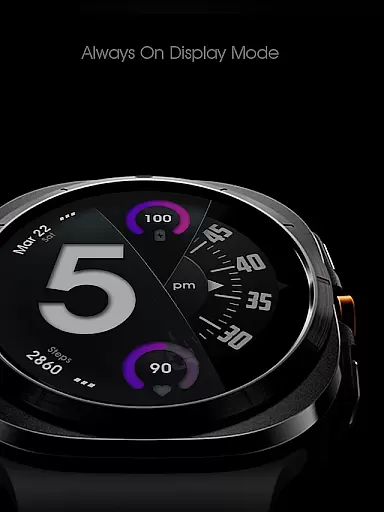
Designed for users seeking both style and functionality, this watch face provides essential features like battery information, heart rate monitoring, and multiple customization options. Its special Always On Display (AOD) mode allows for continuous time visibility while conserving battery life. Whether you're a tech enthusiast or simply looking for a sophisticated timepiece, UsA Florencia Neo offers a perfect balance of form and function.
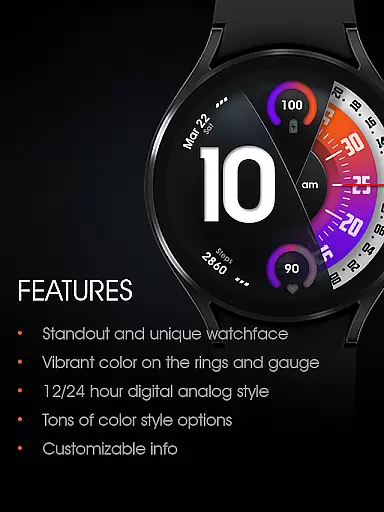
UsA Florencia Neo boasts an impressive array of features designed to enhance your smartwatch experience. The watch face supports both 12-hour and 24-hour digital-analog display modes, allowing users to choose their preferred time format. It includes practical indicators such as battery level and heart rate gauges, providing real-time health and device status updates.
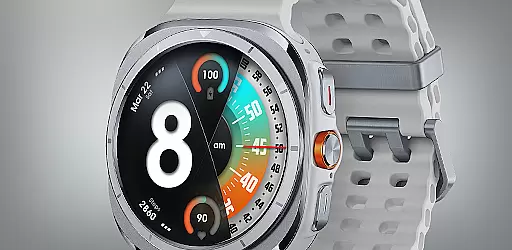
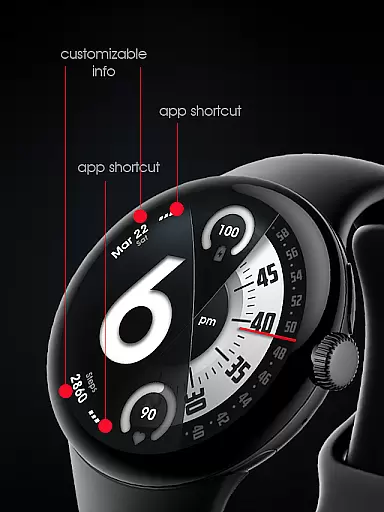
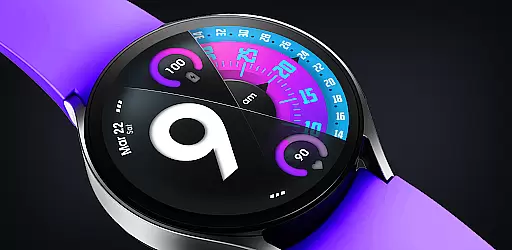
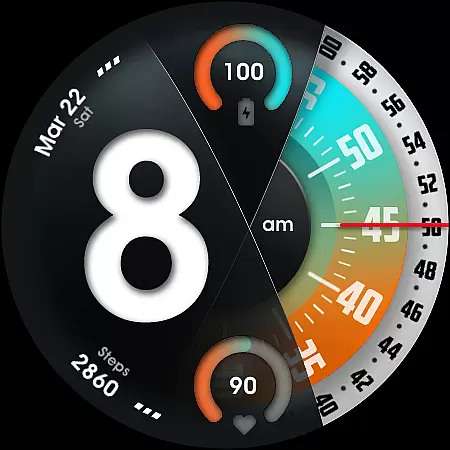
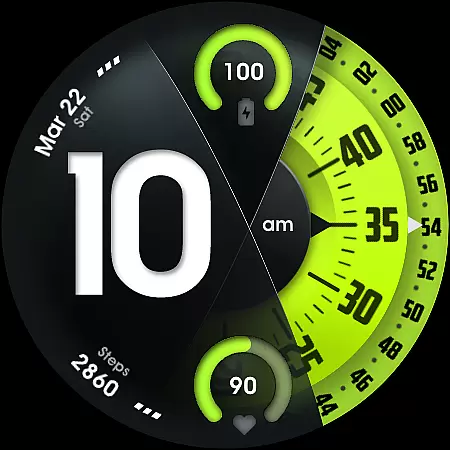
Customization is at the core of this watch face's appeal. Users can personalize their experience through various color combinations, customizable second-hand styles, and adjustable line index indicators. Additionally, it offers two custom info complications and app shortcuts, giving users quick access to their most-used features. The specially designed AOD ensures minimal power consumption while maintaining essential time visibility, making it ideal for everyday use.
Companion app integration is essential for a seamless wearable experience. UsA Florencia Neo ensures that your watch face settings are perfectly synced with your smartphone.
This application allows users to manage their watch faces directly from their phone, providing an intuitive interface for customization. The synchronization process is automatic and occurs within moments after purchase, ensuring that your preferences are always up-to-date.
With companion app integration, users can easily toggle between 12 or 24-hour modes by adjusting their phone's date and time settings. This feature simplifies the user experience, allowing for effortless personalization without needing to interact directly with the watch interface.
Ensuring compatibility across various devices is crucial for maximizing usability. UsA Florencia Neo is designed to work seamlessly with Wear OS API 33+ (Wear OS 4 or newer), making it compatible with Galaxy Watch 4/5/6/7/8 Series, Pixel Watch series, and other watches running Wear OS 4 or newer.
The wide range of supported devices means that more users can enjoy the unique design aesthetic of this watch face. Whether you're using a Samsung or Google device, you'll experience digital hours combined with classic analog minutes and seconds movement.
Compatibility extends beyond just the operating system version; it also includes features like battery information, heart rate monitoring, and customizable elements such as seconds blade styles and line index indicators. These features ensure that regardless of your device, you'll have access to a rich set of functionalities tailored to enhance your wearable experience.
Unique design aesthetic
Extensive customization options
Real-time health monitoring
Wide device compatibility
Specialized AOD feature
Requires Wear OS 4+
Battery-intensive features
Limited to compatible devices
No data storage capability
Premium pricing model

Diet tracker for weight loss - track calories, food and macros. Simple and easy!
 4.70
4.70
Precision analog watch face with 7 complications and style options
4.4
Snowflake Rose Gold Watch Face - Digital, modern, & sleek with GYRO effect.
4.10
Digital watch face with big numbers and many customization for Wear OS devices
4.40
Connect to your Bluelink equipped Hyundai vehicle from your smartphone.
4.50
Real-time results, stats, schedules and player profiles for all leagues
4.60
A digital watch face that celebrates Christmas.
4.00
Hybrid watch face for Wear OS with customizable complications by Matteo Dini MD
4.70
Track your active life in one place and share the journey with friends.
4.40
Rose gold watch face with festive lights & customizable features.
4.60
Deck out your Wear OS Watch face with a beautifully decorated pine wreath!
4.50
The ultimate destination for kids ages 3-8 to explore the Marvel Universe!
4.30
Calming & relaxing sounds for sleeping and stress relief. Stay focused all day!
4.20
Your music, your playlists, and more—offline and unlimited.
4.20
Stay in touch with your friends and family using LINE!
3.40
A Wintery Snow Globe on Your Wrist; now celebrating Christmas!
4.5
Stunning modern digital watch face with 7 complications and strong contrast
4.4
Fitness interactive virtual pet super fighter boy watch face
4.4
Hybrid Vibrant Health Watch Face for Wear OS
4.3



User Reviews