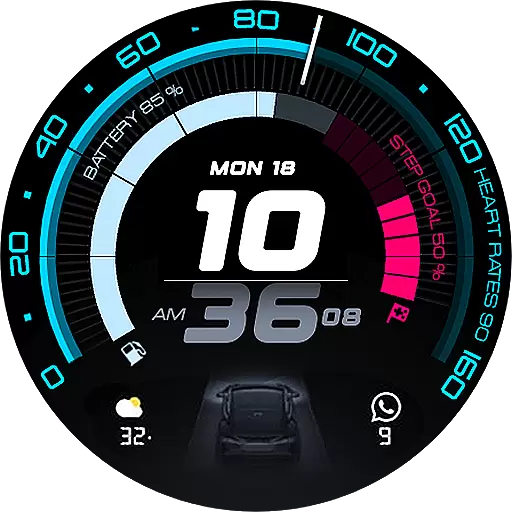
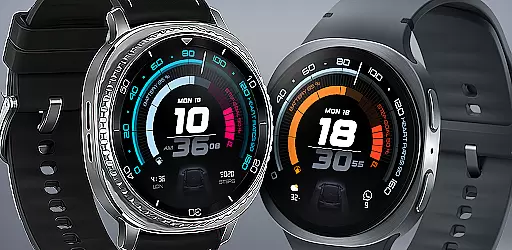
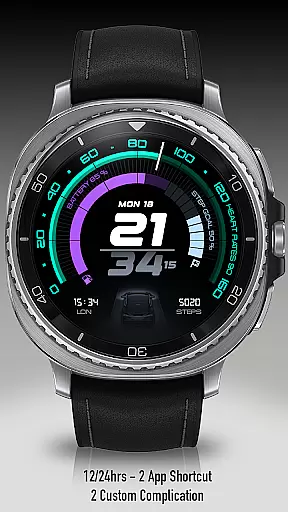
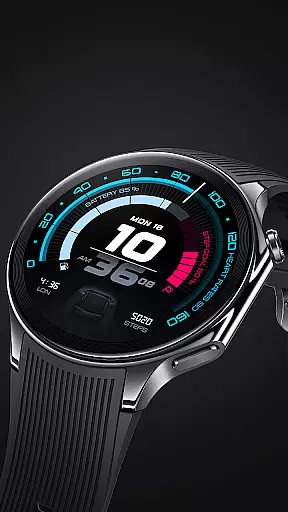
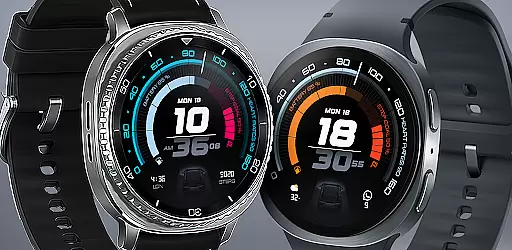
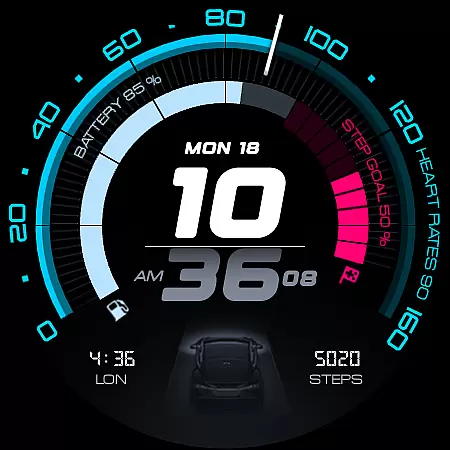
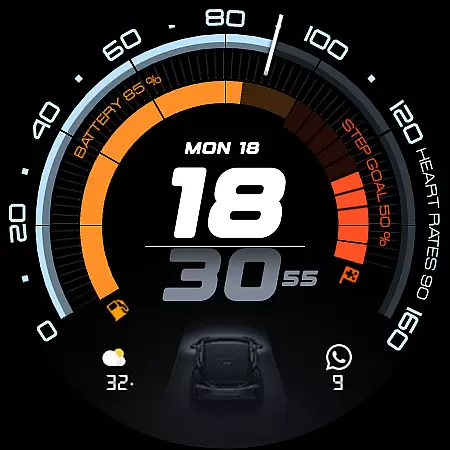
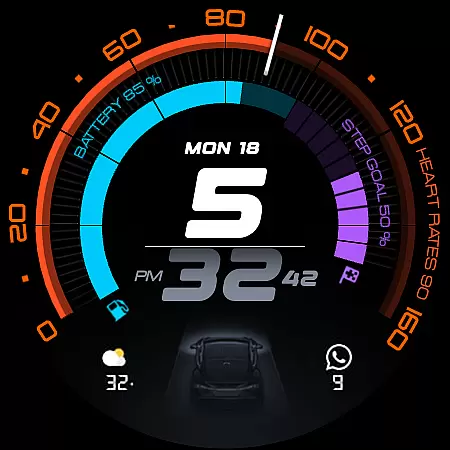
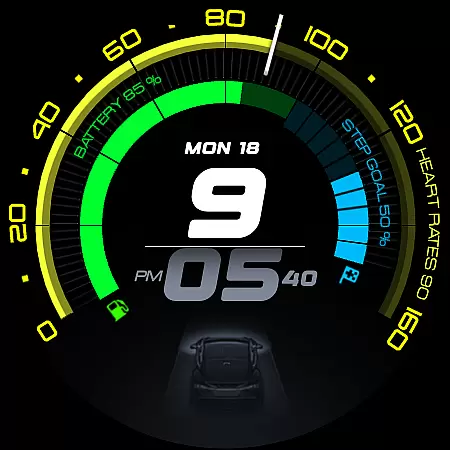
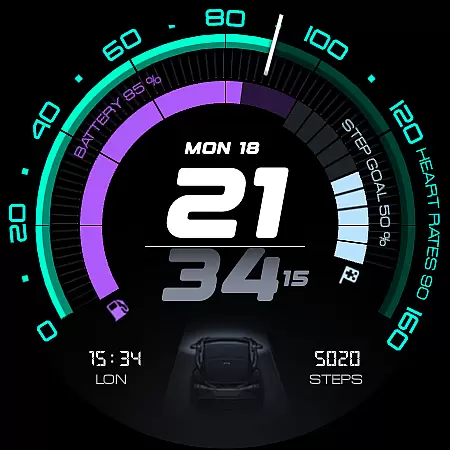
ARS Acceleration is a high-performance watch face designed for smartwatch users who value both style and functionality. This app transforms your smartwatch into a precision instrument, offering a sleek automotive-inspired interface with bold digital time display and vibrant activity arcs.
The watch face provides essential health and fitness tracking features including real-time heart rate monitoring, step counting, battery level display, and weather updates. With customizable complications and dual app shortcuts, users can personalize their experience while enjoying both 12/24-hour time formats.
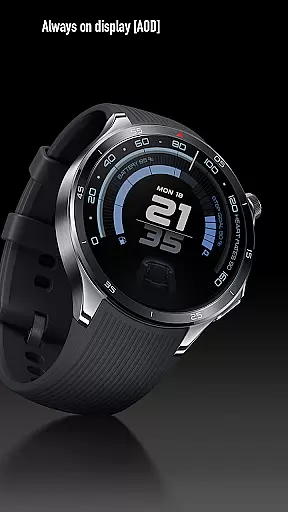
Whether you're an athlete needing quick access to performance metrics or a professional seeking a modern, stylish timepiece, ARS Acceleration adapts to your lifestyle. Its Always-On Display ensures seamless usability, making it perfect for those who demand both aesthetics and practicality in their wearable technology.
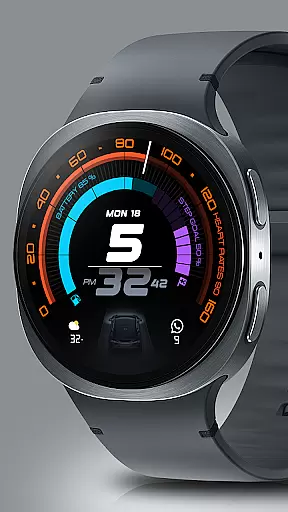
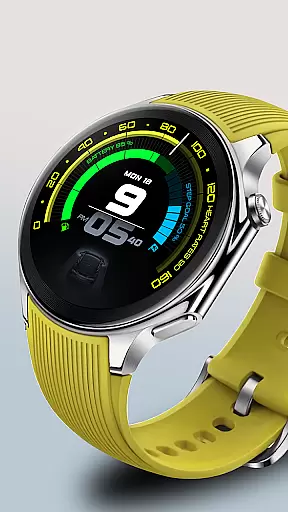
ARS Acceleration stands out with its dynamic and modern interface that combines bold digital time display with vibrant color-coded activity arcs. The app's automotive-inspired design integrates essential health and fitness tracking features such as real-time heart rate monitoring, step counting, and battery level display.
One of the key innovations is the elegant incorporation of customizable complications and dual app shortcuts, allowing users to tailor their watch face to specific needs. The inclusion of both 12/24-hour time formats adds versatility, while the Always-On Display feature provides both bold daytime visibility and subtle nighttime functionality.
What sets ARS Acceleration apart is how it seamlessly blends style with practicality. The watch face's ability to adapt to different lighting conditions while maintaining its sophisticated appearance makes it a top choice for users seeking both fashion and function in their smartwatch interface.
Companion app integration is essential for a seamless wearable experience. ARS Acceleration excels in this area by offering users real-time synchronization between their smartwatch and mobile device.
The watch face provides instant access to critical information such as heart rate, battery level, step count, and weather updates. These features are powered by the companion app, ensuring that data remains accurate and up-to-date across devices.
Users benefit from customizable complications and dual app shortcuts, which enhance usability and personalization. This integration allows for effortless management of various aspects of daily life directly from the wrist.
Device compatibility is crucial for ensuring that a watch face functions optimally across different Wear OS devices. ARS Acceleration is designed to work seamlessly with a wide range of smartwatches, delivering consistent performance regardless of the device.
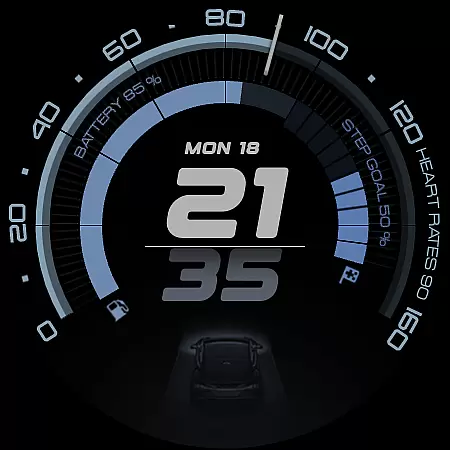
The design adapts to both bold daytime looks and subtle Always-On Displays, making it versatile for any situation. It supports both 12 and 24-hour time formats, catering to user preferences and regional standards.
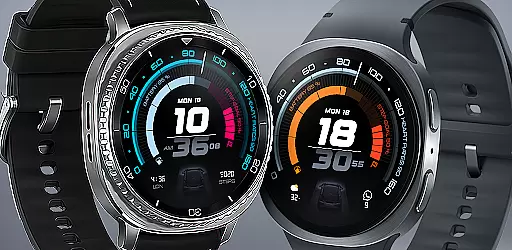
With its automotive-inspired aesthetics and dynamic interface, ARS Acceleration transforms any compatible smartwatch into a high-performance instrument. Users can enjoy vibrant color-coded activity arcs and essential health tracking without worrying about device limitations.
Stylish Design
Real-Time Tracking
Customizable Interface
Always-On Display
Versatile Functionality
Battery Consumption
Limited Compatibility
Premium Features Locked
Complex Setup
Learning Curve

Rose gold watch face with festive lights & customizable features.
 4.60
4.60
Wear Os Watch Face - Animated Snow Effect & Magic Spark - 6 Scenes
4.10
Digital, flexibly customizable watch face. For Wear OS 5.0, API 34+ and later.
5.00
Bold, Modern Hybrid Watch Face for Wear OS. 10 Colors, Rich Info Display.
4.30
Monitor health with the stress test and pulse checker in the heart rate app.
4.60
Locate your family members by GPS phone location tracker everywhere and anytime
4.30
The #1 source of faces for your smartwatch!
4.00
The most customizable hybrid watch face. For Wear OS 5.0, API 34+ and later
4.70
Want to take charge of your health? Let Google Fit help you reach your goals.
3.50
A realistic hybrid watch face with many customization options.
4.60
Simple, helpful messaging by Google
4.60
MyNISSAN® lets you remotely control your car from your phone.*
4.50
Stylish, Energizing and Modern Watch Face crafted by Dominus Mathias.
4.50
Embrace the holiday spirit with this magical animated watch face!
4.40
A customizable Christmas watch face for Wear OS with a countdown.
4.20
Your music, your playlists, and more—offline and unlimited.
4.20
Daily Weather forecast with 15 weather images for Day & Night plus Big Bold time
4.10
A watch face that fuses motorsport precision with contemporary smartwatch design
4.4
Stunning modern digital watch face with 7 complications and strong contrast
4.0



User Reviews