
FL STUDIO MOBILE is a comprehensive music production application that allows users to create and save complete multi-track music projects on their mobile devices. With features like audio recording, MIDI support, and high-quality synthesizers, it caters to both amateur enthusiasts and professional musicians. The app supports various platforms including Android, iOS, and Chromebook, making it versatile for different types of users. Its full-screen DeX and Chromebook touch support enhance the user experience by providing flexible control options.
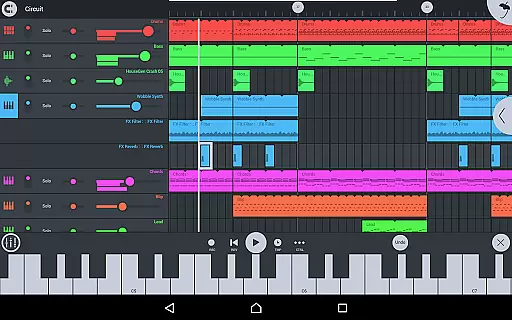
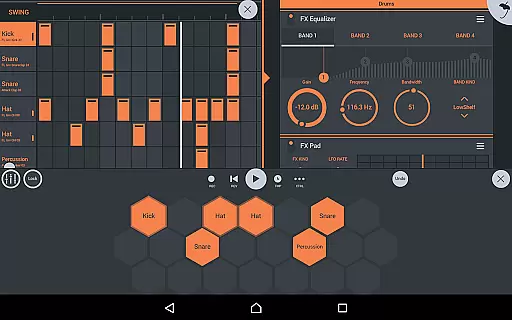
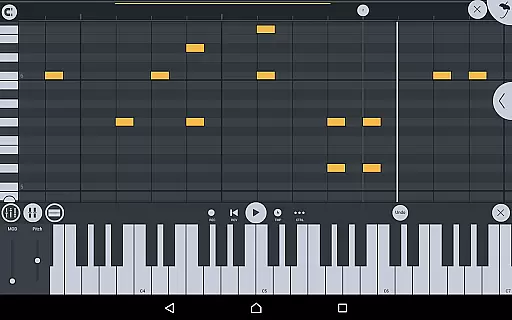
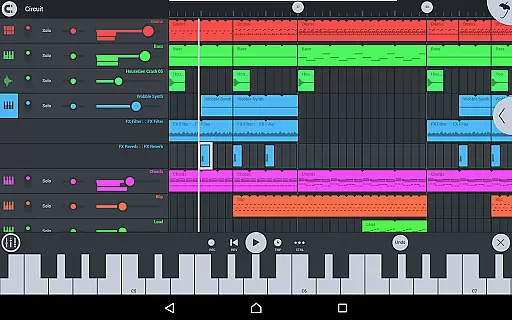
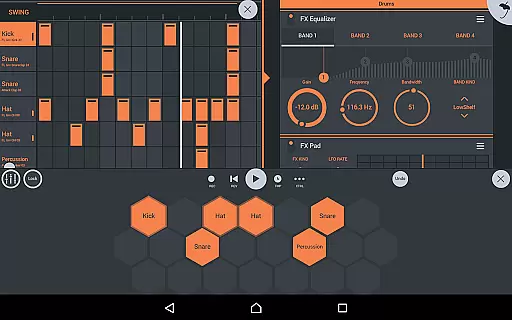
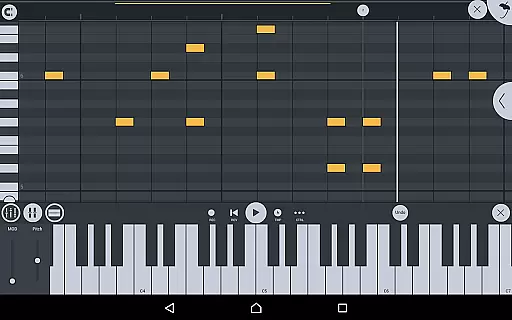
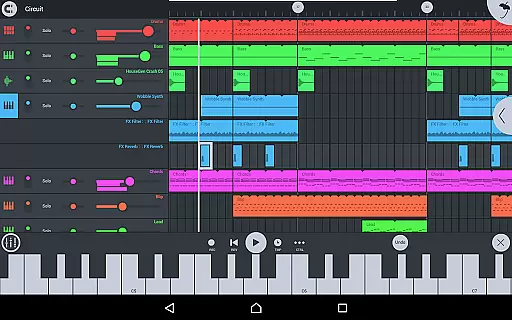
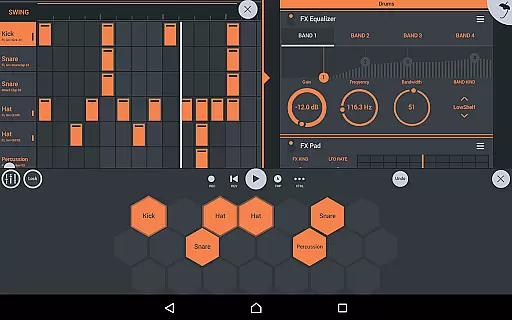
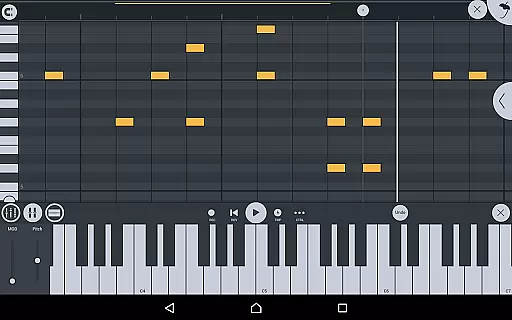
The app includes an array of powerful tools such as effects modules, drum kits, sliced-loop beats, and a step sequencer. Users can also browse samples and presets with previews, edit notes in the piano roll, and mix tracks with per-track mute, solo, effect bus, pan, and volume adjustment. FL STUDIO MOBILE offers extensive content through in-app purchases, including DirectWave sample players, various instrument modules, and effect modules. This makes it a robust tool for creating complex musical compositions on the go.
One notable use case is its ability to integrate seamlessly with the desktop version of FL Studio via Wi-Fi or cloud sharing. This feature enables users to start a project on their mobile device and continue refining it on their PC, thus bridging the gap between mobile and desktop music production environments. By offering a wide range of functionalities and seamless integration capabilities, FL STUDIO MOBILE provides significant value to users who require flexibility and power in their music creation process.
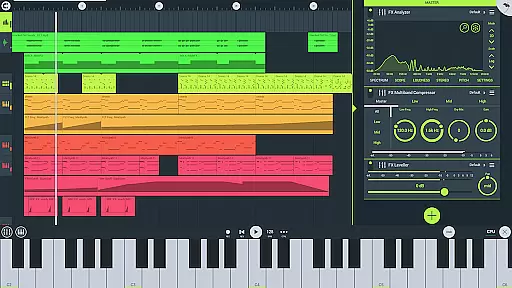
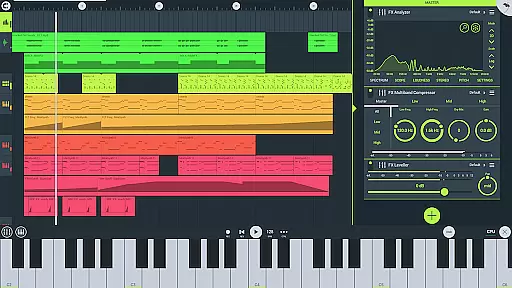
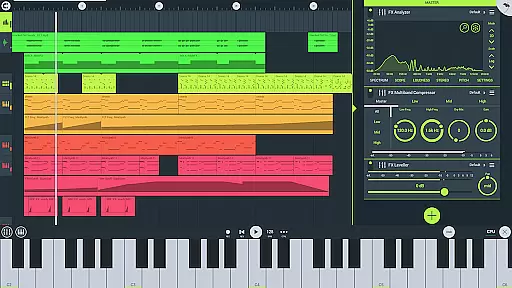
FL STUDIO MOBILE stands out due to its rich set of features tailored for music production. One of its key highlights is the inclusion of high-quality synthesizers, drum kits, and sliced-loop beats, which provide users with a diverse palette of sounds to work with. These instruments are complemented by a variety of effect modules such as analyzers, auto duckers, chorus, compressors, limiters, distortion, parametric equalizers, graphic equalizers, flangers, reverbs, tuners, filters, delays, phasers, and stereoizers. Each module enhances the sound design capabilities, allowing users to craft unique audio experiences.
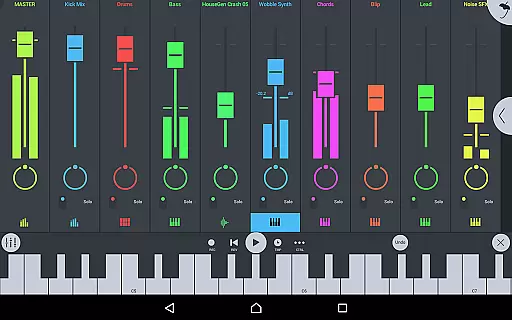
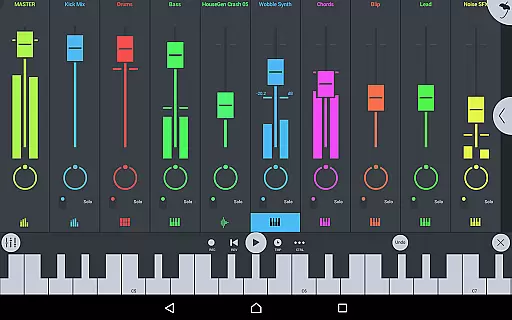
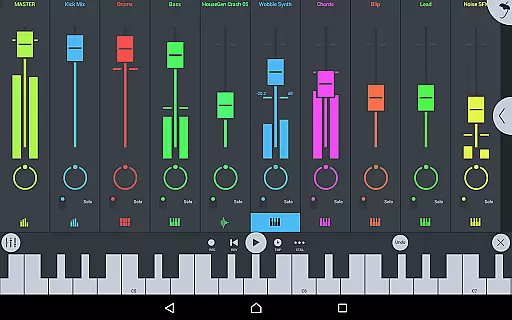
Another standout feature is the app's support for MIDI controllers and automation, enabling precise control over music production. The piano roll editor allows users to capture recorded performances or manually input notes, while the step sequencer facilitates rhythm programming. Additionally, the mixer provides per-track mute, solo, effect bus, pan, and volume adjustment, giving users fine-grained control over their mixes. The app also supports importing and exporting MIDI files, further expanding its interoperability with other music software.
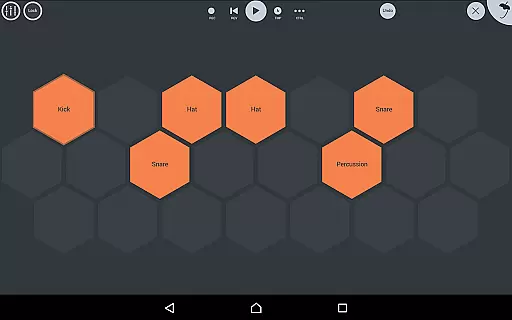
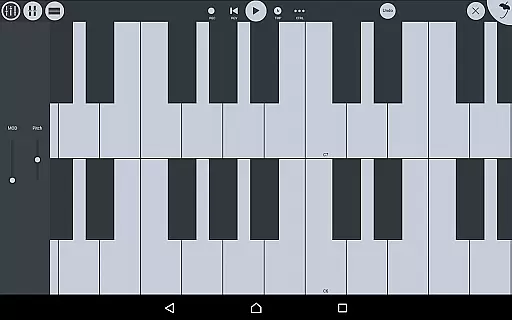
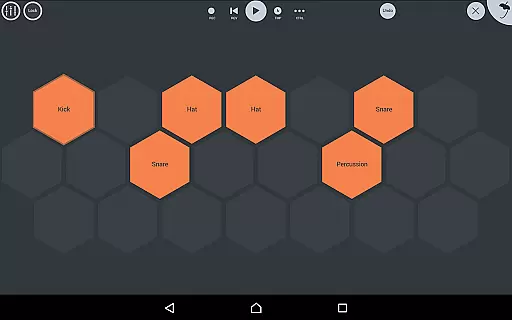
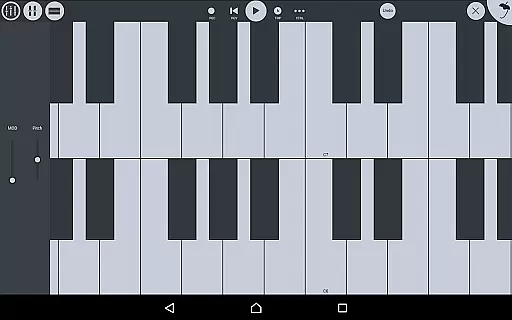
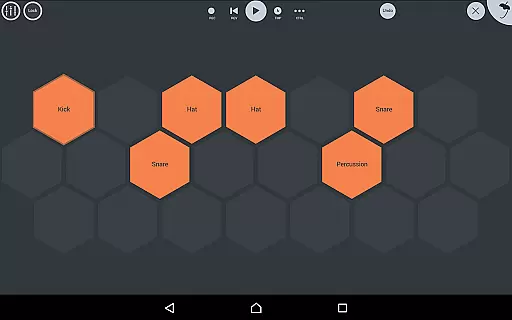
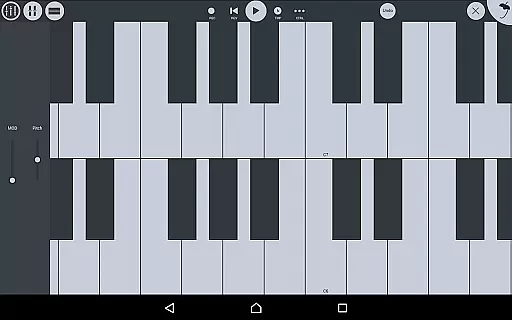
FL STUDIO MOBILE’s user interface is highly configurable, adapting to all screen resolutions and sizes. This ensures a smooth experience across different devices, whether using touch controls or external peripherals like trackpads and mice. Furthermore, the app includes a virtual piano keyboard and drum pads, enhancing tactile interaction. Overall, these features collectively make FL STUDIO MOBILE a powerful and versatile tool for music producers seeking professional-grade functionality on their mobile devices.
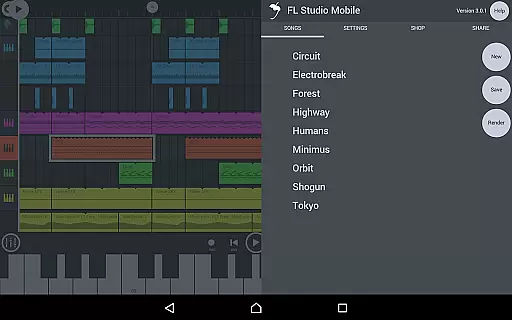
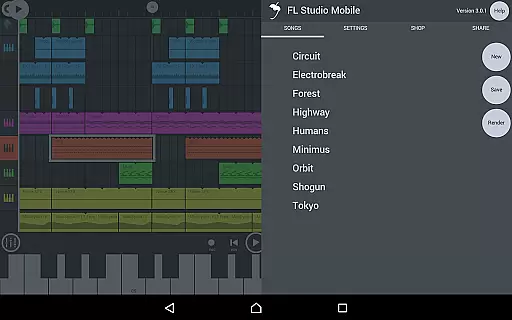
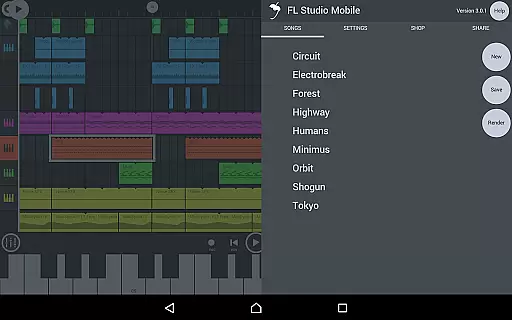
FL Studio Mobile offers an extensive music library that caters to a wide range of musical genres and styles. The app includes high-quality synthesizers, drum kits, sliced-loop beats, and a variety of instrument modules such as Drum Sampler, DirectWave Sample Player, GMS (Groove Machine Synth), Transistor Bass, MiniSynth, and SuperSaw. These features ensure that users have access to a vast array of sounds and instruments, which are essential for creating complex and rich musical compositions.
In terms of copyright authenticity, FL Studio Mobile provides assurance by including licensed content within its offerings. This means that the samples and presets available in the app are legally obtained and can be used without fear of copyright infringement. Users can confidently incorporate these elements into their projects, knowing they are working with legitimate materials.
The significance of having a large music library with verified copyright cannot be overstated. It allows musicians and producers to experiment with different sounds and styles, thus enhancing creativity and productivity. Moreover, the ability to load projects in the FL Studio FREE Plugin version of this app ensures seamless integration between mobile and desktop environments, further expanding creative possibilities.
FL Studio Mobile places a strong emphasis on audio quality, offering users multiple options to enhance their music production experience. With support for various file formats like WAV, MP3, AAC, FLAC, and MIDI, the app ensures that users can save and load their creations in the format that best suits their needs. This flexibility is crucial for maintaining high audio fidelity throughout the production process.
Beyond file format compatibility, FL Studio Mobile also includes a suite of effect modules designed to refine and polish audio tracks. These include tools such as parametric and graphic equalizers, compressors, limiters, reverbs, and more. Such comprehensive audio processing capabilities enable users to achieve professional-grade sound quality in their projects.
Furthermore, the app's full-screen DeX and Chromebook touch, trackpad, and mouse support contribute to a more precise and controlled audio editing experience. By providing these advanced audio quality options, FL Studio Mobile empowers creators to produce music that meets industry standards and satisfies their artistic vision.
Comprehensive music tools
High-quality synthesizers
Versatile platform support
Seamless desktop integration
Rich effect modules
Complex for beginners
Requires powerful hardware
In-app purchases needed
Occasional latency issues
Limited free content

Turn your phone into a musical instrument from the future!
 3.90
3.90
10-Band Audio Equalizer, Sound / Bass Booster for Spotify Users & Music Players
4.40
VB-AUDIO Software / VBAN-Receptor allows listening to any VBAN Streams
4.10
Listen to live FM radio stations, sports, music and news on global radios online
4.70
Powerful beat maker & DJ mixer to remix tracks, make music, & perform DJ mix
3.70
Walkout Song DJ is the most intuitive app to manage your sports music.
4.70
A sleek, no-frills player designed for true music lovers.
4.20
Reverse your voice & songs instantly! Fun singing challenge with cool effects.
4.60
Travel To The Music Universe
3.40
Over 100 million tracks available for high quality streaming and download
4.60
Pay Once, no monthly payment
4.60
A complete sound package for the sound engineer or enthusiast
4.60
DJ Music Mixer Pro is a real DJ controllers and DJ Music Studio to remix DJ.
4.40
The Music Journey in Your Hands
4.30
No wifi music app. Mp3 offline. Tuner radio, young radio music. Music downloader
4.20
USB audio recording and playback finally possible on Android 3.1 or higher!
3.90
Offline Tunes, Unlimited Vibes
3.90
Learn to play the piano using falling notes!
3.80
Remove ads permanently from Music Visualizer
4.1




User Reviews