
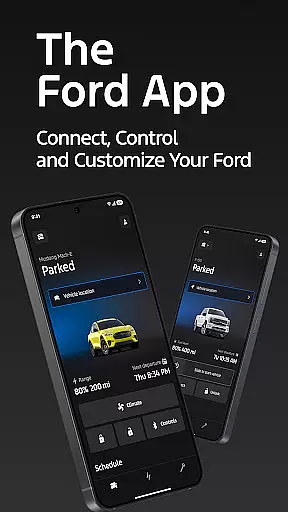
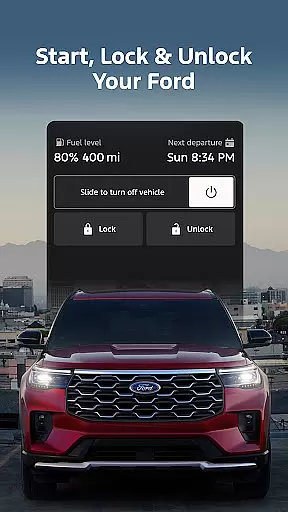
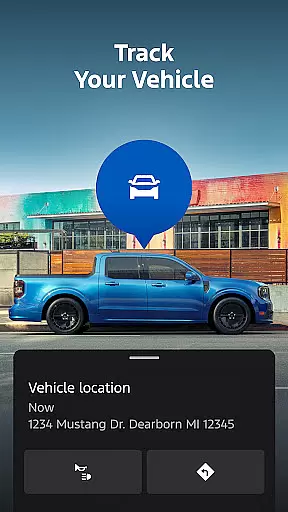
The Ford app is a comprehensive mobile solution designed to enhance the ownership experience for Ford vehicle owners. This application serves as a centralized hub where users can access and control various vehicle functions remotely. With features like remote start, lock and unlock capabilities, and GPS tracking, it provides unprecedented convenience and security.
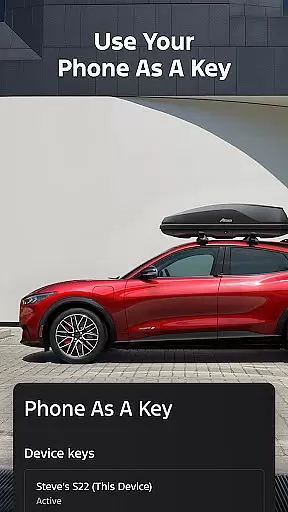
One of the standout functionalities is the ability to use your phone as a key, allowing for seamless interaction with your vehicle. Additionally, the app offers maintenance scheduling, electric vehicle management, and over-the-air software updates, ensuring that your Ford remains up-to-date and in optimal condition. These features collectively create a connected ecosystem that elevates the driving experience while providing peace of mind to the user.
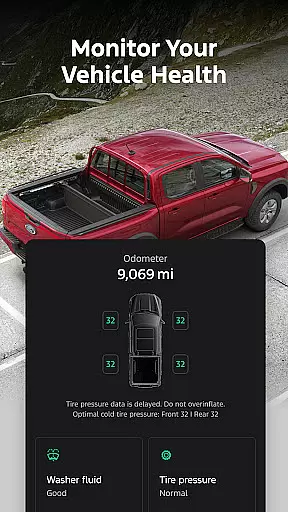
The Ford app boasts an impressive array of features tailored to modern vehicle owners. Remote functionalities such as engine start, locking, and unlocking are seamlessly integrated, giving users complete control from their smartphones. The app also supports advanced vehicle management, enabling users to monitor fuel levels, battery status, and other critical metrics.
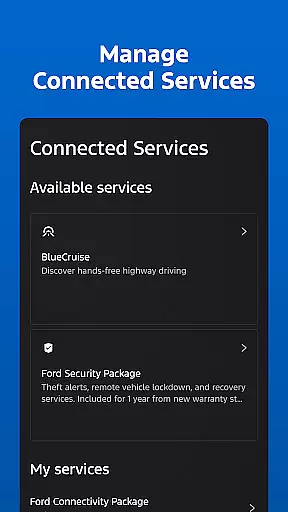
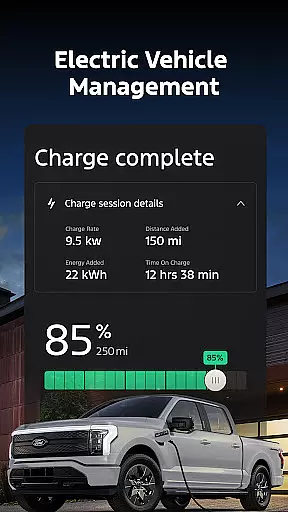
For electric vehicle owners, the app provides essential tools like charge level monitoring and preconditioning options. Maintenance scheduling with preferred dealers ensures timely servicing, while connected services offer additional security and convenience. Integration with Wear OS allows users to send commands directly from their smartwatches. These diverse features demonstrate Ford's commitment to innovation and customer-centric design.
Companion app integration refers to the seamless connection between the Ford app and its users' vehicles, enhancing the overall driving experience. This integration allows for real-time data sharing and functionality coordination, ensuring that drivers have access to crucial vehicle information and controls directly from their smartphones.
The Ford app excels in companion app integration by offering features such as remote start, lock and unlock, and GPS tracking. These functionalities are accessible at no extra cost, providing users with the convenience of managing their vehicles from anywhere. The app also supports scheduling service appointments and monitoring electric vehicle charging levels, further demonstrating its comprehensive approach to vehicle management.
Users benefit significantly from this integration as it empowers them with control and peace of mind. Whether it's remotely starting the car on a cold morning or locating the vehicle in a crowded parking lot, the Ford app ensures that these tasks are just a tap away. Additionally, the app's regular updates keep users informed with the latest features and information, maintaining a high level of engagement and satisfaction.
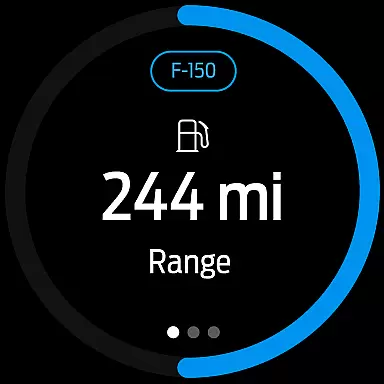
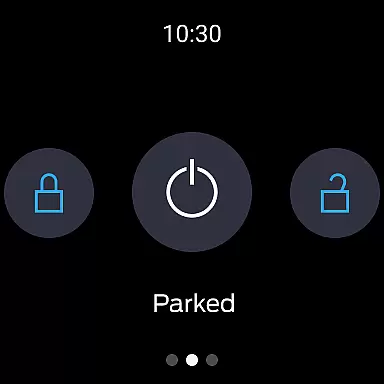
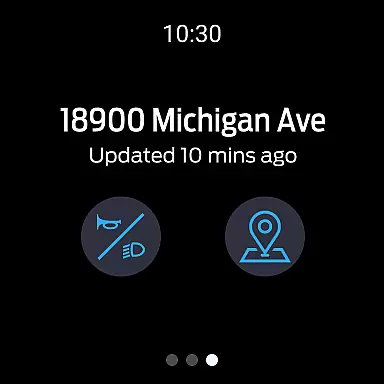
Wear OS/device compatibility is essential for users who wish to extend the functionality of their Ford app to wearable devices. This compatibility enables smartwatch wearers to send commands and check vehicle status directly from their wrists, offering unparalleled convenience and accessibility.
The Ford app supports Wear OS, allowing users to interact with their vehicles without needing to take out their phones. Key functions like remote start, lock and unlock, and vehicle status checks are available on compatible smartwatches. This feature is particularly useful for those who lead busy lifestyles and need quick access to their vehicle controls while on the go.
By ensuring broad device compatibility, the Ford app caters to a wide range of users, regardless of their preferred wearable technology. This inclusivity not only enhances user experience but also sets the Ford app apart from competitors. With the ability to manage vehicle functions from a smartwatch, users can enjoy a more streamlined and efficient interaction with their Ford vehicles, making daily tasks easier and more enjoyable.
User-friendly interface
Comprehensive vehicle control
Regular feature updates
Electric vehicle support
Convenient service scheduling
Limited to select models
Requires active modem
Dependent on cellular networks
Potential extra costs
Varied feature availability

Christmas Theme Watch Face for Wear Os
 5.00
5.00
Wear Os Watch Face - Animated Snow - Sesonal for Christmas & Winter
4.4
Beautiful artistic animated digital watch face, with a customizable layout!
4.40
Deck out your Wear OS Watch face with a beautifully decorated pine wreath!
4.50
3 Complications. All shadow on/off. 30 Themes color palette...
4.1
The most customizable minimal watch face. For Wear OS 5.0, API 34+ and later
4.70
Digital watch face. For Wear OS devices.
4.40
The #1 source of faces for your smartwatch!
4.00
Minimalistic design modern digital watch face.
4.3
The Chevron App allows you to pay for fuel from the comfort of your car!
4.80
Hyperlocal rain alerts by MyRadar using patent-pending technology, radar & more
4.80
Kia Access makes getting your vehicle information easier than ever
4.60
Monitor health with the stress test and pulse checker in the heart rate app.
4.60
Animated video-game inspired “secret agent” simulation, right on your wrist!
4.20
Your music, your playlists, and more—offline and unlimited.
4.20
Get helpful reminders, take progress photos and find answers to your questions.
3.90
Your local weather forecast, storm tracker, radar maps & live weather news
3.40
A Wintery Snow Globe on Your Wrist; now celebrating Christmas!
4.3
Contemporary digital watch face with five complications
4.3




User Reviews