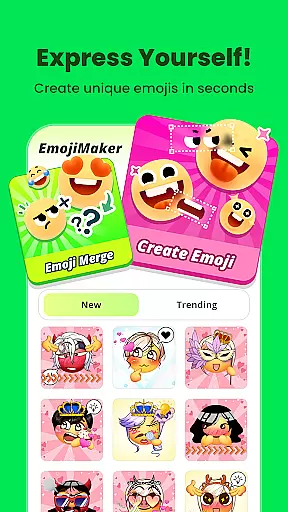
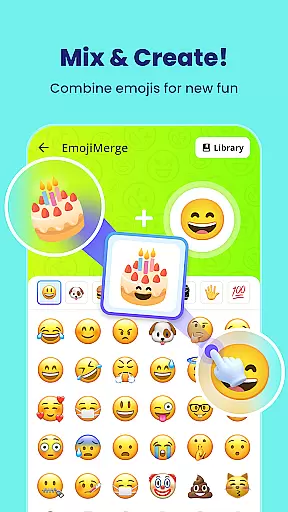
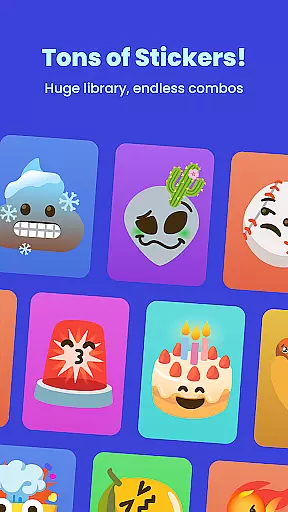
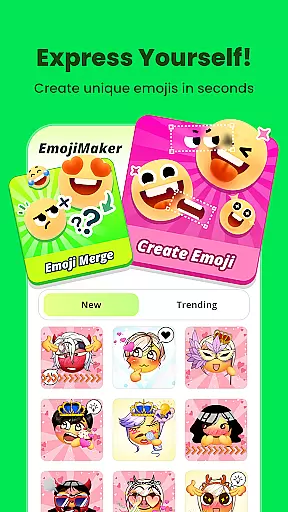
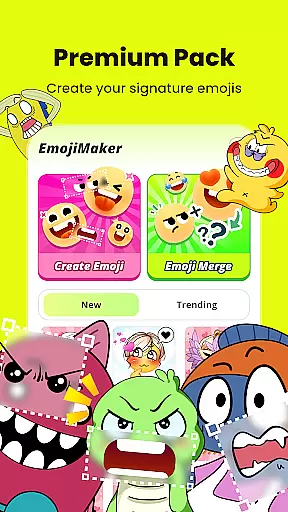
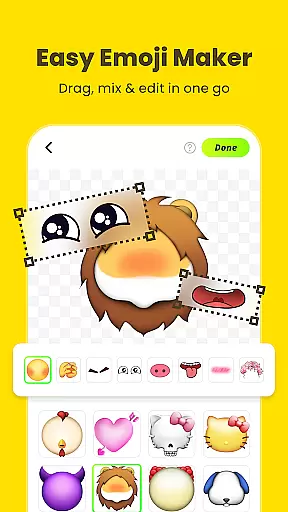
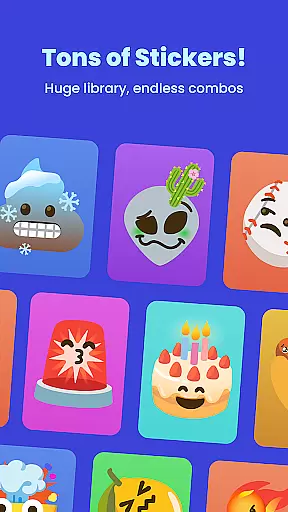
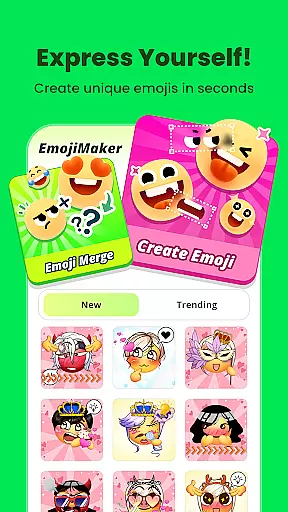
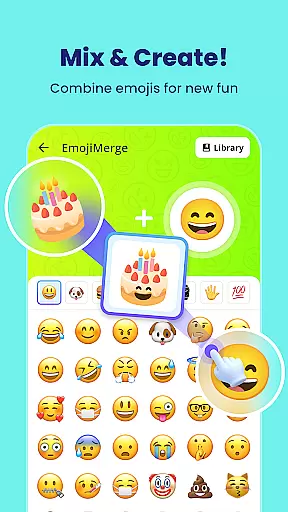
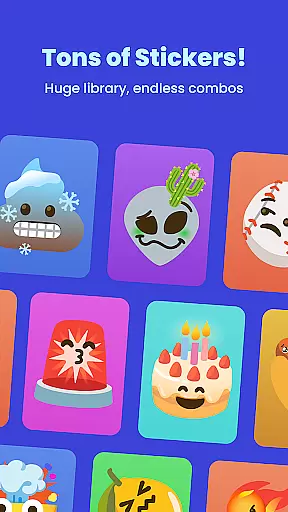
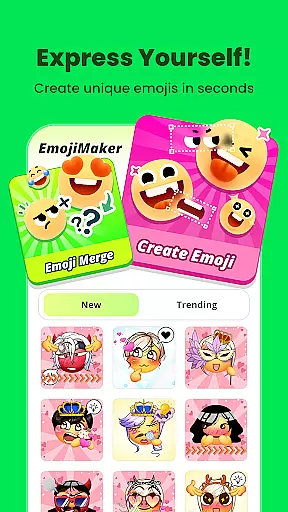
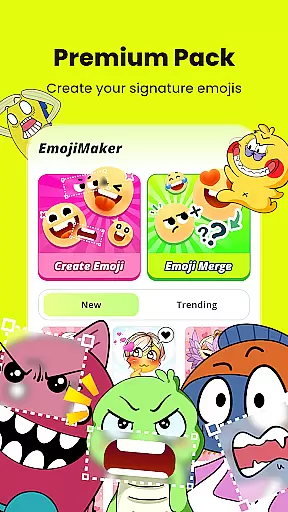
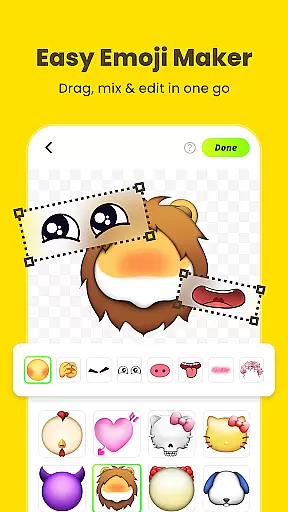
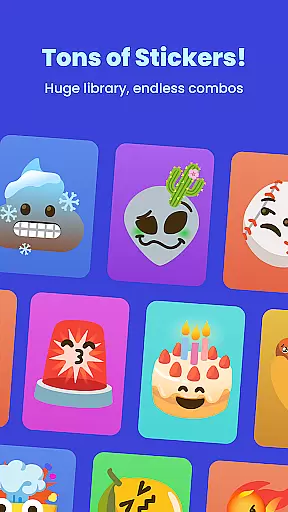
Gemoji is an innovative emoji creation platform that empowers users to design personalized emojis and stickers. This Personalisation app offers a rich library of customizable components, allowing you to mix and match various elements such as eyes, mouths, and accessories.
With its intuitive interface, Gemoji makes emoji creation accessible to users of all ages. Whether you're crafting unique emojis for messaging apps or designing seasonal stickers, this app provides the tools to express your individuality through digital communication.
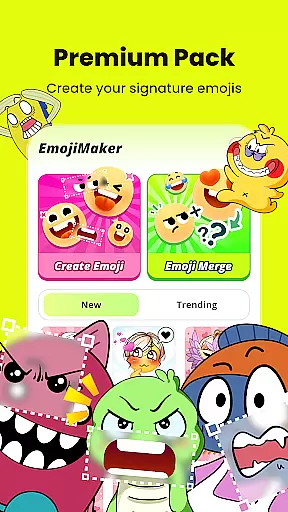
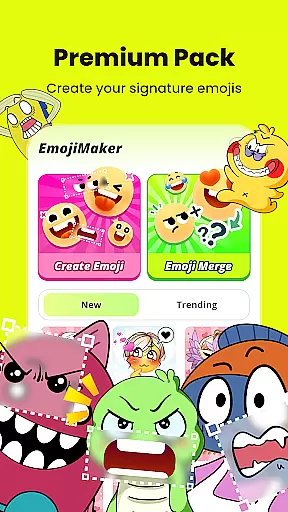
The app's value lies in its ability to help users create distinctive emojis that aren't available in standard emoji sets. From personal expression to professional branding, Gemoji enables users to develop truly unique visual content that stands out in digital conversations.
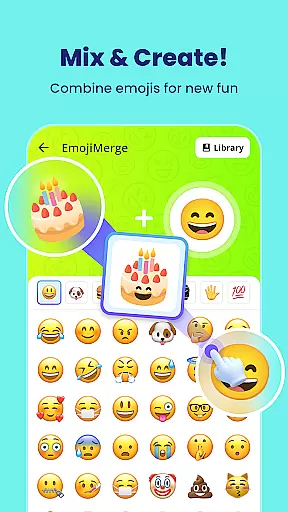
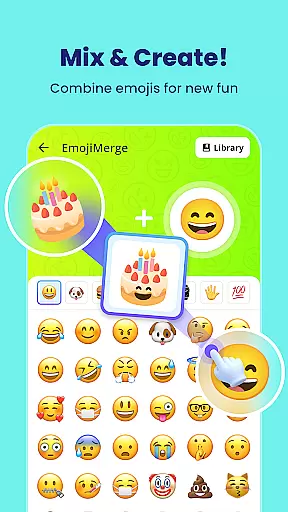
Gemoji distinguishes itself through several key features that enhance the emoji creation experience. The app's extensive customization options include diverse components, vibrant color choices, and various design elements that can be combined in countless ways.
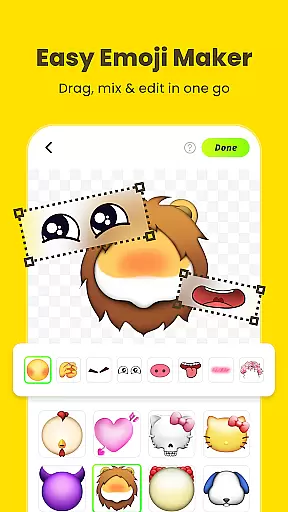
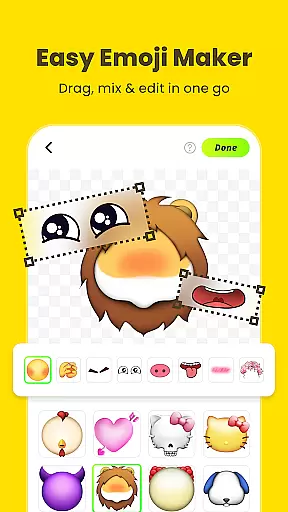
A notable feature is its real-time editing capability, where users can instantly preview changes as they modify different emoji elements. The layering system allows for complex designs while maintaining ease of use, making sophisticated creations possible even for beginners.
The app also includes specialized tools for transforming custom emojis into messaging stickers. This functionality extends the utility beyond simple creation, enabling users to integrate their unique designs directly into their digital communications across various platforms.
Customization is at the heart of Gemoji, allowing users to express their unique style and creativity through emojis. With a vast array of options, users can mix and match different elements such as eyes, mouths, accessories, and more, ensuring that each emoji is one-of-a-kind.
The app provides an extensive selection of colors and design components, enabling creators to tailor their emojis for any mood, season, or special occasion. This level of personalization ensures that whether you're crafting cute characters, quirky faces, or distinctive stickers, your creations will always stand out in conversations.
Gemoji's customization extends beyond mere aesthetics; it empowers users to convey emotions and messages in ways that words alone cannot. By offering frequent updates with new components and seasonal themes, Gemoji keeps the content fresh and engaging, providing endless possibilities for self-expression.
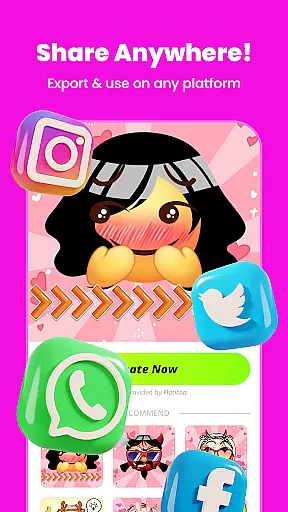
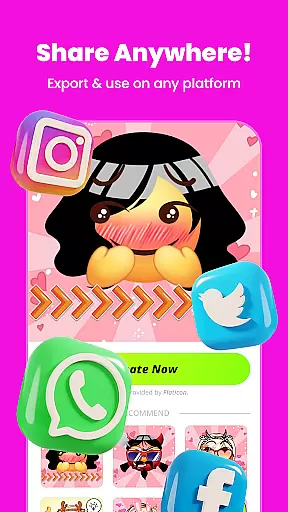
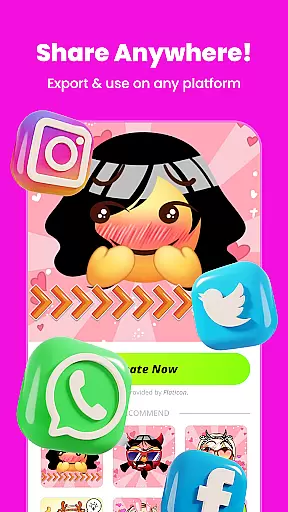
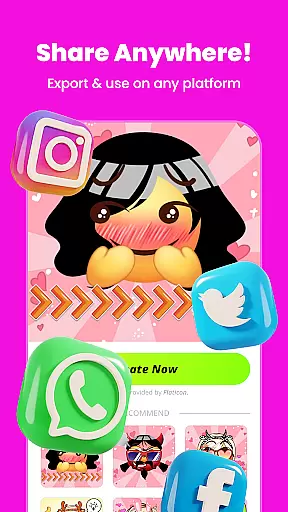
Gemoji excels in theme compatibility, seamlessly integrating with various messaging platforms where users can share their custom-made emojis. Once created, these personalized stickers are not confined within the app but can be exported for use across different communication channels, enhancing digital interactions.
Users have the ability to download their emoji creations as images or stickers, which they can then incorporate into messages on popular apps. This cross-platform functionality ensures that no matter where your audience is, you can connect with them using your unique designs.
Moreover, Gemoji's support for transforming DIY emojis into fun stickers means that users aren't just limited to text-based chats. They can also enhance visual storytelling by adding playful graphics to photos and videos shared online, making every interaction more vibrant and memorable.
Extensive customization
User-friendly interface
Real-time previews
Vibrant color options
Cross-platform sharing
Limited free options
Occasional bugs
Ads between uses
Learning curve
Storage intensive

A retro cartoon style watch face and a punch right in the face of the copyright
 4.60
4.60
Fingerprint Lock Screen & Live Animations with 4K Wallpapers as Live Wallpaper
4.40
A launcher for Samsung Good Lock and Good Guardians modules without ads
4.70
Art & Emoji Keyboard with Cool Fonts, Cute Themes and Custom Designs.
4.40
Try creating your own keyboard with "Keyboard theme for android" app now!
4.50
App Icon Changer & Shortcut Creator. Customize your icons without any watermarks
4.30
Aesthetic Widgets, HD Wallpapers, Themes in Mico Widget for Home and Lock Screen
4.50
Choose your keyboard with RGB colors effect, themes, fonts, emojis.
4.60
300+ widgets inspired by Material You and Material 3 expressive design.
4.60
Gun Chase - Let the chase begin.
4.80
100+ Stylish Fonts, Emojis, Symbols keyboard for Instagram & TikTok!
4.80
Shimeji adds cute animated characters to your screen, lively and fun.
4.70
Add cute Shimeji pets to screen, interact with them and relax with cute motions
4.60
Stylish Pink Cute Hippo keyboard with 10000+ customized keyboard themes!
4.60
Launcher OS™ Pro without ads help make your phone simple and pretty
4.30
Customizable flower power digital watch face for Wear OS watches.
4.00
Realistic animated snow on your wrist, with 10 images landscapes to choose from
4.00
Your go to Weather App & Home Screen. Get your weather at a swipe of a finger!
3.80
Struggling to find apps? Use this app to locate and open any app on your phone!
2.20



User Reviews