
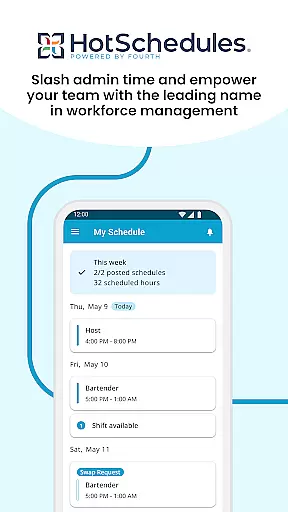
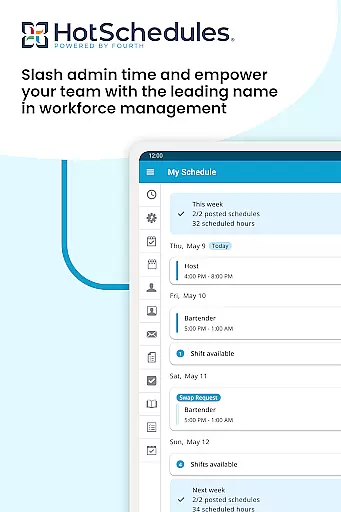
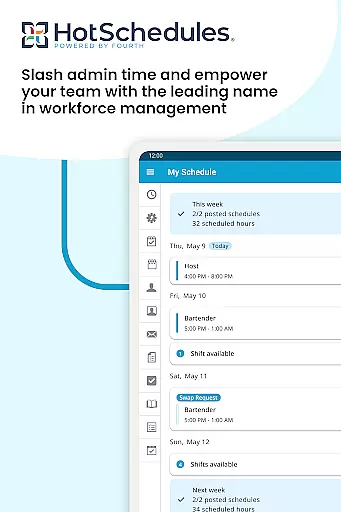
HotSchedules is a leading productivity app designed to streamline employee scheduling and team communication. The app allows users to manage work schedules efficiently while maintaining a healthy work-life balance. With features like automatic shift pick-ups, time-off requests, and calendar sync, it ensures that both employees and managers stay updated with real-time schedule changes.
For managers, HotSchedules offers significant time savings in building schedules and provides tools for monitoring business performance remotely. Its one-click approval system for shift changes and integrated messaging further enhance team productivity. This app is ideal for businesses looking to improve operational efficiency and maintain seamless communication across teams.
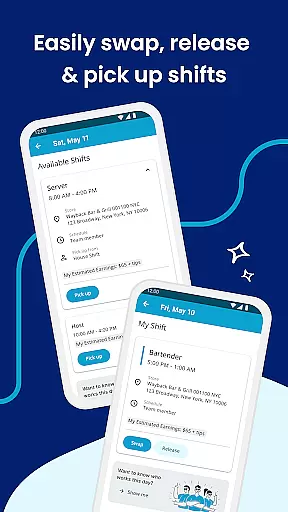
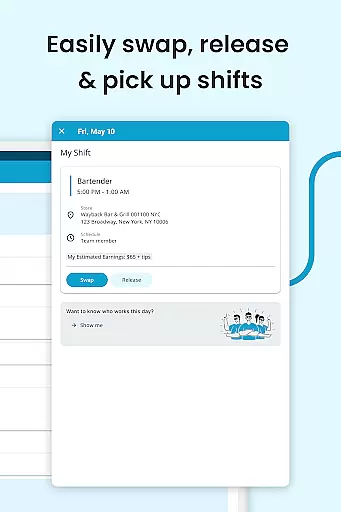
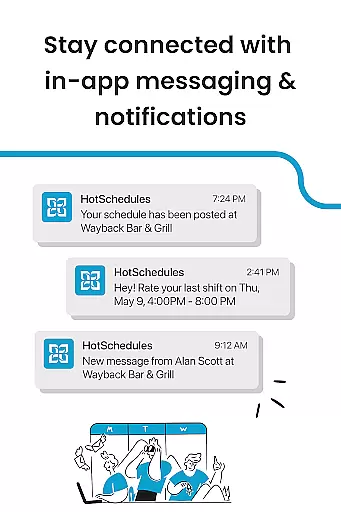
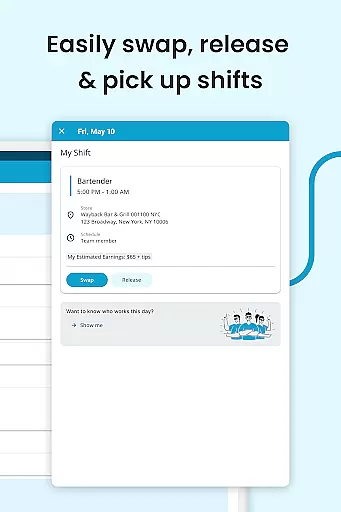
HotSchedules stands out with its robust set of features tailored for workforce management. Employees can swap shifts, pick up additional hours, or release shifts with just one click, making scheduling hassle-free. The app also supports automatic calendar synchronization and sends notifications for any manager-approved updates, ensuring everyone stays informed.
Managers benefit from advanced tools such as sales and labor snapshots, which allow them to monitor business performance on the go. The app's one-click approval system simplifies shift change requests, saving valuable time. Additionally, integrated broadcast and one-to-one messaging foster better team connectivity, promoting a productive work culture. These features collectively make HotSchedules an indispensable tool for modern workplaces.
HotSchedules excels in core task management by offering a comprehensive suite of tools designed to streamline scheduling and team communication. The app allows for quick shift swaps, pickups, and releases with just one click, ensuring that employees can efficiently manage their work-life balance.
For managers, the app provides powerful features that save up to 75% of the time typically spent on building schedules. With one-click approvals for shift changes and the ability to monitor business performance through sales and labor snapshots from anywhere, HotSchedules keeps managers agile and informed.
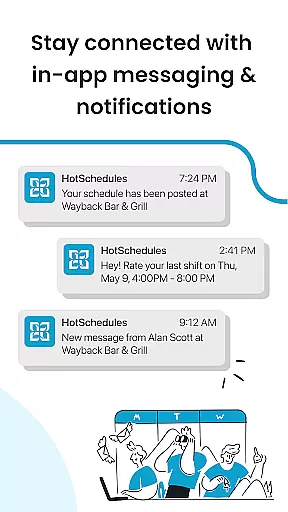
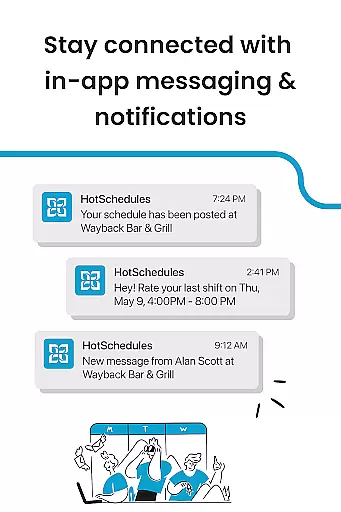
The automatic sync with calendar notifications ensures that any manager-approved changes are instantly updated on the employee's phone, keeping everyone aligned and informed in real-time. This seamless integration enhances productivity and reduces miscommunication.
Cross-device synchronization is a standout feature of HotSchedules, ensuring reliable updates across all devices. Whether you're using a smartphone, tablet, or computer, the app maintains consistent and accurate information, providing users peace of mind that they have the latest schedule updates at their fingertips.
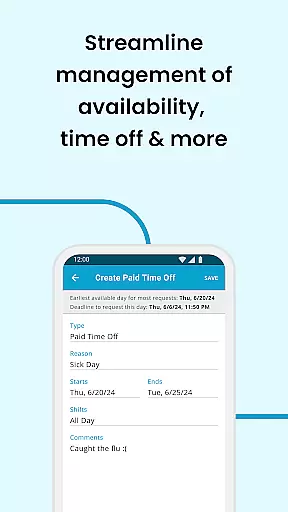
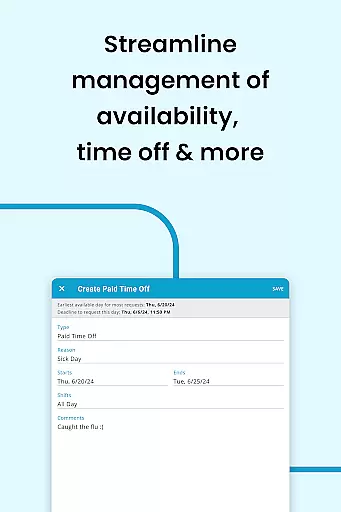
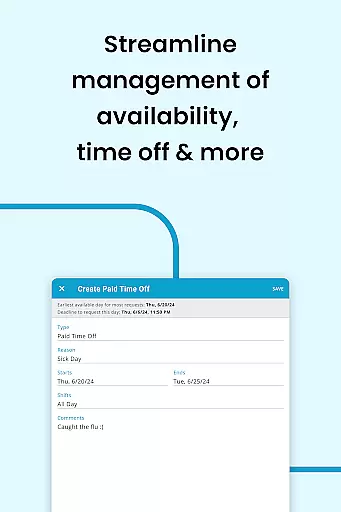
Employees benefit from automatic shift pick-ups and time-off requests, which are reliably synced across devices. Calendar sync and notifications keep schedules and rosters automatically updated, reflecting any manager-approved changes instantly. This reliability ensures that users never miss an update or important change.
Managers can monitor business performance and approve shift changes from any device, staying connected with their team through broadcast and one-to-one messaging. This robust cross-device functionality fosters a cohesive and productive team culture, making HotSchedules an indispensable tool for modern workforce management.
User-friendly interface
Efficient scheduling
Real-time updates
Remote performance monitoring
Enhanced team communication
Requires employer account
Limited customization
Dependent on network
Premium features costly
Complex setup process

 4.20
4.20
8 custom complications. Custom Time Fonts. Beautiful color schemes. A++ Design.
5.00
Send files, sync SMS, notifications & clipboard across devices via local network
4.40
Cloud storage, automatic phone backup, and more.
4.10
Multilingual translator for text, voice, and image translation!
4.90
Best Tool for the professionals Electrician, Electrical contractors, etc.
4.90
Quickly and easily keep track of your work shifts
4.70
Lightweight PDF, Word, Excel reader.
4.60
Okta MFA
4.70
We're working to become the best machining app on the market! www.cncdirt.com
4.80
Direct Chat without saving contacts & Dual WA Account on Single Device
4.70
aCalendar+ makes your day, week and month
4.70
Functional QR scanner and barcode reader that requires little storage space.
4.60
Planet Free VPN - The best Fast Unlimited and Secure VPN Without Logs
4.50
Pwnagotchi companion app
4.20
Experience real multitasking on your Android!
4.00
Unlock AutoNotification
4.00
A Revolutionary All-in-One Artificial Intelligence Tools
3.80
Smart PDF reader & editor to view, organize and manage PDF documents easily.
3.70




User Reviews