
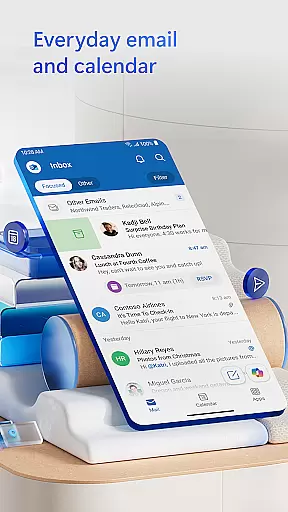
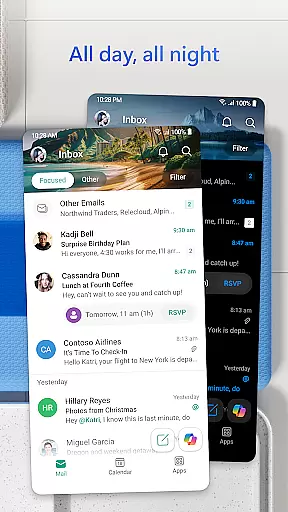
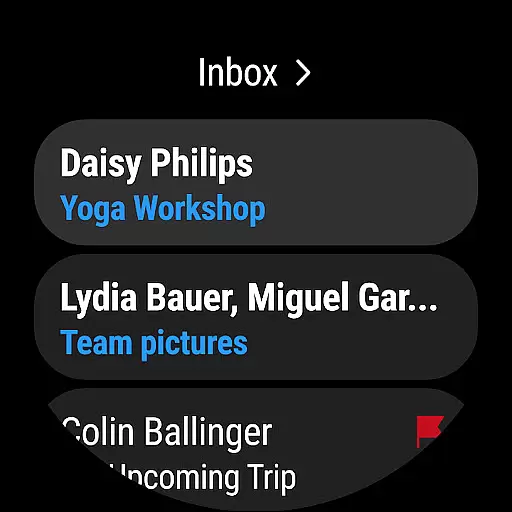
Microsoft Outlook is a comprehensive productivity app designed specifically for Android Wear users. This secure email and calendar solution enables you to efficiently manage your emails, files, and schedule directly from your smartwatch. The app intelligently organizes your inbox by filtering messages into Focused and Other categories, ensuring you can quickly identify critical communications.
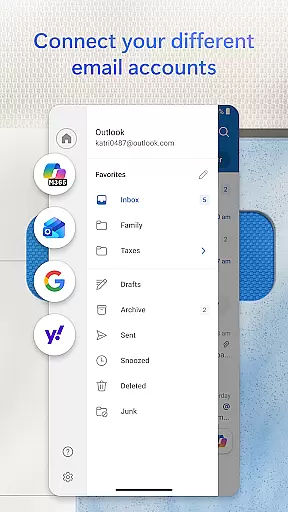
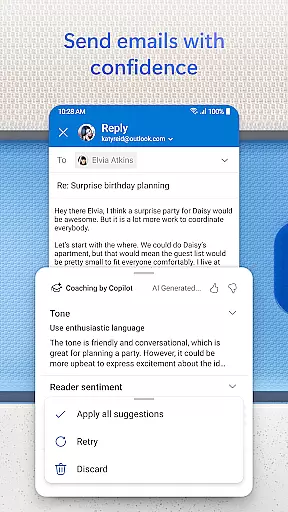
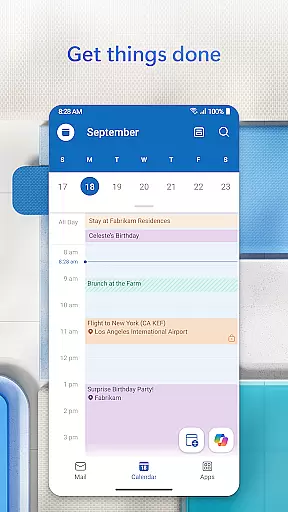
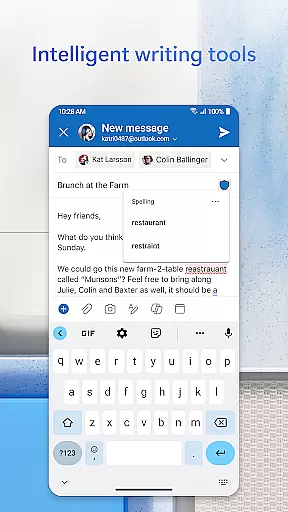
Beyond basic email functionality, Outlook provides robust calendar features that allow you to view multiple schedules simultaneously and coordinate meetings across platforms like Teams, Zoom, and Skype. The app's intelligent editing tools help you craft professional-quality emails with real-time suggestions for grammar and spelling. With enterprise-grade security measures, including protection against phishing and spam, your data remains protected while you work on the go.
This application is particularly valuable for professionals who need to maintain productivity while traveling between meetings or working remotely. The ability to access recent attachments, join video conferences, and manage multiple email accounts makes it an indispensable tool for modern business communication.
Microsoft Outlook distinguishes itself through several innovative features tailored for Android Wear users. The app's intelligent inbox management system automatically categorizes incoming messages, helping you prioritize important communications while filtering out less relevant content. Its advanced search functionality allows you to find specific emails, contacts, or attachments using voice commands or simple text queries.
The calendar integration goes beyond basic scheduling by enabling side-by-side viewing of multiple calendars and automatic updates with travel information. The built-in document viewer lets you open and review Word, Excel, and PowerPoint files directly from your inbox without needing additional applications. Swipe gestures provide quick access to essential actions like deleting, archiving, or snoozing messages.
For security-conscious users, Outlook implements enterprise-grade protection measures including anti-phishing technology, spam filtering, and optional email encryption for sensitive communications. The app's compatibility with various email providers - including Microsoft Exchange, Gmail, Yahoo Mail, and iCloud - ensures seamless synchronization across all your accounts. These features collectively enhance productivity while maintaining high security standards.
Companion app integration is essential for users who want a seamless experience between their mobile devices and wearable technology. Microsoft Outlook offers a robust companion app designed specifically for Wear OS, ensuring that you stay connected even when you're not holding your phone.
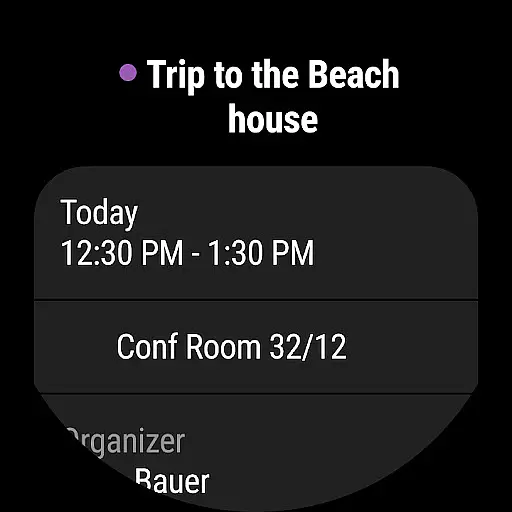
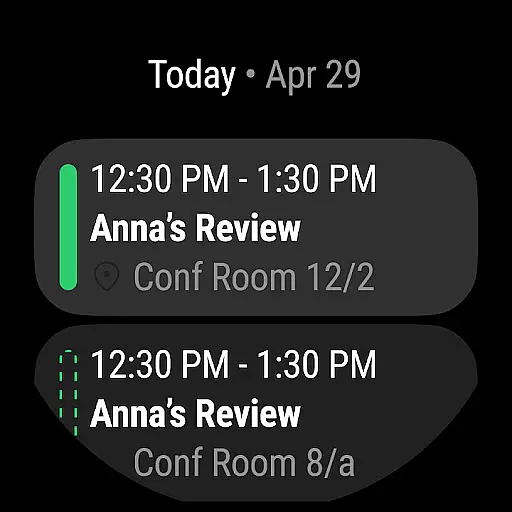
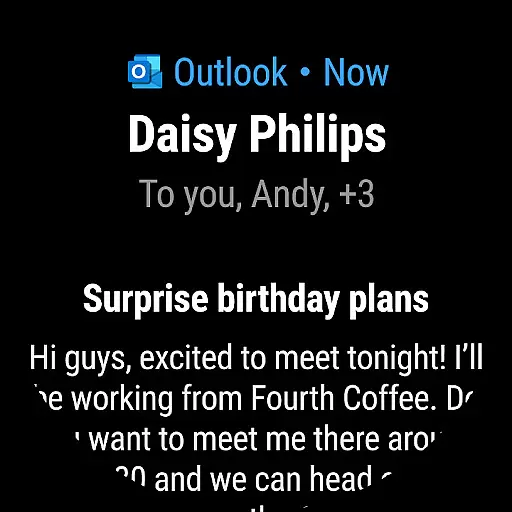
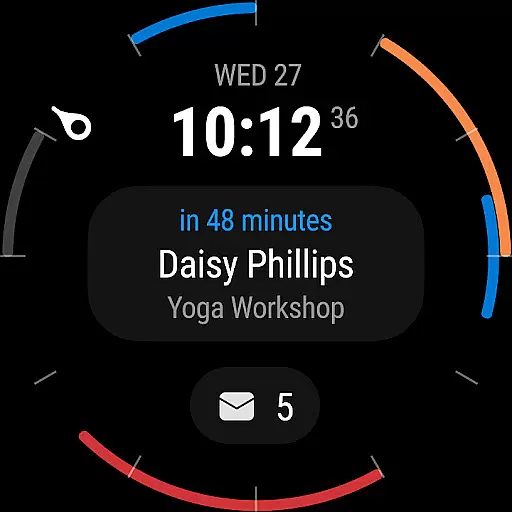
The Outlook companion app provides quick access to your most important emails and calendar events directly from your smartwatch. This means you can glance at your wrist to see meeting reminders, new email notifications, and even respond to urgent messages using pre-defined responses or voice commands.
By integrating with the main Outlook application, the companion app ensures real-time synchronization of data. Any action taken on the wearable device, such as dismissing a notification or responding to an email, is instantly reflected in the primary app. This cohesive ecosystem allows for efficient multitasking and keeps you productive throughout the day.
Ultimately, this level of integration enhances user convenience by reducing the need to frequently check your phone. With the Outlook companion app for Wear OS, staying organized and responsive has never been easier, making it an invaluable tool for busy professionals and anyone looking to streamline their digital life.
Device compatibility is crucial for ensuring that applications like Microsoft Outlook perform optimally across various platforms. For Wear OS users, Outlook's compatibility guarantees a smooth and reliable experience tailored to the unique interface of smartwatches.
Microsoft Outlook supports a wide range of Wear OS devices, allowing users to connect their smartwatches effortlessly. Whether you own a popular brand or a lesser-known model, the app is designed to adapt to different screen sizes and resolutions, providing a consistent and user-friendly experience.
In addition to supporting multiple devices, Outlook also ensures that its features are fully functional on Wear OS. From viewing your calendar events to receiving email notifications, every aspect of the app is optimized for performance on wearable technology. This includes intuitive navigation controls and simplified menus that make interacting with your emails and schedules straightforward and efficient.
By prioritizing Wear OS and device compatibility, Microsoft Outlook delivers a versatile solution that caters to diverse user needs. Regardless of the specific hardware you use, you can trust that Outlook will maintain its high standards of functionality and reliability, keeping you connected and organized wherever you go.
User-friendly interface
Robust security features
Multi-account support
Intelligent inbox management
Comprehensive calendar tools
Limited free features
High battery consumption
Occasional sync issues
Complex setup process
Subscription required for advanced functions

Highly customizable hybrid watch face for Wear OS, perfect for everyday use.
 4.60
4.60
Christmas Theme Watch Face for Wear Os
5.00
Precision analog watch face with 7 complications and style options
4.5
Analog watch face with 8 complications and expedition styling
4.5
Easy Voice Recorder is your everyday companion to record important moments.
4.70
Digital watch face with big numbers and many customization for Wear OS devices
4.40
Hyperlocal rain alerts by MyRadar using patent-pending technology, radar & more
4.80
A white realistic classic analog watch face with many customization options.
4.40
Track your active life in one place and share the journey with friends.
4.40
Real-time weather radar with temperatures, warnings, hurricanes, and widgets
4.80
The most customizable hybrid watch face. For Wear OS 5.0, API 34+ and later
4.70
Fast and smart typing with Emojis, GIFs, and more
4.50
Beautiful artistic animated digital watch face, with a customizable layout!
4.40
Bold, Modern Hybrid Watch Face for Wear OS. 10 Colors, Rich Info Display.
4.30
A customizable Christmas watch face for Wear OS with a countdown.
4.20
Let's celebrate Thanksgiving - Wear Os watch face
4.20
A digital watch face that celebrates Christmas.
4.00
Authentic military-tactical design with ZULU time! Realistic and functional!
3.80
Stylish digital watch face for Wear OS devices with customizable features
4.0




User Reviews