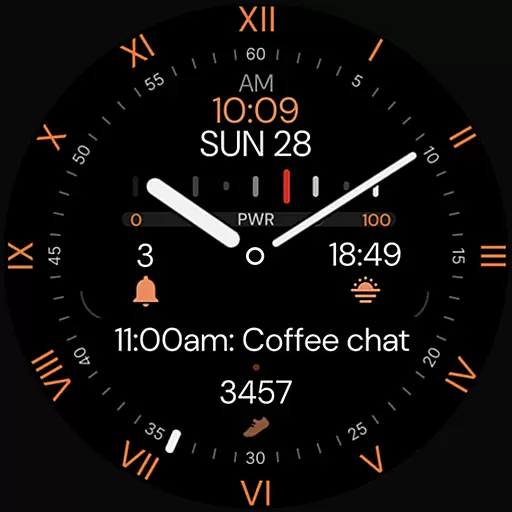
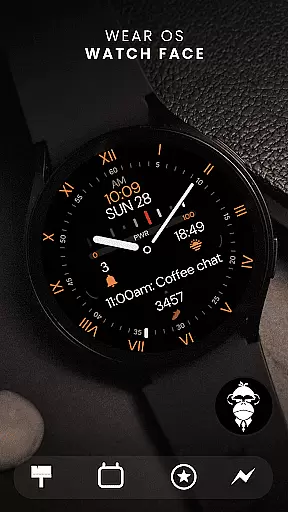
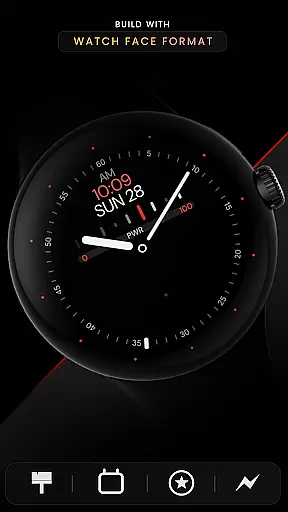
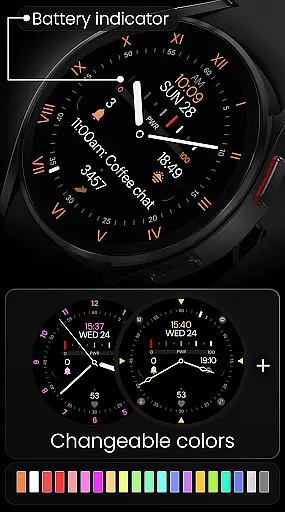
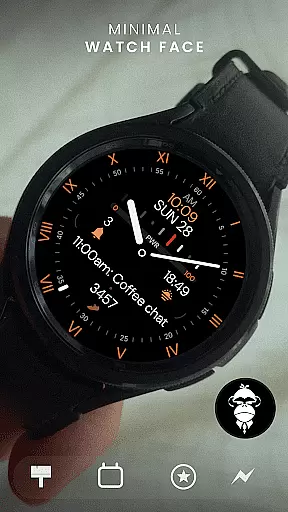
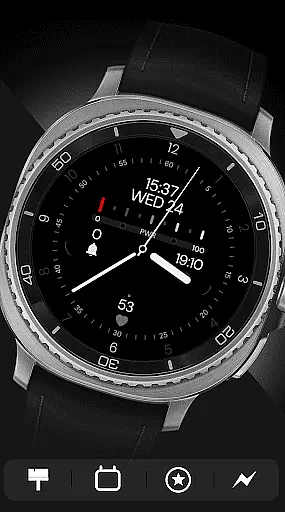
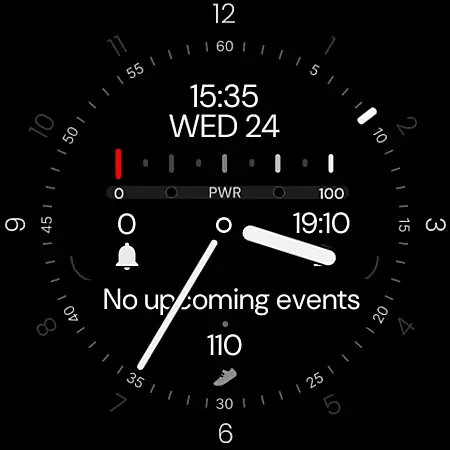
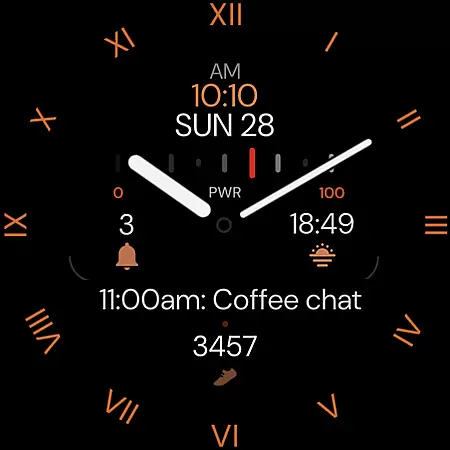
Minimal Black v32 Watch Face offers a sleek, minimalistic design for Wear OS users seeking a modern and classic look. This watch face features digital time format that syncs with your phone settings, alongside customizable colors to match personal style or outfit.
With practical functionalities such as a battery indicator, app shortcuts, complications slots for health metrics, multiple index styles, watch-hands, second-hand options, and Always-On Display (AOD) mode, it caters to both aesthetics and utility. Compatible with all Wear OS devices API 33+, including popular models like Google Pixel Watch and Samsung Galaxy Watches, this application enhances user experience by offering both customization and essential information at a glance.
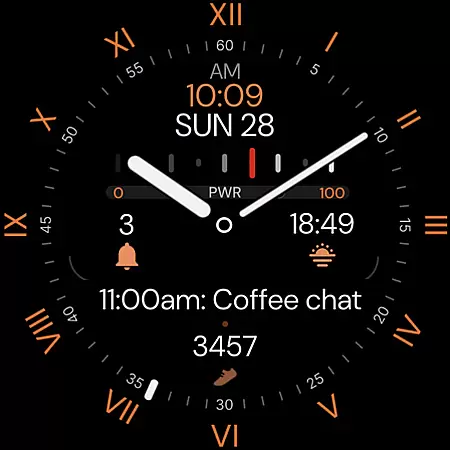
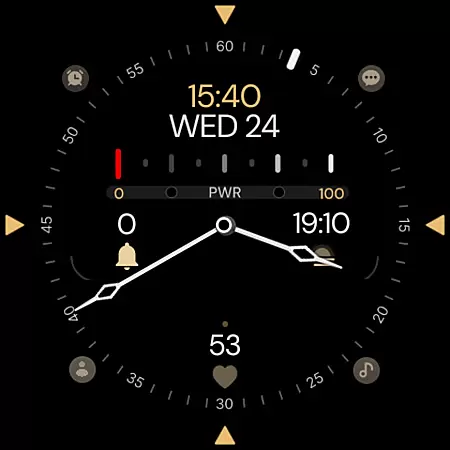
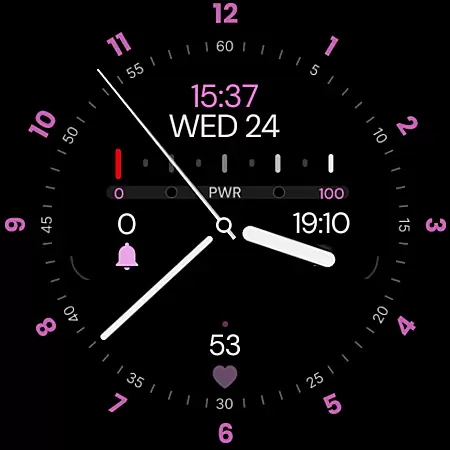
Minimal Black v32 stands out with its elegant hybrid design and versatile customization options. Users can choose between 12/24h time formats, select from multiple color schemes, and access four app shortcuts for quick interactions. The watch face also supports up to four complication slots, displaying vital stats like steps and heart rate.
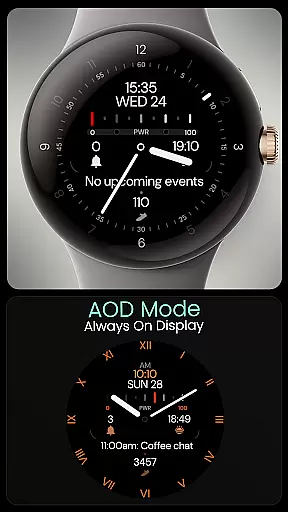
Further enhancing its appeal are six index styles, eight watch-hand designs, and six second-hand options, allowing personalized configurations. The Always-On Display (AOD) feature ensures time and essential details remain visible without needing to wake the watch. These comprehensive features make Minimal Black v32 an ideal choice for those who value both form and function in their smartwatch experience.
For a seamless wearable experience, the Minimal Black v32 Watch Face offers robust companion app integration. This feature ensures that your watch face settings are always in sync with your phone preferences.
The digital time format automatically adjusts between 12-hour and 24-hour displays based on your phone's settings. This synchronization extends to other customizable elements, allowing for a cohesive user experience across devices.
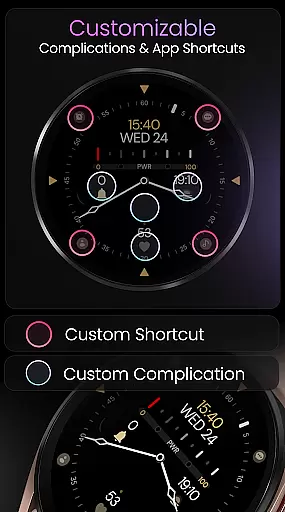
With x4 app shortcuts and x4 complication slots, users can access essential features directly from their watch face. These integrations provide quick access to important information like steps, heart rate, and more, enhancing both convenience and functionality.
Ensuring broad compatibility, Minimal Black v32 is designed to work seamlessly with all Wear OS devices running API 33 and above. This includes popular models such as Google Pixel Watch and Samsung Galaxy Watch series 4 through 8, including Ultra versions.
The watch face supports advanced features like Always-On Display (AOD) mode, which is compatible with most modern Wear OS devices. However, it's important to note that this design is not suitable for rectangular watches, maintaining optimal aesthetics on circular displays.
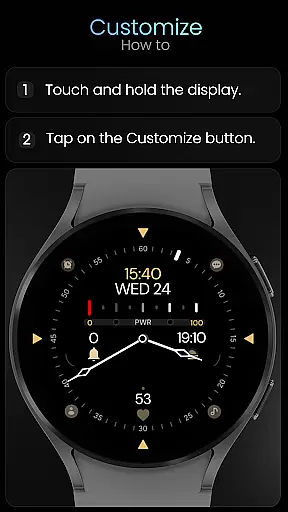
Users can further customize their experience through the 'Customize' option by simply tapping and holding on their watch display. This compatibility and customization ensure that each user can achieve a personalized yet consistent look across supported devices.
Customizable colors
Battery indicator
App shortcuts
Complications support
Always-On Display
Not for rectangular watches
Limited free options
Premium features locked
Requires Wear OS
Complex setup

Christmas watch face. For Wear OS devices.
 4.30
4.30
an Analog Watch Face for winter season with freeze winter background for Wear OS
4.1
Beautiful, colorful and practical watch face. For Wear OS devices.
5.00
Gym & home workout plans with strength training, exercise tracking, HIIT & more.
4.60
The Chevron App allows you to pay for fuel from the comfort of your car!
4.80
Funny animated watch face for Thanksgiving
4.3
The most customizable hybrid watch face. For Wear OS 5.0, API 34+ and later
4.70
Your local weather forecast, storm tracker, radar maps & live weather news
3.40
Track airplanes and follow flights with our real-time flight tracker
4.50
Period, ovulation & pregnancy tracker. Fertility insights & menstrual calendar.
4.90
Real-time weather radar with temperatures, warnings, hurricanes, and widgets
4.80
A modern hybrid informative watch face for Wear OS designed by BALLOZI
4.80
Diet tracker for weight loss - track calories, food and macros. Simple and easy!
4.70
Easy Voice Recorder is your everyday companion to record important moments.
4.70
Hybrid watch face for Wear OS with customizable complications by Matteo Dini MD
4.70
Kia Access makes getting your vehicle information easier than ever
4.60
Nutrition, Macro tracker: Food, fitness & healthy diet tracking for weight loss
4.60
Current temperature, weather hourly, weather radar by the weather forecast app
4.40
Animated Watch Face and Customizable with 24 Backgrounds. Perfect for Christmas!
3.90



User Reviews