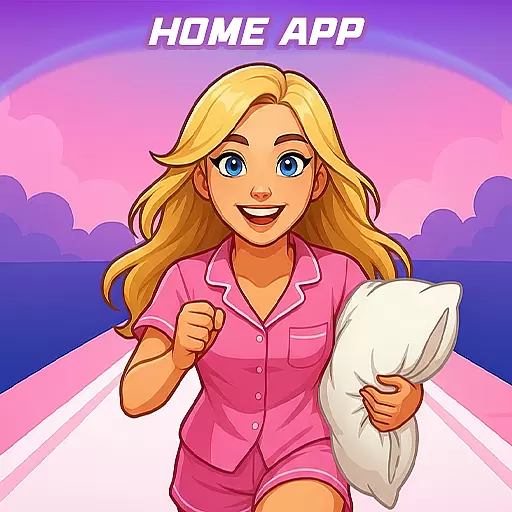
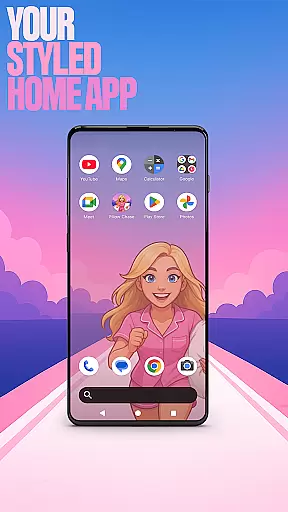
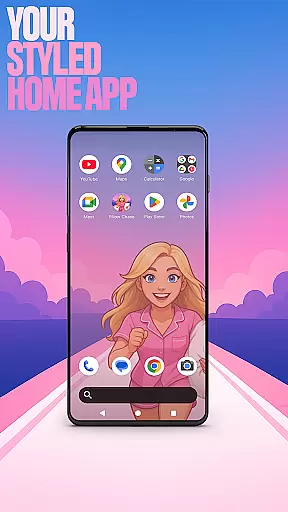
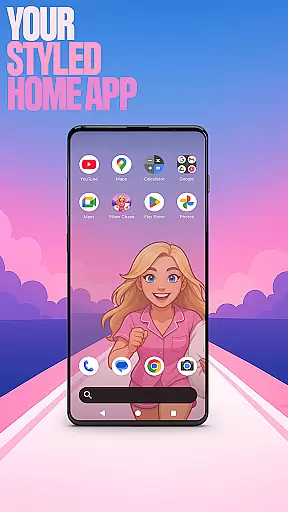
Pillow Chase Home App is a launcher app that allows users to create a personalized home screen experience. With this app, you can fully customize the layout of your home screen, organize apps into folders, and select from various color options. The app offers a fresh style that keeps your device exciting to use every day.
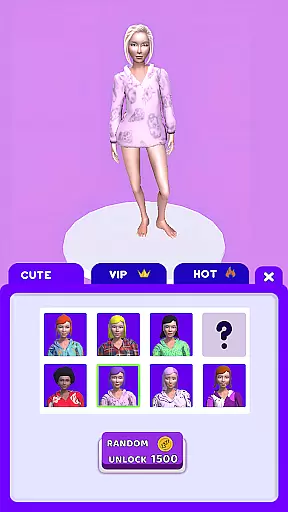
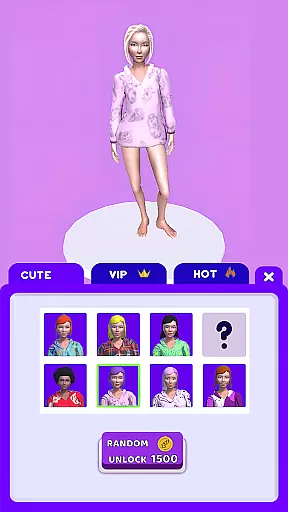
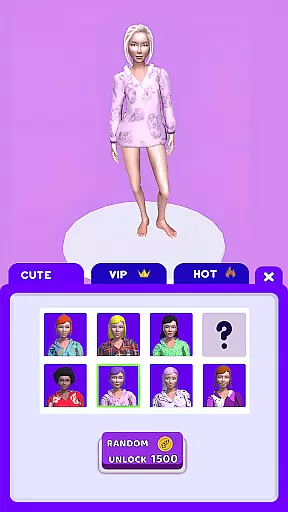
One of the key features is the ability to set Pillow Chase Home App as your default launcher through the device settings. You can easily switch back to your previous launcher at any time. Additionally, it includes an integrated game called Pillow Chase, where you run, dodge obstacles, and collect pillows for fun entertainment during quick breaks.
This app is ideal for users who want a personalized smartphone interface with added playful elements. It combines practical customization tools with a built-in game, offering both utility and amusement in one package.
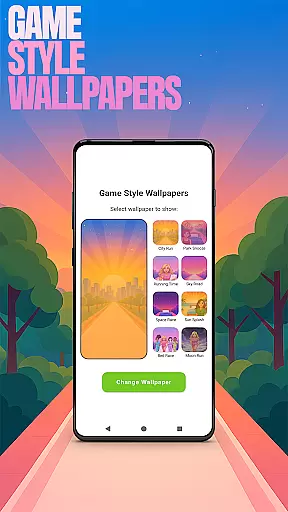
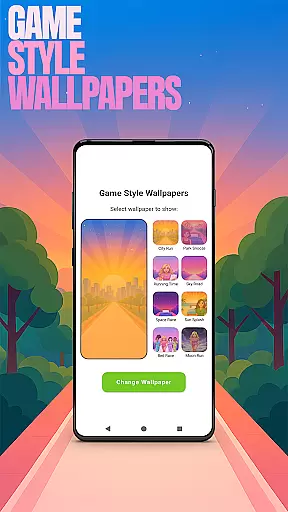
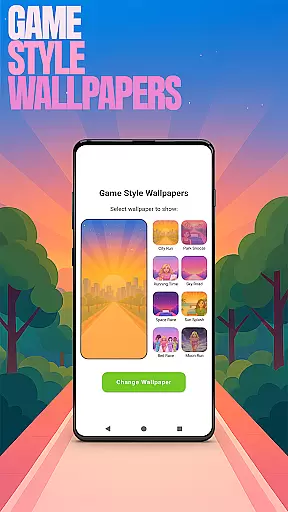
Pillow Chase Home App provides a variety of features to enhance your home screen customization. One notable feature is the Game Style Wallpapers, which lets you apply unique designs inspired by the Pillow Chase game. To access this, simply long-press on the home screen and select 'Game Style Wallpapers'.
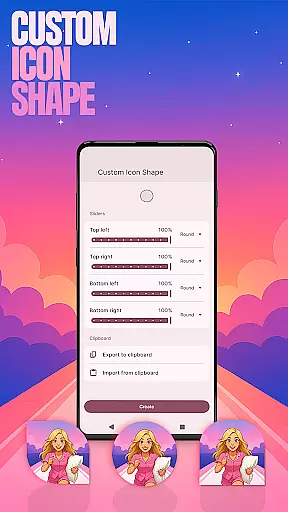
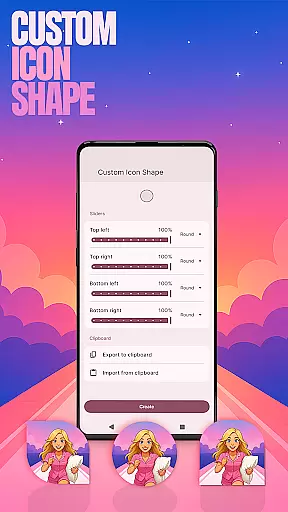
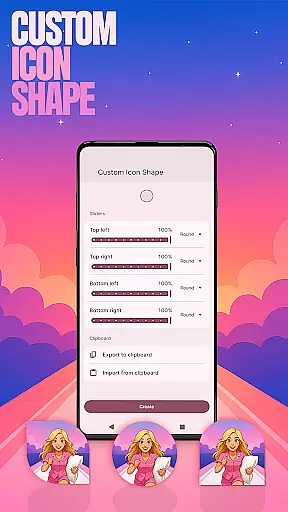
Another standout feature is Custom Icon Shape, allowing you to personalize app icons with different shapes and styles. This can be accessed via the same long-press menu under 'Custom Icon Shape'. For improved navigation, Custom Gestures enable you to open apps or settings with swipe or tap actions, found under 'Home settings' then 'Gestures'.
The app also includes privacy-focused features like Hide Apps, giving you control over which apps are visible on your home screen. Under 'Home settings', go to 'App drawer' and then 'Hidden apps'. Lastly, Accent Color customization lets you choose preset colors or create your own theme, enhancing the visual appeal of your device.
Customization is at the heart of Pillow Chase Home App, offering users a wide array of options to personalize their home screen. This app allows for complete control over the layout, enabling users to create a space that truly feels like their own.
With features such as custom icon shapes, accent color settings, and unique game-style wallpapers, users can tailor the visual aesthetics to match their personal style. The ability to hide apps adds an extra layer of privacy and personal management.
The app also supports custom gestures, providing quick access to frequently used functions or apps through intuitive swipes or taps. These customization options ensure that every interaction with your device can be as unique and individual as you are.
Pillow Chase Home App excels in theme compatibility, ensuring that all customizations not only look great but work seamlessly across different devices and screen sizes. Whether you're using a phone or tablet, the themes you choose will maintain their quality and appeal.
Users can select from preset themes or create their own, thanks to the app's flexible design system. This flexibility extends to its compatibility with various Android versions, making sure that updates to your deviceu2019s operating system wonu2019t disrupt your personalized setup.
Moreover, when switching back to a previous launcher, the app guarantees that your former settings remain intact, preserving the useru2019s preferred configurations without any loss of functionality or aesthetic.
Highly customizable
Unique game integration
User-friendly interface
Variety of themes
Privacy controls
May change existing layout
Limited widget support
Occasional bugs
Game may distract
Settings can be complex

Glass style colourful icons with a One UI look and feel
 4.60
4.60
Ultra realistic high quality analog watch face for Wear OS.
4.60
Prank your friends with realistic broken screen and cracked HD effects!
4.1
Run multiple accounts of the same app on a single device
4.10
100+ Stylish Fonts, Emojis, Symbols keyboard for Instagram & TikTok!
4.80
Unique Fonts, typefaces and stylish text. Fonts for Instagram, Whatsapp & others
4.20 4.50
4.50
Adaptive Dot Style IconPack with Light & Dark Theme.
3.70
300+ Stunning and well-designed widgets inspired by NOTHING.
4.70
Personalize your phone with stunning HD and 4K wallpapers!
4.70
Shimeji adds cute animated characters to your screen, lively and fun.
4.70
Over 28,000 high quality icons to bring color & homogeneity to your phone.
4.60
Ninja Turtles Cowabunga SE watch face for Wear OS
4.50 4.50
4.50 4.50
4.50
AI-powered Copilot. Personalized keyboard with gifs, stickers & themes
4.40
Launcher OS™ Pro without ads help make your phone simple and pretty
4.30
Unleash Your Creativity and Connect with Loved Ones with Lockscreen Drawing!
4.20
More than 3000+ themes and 9000+ wallpapers for everybody!
4.10






User Reviews