
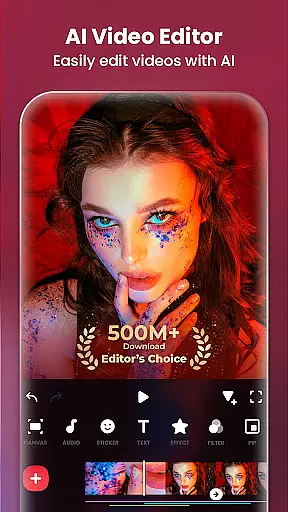
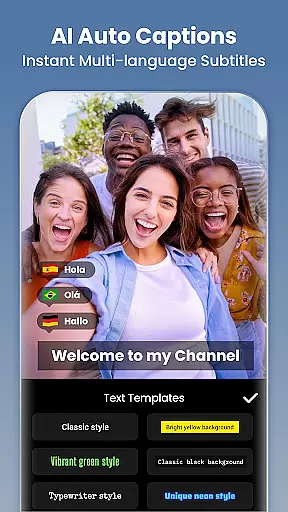
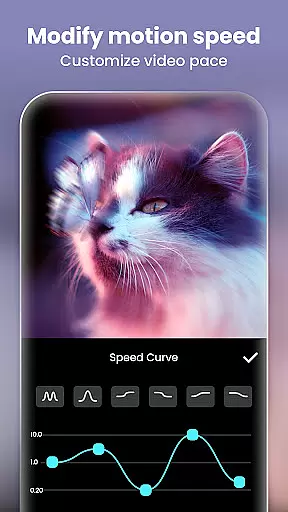
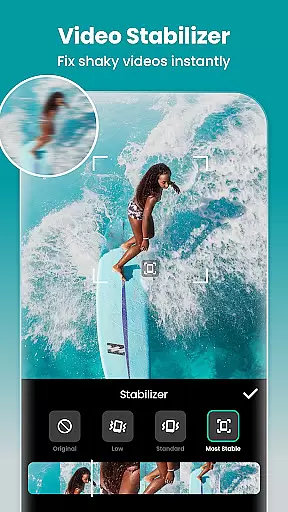
InShot is a versatile video editing and photo enhancement application designed for both casual users and professional content creators. This all-in-one tool offers comprehensive features including video trimming, merging, reversing, and speed control, alongside advanced options like chromakey editing and picture-in-picture effects. The app stands out with its AI-powered tools such as auto captions, background removal, and smart tracking, making video production seamless and efficient.
Beyond video editing, InShot provides a robust photo editor and collage maker. Users can blur backgrounds, apply filters, adjust HSL settings, and remove unwanted objects using either AI or manual tools. With support for 4K 60fps export and easy sharing to social platforms like Instagram, TikTok, and YouTube, this app empowers creators to produce high-quality content that engages audiences across multiple platforms.
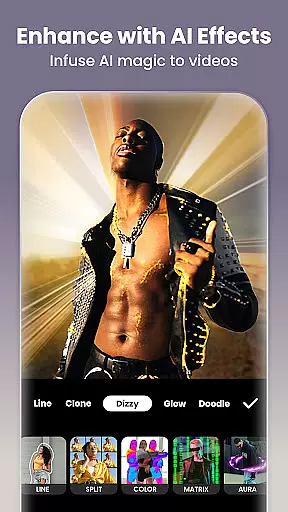
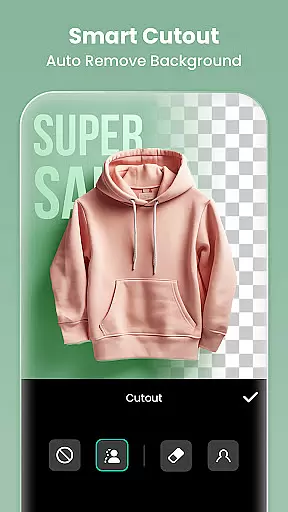
InShot distinguishes itself through an impressive array of features tailored for diverse editing needs. The app's AI tools are particularly noteworthy - the auto captions feature converts speech to text effortlessly, while the smart tracking ensures stickers and text move in sync with selected objects. The AI body effects and background removal tools enable users to create professional-grade visuals with minimal effort.
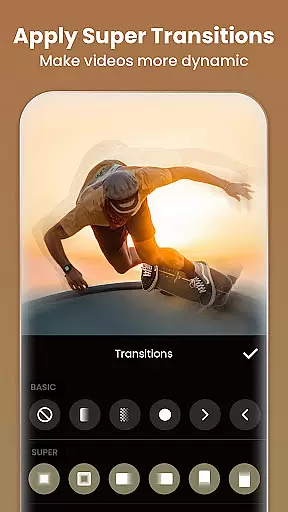
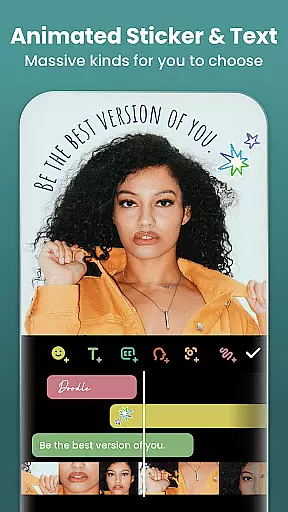
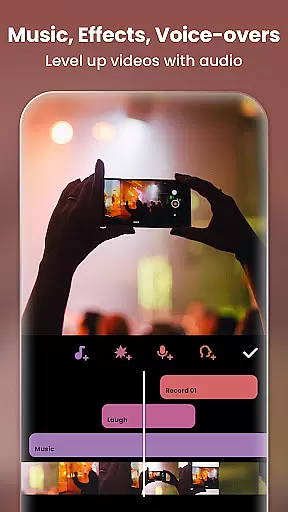
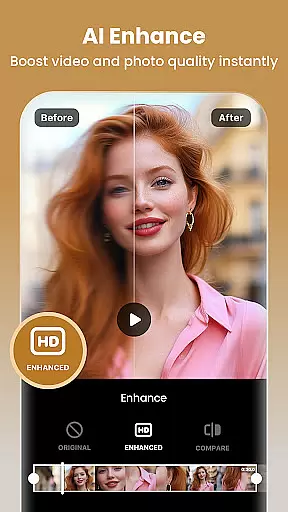
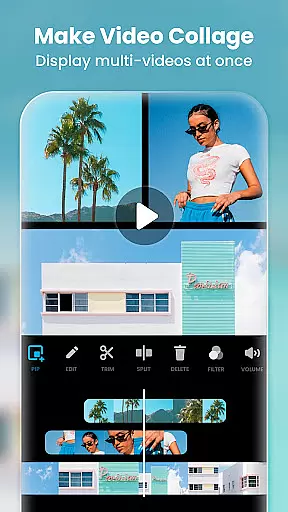
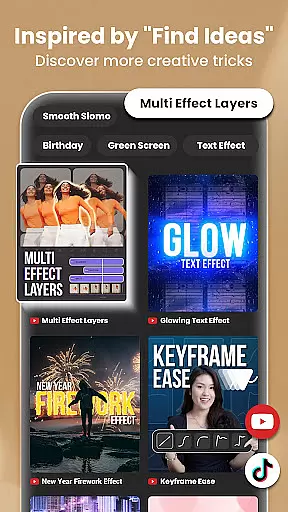
The app also excels in traditional editing capabilities. Users can trim and merge clips without quality loss, add various visual effects and transitions, and utilize keyframe animations for custom movements. Advanced features like chromakey editing and picture-in-picture functionality allow for multi-layered video creation. Additionally, the photo editor offers professional tools including object removal, AI photo enhancement, and blend modes, making it a comprehensive solution for both video and image editing.
Real-time capture and preview functionality is essential for any photography or video editing application. It allows users to see exactly what their camera is capturing, ensuring that the framing, lighting, and composition are perfect before they take a shot or start recording. This feature minimizes the need for reshoots and saves time during the editing process.
InShot - Video Editor & Maker offers an advanced real-time capture system that provides users with a seamless experience. The app ensures that every moment captured is precisely as envisioned, thanks to its intuitive interface and responsive controls. Users can adjust settings such as exposure, focus, and white balance on-the-fly, which is crucial for achieving professional-quality results.
The benefits of InShot's real-time capture capabilities extend beyond just taking photos. When creating videos, users can instantly review clips and make necessary adjustments without interrupting their creative flow. This immediate feedback loop empowers creators to produce high-quality content efficiently, whether they're crafting vlogs, Instagram stories, or TikTok videos.
Ultimately, the real-time capture and preview feature in InShot enhances user satisfaction by providing tools that help them realize their creative vision accurately and effortlessly. With this capability, users can confidently capture moments knowing that the final output will meet their expectations.
AI beauty and enhancement features have become increasingly popular in photo and video editing applications. These tools leverage artificial intelligence to automatically enhance facial features, smooth skin, and adjust other aesthetic aspects while maintaining a natural look. The importance of these features lies in their ability to improve appearance without making edits appear overly processed or artificial.
InShot - Video Editor & Maker incorporates sophisticated AI algorithms that deliver natural-looking enhancements. Users can apply AI-powered effects like body retouching, background blur, and auto-beautification with just one tap. These features intelligently detect faces and bodies, applying enhancements that complement the subject's natural attributes. As a result, edited photos and videos retain authenticity, which is vital for social media influencers and content creators aiming for relatable and genuine presentations.
One significant advantage of InShot's AI beauty tools is their ease of use. Even users with minimal editing experience can achieve professional-grade results effortlessly. The app offers customizable options, allowing users to fine-tune enhancements according to their preferences. Whether it's removing blemishes, whitening teeth, or enhancing eyes, InShot ensures that each edit looks subtle and realistic.
By integrating advanced AI beauty and enhancement features, InShot not only meets but exceeds user expectations for creating visually appealing yet natural content. This positions the app as a go-to solution for anyone looking to elevate their digital presence with polished yet authentic visuals.
User-friendly interface
Advanced AI tools
Professional editing features
High-quality export options
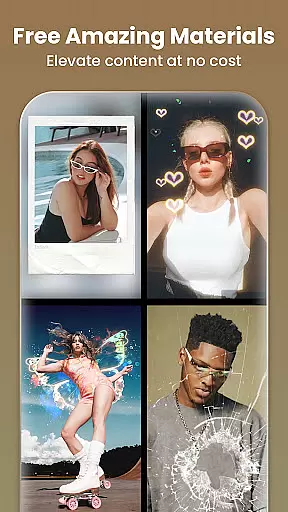
Extensive filter selection
Some features require purchase
Ads may interrupt workflow
Steep learning curve
Occasional performance issues
Limited free resources

Remote control of the phone camera from your Wear OS smartwatch
 3.70
3.70
Effortlessly organize, view and share your photos & videos with Gallery app!
4.40
Virtual makeup, hair filters & body tuner—edit from face to full body!
4.20
Superimpose one photo on top of another using the original Superimpose app!
3.20
Photo editor & gallery. Crop pictures & edit photos offline, no wifi!
4.50
See your baby AI baby face generator AI baby maker Face generator babymaker fun!
4.70
Enhance, retouch & create your story - Share the moment with Photoshop Express.
4.60
Easily create custom gifts, cards, photo books & more on the Shutterfly app!
4.60
Discover How to Plan any Sun, Moon and Milky Way Photo You Imagine in Seconds
4.70
AI photo editor with hair editor, retouch tools, hair color changer & filters!
4.50
Search, tag and rate your way to an organized image gallery
4.40
Trendy TikTok time warp scan funny filter app brings you unique photos & videos.
4.40
Easily stitch panoramas from multiple photos or video.
4.40
[3DSteroid Pro] is a stereoscopic application for Android.
4.30
Smart, light, and fast photo and video gallery
4.30
Transform Photos: Edit, Beautify and Craft Memories & Make Collages!
4.10
How old age camera Gender Swap App Face Shape Hairstyle App Hair Styler App fun!
4.00
Application for remote controlling DSLR
3.00
Raw Image Viewer. Gallery with support of raw images (.cr3, .cr2, .nef, .raf).
2.00




User Reviews