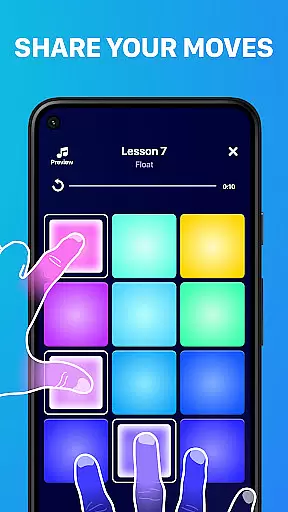
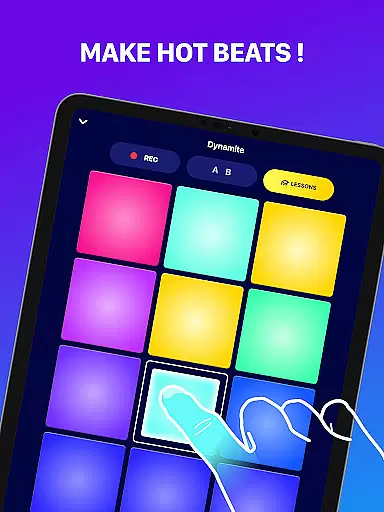
Beat Maker Pro is a comprehensive music creation tool that allows users to produce professional-quality beats and melodies across various genres. The app features an intuitive 24-pad drum machine interface, enabling aspiring DJs and musicians to create complex rhythms with ease.
In addition to its core beat-making functionality, the app offers extensive music lessons and rhythm training, making it suitable for both beginners and experienced producers. Users can experiment with different musical styles including dubstep, trap, EDM, and hip-hop, while learning fundamental DJ techniques and music production skills.
The application's portability makes it an ideal solution for mobile music production, allowing creators to work on their compositions anytime, anywhere. Its combination of powerful music creation tools and educational content provides exceptional value for aspiring music producers.
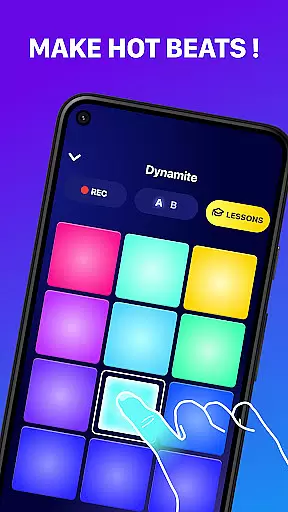
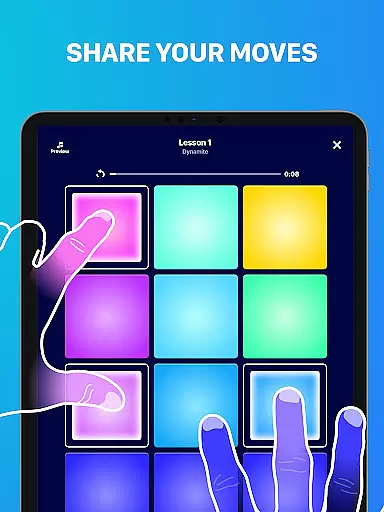
Beat Maker Pro stands out with its versatile feature set designed for music production enthusiasts. The app's centerpiece is its 24-pad drum machine, which supports multi-touch functionality and offers precise control over rhythm creation and beat sequencing.
Advanced audio capabilities include high-quality sound samples, real-time effects processing, and comprehensive mixing tools. Users can access professionally crafted loops and samples across multiple genres, while the built-in recorder allows them to capture and refine their creations.
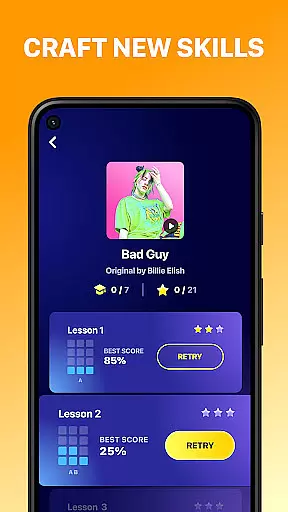
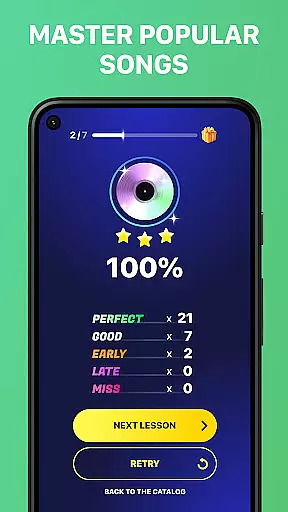
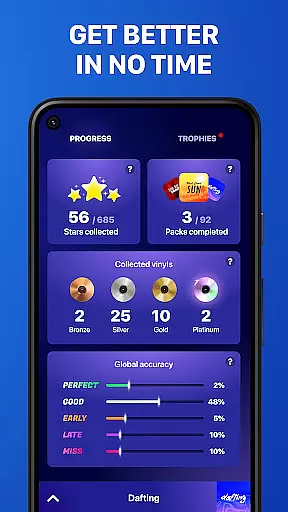
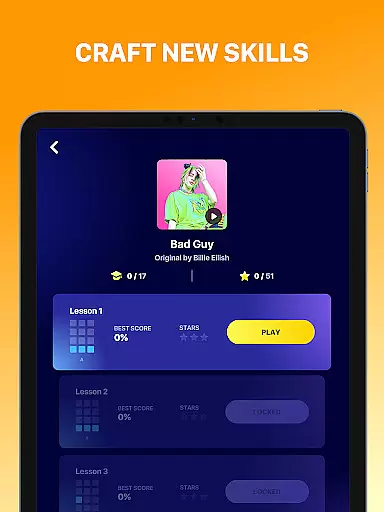
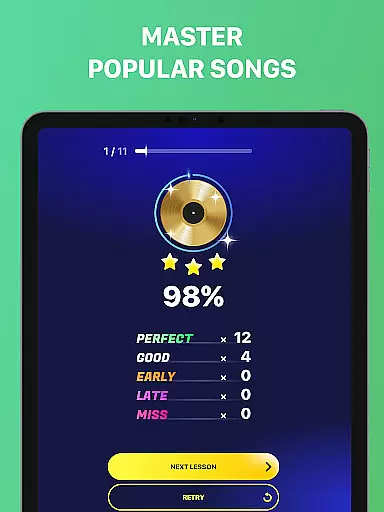
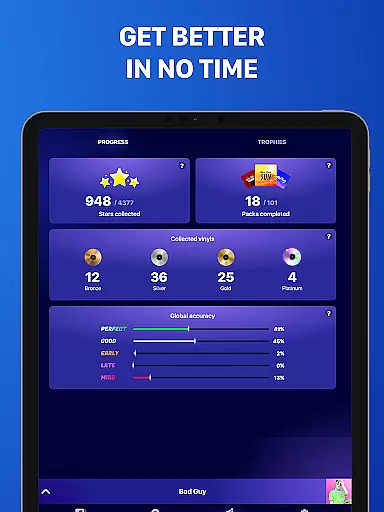
The app's educational component features structured lessons on beat-making techniques, rhythm theory, and music composition. These tutorials are complemented by practice exercises and performance tracking tools, helping users develop their skills systematically while maintaining creative freedom.
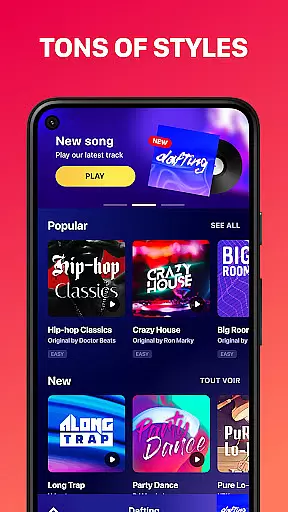
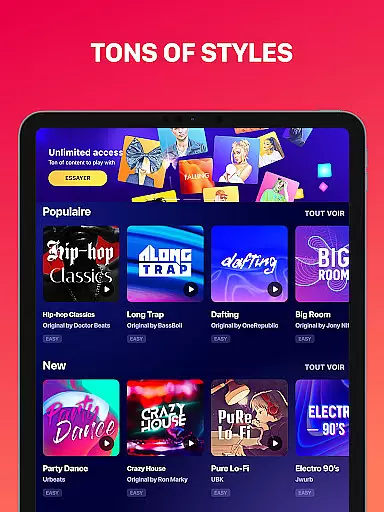
Beat Maker Pro offers an extensive music library that caters to a wide array of genres including dubstep, trap, EDM, and hip-hop. This vast collection ensures that users have access to a diverse set of sounds and loops, which is crucial for creating unique and engaging beats.
The app places a strong emphasis on copyright authenticity, ensuring that all the music samples provided are legally licensed. This gives users peace of mind knowing they can use the content in their projects without infringing on any copyrights, making it suitable for both amateur enthusiasts and professional musicians.
With Beat Maker Pro, users can explore different musical styles and experiment with various sounds, thus enhancing their creative process. The availability of numerous samples across multiple genres empowers users to produce high-quality tracks that resonate with their artistic vision.
One of the standout features of Beat Maker Pro is its superior audio quality options. The app provides high-fidelity sound output, allowing users to experience every nuance of their compositions with clarity and precision. This attention to audio detail is essential for producing professional-grade music.
Users can customize their audio settings within the app, choosing from various formats and quality levels to suit their specific needs. Whether you're looking to create crisp, clean beats or deep, immersive soundscapes, Beat Maker Pro has the tools necessary to achieve your desired outcome.
This flexibility in audio quality options not only enhances the user's listening experience but also ensures that final productions meet industry standards. As a result, aspiring DJs and music producers can confidently share their work, knowing it will stand up to scrutiny in any setting.
User-friendly interface
Wide genre support
Comprehensive tutorials
High-quality samples
Real-time effects
Limited free content
Steep learning curve
Occasional bugs
Ads in free version
Storage intensive

Fun & Easy Voice Changer – Record, Edit & Add Hilarious Effects!
 4.50
4.50
Your HD audio recorder on the go for music, meetings, ambience, animal sounds…
4.30
The Music Journey in Your Hands
4.30
Full-featured, High-Quality Groovebox Workstation, perfect for Live Performance!
4.80
VB-AUDIO Software / VBAN-Receptor allows listening to any VBAN Streams
4.10
Music Streaming suite for Ampache, Nextcloud Music and compatible backends.
4.0
A complete sound package for the sound engineer or enthusiast
4.60
MilkDrop for Android TV
3.00
Travel To The Music Universe
3.40
JBL PartyBox APP works with 110/310/710/120/320/520/Encore/Encore 2/Encore Ess 2
4.80
Record, Mix & Master with all n-Track effects, 64-bit audio and Stem Separation.
4.70
Recording studio w/ 10k beats, pro vocal FX and a network of 20M rappers & fans!
4.60
Reverse your voice & songs instantly! Fun singing challenge with cool effects.
4.60
Visualize the guitar fretboard, master scales & play through changes like a pro!
4.50
Bass Booster Pro takes auto-equalizing to the next level!
4.30
A sleek, no-frills player designed for true music lovers.
4.20
Smart piano keyboard, Classical to Pop, Real-time multiplayer connection!
4.20
Sheet music reader, piano & music note player. Play music score & learn to read.
3.90
Slow music down without changing pitch.
3.70




User Reviews