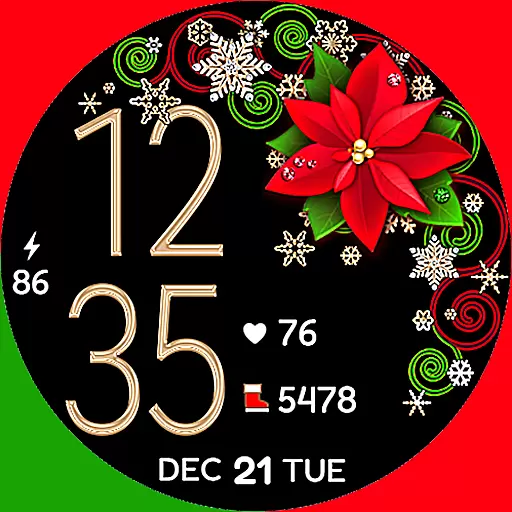
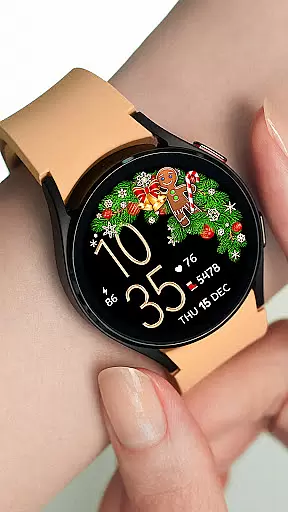
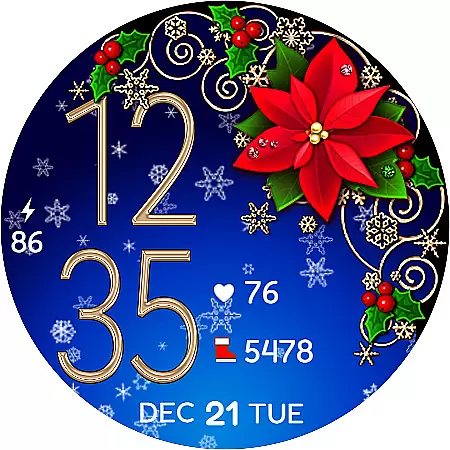
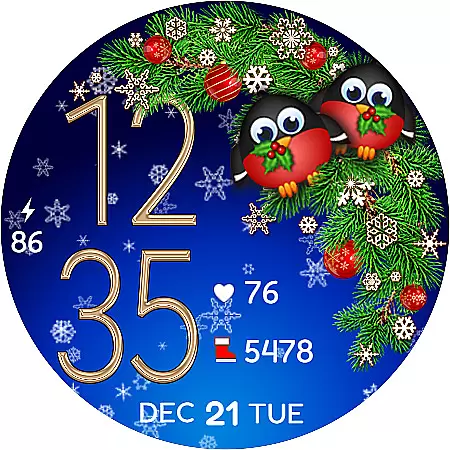
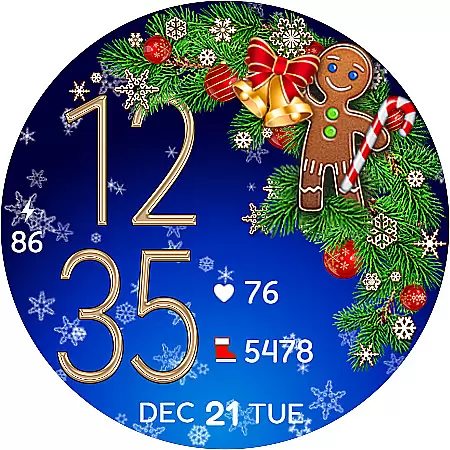
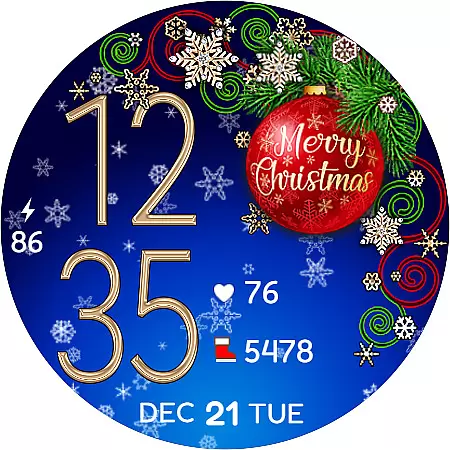
Christmas Snow On/Off Watch is a charming Wear OS watch face that brings festive cheer to your smartwatch. This digital timepiece offers both 12 and 24-hour formats, automatically syncing with your phone's time. The standout feature is the optional snow animation background, which can be toggled on or off to conserve battery life.
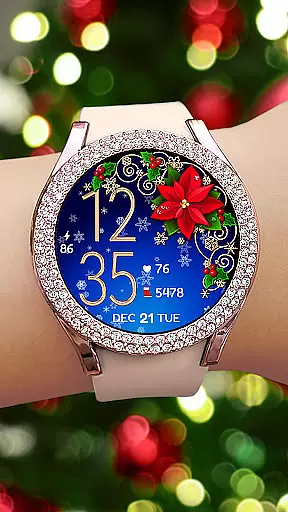
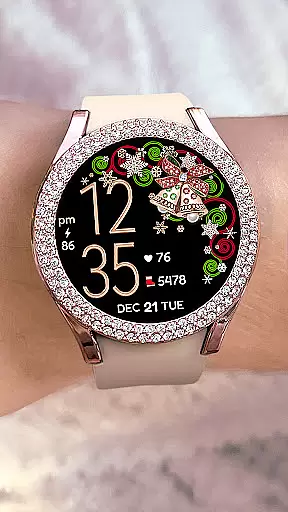
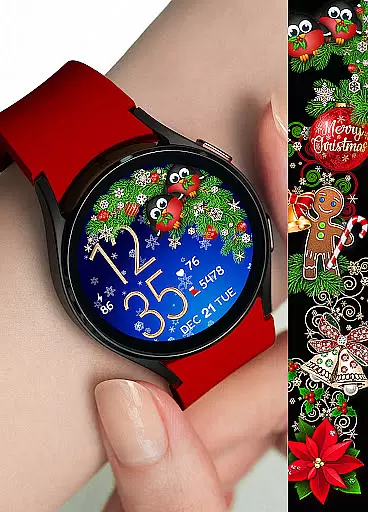
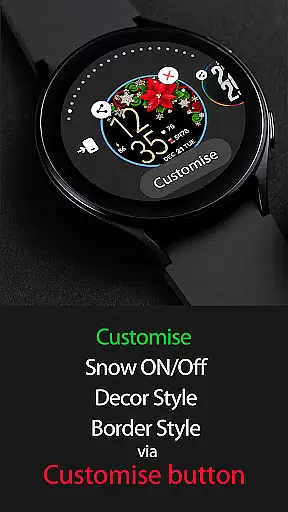
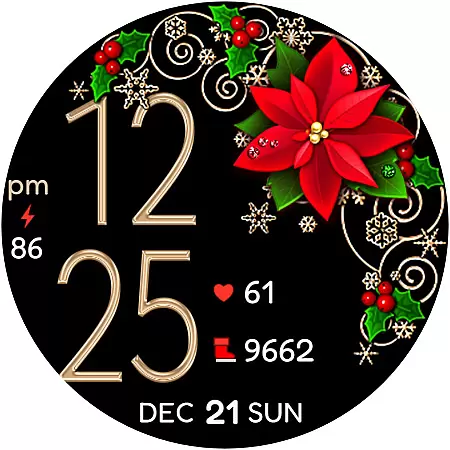
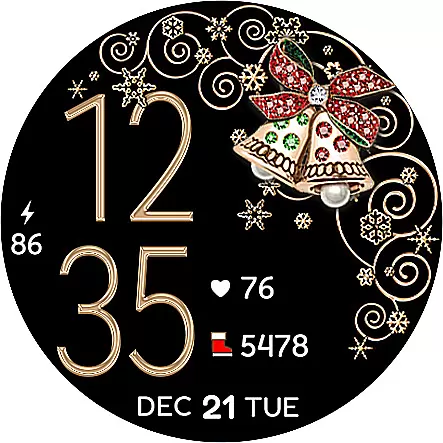
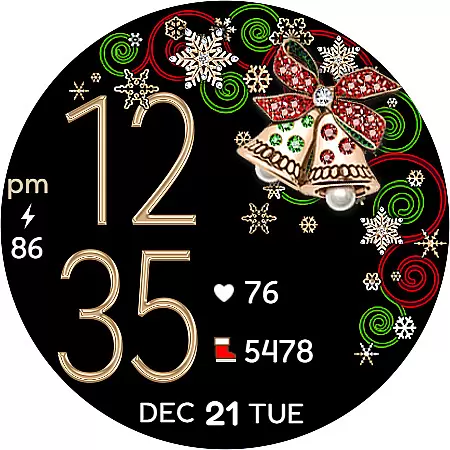
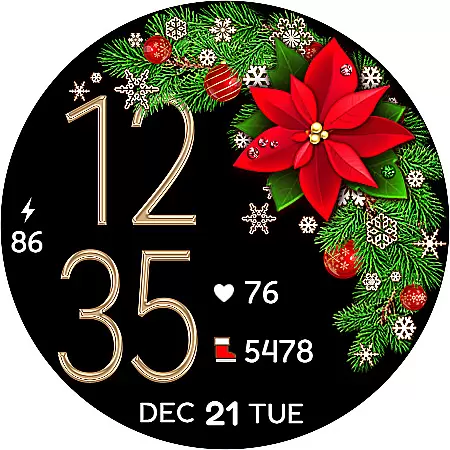
With over 30 customizable combinations available through five decor styles, four border styles, and black or snowing background options, users can create a personalized Christmas-themed display. The active mode provides comprehensive features including health tracking, while the always-on display ensures essential information remains accessible at a glance.
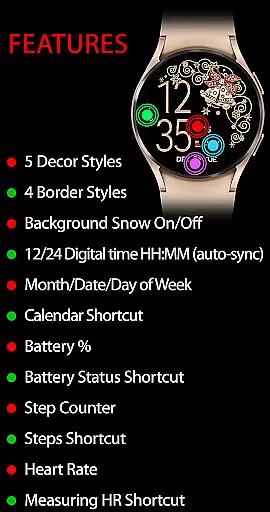
The Christmas Snow On/Off Watch boasts an impressive array of features designed for both functionality and aesthetics. In active mode, users can enjoy background snow animation control, multiple decor and border styles, and practical shortcuts like calendar, battery status, and step counter. The integration with SHealth allows for heart rate monitoring directly from the watch face.
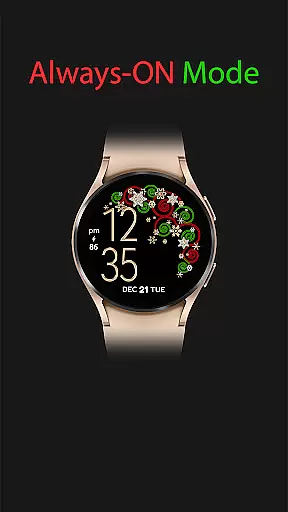
For power-saving purposes, the always-on display maintains essential information such as digital time, date, and battery percentage without excessive battery drain. The customization options are particularly noteworthy, offering 30+ unique combinations through various style elements. Additionally, the installation helper provides clear guidance for seamless setup and synchronization across devices.
For the Christmas Snow On/Off Watch, companion app integration is crucial for a seamless wearable experience. This watch face automatically syncs with your phone's time settings, ensuring that the digital clock displayed on your Wear OS device is always accurate.
The synchronization extends beyond just time; it includes various features such as calendar shortcuts and battery status updates. By maintaining a constant connection with your paired smartphone, this watch face provides real-time information at a glance.
Users benefit from having their daily essentials mirrored on their wristwear. Whether it's managing schedules or monitoring device health, the instant access to synchronized data enhances convenience and efficiency in everyday tasks.
Compatibility with Wear OS and various devices is a standout feature of the Christmas Snow On/Off Watch. Designed specifically for Wear OS, it ensures broad support across multiple smartwatch models while offering an optimized interface tailored to these devices.
This watch face takes full advantage of Wear OS capabilities by incorporating interactive elements like snow animation toggles and health tracking functionalities. These features are designed to work harmoniously within the operating system's framework, providing users with both aesthetic customization options and practical utilities.
By prioritizing cross-device functionality, this application guarantees that regardless of which Wear OS device you own, you will enjoy a consistent and engaging user experience filled with festive charm and useful tools right on your wrist.
Highly customizable
Festive design
Battery efficient
Health tracking
Auto time sync
Limited to Wear OS
No leading zero option
Premium only
Sync delay
Complex setup

"PER27 Galaxy Digital" is a digital Wear OS watch face designed by PERSONA
 4.10
4.10
Embrace the holiday spirit with this magical animated watch face!
4.40
Animated Watch Face and Customizable with 24 Backgrounds. Perfect for Christmas!
3.90
Precision analog watch face with 7 complications and style options
4.1
Snowflake Rose Gold Watch Face - Digital, modern, & sleek with GYRO effect.
4.10
Monitor health with the stress test and pulse checker in the heart rate app.
4.60
Stay in touch with your friends and family using LINE!
3.40
Premium hybrid watch face with many customizations for Wear OS devices.
4.40
Spam call blocker and caller ID for automatic call protection!
4.40
Gym Log & Workout Tracker | Fitness Journal, Training & Weight Lifting Planner
4.90
Your second brain for organizing your life: to-do, calendar, reminder.
4.70
Real-time results, stats, schedules and player profiles for all leagues
4.60
Digital watch face. For Wear OS devices.
4.40
Elegant animated Christmas tree with multiple customization options
4.20
Watch face for Wear OS.
4.20
Your music, your playlists, and more—offline and unlimited.
4.20
A full-featured Amazon Alexa voice assistant that can show you things.
3.70
Stunning modern digital watch face with 7 complications and strong contrast
4.3
Hybrid Vibrant Health Watch Face for Wear OS
4.5




User Reviews