
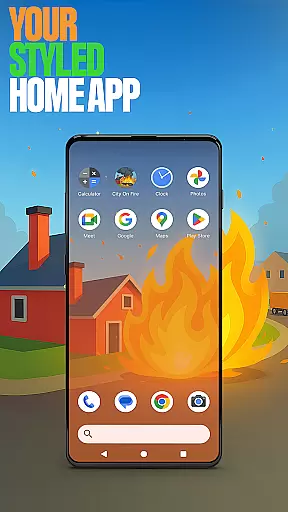
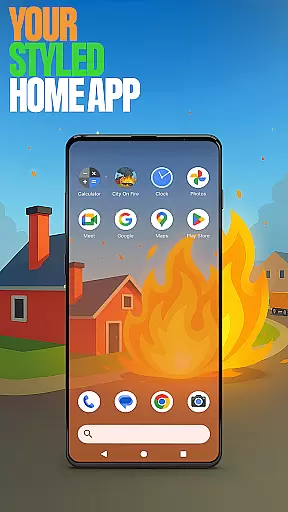
City On Fire Home App is a dynamic personalization tool that allows users to create a home screen reflecting their unique style. This launcher offers complete layout customization, enabling users to organize apps into folders and select personalized color schemes. Its sleek design brings freshness to everyday mobile interactions.
Beyond aesthetics, the app provides practical features like custom gestures, hidden apps, and accent color options. Users can set it as their default launcher via device settings while retaining the flexibility to revert to their previous launcher anytime. The integration with the City On Fire game adds an exciting dimension, offering game-inspired wallpapers and a thrilling user experience.
Ideal for those seeking both functionality and personal expression, this app transforms routine device usage into an engaging and customized journey.
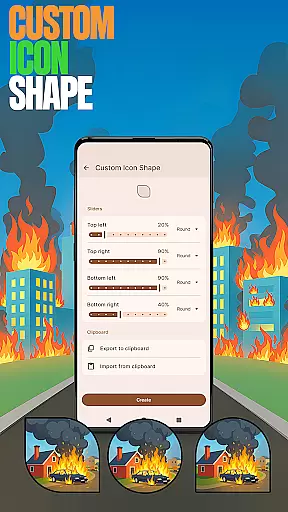
City On Fire Home App stands out with its comprehensive customization capabilities. Users can personalize every aspect of their home screen, from unique icon shapes to tailored gestures like swiping or tapping for quick access to apps and settings. The ability to hide private apps ensures discretion while maintaining full control over app visibility.
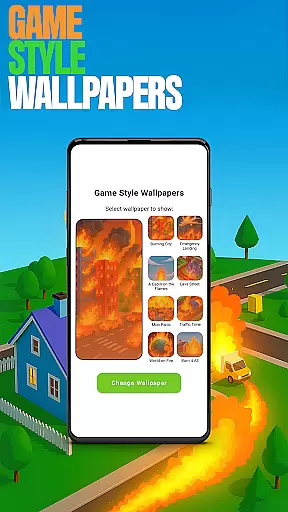
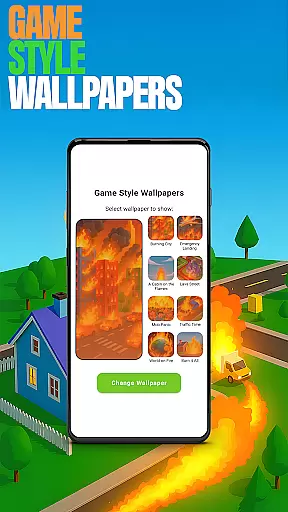
The app also offers game-style wallpapers inspired by the City On Fire game, allowing users to enhance their device's visual appeal. With customizable accent colors, users can choose from presets or create their own palette, giving their home screen a distinct look and feel. These features collectively provide a seamless blend of aesthetics and utility.
Furthermore, the app's flexibility extends to its compatibility with various devices and operating systems. Whether users seek a vibrant new interface or enhanced privacy controls, City On Fire Home App delivers a personalized and empowering mobile experience.
Customization is at the heart of City On Fire Home App, offering users a wide array of options to tailor their device's appearance and functionality. This app allows for an unprecedented level of personalization, from organizing apps into folders to selecting unique color schemes that resonate with individual preferences.
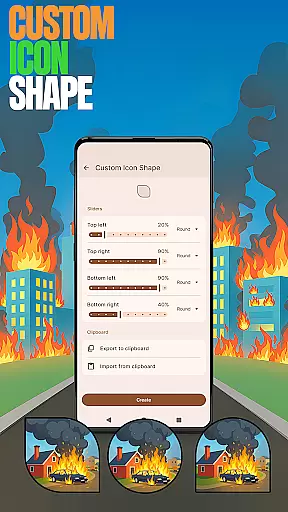
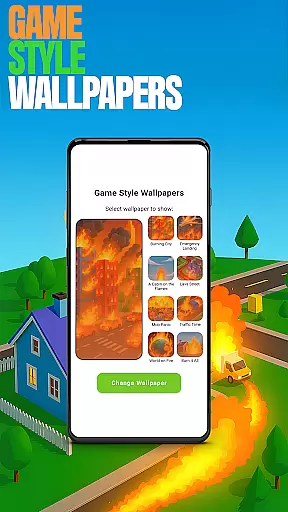
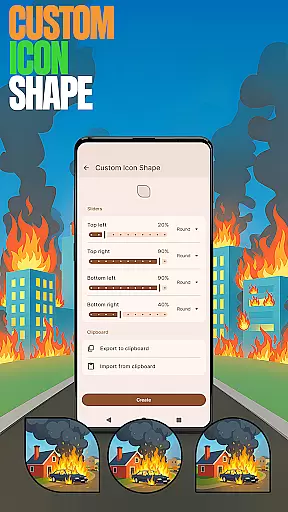
The app provides features such as Game Style Wallpapers, which lets users decorate their home screen with exclusive designs inspired by the City On Fire game. Additionally, Custom Icon Shapes enable users to alter the visual presentation of app icons, ensuring that every element on the screen aligns with their personal aesthetic.
With Custom Gestures, users can define intuitive touch commands for quicker access to apps or settings, streamlining their interaction with the device. These customization options collectively enhance user experience by allowing a personalized and efficient interface that caters to individual needs and workflows.
City On Fire Home App excels in theme compatibility, ensuring that all customizations are not only visually appealing but also functionally cohesive. The app supports various themes, allowing seamless integration of wallpapers, icon shapes, and color schemes that work harmoniously across the user interface.
Accent Color feature is a testament to this compatibility, enabling users to choose from preset palettes or create bespoke color styles that permeate throughout the app's visuals. This ensures consistency in design language and enhances the overall look and feel of the device.
Moreover, when users decide to revert to their previous launcher, the integrity of their original home screen layout remains intact. This thoughtful design guarantees that while users enjoy the extensive customization options, they can effortlessly return to their prior setup without any loss of personalization or arrangement.
Highly customizable
User-friendly interface
Game-inspired designs
Private app hiding
Vibrant color options
May overwhelm beginners
Limited default themes
Advanced features locked
Occasional bugs
Drains battery faster

Shimeji adds cute animated characters to your screen, lively and fun.
 4.70
4.70
More than 3000+ themes and 9000+ wallpapers for everybody!
4.10
Aesthetic Widgets, HD Wallpapers, Themes in Mico Widget for Home and Lock Screen
4.50
Unleash Your Creativity and Connect with Loved Ones with Lockscreen Drawing!
4.20
Adorable pets roam and play right on your phone screen!
3.30
350+ widgets with a premium glass-style finish, perfect for home & lock screens.
4.70
Magic fluids wallpaper 4D: Relax with stunning fluid simulation wallpaper app
4.20
Install amazing sticker packs: endless styles, always cool.
4.70
Cool custom fonts & keyboard themes! Symbols & font changer for Instagram
4.50
A launcher for Samsung Good Lock and Good Guardians modules without ads
4.70
A retro cartoon style watch face and a punch right in the face of the copyright
4.60
Ultimate Gallery Lock App - Hide Pictures, Videos and Lock Apps Instantly!
4.60
Customize your home screen with stunning themes, blur, widgets & icons.
4.60
Icons made of colorful linear lines
4.60
300+ widgets inspired by Material You and Material 3 expressive design.
4.60 4.50
4.50
Vibrant Adaptive Icons with Material You and Enhanced Monet Colors.
4.50
The definitive Icon pack maker and editor
4.30 4.10
4.10









User Reviews