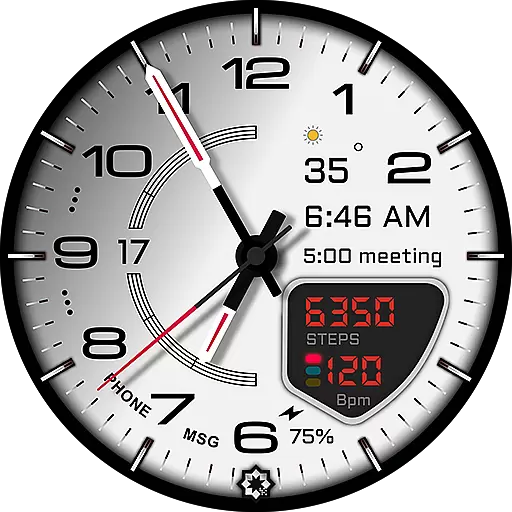
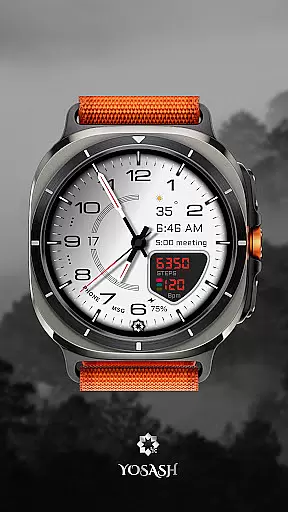
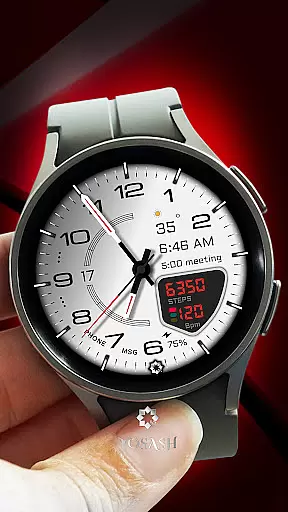
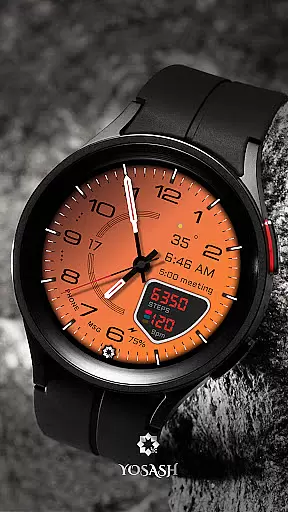
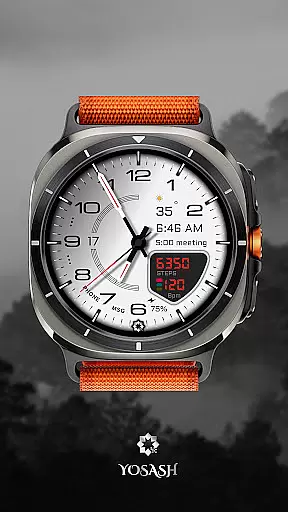
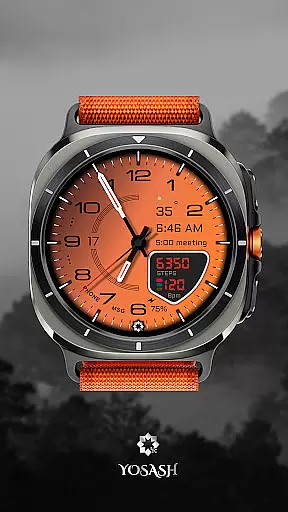
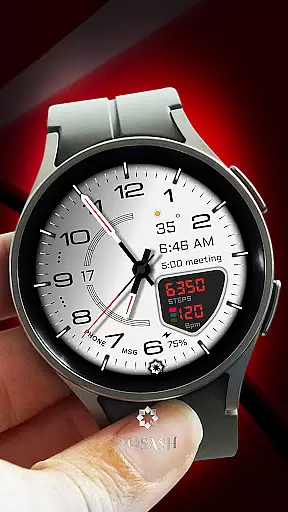
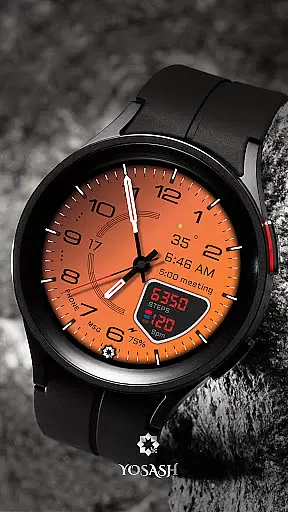
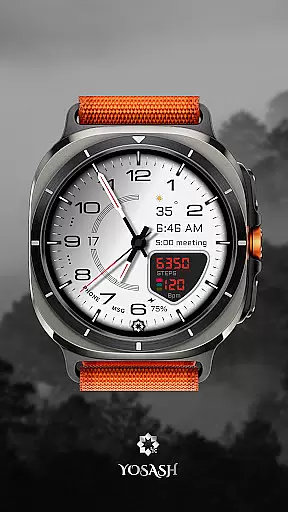
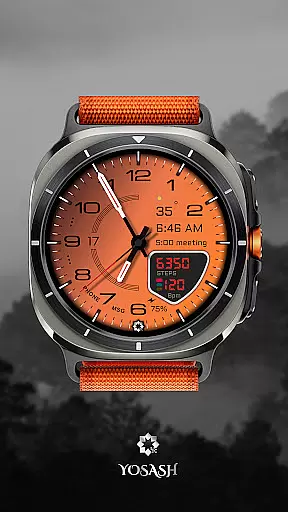
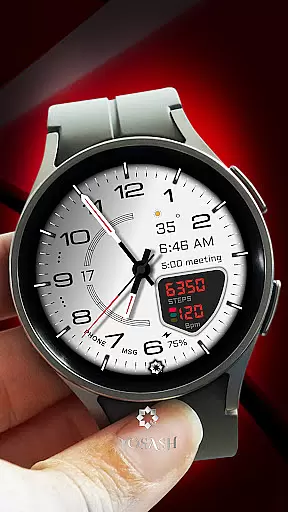
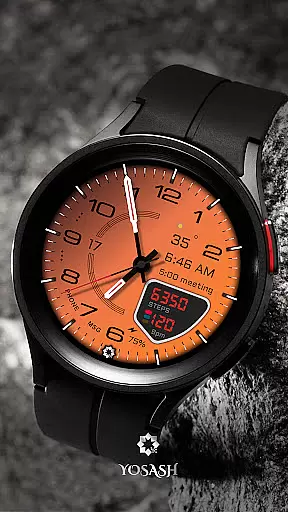
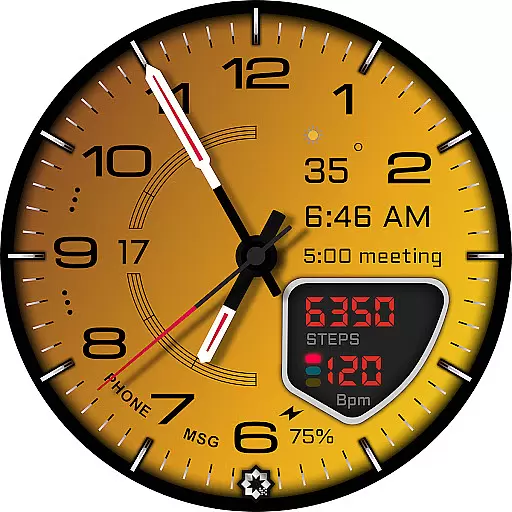
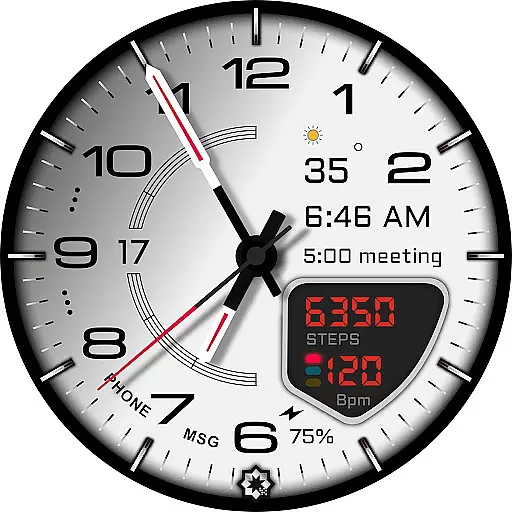
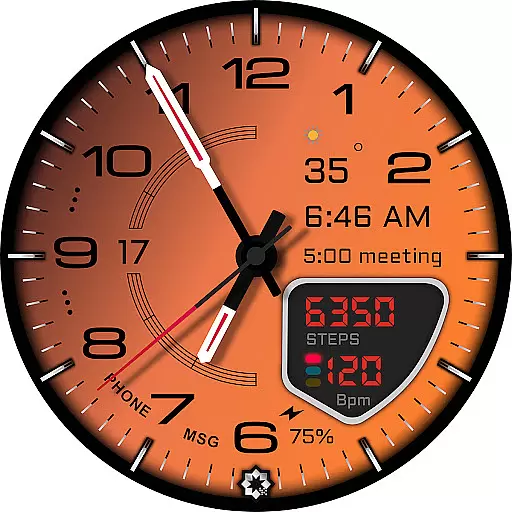
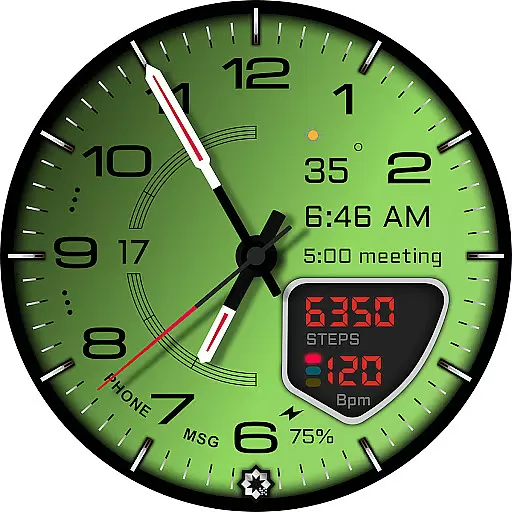
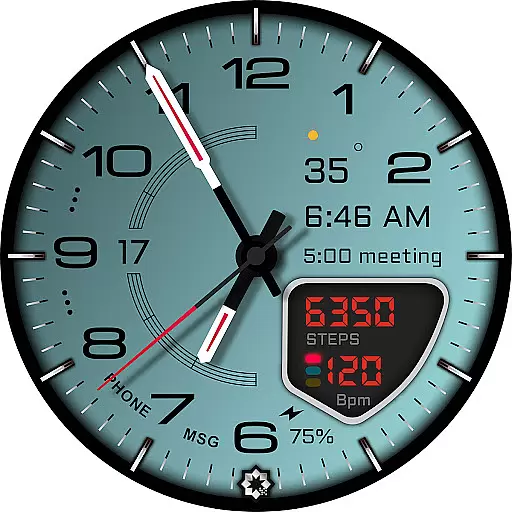
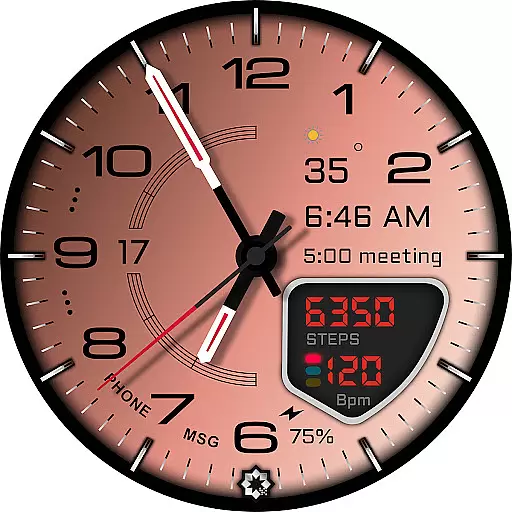
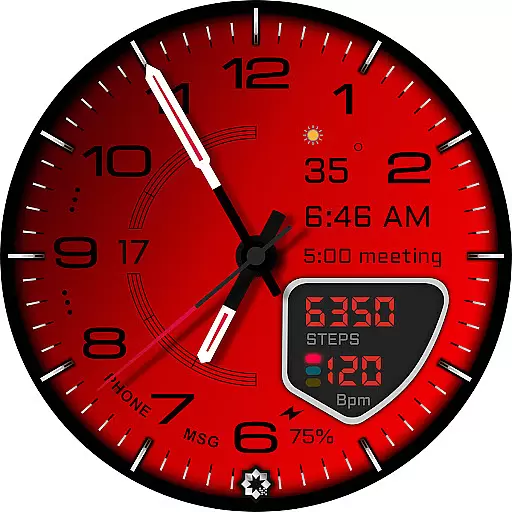
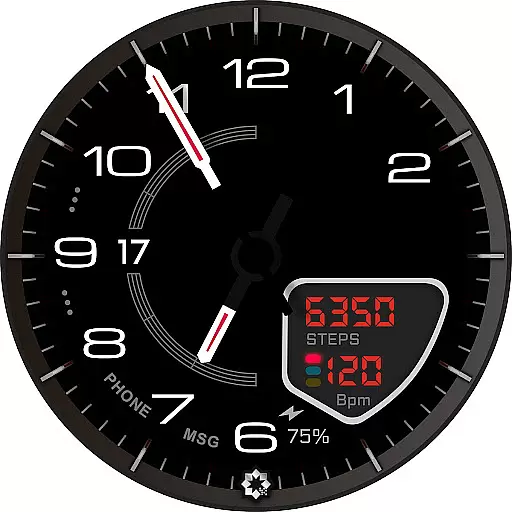
D355 Premium Watch Face offers an elegant and customizable analog watch face experience for Samsung Galaxy Watch and Google Pixel Watch users. Designed with luxury-inspired aesthetics, it features a sophisticated analog dial with 20+ color themes and 10 hand styles to suit various preferences.
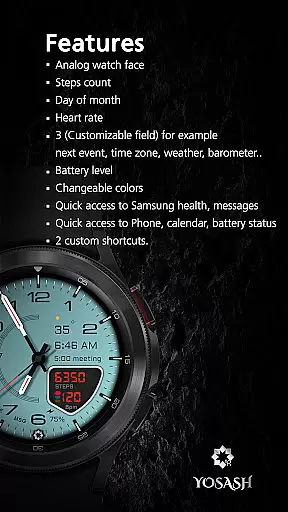
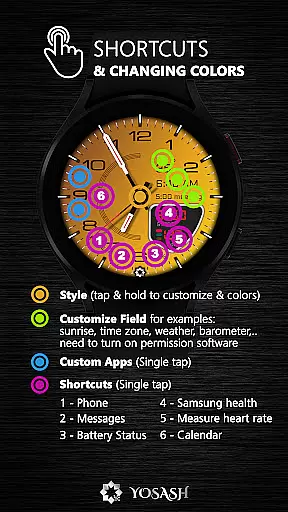
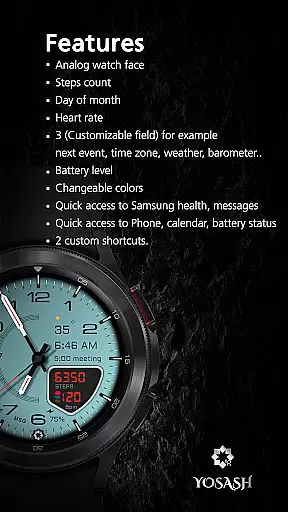
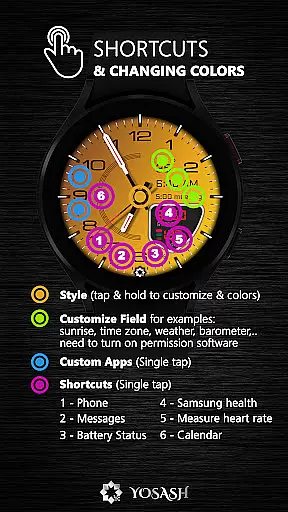
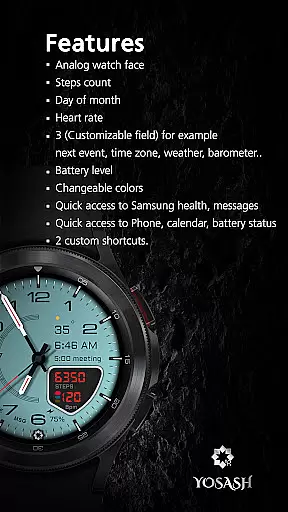
The watch face provides real-time health data tracking, including steps, heart rate, battery status, and date. Optimized for Always-On Display (AOD), it ensures smooth performance on Wear OS 3.5 and above while offering users the convenience of app shortcuts directly from their watch face.
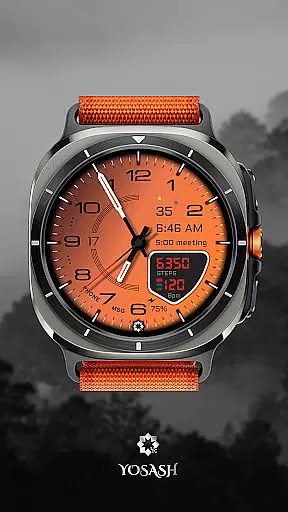
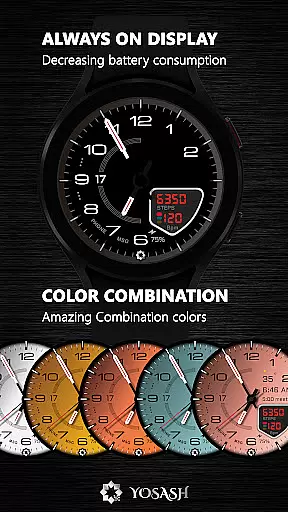
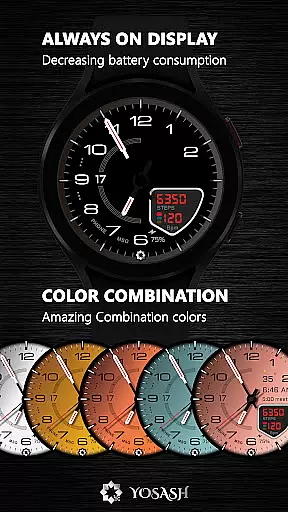
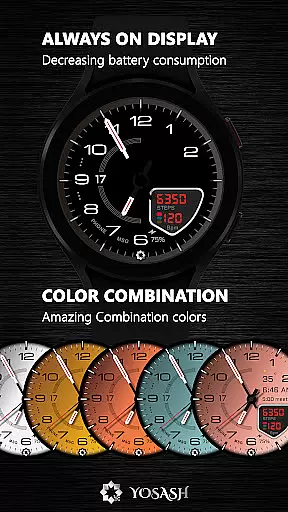
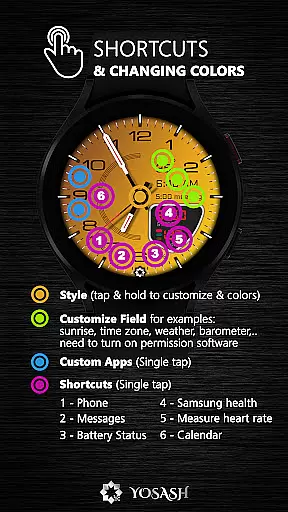
This premium watch face stands out with its extensive customization options. Users can choose from multiple color themes and hand styles, creating a personalized look that matches their style. The customizable complications allow quick access to frequently used apps, enhancing usability.
Real-time health monitoring is seamlessly integrated into the design, displaying vital information like step count, heart rate, and battery level without cluttering the elegant interface. The optimized Always-On Display feature ensures essential details remain visible even when the screen is idle, conserving battery life while maintaining functionality.
Compatible with all smartwatches running Wear OS 3.5+, including Samsung Galaxy Watch series and Google Pixel Watch models, D355 guarantees broad device support and consistent performance across platforms.
For a premium watch face like D355, seamless companion app integration is crucial for an enhanced user experience. This functionality allows users to access and control various features directly from their smartphone.
D355 ensures that all customization options are easily accessible through its companion app. Users can choose from 20+ color themes and 10 hand styles, set up customizable complications, and create app shortcuts without any hassle.
The real-time health data feature is another significant advantage of this integration. Users can view their steps, heart rate, battery status, and date in real time, making it a perfect blend of style and utility.
By offering full compatibility with Wear OS 3.5+ devices, including Samsung Galaxy Watch and Google Pixel Watch, D355 guarantees a smooth and reliable performance, ensuring that users get the most out of their smartwatch experience.
Compatibility with a wide range of devices is essential for any premium watch face. D355 excels in this area by supporting all smartwatches running Wear OS 3.5+, thus catering to a broad audience.
This watch face is optimized for various models, including Samsung Galaxy Watch series (4, 5, 6, 7, 8 & Ultra) and Google Pixel Watch (1 & 2). It also performs exceptionally well on other Wear OS devices like Fossil and TicWatch.
The Always-On Display (AOD) feature is specifically optimized for these devices, providing users with uninterrupted access to essential information without compromising on battery life.
With its elegant design and robust compatibility, D355 ensures that users enjoy a consistent and high-quality experience across different devices, making it a versatile choice for smartwatch enthusiasts.
Highly customizable
Luxury design
Real-time health data
Always-On Display
Broad compatibility
Premium cost
Complex setup
Limited free themes
Resource intensive
Occasional bugs

Watch the sharpness of the sky on your wrist..
 3.70
3.70
Animated Watch Face and Customizable with 24 Backgrounds. Perfect for Christmas!
3.90
Beautiful artistic animated digital watch face, with a customizable layout!
4.40
Monitor health with the stress test and pulse checker in the heart rate app.
4.60
Connect to your Bluelink equipped Hyundai vehicle from your smartphone.
4.50
Minimalistic design modern digital watch face.
4.2
Stylish, Energizing and Modern Watch Face crafted by Dominus Mathias.
4.50
Want to take charge of your health? Let Google Fit help you reach your goals.
3.50
Track your active life in one place and share the journey with friends.
4.40
The Chevron App allows you to pay for fuel from the comfort of your car!
4.80
Your second brain for organizing your life: to-do, calendar, reminder.
4.70
Elegant animated Christmas tree with multiple customization options
4.20
sleep, alarm, snoring, stress, healing, focus, sound therapy, circadian rhythm
4.10
The #1 source of faces for your smartwatch!
4.00
A digital watch face that celebrates Christmas.
4.00
Get helpful reminders, take progress photos and find answers to your questions.
3.90
Analog watch face with 8 complications and expedition styling
4.4
Contemporary digital watch face with five complications
4.3
Simple Analog-Digital Watchface For Wear OS 3.0 and Up Smartwatches
4.1



User Reviews